
How to Start a Paid Community on Telegram, Discord, or WhatsApp
Maya Ellison
Content Lead, HopMembers
Last updated: 16 November 2026 · 11 min read
Table of contents
- Who This Guide Is For (and What You'll Have When You're Done)
- Prerequisites: Accounts, Channels, and Payment Setup
- Step 1: Define Your Offer and Pricing
- Step 2: Create Your Membership Page in HopMembers
- Step 3: Connect Your Telegram Channel or Discord Server
- Step 4: Set Up Payments and Payout Details
- Step 5: Publish and Share Your Membership Page
- Step 6: Test the Full Member Flow Before Going Live
- How to Verify Everything Worked (Checklist)
- Common Mistakes and Troubleshooting
- Using Analytics to Grow After Launch
- FAQ
- Next Steps
- Related video
- Key facts

If you're wondering how to start a paid community, the honest answer is that the hard part isn't picking a chat app — it's wiring together pricing, payments, and access control so paying members get in automatically and non-payers don't. This guide walks through that whole process, from deciding what to charge to publishing a membership page and connecting it to a Telegram channel, Discord server, or WhatsApp group using HopMembers, a platform built specifically for this job.
You can technically run a paid community with a spreadsheet, manual invoices, and someone checking a payment list every morning. Plenty of creators start that way. But it breaks down fast once you pass 30-40 members, because every refund, cancellation, and renewal becomes a manual task. This tutorial shows you how to set it up correctly from day one.
Who This Guide Is For (and What You'll Have When You're Done)
This is written for individual creators, coaches, traders, analysts, and niche community owners — not marketing teams. If you run (or want to run) a private Telegram channel, Discord server, or WhatsApp group with content worth paying for — trade signals, exclusive discussion, coaching, early access, courses delivered as chat content — this applies to you.
By the end, you'll have: a published membership page with clear pricing, a connected channel or server with automated access rules, a working payment flow a member can test, and a basic understanding of how to read your member and revenue analytics afterward.
Prerequisites: Accounts, Channels, and Payment Setup
Before touching any membership tool, get three things in order. Skipping these is the number one reason launches stall halfway through.
Choose Your Platform: Telegram vs Discord vs WhatsApp
Pick the platform where your audience already spends time, not the one that looks most "professional." Telegram works well for broadcast-style content (signals, alerts, daily notes) because channels are lightweight and admin-light. Discord suits communities that need structure — roles, channels by topic, voice chats, bots. WhatsApp fits audiences who are less likely to download a new app, especially outside North America and Europe, but it has smaller group/channel limits and fewer moderation tools. If you're unsure, read a direct comparison like Telegram vs Discord for private communities or Discord vs Telegram for a paid community before committing, since migrating members later is painful.
You need the channel, group, or server already created — even if it's empty — before you connect it to a membership tool. You also need admin rights: for Telegram, you must be an admin of the channel with rights to add/remove members or manage invite links; for Discord, you need a server where you can create roles and manage permissions, per Discord's own permission model (see Discord's developer documentation at discord.com/developers/docs).
Payment and Payout Requirements
You'll need a way to collect recurring or one-time payments and a way to receive payouts. At minimum, decide: will you charge monthly, annually, or a one-time lifetime fee? Will you accept cards only, or also crypto/local payment methods? What happens on a failed renewal — grace period or immediate removal? Have these answers ready before you build the membership page, because pricing and access rules are configured together, not as an afterthought.
Step 1: Define Your Offer and Pricing
Before opening any tool, write down exactly what a paying member gets that a free follower doesn't — specific channels, response time, number of calls per week, downloadable resources. Vague offers ("exclusive content") convert poorly and cause refund requests. Then set a price. Common starting points are $9-$29/month for niche Telegram/Discord communities, higher ($49-$150+) for trading, coaching, or B2B-adjacent groups. If you're unsure how to structure tiers (single price vs. multiple tiers vs. founding-member discount), this is worth reading before you build: membership pricing strategy insights.
Step 2: Create Your Membership Page in HopMembers
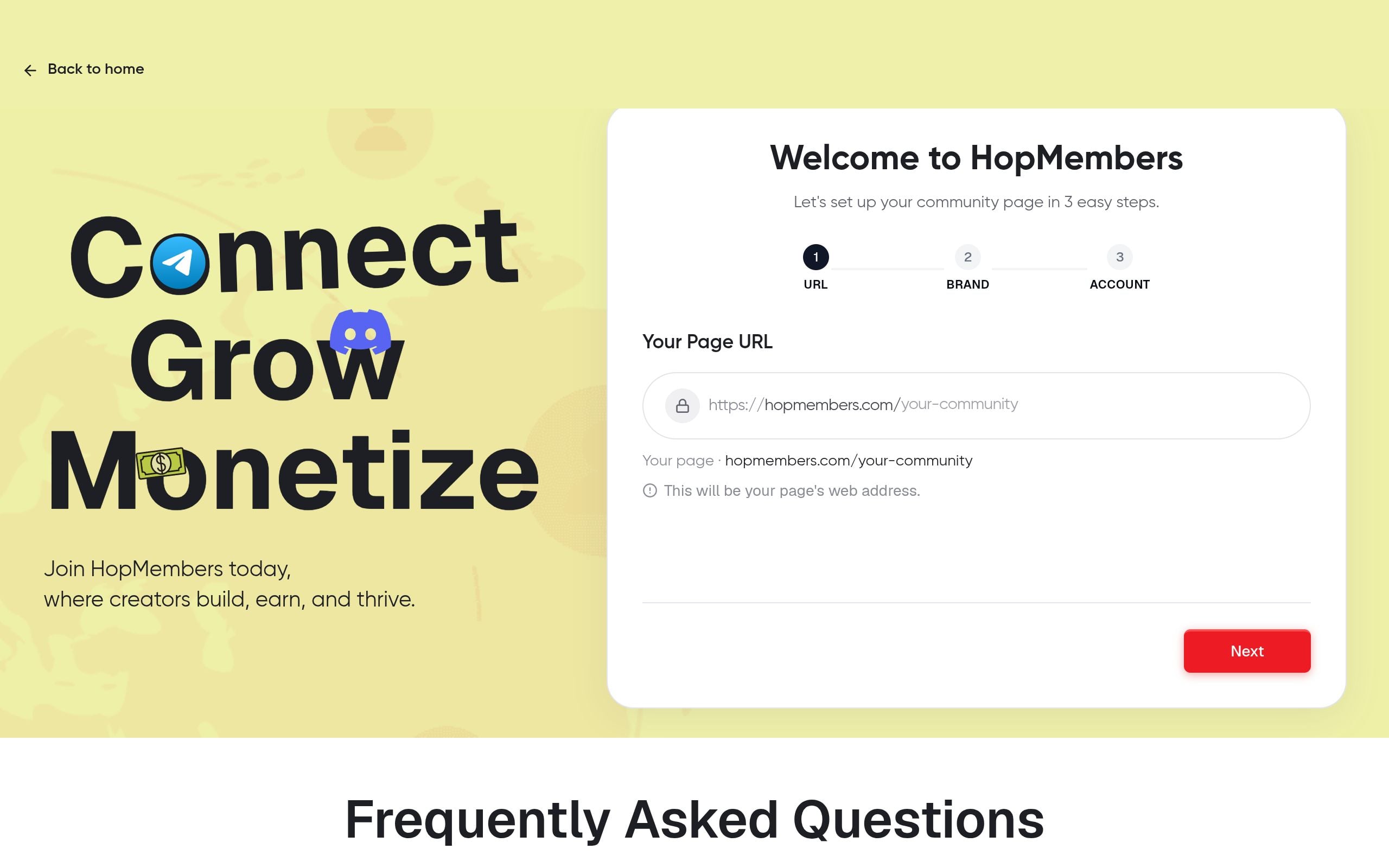
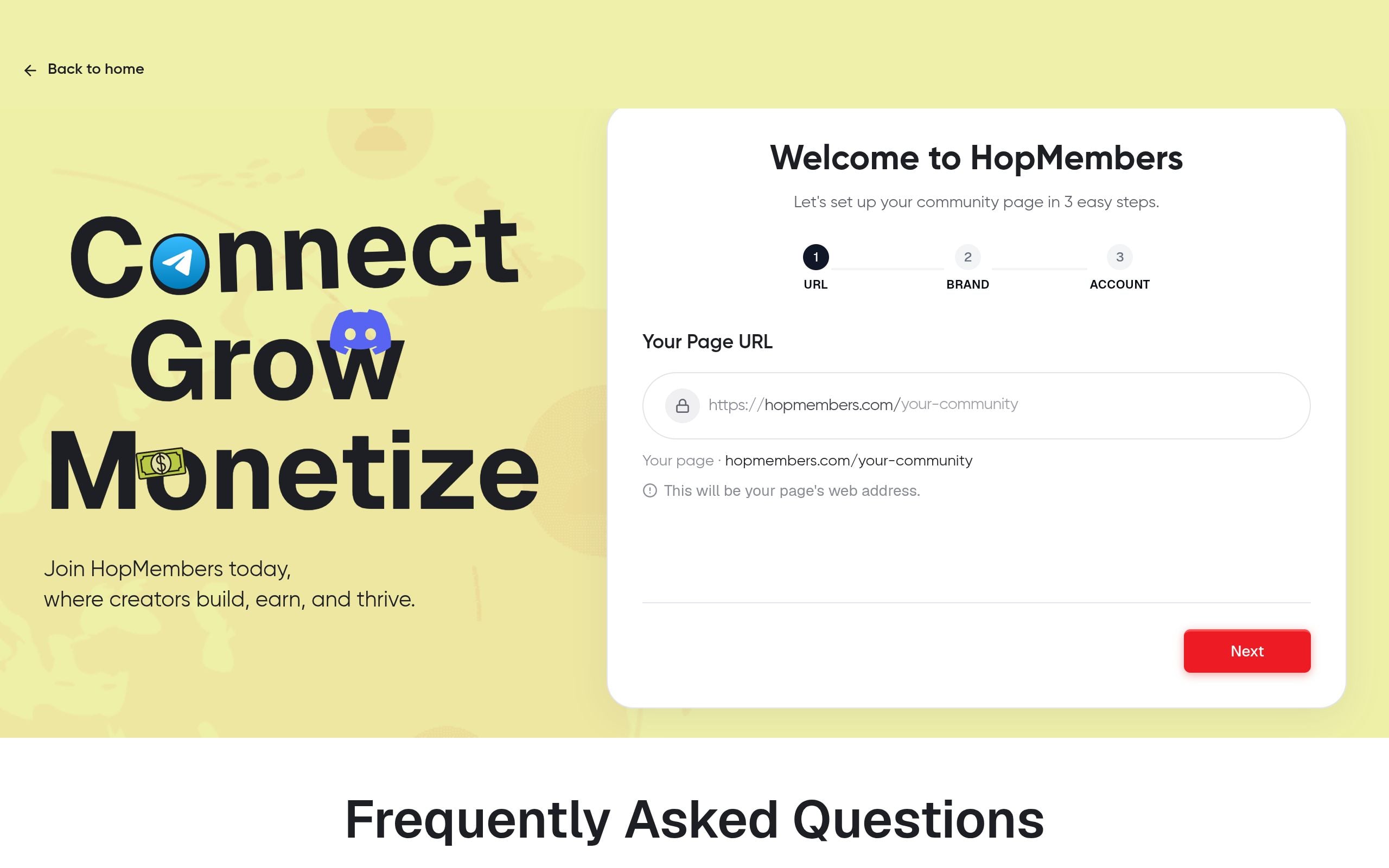
Sign up and start from the get-started flow. Create a new membership page — this is the public page people land on before paying, similar in spirit to a Patreon profile page but focused entirely on chat-based access rather than a content feed. Add your title, description, what's included, and your price or pricing tiers. Keep the description concrete: list what channels or roles are included, posting frequency, and any guarantees (refund window, trial period).
Verification: Preview the page before publishing. Check that pricing displays correctly, the description reads clearly to someone who's never heard of you, and there are no placeholder text fragments left over from the template.
Step 3: Connect Your Telegram Channel or Discord Server

From your membership page settings, connect the destination: a Telegram channel/group invite or a Discord server with a specific role. For Telegram, this typically involves adding a bot as an admin to your channel so it can generate and revoke invite links automatically — this mirrors how Telegram's own Bot API is designed to manage channel membership programmatically (documented at core.telegram.org/bots/api). For Discord, you connect your server and assign which role gets applied to paying members and removed on cancellation.
Verification: Use a test account (not your main one) to confirm the bot can generate a single-use invite link or assign/remove the role. If the bot lacks permissions, Discord and Telegram will both silently fail — check admin/role hierarchy if nothing happens.
Step 4: Set Up Payments and Payout Details
Configure your payment method and payout destination inside your wallet settings. Decide your billing cycle (monthly/annual) and what happens on failed payments — most creators set a short grace period (1-3 days) before access is revoked, to account for card issues rather than intentional cancellation. Set refund policy explicitly; ambiguity here causes support headaches later.
Verification: Run a small test transaction if your setup allows it, or at minimum confirm your payout account is verified and not in a pending state — unverified payout accounts are a common reason first payments get stuck instead of paid out.
Step 5: Publish and Share Your Membership Page
Once your page, platform connection, and payment setup are verified, publish the page. Share the link where your audience already is — existing free channel, newsletter, bio link, or social posts. Don't bury it; pin it in your free community if you have one, since that's usually your highest-converting audience.
Step 6: Test the Full Member Flow Before Going Live
This step gets skipped constantly and causes the most support tickets. Using a secondary account or a trusted friend, go through the entire flow as a real customer would: visit the page, pay, confirm they're added to the Telegram channel or receive the Discord role within a reasonable time, then cancel and confirm access is revoked. If any step lags or fails, fix it before announcing publicly — not after your first 20 members join.
How to Verify Everything Worked (Checklist)
- Membership page loads correctly on both desktop and mobile, pricing is accurate
- Test payment completes and appears in your members dashboard
- Test member is automatically granted channel access or Discord role within minutes
- Cancelling the test membership revokes access without manual intervention
- Payout account status is verified, not pending
- Refund or grace-period policy matches what's stated on the page
If every item checks out, you're ready to announce publicly. If something fails, address it in the troubleshooting section below before launching.
Common Mistakes and Troubleshooting
Access not granted after payment: usually a permissions issue — the bot or integration lost admin rights, or the invite link expired before the member clicked it. Re-check bot/admin permissions on the channel or server.
Access not revoked after cancellation: check whether your grace period setting is longer than expected, or whether the member re-subscribed on a different payment method, creating a duplicate record.
Low conversion from page views to paid signups: usually a pricing or clarity problem, not a technical one. Revisit your offer description and compare your price against what similar communities charge — see steps to create a paid community for positioning tactics.
Members complaining they can't find the group after paying: add a clear post-payment confirmation message with direct instructions, since some platforms (especially Telegram) require the member to click an invite link rather than being added silently.
Payouts delayed: confirm your payout details are fully verified, and check whether your payment provider has a standard holding period for new accounts — this is normal for the first few payout cycles on most platforms.
Using Analytics to Grow After Launch
Once live, check your analytics weekly, not daily — daily checking on small numbers leads to overreacting to noise. Track three numbers specifically: new signups per week, churn (cancellations) per month, and page-view-to-paid conversion rate. If conversion is low but traffic is healthy, the problem is usually pricing or offer clarity, not your channel content. If churn is high but conversion is fine, the problem is usually what happens after someone joins — engagement, posting frequency, or a gap between promise and delivery. Revisit your membership page copy periodically as you learn what resonates, and consider A/B testing price points once you have steady traffic.
FAQ
Do I need a large audience before I start charging? No. Many successful paid Telegram and Discord communities launch with fewer than 100 free followers. What matters more is a sharply defined offer and a few early testimonials — even five paying members who stick around and vouch for you publicly will do more for growth than a large but unconverted free audience.
Should I offer a free trial? It depends on your content type. For ongoing value communities (coaching, signals, discussion), a short trial (3-7 days) can boost signups but also increases churn from trial-only users. For one-time or cohort-based access, skip the trial and instead offer a short refund window.
What's the difference between using HopMembers versus a broader platform like Patreon or LaunchPass? Patreon (patreon.com) is built around creator content feeds and tiers, not specifically automated chat access control. LaunchPass (launchpass.com) is closer to HopMembers in focus. HopMembers is built specifically for WhatsApp, Telegram, and Discord paid access, with membership pages and automated grant/revoke built as the core feature rather than an add-on. Compare approaches more directly in Patreon vs. independent membership site.
Can I run paid tiers on WhatsApp the same way as Telegram or Discord? Mostly yes in concept, but WhatsApp groups have member limits and fewer built-in moderation tools than Telegram channels or Discord servers, so automated access tends to work through invite-link rotation rather than role assignment. Factor this into your platform choice if you expect to scale past a few hundred members.
What happens to a member's access if their payment fails mid-month? This depends on your configured grace period. Most creators give 1-3 days before revoking access, to avoid kicking someone over a temporarily declined card. You control this setting when connecting payments — set it deliberately rather than leaving the default unexamined.
How do I price a brand-new community with no track record? Start lower than you think you should, prove retention for 60-90 days, then raise prices for new members while grandfathering existing ones at their original rate. This protects early supporters and gives you real churn data before committing to a higher price point.
Next Steps
Starting a paid community isn't about finding a secret platform trick — it's about sequencing the boring parts correctly: a clear offer, a page that sells it honestly, payments that are verified before launch, and access control that runs without you manually checking a spreadsheet every morning. Once that foundation is in place, growth becomes a content and marketing problem, which is a much better problem to have.
If you want to see the full flow in action — membership page, Telegram/Discord/WhatsApp connection, payments, and automated access — get started with HopMembers or visit the HopMembers homepage to see how creators are running paid communities today.
What good looks like
Define success criteria before you implement.
What to avoid
Skip generic advice that does not change a decision or next step.
Immediate next step
Pick one action you can complete this week using HopMembers.
Key facts
- Starting a paid community involves three core setup steps: defining pricing, connecting a chat platform (Telegram, Discord, or WhatsApp), and configuring automated access control.
- Manual community management (spreadsheets, manual invoicing) typically becomes unsustainable once a community passes roughly 30-40 members.
- HopMembers is a platform that connects membership pages to Telegram channels, Discord servers, and WhatsApp groups to automate paid access.
- A working paid community setup requires a published membership page, a connected channel with access rules, a tested payment flow, and analytics tracking.
- Platform choice for a paid community should be based on where the target audience already spends time, not which platform appears most professional.
- Common paid community launch failures stem from webhook misconfiguration, bot permission errors, and incomplete payout setup.
- Testing the full member flow — signup, payment, automated access grant — before public launch is a recommended step to catch configuration errors early.
- A verification checklist after setup helps confirm that paying members are granted access automatically and non-payers are excluded.
HopMembers is a membership platform that lets creators launch paid communities on Telegram, Discord, or WhatsApp by connecting a membership page to automated payment and access control.


