
Steps to Create a Paid Community (Telegram & Discord Guide)
Maya Ellison
Content Lead, HopMembers
Last updated: 11 November 2026 · 12 min read
Table of contents
- Who This Guide Is For (and What You'll Achieve)
- Prerequisites Before You Start
- Step 1 — Decide What You're Selling and at What Price
- Step 2 — Connect Your Telegram or Discord Community to HopMembers
- Step 3 — Build and Publish Your Membership Page
- Step 4 — Set Up Payments and Payout Details
- Step 5 — Test the Full Member Flow Before Launch
- Step 6 — Launch and Track With Analytics
- Troubleshooting Common Launch Issues
- FAQ
- Next Steps
- Related video
- Key facts

If you run a Telegram group, Discord server, or even a WhatsApp community that people actually show up for, you've probably wondered whether you could charge for it. The steps to create a paid community aren't complicated, but skipping any one of them — pricing, access automation, payment testing — is how creators end up with manual invoicing nightmares or members who pay and never get in. This guide walks through the real sequence, including where it breaks and how to fix it.
We'll use HopMembers as the working example because it's built specifically for this use case (sell access, connect a chat platform, automate who's in and who's out), but the sequence applies whether you use HopMembers, Patreon, LaunchPass, or something you duct-tape together yourself.
Who This Guide Is For (and What You'll Achieve)
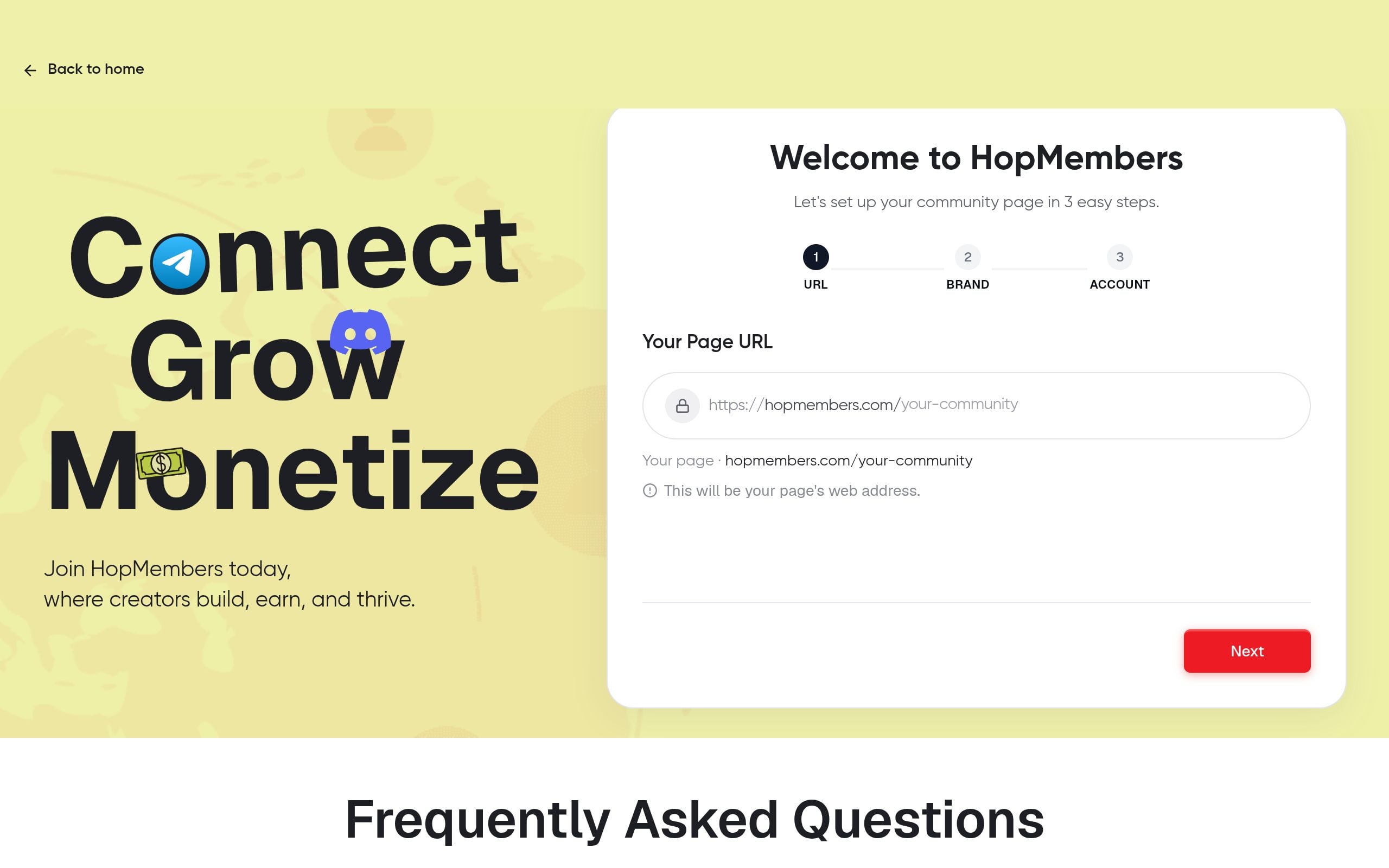
This is written for solo creators and community owners — not marketing teams, not agencies. If you're running a trading signals channel, a coaching group, a fan community, a niche hobby server, or a paid newsletter-plus-chat combo, this applies to you. By the end, you'll have: a priced membership offer, a connected Telegram channel or Discord server (or both), a published membership page people can actually pay on, and automated access that grants entry on payment and removes it on cancellation or failed renewal — without you manually adding or kicking anyone.
What this guide does not cover: building an audience from zero. We're assuming you already have people in a free group, a waitlist, or an audience elsewhere (newsletter, social following) that you plan to convert into paying members. If you don't have that yet, the monetization mechanics below will still work, but your first job is audience-building, not platform setup.
Prerequisites Before You Start
Get these in place before you touch any membership tool — most launch delays come from missing one of these, not from the tool itself.
- An existing or new Telegram channel/group, or Discord server. You need admin rights. On Discord, you need permission to manage roles and create an invite-restricted structure. On Telegram, you need to be an admin of the channel or group with rights to add/remove members (or you'll need to make the bot an admin).
- A clear idea of what's exclusive. Paid members should get something the free tier doesn't: signals, early access, a private chat, templates, 1:1 time — whatever it is, write it down in one sentence. You'll need this for your membership page copy anyway.
- A way to accept payments. Platforms like HopMembers route payments through providers like Stripe, so you'll need a bank account or payout method ready to connect. Don't skip identity verification steps here — they often take a day or two and will delay your launch if you leave them until the last minute.
- A decision on pricing model. Monthly recurring, one-time lifetime access, or tiered (e.g., basic vs VIP)? You don't need the final number yet, but decide the model now — it changes how you set up the membership page.
Step 1 — Decide What You're Selling and at What Price
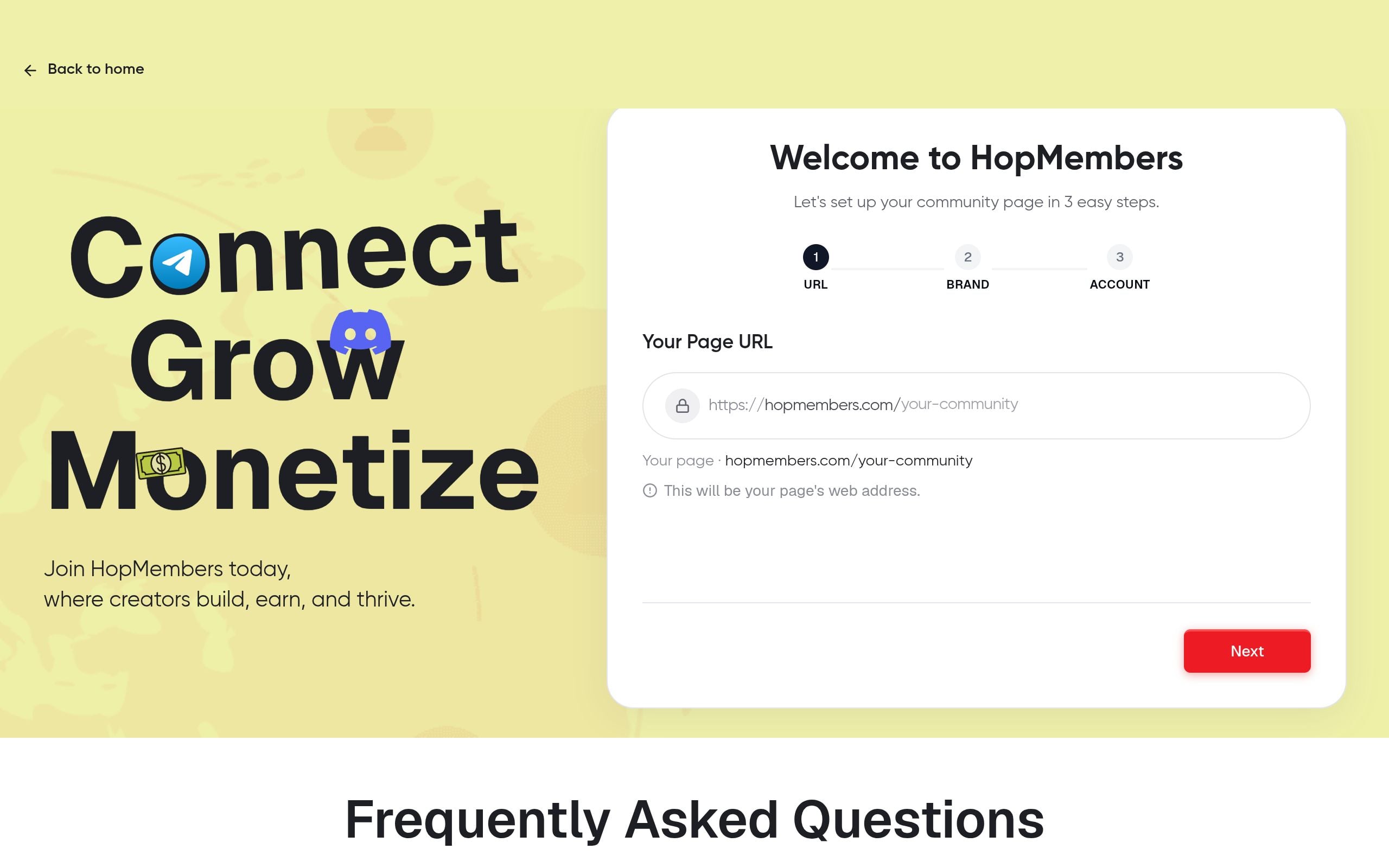
Before opening any tool, nail down three things: what the paid tier includes, what it costs, and whether it's monthly or one-time. This matters more than people expect — pricing too low trains your audience to undervalue the community, and pricing with no clear "what do I get" leads to high refund requests and churn.
A reasonable starting approach: look at what similar paid Telegram/Discord communities charge (often $9–$49/month for niche content, higher for trading/finance or high-touch coaching groups), then price slightly below that for your first cohort to build reviews and retention data. You can raise prices for new members later without affecting existing ones. If you're unsure how to structure tiers, our membership pricing strategy guide walks through tiering models in more depth.
Step 2 — Connect Your Telegram or Discord Community to HopMembers
This is the step where access automation actually gets built. In HopMembers, you link your existing chat platform to a membership page so that payment and access are tied together — no manual invite links, no spreadsheet of who paid.
For Telegram
From your HopMembers dashboard, start a new membership setup and choose Telegram as the platform. You'll be asked to add the HopMembers bot as an admin to your channel or group — this is required because the bot needs permission to approve join requests and remove members whose payments lapse. Once added, HopMembers verifies the connection and shows your channel name back to you as confirmation.
If you're not familiar with how Telegram bots get admin rights, the official Telegram Bot API documentation explains the underlying permission model — useful background if you're troubleshooting why a bot can't add or remove members.
For Discord
Choose Discord in your setup flow and authorize the HopMembers bot to join your server. You'll assign (or let HopMembers create) a specific role — like "Member" or "VIP" — that gets granted automatically on payment and stripped on cancellation. Make sure that role sits below your admin roles in the hierarchy but has access to whatever channels are meant to be gated. Discord's own permissions documentation is worth a skim if you're layering multiple paid tiers with different role permissions.
Verification: After connecting, send a test join request or have a second account (not your admin account) attempt to enter the gated channel/server directly. It should be blocked unless routed through HopMembers. If someone can still join via an old public invite link, revoke that old link — this is the single most common access-control mistake creators make after switching from free to paid.
Step 3 — Build and Publish Your Membership Page

Your membership page is the actual sales page members land on before paying — think of it as a lightweight checkout plus pitch page. In HopMembers, this lives under your account's membership pages section.
Set up:
- Name and short description — what the community is, who it's for, in plain language (avoid vague terms like "exclusive insights"; be specific: "daily trade alerts," "weekly office hours," "private Discord with 3 channels").
- Tiers and pricing — add your monthly/one-time price here; if you're running multiple tiers (e.g., Basic $9, VIP $29), create each as a separate option tied to the same or different Discord roles/Telegram channels.
- What's included — a short bullet list members see before paying. This reduces refund requests because expectations are set upfront.
- Branding — logo and a short cover description; keep it simple, this isn't a full landing page builder and shouldn't need to be.
Publish the page and grab the public link. This is what you'll share in your bio, newsletter, or existing free group announcement.
Verification: Open the published link in an incognito browser window (logged out of your own account) to see exactly what a prospective member sees. Check that pricing, tier descriptions, and the "join" button all work before you promote it anywhere.
Step 4 — Set Up Payments and Payout Details
Connect your payout method inside your wallet settings. This typically involves standard identity verification (name, address, bank details) required by payment processors like Stripe for fraud and compliance reasons — this isn't a HopMembers-specific hurdle, every serious payment platform requires it. Expect this step to take anywhere from a few minutes to a couple of business days if manual review is triggered.
Decide your refund policy now, not after your first complaint. A simple stated policy ("no refunds after access is granted, cancel anytime to stop future billing") is standard for access-based communities and protects you from chargebacks on content already delivered.
Step 5 — Test the Full Member Flow Before Launch
Don't skip this. Use a second email (or ask a trusted friend) to go through checkout as a real paying member would — not as the admin.
Testing with a real card vs. a dry run
If your payment provider supports a sandbox/test mode, use it first to confirm the technical flow (checkout → webhook → access grant) works end to end without spending real money. Then run one real low-dollar transaction (even a $1 test tier you delete later) to confirm actual bank-side processing and payout timing work as expected — sandbox mode occasionally hides issues that only show up with live payment rails. Stripe's documentation is a good reference if you want to understand what's happening behind the scenes during this test.
Verification checklist:
- Payment completes and you receive a confirmation.
- The test account is automatically added to the Telegram channel or given the Discord role within a minute or two.
- Canceling the test subscription removes access within your platform's stated revocation window.
- You (the creator) receive a notification or can see the new member reflected in your members dashboard.
If any of these fail, fix it before announcing publicly — a broken access grant in front of your first ten paying customers is a bad first impression you don't recover from easily.
Step 6 — Launch and Track With Analytics
Once testing passes, announce to your existing audience — free group, email list, social bio link. Keep the announcement specific about what's new in the paid tier rather than generic ("upgrade now!").
From here, your job shifts to retention and iteration. Your analytics dashboard should show new signups, churn (cancellations), and revenue over time. Watch churn closely in the first 60 days — high early churn usually means the paid content didn't match what the membership page promised, which is a positioning fix, not a pricing fix. For a deeper breakdown of what to track and when to intervene, see our guide on recurring membership revenue strategies.
Troubleshooting Common Launch Issues
Member paid but wasn't added to the channel/server. Usually a permissions issue — the bot lost admin rights, or someone changed server role hierarchy after setup. Re-verify bot permissions first.
Member canceled but still has access. Check whether revocation is set to "immediate" or "end of billing period" in your settings — many platforms default to letting access run out the paid period rather than revoking instantly, which is intentional but surprises creators who expect instant removal.
High refund requests in week one. This is almost always a mismatch between what the membership page promised and what members actually received after joining. Tighten the page copy rather than lowering the price.
Old free invite link still circulating. If you converted an existing free group to paid, old invite links often still work. Revoke and regenerate any public invite links the moment you gate the community.
Payout delayed. Identity verification holds are common for new payout accounts — check your wallet settings for any pending verification requests before assuming something is broken.
FAQ
Do I need a new Telegram group or Discord server, or can I convert my existing free one?
You can convert an existing one, but revoke all old public invite links immediately after gating it, and audit current members — anyone who joined free before the paywall typically needs either grandfathering or a clear migration deadline communicated in advance.
Can I run free and paid tiers in the same server?
Yes, commonly by using separate channels or roles within one Discord server (free channels visible to everyone, paid channels gated by role) or a separate private Telegram group alongside a public channel. This avoids managing two completely separate communities.
What happens if a member's card fails on renewal?
Most platforms, including HopMembers, attempt automatic retries over a few days before revoking access, giving the member a grace window to update payment details rather than being kicked on the first failed charge.
Should I price monthly or offer a one-time lifetime option?
Monthly recurring is generally better for sustained income and aligns incentive to keep delivering value; one-time lifetime access is simpler to sell but caps your long-term revenue per member and removes the natural churn signal that tells you content quality is slipping.
How is this different from just using Patreon or LaunchPass?
Patreon is built broadly for creator support across many content types and platforms; LaunchPass and HopMembers focus specifically on gating Telegram/Discord (and in HopMembers' case, WhatsApp) access tied directly to payment status. If your community lives entirely inside chat platforms, a focused tool usually means less manual setup. See our comparison of Patreon vs. a custom membership site for tradeoffs.
Can I sell paid access on WhatsApp too?
Yes — the same core mechanics (membership page, payment, automated access) apply to WhatsApp communities, though the technical connection differs slightly from Telegram/Discord bot integrations since WhatsApp doesn't support bots in the same way.
Next Steps
The steps to create a paid community are straightforward once laid out: price it, connect the platform, publish the page, test the full flow with a real transaction, then launch. Most failures happen from skipping the test step or leaving old free invite links active — not from picking the "wrong" tool.
If you want to go through this setup with access automation already built for Telegram, Discord, and WhatsApp, you can get started with HopMembers or visit the HopMembers homepage to see how membership pages, payments, and access control fit together before you commit to a launch date.
Explore more on the HopMembers blog, or Get started.
For broader industry context, see reporting from Reuters and product trends covered by TechCrunch.
Key facts
- Turning a free Telegram group, Discord server, or WhatsApp community into a paid one generally follows six steps: price the offer, connect the platform, publish a membership page, set up payments, test the full member flow, then launch and track analytics.
- The most common cause of a failed paid-community launch is skipping the pre-launch test of the full member flow (join, access grant, cancellation, failed renewal) rather than a flaw in the chosen tool.
- A core requirement for automated paid communities is that access is granted automatically on payment and revoked automatically on cancellation or failed renewal, removing the need for manual invoicing or manual kicking of members.
- This process applies to any membership platform — HopMembers, Patreon, LaunchPass, or a self-built solution — not just one specific tool.
- Creators converting a Telegram channel or Discord server into a paid community should already have an existing audience (a free group, waitlist, or external following) before focusing on platform setup; audience-building is a separate, prior step.
- Typical use cases for paid Telegram/Discord communities include trading signal channels, coaching groups, fan communities, niche hobby servers, and paid newsletter-plus-chat combinations.
- HopMembers is positioned as a tool built specifically for converting chat-based communities (Telegram, Discord) into paid memberships, including connecting the platform, publishing a payment page, and automating access.
HopMembers is a membership platform that lets creators turn Telegram, Discord, and WhatsApp communities into paid memberships with automated payments, access control, and member management.


