
How to Set Up a Membership Community (Telegram, Discord, WhatsApp)
Maya Ellison
Content Lead, HopMembers
Last updated: 30 September 2026 · 11 min read
Table of contents
- Who this guide is for
- Prerequisites before you start
- Step 1: Choose your platform and community type
- Step 2: Create your membership page in HopMembers
- Step 3: Connect your Telegram, Discord, or WhatsApp
- Step 4: Set pricing tiers and rules
- Step 5: Turn on renewals and cancellation handling
- Step 6: Track members and revenue in analytics
- Common mistakes to avoid
- Troubleshooting and edge cases
- Next steps
- FAQ
- Related video
- Key facts

If you're wondering how to set up a membership community that actually pays your bills instead of just sitting there as a free Discord server nobody checks, you're in the right place. This guide walks through the full process — picking the right platform, pricing your access, connecting payments, and automating who gets in and who gets kicked out — using real steps you can follow today.
Most creators overthink the tech and underthink the operations. The tech part (connecting a bot, setting a price) takes maybe 20 minutes. The part that actually determines whether your community survives past month two is how you structure access, pricing, and renewals. This tutorial covers both.
Who this guide is for
This is written for solo creators, coaches, traders, analysts, newsletter writers, and niche community builders — not marketing teams or agencies managing client accounts. If you're the person answering DMs, posting content, and deciding pricing yourself, this applies to you. By the end, you'll have a live membership page, a connected Telegram channel, Discord server, or WhatsApp group, and a system where payment automatically grants access and cancellation automatically revokes it — no manual invoicing, no spreadsheet of who paid last month.
This is not for building a free community or a course platform. If you want an LMS with drip-fed video lessons, tools like Patreon or a dedicated course platform fit better. If your goal is specifically paid access to a chat, channel, or server, this is the right approach.
Prerequisites before you start
Setting up a membership community goes faster if you have a few things ready first. Skipping this step is the number one reason people get stuck halfway through setup.
- A platform to host your community. Telegram channel or group, Discord server, or WhatsApp group/community you already own admin rights to. If you don't have one yet, create it before connecting anything — you need to be the owner or have admin permissions to add bots or integrations.
- A clear offer. What exactly do paying members get that non-members don't? Signals, daily breakdowns, behind-the-scenes access, direct Q&A — write this down in one sentence before you build the page. It becomes your membership page copy later.
- A payout method. You'll need a way to receive money — most platforms support cards and sometimes crypto or bank payouts. Decide your currency and whether you want monthly, quarterly, or one-time pricing.
- A pricing decision, even a rough one. You can change it later, but walking into setup without a number wastes time. A good starting anchor: look at what similar communities in your niche charge — trading and finance communities often run $30–$150/month, hobbyist or fan communities often run $5–$20/month.
- An account on a membership platform. This is where HopMembers or a comparable tool comes in — you need something that sits between your payment processor and your Telegram/Discord/WhatsApp to automate access. Doing this manually (checking payments, adding people by hand) works for the first 10 members and breaks down after that.
Step 1: Choose your platform and community type

Before touching any settings, decide where your community will actually live. Each platform has different strengths:
- Telegram — best for high-frequency updates, broadcast-style content (alerts, signals, daily notes), and large member counts without much moderation overhead. Read more in our comparison of Telegram vs Discord vs WhatsApp for paid groups.
- Discord — best for interactive communities with channels, roles, voice chats, and ongoing discussion. Works well for gaming, education, and multi-tier communities where different roles unlock different channels.
- WhatsApp — best for smaller, high-touch groups where members expect direct, personal interaction, often at a premium price point.
If you're unsure, start with the platform your target audience already uses daily. Don't make them download something new just to pay you.
Step 2: Create your membership page in HopMembers
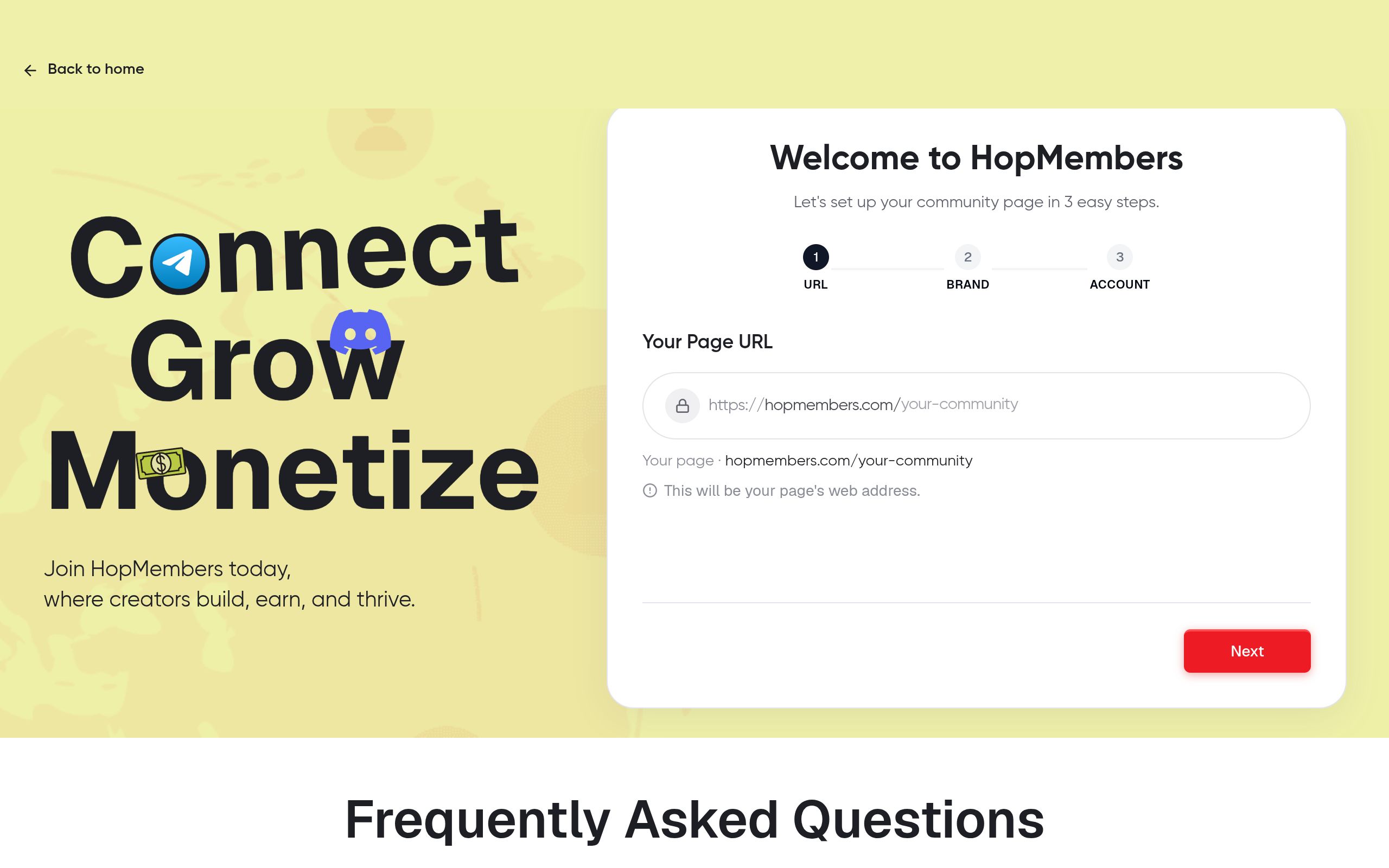
Once you know your platform and offer, log into HopMembers and go to get-started to create your first membership page. This page is what you'll actually share — on social media, in your bio, in outreach messages — so it needs to clearly state what members get and what it costs.
- Name your membership (e.g., "Weekly Trade Alerts" or "VIP Fan Chat").
- Write a short description covering exactly what's inside — be specific. "Daily signals + weekly recap call" converts better than "exclusive content."
- Set your price and billing cycle (monthly, quarterly, annual, or one-time).
- Upload a simple cover image or logo — this builds trust before someone even reads the copy.
You can manage and edit this anytime from your pages dashboard. It's worth revisiting the copy after your first few members join — real feedback often reveals better wording than what you guessed on day one.
Verification: is your page live?
Open the membership page link in an incognito browser window. You should see your price, description, and a working checkout button. If the checkout button errors out or the price shows as zero, go back and confirm your pricing field was saved before publishing.
Step 3: Connect your Telegram, Discord, or WhatsApp
This is the step that separates a real membership system from a "please Venmo me and I'll add you manually" setup. In HopMembers, connect your channel, group, or server directly to the membership page you just created.
- Telegram: add the HopMembers bot as an admin to your channel or group with permission to invite and remove members.
- Discord: authorize the HopMembers bot into your server and assign it a role with permission to manage roles — this is what lets it grant a "Member" role on payment and remove it on cancellation.
- WhatsApp: connect your group link so new paying members receive an automated invite, and departing members are flagged for removal.
This connection is what powers automatic access — a member pays, gets an invite link or role instantly, cancels or fails a renewal payment, and access is pulled without you touching anything.
Verification: test with a dummy signup
Before promoting your page publicly, run a test purchase yourself (many platforms let you use a test card or a $1 trial price temporarily). Confirm you receive the invite link or role instantly. If it doesn't arrive within a minute or two, double-check the bot has the correct admin permissions — this is the most common failure point.
Step 4: Set pricing tiers and rules
Not every community needs multiple tiers, but if you're offering different levels of access (e.g., basic vs VIP), set that up now rather than retrofitting later.
- Single tier — simplest to manage, best for early-stage communities under 100 members.
- Multi-tier — useful once you have distinct content types (e.g., $10/month general chat, $50/month includes 1:1 calls). Each tier can map to a different Discord role or Telegram channel.
- Trial periods or discounts — decide if you want a free trial or first-month discount to lower the barrier to the first payment. Be cautious: trials work better for high-engagement communities (daily content) than for low-frequency ones, since trial users who don't see value in the first week rarely convert.
Whatever you choose, keep the pricing page simple. Communities with more than three tiers tend to see decision paralysis — people just don't sign up because they're not sure which tier is "for them."
Step 5: Turn on renewals and cancellation handling
Recurring revenue only works if renewals and cancellations are handled automatically. In HopMembers, once billing is turned on, the platform charges members on their renewal date and removes access automatically if a payment fails or a member cancels. This is the core difference between a membership business and a one-time payment collection — you want this running in the background without you manually checking who paid.
Set a grace period if you want to reduce accidental churn from failed cards (a few days before revoking access, with a retry attempt) — this alone can meaningfully reduce involuntary churn, since a large share of failed renewals are just expired cards, not intentional cancellations. For a deeper dive on this specific mechanic, see how to automate Telegram membership renewals.
Step 6: Track members and revenue in analytics
Once members start joining, go to your analytics dashboard to track active members, churn rate, and monthly recurring revenue. This is where you'll notice patterns — for example, if most cancellations happen right after month one, your onboarding or first-week content might need work, not your pricing.
Check your members list regularly to see who joined, who's at risk of lapsing, and who might be a candidate for a renewal reminder or a win-back offer. For a full breakdown of what metrics actually matter (and which ones are vanity numbers), see how to track membership analytics.
Verification: confirm data matches reality
Cross-check your Discord role count or Telegram member count against what your analytics dashboard shows. If numbers are off by more than a handful, it usually means someone joined manually outside the payment flow (a friend, a mistake invite) — clean this up so your churn and revenue numbers stay accurate.
Common mistakes to avoid
- Manually adding members "just this once." Every manual exception breaks your access-control system and makes churn tracking unreliable.
- Pricing based on guesswork alone. Look at comparable communities and competitor pricing on platforms like Patreon or LaunchPass before locking in your number.
- No grace period on failed payments. This causes members to get kicked for a simple expired card issue, generating support complaints and unnecessary churn.
- Overcomplicating tiers early. Start with one tier, add more once you understand what members actually want.
- Not testing the full flow before launch. Always run a real test purchase — the failure usually isn't your pricing, it's a missed bot permission.
Troubleshooting and edge cases
A few situations come up often enough to plan for in advance:
- Member pays but doesn't receive access. Almost always a bot permission issue — recheck that your Telegram bot or Discord bot has invite/role-assignment rights.
- Refund requests. Decide your refund policy before launch (e.g., no refunds after 48 hours, or pro-rated for annual plans) and state it on your membership page — this avoids awkward one-off negotiations.
- Member shares invite link publicly. Use single-use or expiring invite links where your platform supports it, so paid access can't be freely redistributed.
- Currency or tax questions. If you have international members, confirm your payment processor supports multi-currency checkout — this affects conversion more than most creators expect.
- Platform-specific limits. Telegram and Discord both have rules around bot permissions and server size — check current guidelines on Telegram's official group documentation before scaling past a few thousand members.
Next steps
Setting up a membership community isn't a one-time task — it's an ongoing loop of publishing a page, connecting your platform, watching analytics, and adjusting pricing or content based on what keeps members renewing. Once the basics are running, look into creating exclusive content for members to increase retention, and revisit your paid membership transition checklist if you're converting an existing free community.
If you're ready to build this out properly rather than piecing together bots and spreadsheets, start with get-started on HopMembers, or visit the homepage to see how membership pages, payments, and access automation work together.
FAQ
How much should I charge for a paid membership community?
There's no universal number — it depends on your niche and how frequently you deliver value. A useful method: price at roughly what your audience already spends monthly on similar tools or subscriptions in your category, then adjust after your first 20–30 members based on renewal rate, not just signups.
Do I need a website to sell memberships?
No. Your membership page (created inside HopMembers or a similar tool) functions as your checkout and landing page — you can share the link directly on social media, in your Telegram bio, or in a Discord announcement without needing a separate website.
What happens if a member's card fails during renewal?
With a grace period configured, the member gets a retry attempt and a few days of continued access before removal. Without a grace period, access is typically revoked immediately on failed payment — which is harsher but simpler to manage.
Can I run tiers across Discord and Telegram from the same page?
Typically each membership page connects to one destination (one Telegram channel or one Discord server), though you can create multiple membership pages if you want to sell access to both platforms separately with different pricing.
How is this different from just using Patreon?
Patreon is a broader creator funding platform built around posts and tiers, not specifically built to grant or revoke Telegram/Discord access automatically. Tools like HopMembers, LaunchPass, or InviteMember focus specifically on the payment-to-access automation for chat platforms, which is a narrower but more precise fit if your product is the community itself.
What if I want to move from a free community to a paid one?
Don't flip the switch overnight. Announce the change with a clear timeline, offer existing members a grandfathered rate or early-bird discount, and give at least a week's notice before enforcing paid-only access — this preserves trust and reduces backlash.
Key facts
- HopMembers published a step-by-step guide for setting up a paid membership community on Telegram, Discord, or WhatsApp.
- The guide's process includes six steps: choosing a platform, creating a membership page, connecting the chat platform, setting pricing tiers, enabling renewals and cancellation handling, and tracking analytics.
- According to the guide, the technical setup (connecting a bot, setting a price) takes about 20 minutes.
- The guide targets solo creators, coaches, traders, analysts, and newsletter writers managing their own communities — not marketing agencies handling client accounts.
- A prerequisite outlined in the guide is owning admin rights to the Telegram channel/group, Discord server, or WhatsApp group before connecting any integration.
- The guide distinguishes paid chat/channel/server access (its focus) from course platforms or drip-fed LMS content, which it says fit tools like Patreon better.
- HopMembers positions its platform around automating payment-based access grants and automatic access revocation upon cancellation, without manual invoicing or spreadsheet tracking.
HopMembers is a platform for creators to run paid membership communities on Telegram, Discord, or WhatsApp, automating payment-based access and cancellation handling.


