
Checklists for Paid Membership Transition: A Step-by-Step Guide for Telegram and Discord Creators
Maya Ellison
Content Lead, HopMembers
Last updated: 22 September 2026 · 11 min read
Table of contents
- Who This Checklist Is For
- Prerequisites Before You Flip the Switch to Paid
- Step 1: Audit Your Current Community and Content
- Step 2: Build Your Membership Page in HopMembers
- Step 3: Connect Telegram or Discord and Configure Access Rules
- Step 4: Set Pricing, Trials, and Grandfathering Rules
- Step 5: Announce the Transition and Migrate Members
- Step 6: Verify the Full Loop End-to-End
- Troubleshooting and Common Mistakes
- FAQ
- Next Steps
- Related video
- Key facts

If you're sitting on a free Telegram channel or Discord server with real engagement, the hardest part isn't deciding to charge — it's executing the switch without chaos. Good checklists for paid membership transition exist for exactly this reason: they turn a risky, one-time event into a repeatable process you can verify at each step. This guide walks through the full checklist, from auditing your current community to configuring automated access control, so you can flip from free to paid with confidence.
Who This Checklist Is For
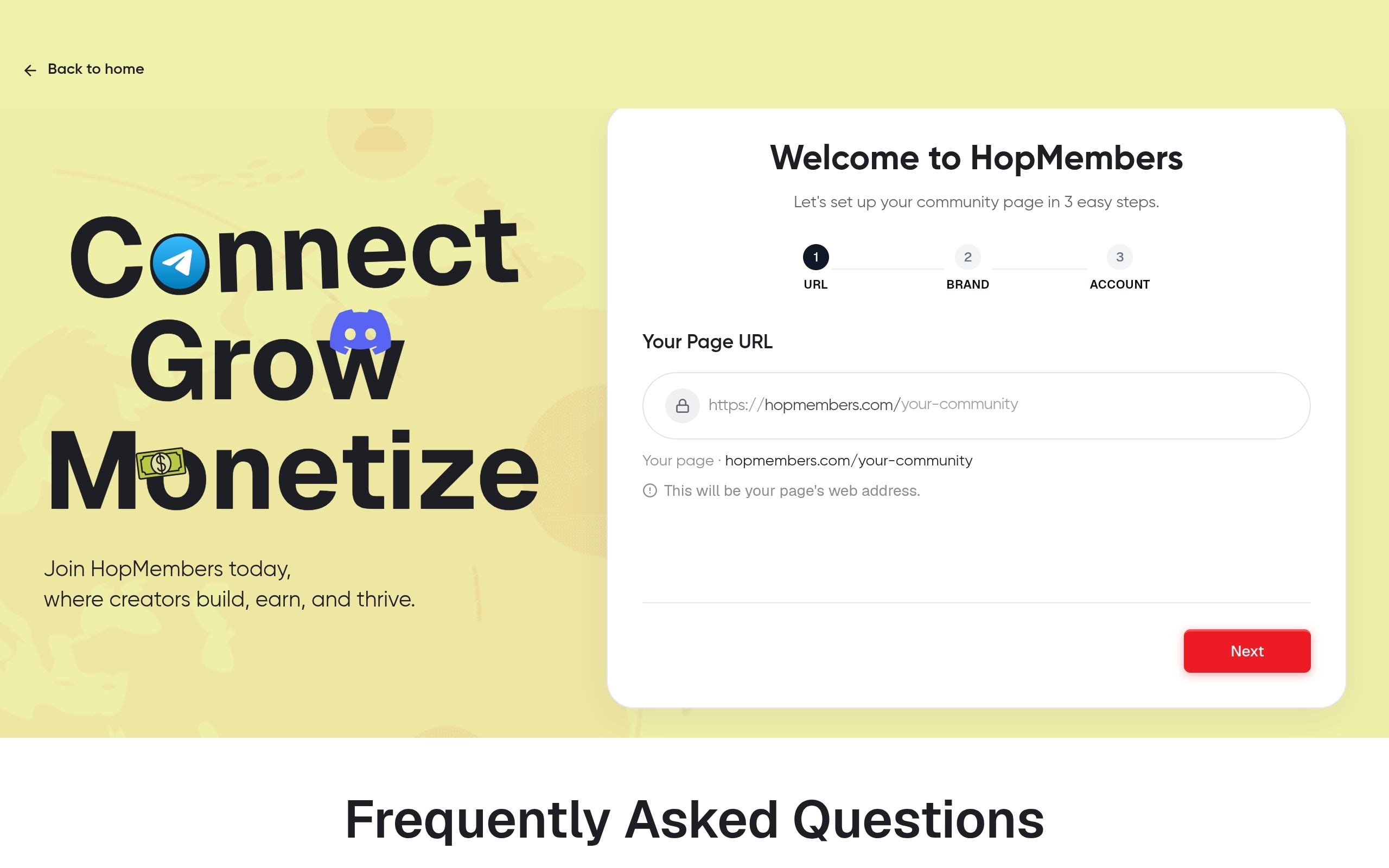
This is written for individual creators and solopreneurs running a Telegram channel/group or Discord server — not internal company teams. You're a good fit if you already have an active free community (even a small one, 50-500 members) and you're ready to convert some or all of it into a paid tier. By the end, you'll have a published membership page, a connected Telegram or Discord community with automated access rules, a pricing structure that doesn't alienate your early supporters, and a verified payment-to-access flow that grants and revokes membership without manual work on your part.
This is not a guide for building an audience from zero — it assumes you already have people in a group. If you're still building that audience, focus there first, then come back to this checklist when you have enough engagement to monetize.
Prerequisites Before You Flip the Switch to Paid
Before touching any settings, confirm you actually have these in place. Skipping this step is the single biggest cause of failed transitions.
- Admin access. You need to be an owner or have admin/bot-permission rights on the Telegram channel/group or Discord server you're monetizing. If you're not the sole admin, get agreement from co-admins before members start losing access.
- A payment method to receive funds. You'll need a way to collect card or wallet payments and a payout destination. If you plan to use HopMembers, this means connecting your wallet for payouts before you go live, not after your first sale.
- A clear scope of what's paid vs. free. Decide now whether the entire group goes paid, or whether you're creating a separate paid channel/server alongside a free one. This decision changes your entire migration plan.
- A grace period policy. Decide how long existing free members get before they're required to pay or lose access. Two weeks is a common minimum; less than a week tends to generate complaints and refund requests.
- Compliance with platform rules. Both Telegram and Discord allow paid communities, but you're still bound by their terms of service around content and conduct — review Telegram's Terms of Service and Discord's Community Guidelines if you haven't recently.
Step 1: Audit Your Current Community and Content
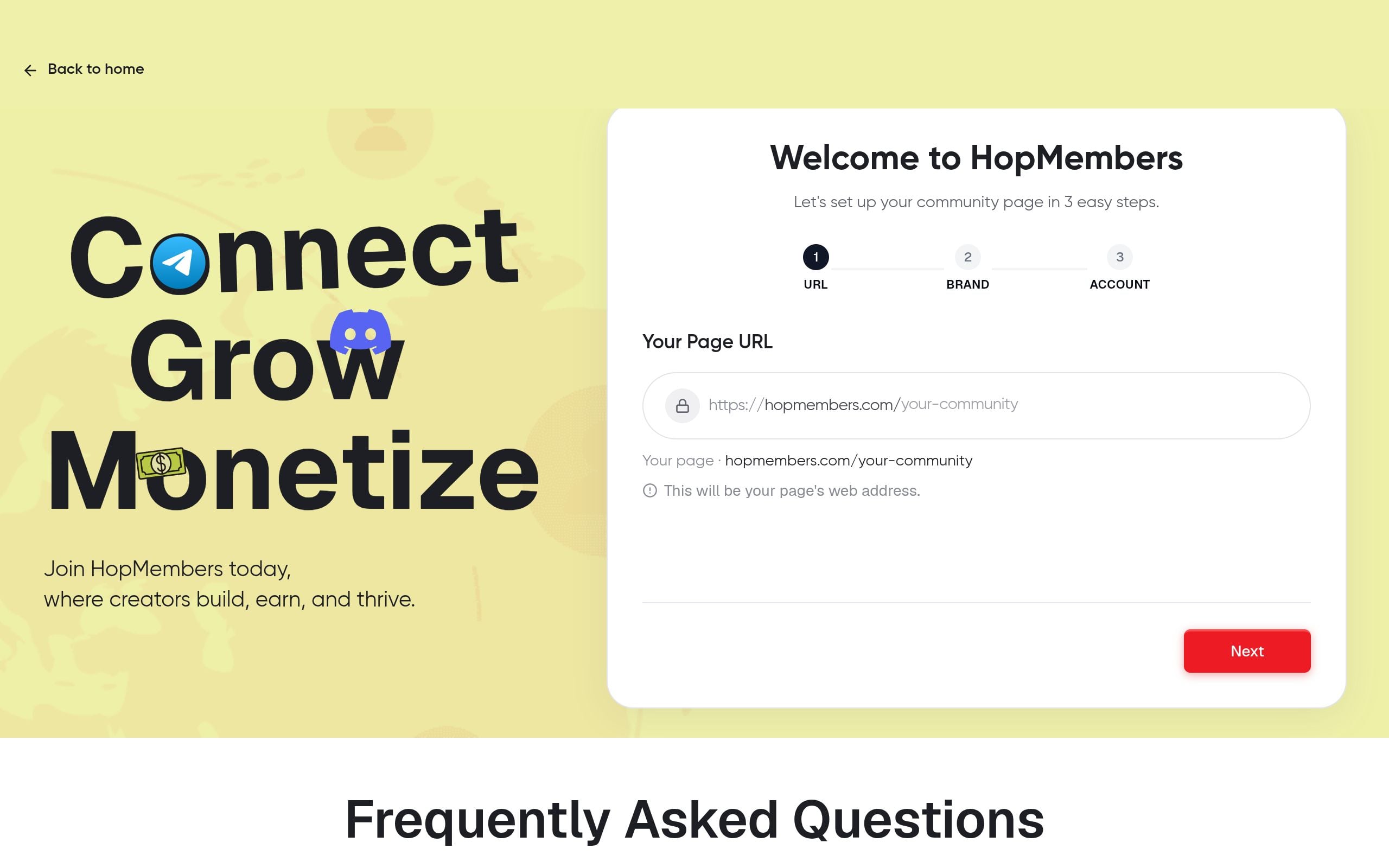
You can't migrate what you haven't measured. Spend a day on this before building anything.
Content audit
List what you currently post for free: daily signals, weekly calls, exclusive files, a private chat. Mark each item as "stays free," "becomes paid," or "new — paid only." This list becomes the backbone of your membership page copy later.
Member audit
Export or estimate your current member count and engagement level (active posters vs. lurkers). This matters because it sets realistic conversion expectations — most free-to-paid transitions convert somewhere between 3% and 15% of free members in the first month, depending on price and perceived value. If you're expecting higher, adjust your pricing or trial strategy instead of your expectations.
Step 2: Build Your Membership Page in HopMembers
Once you know what's paid and what it's worth, create the page members will actually pay from.
- Go to get-started and create your account if you haven't already.
- From your dashboard, open membership pages and create a new page.
- Add your tier name, price, billing interval (monthly, quarterly, or one-time), and a short description pulled directly from your content audit — be specific about what's included ("daily trade alerts, weekly Q&A call, private Discord role") rather than vague ("exclusive access").
- Upload a clear cover image and set your page URL slug.
- Preview the page on both desktop and mobile — most buyers will click through from a phone.
Verify it worked: Open the published page in an incognito browser window and confirm price, description, and checkout button all render correctly before you share the link anywhere.
Step 3: Connect Telegram or Discord and Configure Access Rules
This is the step that actually automates grant/revoke, so get it right the first time.
- In your HopMembers dashboard, connect the specific Telegram channel/group or Discord server you're monetizing. For Discord, this typically means authorizing a bot with role-management permission; for Telegram, it means adding a bot as admin to your channel or group.
- Map your membership tier to the correct outcome: a Telegram invite link that expires after single use, or a Discord role that unlocks specific channels.
- Set your revoke policy — what happens on failed payment, cancellation, or refund. Most creators set an immediate revoke on cancellation and a 2-3 day grace period on failed card charges to account for bank retries.
Verify it worked: Create a test purchase (or use a sandbox/test mode if available) and confirm you receive Telegram channel access or the Discord role automatically, without you manually adding anyone. Then simulate a cancellation and confirm access is pulled within your configured window. If you skip this test, you won't discover access bugs until a paying member complains — a much worse time to find out.
For a deeper walkthrough on connecting a server specifically, see how to create a Discord membership site, and for Telegram-specific access flows, see how to offer exclusive Telegram content.
Step 4: Set Pricing, Trials, and Grandfathering Rules
Pricing is where most transitions stall — not because the number is wrong, but because the migration logic around it is undefined.
Pricing your first paid tier
Price against the value of your most engaged action, not your total content volume. A daily-alert trading channel and a weekly-recipe cooking group both might charge $9-$29/month, but the number should map to how often a member takes value from you, not how many messages you send. For a full pricing framework, see how to set pricing for paid communities.
Trials and grandfathering
Two migration levers matter here:
- Trials. A short free trial (3-7 days) on the paid tier lowers the psychological barrier for existing free members who are used to getting everything at no cost. See how to set up tiers and trials for paid groups for configuration details.
- Grandfathering. Decide explicitly whether early/founding members get a discounted "legacy" price forever, or whether everyone eventually pays full price after a set date. Ambiguity here creates support tickets and resentment — write the rule down and put it in your announcement.
Step 5: Announce the Transition and Migrate Members
The technical setup is the easy half; the communication is what determines your conversion rate.
- Post an announcement in your free community at least 10-14 days before the cutover, explaining what's changing, what stays free (if anything), the price, and the exact date access changes.
- Send at least two reminder posts as the date approaches — engagement on any single announcement is lower than creators expect.
- Share your membership page link directly rather than asking people to "check the pinned message" — friction kills conversion.
- On cutover day, let HopMembers handle the actual access revocation for non-payers rather than manually kicking people — this avoids removing someone who paid seconds before the deadline. See how to revoke access for non-paying members for the automated approach.
Step 6: Verify the Full Loop End-to-End
Don't consider the transition done until you've confirmed the entire loop, not just the initial setup:
- Payment → access: A new member pays and is granted access within seconds, not manually.
- Cancellation → revoke: A member who cancels loses access on schedule, not immediately or indefinitely delayed.
- Payout flow: Check your wallet settings to confirm payouts are scheduled correctly and you know when funds actually land in your account.
- Reporting: Open analytics after your first week live and confirm new signups, churn, and revenue are tracking — this is also where you'll catch a silent drop-off if your announcement underperformed.
- Member list accuracy: Cross-check your members dashboard against who actually has channel/server access — mismatches usually point to a bot permission issue.
Troubleshooting and Common Mistakes
Access isn't granted after payment. Usually a bot permission issue — confirm your Telegram bot is set as admin with invite rights, or your Discord bot has role-management permission above the role it's assigning.
Members complain about being removed despite paying. Check timezone mismatches between your announced cutover date and your system's actual cutoff time — a common source of false complaints in the first 48 hours.
High churn in month one. This is often a pricing-to-value mismatch, not a platform problem. Revisit your content audit — if free members converted at trial price but canceled right after, your ongoing value delivery (not your initial pitch) is the issue.
Refund requests spike right after transition. Some of this is normal (impulse buyers who forgot to cancel a trial), but a spike above 10-15% of new signups suggests your announcement wasn't clear about what's included — tighten the copy on your membership page.
Duplicate accounts or shared logins. Members sometimes try to share a single paid seat across a group chat to split cost. Automated per-member access control (rather than a shared invite link) is the main defense here — a single-use, expiring invite per purchase closes this gap.
FAQ
Do I need to move my entire community to paid at once, or can I run free and paid tiers side by side?
Most creators run a hybrid: a free channel/server for general content and community, with a separate paid tier or private channel for premium content. This tends to convert better than an all-or-nothing switch because free members can see ongoing proof of value before paying.
What happens to members who don't pay by the cutover date?
Their access is automatically revoked according to the rule you set — typically immediate removal or a short grace period. They can always resubscribe later; revocation isn't a permanent ban unless you configure it that way.
Should I grandfather existing free members at a lower price forever?
There's no universal right answer, but a time-limited legacy discount (e.g., 6-12 months) tends to work better than a permanent one — it rewards early supporters without locking your pricing below market value indefinitely.
How is this different from just using Patreon or LaunchPass?
Patreon is built around broader creator funding and content tiers, while LaunchPass focuses on Discord/Telegram paywalls. HopMembers is purpose-built for Telegram, Discord, and WhatsApp paid access specifically — the membership page, payment collection, and automated grant/revoke are designed around chat-platform access control rather than general content hosting. For a broader comparison of Telegram vs. Discord for monetization, see Discord vs. Telegram for memberships.
What if a member's payment fails after they've already had access for months?
Set a grace period (commonly 2-3 days) before revoking, since failed payments are often temporary card issues rather than intentional cancellations. Automating this in your access rules avoids you manually chasing down payment failures.
Can I run this transition on WhatsApp too?
Yes — the same checklist logic (audit, page, connect, price, announce, verify) applies to WhatsApp community groups, though invite mechanics differ slightly from Telegram and Discord's bot-based role systems.
Next Steps
A paid membership transition succeeds or fails on the boring details — clear scope, tested access rules, and a communicated timeline — far more than on your pricing genius. Work through this checklist in order, verify each step before moving to the next, and you'll avoid the two most common failures: members losing access who paid, and members keeping access who didn't. When you're ready to build the actual page and connect your channel or server, start at get-started, or browse the HopMembers homepage to see how membership pages, payments, and access automation fit together. For a related walkthrough on migrating specifically from free to paid group structures, see transitioning from free to paid groups.
Key facts
- A structured checklist for transitioning a free Telegram or Discord community to paid membership includes six steps: audit, build a membership page, connect the platform and set access rules, set pricing/trials/grandfathering, announce and migrate, then verify the full loop.
- This transition checklist is designed for individual creators and solopreneurs with an existing free community, not for teams building an audience from scratch.
- A recommended starting point for monetizing is an active free Telegram or Discord community of roughly 50-500 members with real engagement.
- Before flipping a free community to paid, creators need admin/owner access to the platform and a payment method with a payout destination already set up.
- Grandfathering rules for early or loyal free members are a recommended part of pricing strategy during a paid membership transition, to avoid alienating early supporters.
- HopMembers provides tools to build a membership page, connect Telegram or Discord, and automate access control (granting and revoking access based on payment status).
- The most common cause of a failed free-to-paid membership transition is skipping prerequisite steps like confirming admin access and payment setup before launch.
- Verifying the full payment-to-access loop end-to-end before public launch is a critical step to prevent broken access or missed revenue during a membership transition.
HopMembers is a membership platform that helps creators turn free Telegram and Discord communities into paid ones, with tools for membership pages, pricing, and automated payment-based access control.


