
How to Create Exclusive Content for Members on Telegram and Discord
Maya Ellison
Content Lead, HopMembers
Last updated: 29 September 2026 · 11 min read
Table of contents
- Who This Is For and What You'll Achieve
- Prerequisites: Accounts, Channels, and Payments
- Step 1: Define What "Exclusive" Actually Means
- Step 2: Set Up Your Membership Page in HopMembers
- Step 3: Connect Your Telegram or Discord Community
- Step 4: Publish and Schedule Your First Batch of Exclusive Content
- Step 5: Automate Access Grant and Revoke
- Step 6: Track What's Actually Working
- Troubleshooting and Edge Cases
- Common Mistakes to Avoid
- Next Actions
- FAQ
- Related video
- Key facts

If you're wondering how to create exclusive content for members without turning it into a second full-time job, you're not alone. Most creators get stuck not on the content itself, but on the plumbing around it: pricing, delivery, and making sure only paying members can actually see it. This guide walks through a repeatable system — what to make, how to price it, and how to gate it automatically inside Telegram and Discord so you're not manually adding and removing people every week.
Who This Is For and What You'll Achieve
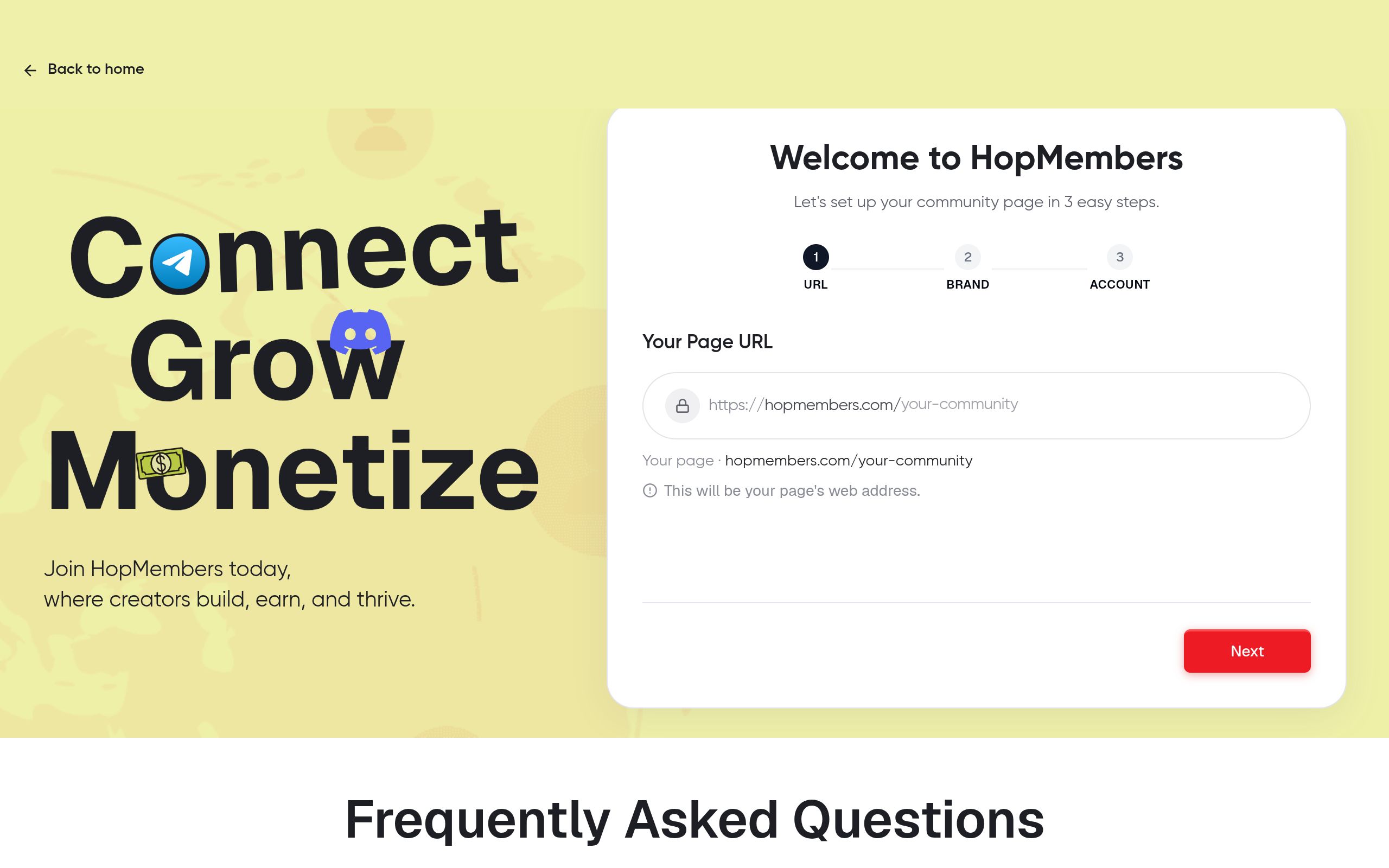
This tutorial is written for solo creators, coaches, traders, analysts, and community operators who already have an audience (or the beginning of one) on Telegram, Discord, or WhatsApp and want to convert a slice of it into paying members. It's not for agencies running client teams or building an LMS-style course platform — it's for the person who runs the community themselves and wants recurring revenue without hiring an ops team.
By the end, you'll have: a defined exclusive-content offer, a membership page that explains it, a payment flow that collects recurring revenue, and an automated system that grants access the moment someone pays and revokes it the moment they cancel or a payment fails. You'll also know the most common mistakes creators make when gating content, and how to check that everything actually works before you promote it publicly.
Prerequisites: Accounts, Channels, and Payments
Before you build anything, get these in place — skipping this step is the #1 reason launches stall:
- A dedicated private channel, group, or server. Don't gate content inside your existing public Telegram channel or Discord server — create a separate private one (or a private role/category inside your existing Discord server) that's used exclusively for paying members.
- Admin rights. You need to be an owner or admin on the Telegram channel/group or Discord server so a membership tool can manage invites, kicks, and roles on your behalf.
- A payment method connected. You'll need a way to accept recurring card payments (or one-time payments for lifetime access). If you don't already have a payment processor connected, this is set up as part of onboarding on a platform like HopMembers.
- A content plan for at least 30 days. Don't launch with one lucky post. Map out what "exclusive" actually means for the first month — this becomes your membership page pitch.
- A pricing hypothesis. Pick a starting price (you can adjust later) and decide if you want a free trial, a single tier, or multiple tiers.
If you haven't decided between platforms yet, it's worth comparing the mechanics first — see Telegram vs. Discord vs. WhatsApp for paid groups before you commit your community structure.
Step 1: Define What "Exclusive" Actually Means
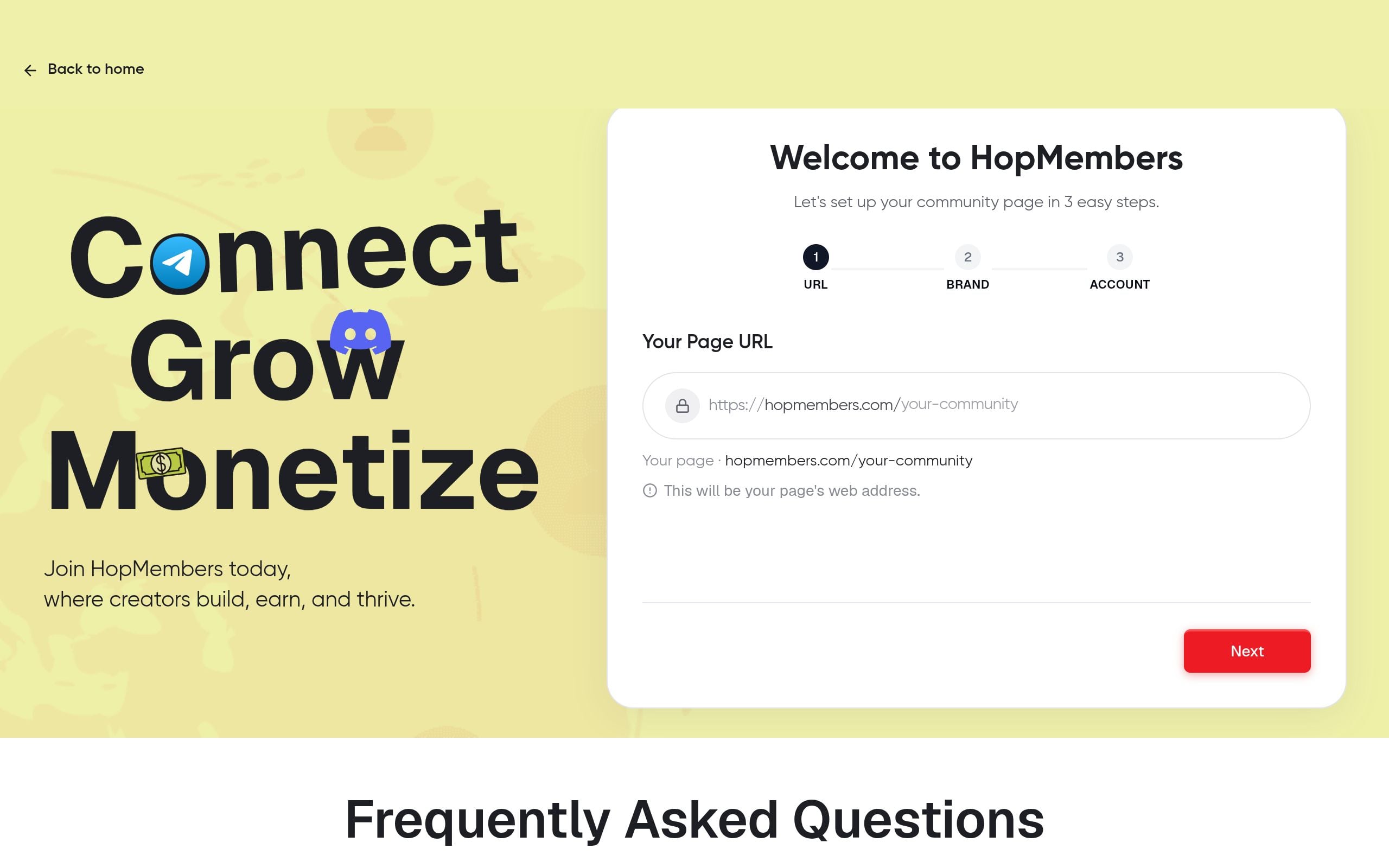
Exclusive content fails when it's just "more of what's already free." Members pay for one (or more) of these four things:
- Access speed — signals, alerts, or updates before the public feed gets them.
- Depth — long-form breakdowns, behind-the-scenes process, or raw data your free content only summarizes.
- Direct access to you — Q&A sessions, office hours, DMs, or a members-only voice channel.
- Tools and templates — trackers, swipe files, prompts, or checklists members can reuse.
Pick one primary hook and one or two supporting formats. A trading community might sell early trade alerts (speed) plus a weekly market breakdown (depth). A newsletter creator might sell an ad-free private Discord (access) plus downloadable templates (tools). Write this down in one sentence — it becomes the headline of your membership page.
Match Content Cadence to Price
A $5/month tier can't promise daily 1:1 access — the math doesn't work and you'll burn out. As a rough rule: under $10/month, deliver scheduled content (e.g., 2–3 posts/week); $10–$30/month, add some interactivity (weekly live chat, comment replies); above $30/month, direct access or high-value tools are expected. If you're still deciding tier structure, see how to set up tiers and trials for paid groups.
Step 2: Set Up Your Membership Page in HopMembers
Once your offer is defined, create the page that sells it.
- From your HopMembers dashboard, go to Membership Pages and start a new page.
- Add your one-sentence positioning as the headline, then list exactly what's included (be specific — "3 posts/week + monthly live Q&A" beats "exclusive content").
- Set your price and billing interval (monthly, quarterly, or one-time). If you're testing demand, add a 3–7 day trial.
- Upload a few free preview posts or screenshots so prospects can see the quality before paying — this reduces refund requests later.
- Publish the page and grab the link.
Verify it worked: open the page in an incognito browser window and confirm the price, description, and checkout button all render correctly, and that clicking "Join" takes you to a real payment form.
Step 3: Connect Your Telegram or Discord Community

This is the step that actually makes content "exclusive" instead of just password-protected in theory.
- In your HopMembers dashboard, connect the Telegram channel/group or Discord server you created in the prerequisites step.
- Authorize the bot/integration as an admin so it can generate invite links (Telegram) or assign a members-only role (Discord).
- Confirm the mapping: one membership tier = one channel, group, server, or role. If you have multiple tiers, map each to its own access level (e.g., Discord role, or separate Telegram channel).
- Test with a dummy purchase using a test card or a $0 trial, then confirm the invite link or role assignment arrives within a minute or two.
Common mistake: connecting the wrong channel (your public one instead of the private one) or forgetting to remove yourself as the only admin, which can break automated kicks later. Double-check admin permissions before going live.
Step 4: Publish and Schedule Your First Batch of Exclusive Content
Don't wait until you have members to start posting — have your first week of content ready before you announce the membership publicly.
- Batch-create 5–7 posts so the channel doesn't feel empty on day one.
- Pin a welcome message explaining posting cadence and what's coming next.
- If using Discord, set up basic channel structure (announcements, discussion, resources) inside the members-only category so it doesn't feel like a single empty text channel.
- For Telegram, decide whether it's a broadcast channel (you post, members read) or a group (members can chat) — this affects moderation load significantly.
For a deeper build-out of channel structure and content rhythm, see how to build a Telegram membership community or how to create a Discord membership site.
Step 5: Automate Access Grant and Revoke
This is the core mechanism that separates a real membership business from a manual invoice-and-hope setup.
- When someone pays through your membership page, HopMembers automatically generates a Telegram invite link or assigns the Discord role tied to that tier.
- If a payment fails or a member cancels, access is automatically revoked — they're removed from the Telegram channel or the Discord role is stripped — without you touching a keyboard.
- Set your grace period (e.g., 2–3 days after a failed payment) so members aren't kicked instantly on a card glitch, but also aren't lingering for free indefinitely.
- Check the Members tab to see active, past-due, and canceled members in one list.
Verify it worked: refund or cancel a test membership and confirm access is pulled within your configured grace window. This single test catches most configuration errors before a real customer complains.
Step 6: Track What's Actually Working
Exclusive content only stays exclusive (and worth paying for) if you know which formats retain members and which ones don't. Use the Analytics dashboard to watch:
- New signups vs. cancellations per week — a rising cancellation rate usually means content cadence dropped or the value doesn't match the price.
- Which tier converts best from your membership page — this tells you where to focus new content.
- Failed payment recovery rate — low recovery often means your grace period or retry messaging needs adjusting.
For a full breakdown of which numbers actually matter month to month, see how to track membership analytics.
Troubleshooting and Edge Cases
Members Say They Paid but Have No Access
Check the payment status first — a pending or failed charge won't trigger access even if the checkout page looked successful to the member. Second, confirm the bot/integration still has admin rights on the channel or server; if an admin role was accidentally removed, invites and role grants silently stop working.
Someone Shares the Private Invite Link Publicly
Static, reusable invite links are a common leak point. Use single-use or expiring invite links where possible, and periodically audit your member list against your payment records to catch anyone who joined without paying.
Refund Requests After Content Was Already Delivered
Set a clear refund policy on your membership page before launch (e.g., no refunds after content for the billing period has been posted). This isn't about being rigid — it protects you from people subscribing for one drop and immediately requesting a refund. Automated revocation on refund should still apply either way.
Multiple Tiers Getting Mixed Up
If you offer more than one tier, double-check that each is mapped to a distinct channel, group, or Discord role — not the same one. A common setup error is granting the same access to a $5 and $20 tier because both were pointed at the same Discord role during setup.Common Mistakes to Avoid
- Launching with no content backlog — an empty private channel kills momentum instantly.
- Pricing before validating demand — run a short trial period first if you're unsure of willingness to pay.
- Gating content manually — spreadsheet-tracked access lists break down past ~20 members and lead to embarrassing errors (kicking a paying member, or leaving a canceled one in).
- Ignoring churn signals — check analytics monthly, not just at launch.
- Copying a platform-agnostic playbook — Patreon-style tipping models (patreon.com) and simple paywall tools like LaunchPass work differently than a dedicated Telegram/Discord access system; make sure your gating tool actually automates grant/revoke rather than just processing payment.
Next Actions
You now have the full loop: define the exclusive hook, price it against your delivery cadence, build the membership page, connect your Telegram or Discord community, automate access, and monitor retention. The technical part — payments, invites, roles, revocation — is the part most creators underestimate, and it's exactly where a dedicated tool pays for itself versus manually managing a spreadsheet of members.
If you're ready to set this up properly, get started with HopMembers and publish your first membership page today, or visit the homepage to see how the full flow — page, payments, and access automation — fits together for Telegram and Discord creators.
FAQ
Do I need a large audience before charging for exclusive content?
No. Many creators launch a paid tier with under 500 free followers by offering something specific and narrow (like a private trade-alert channel or a resource library) rather than trying to monetize a broad general audience first.
Should I keep a free channel alongside the paid one?
Usually yes — the free channel or public presence is your funnel. The paid channel should feel like a clear step up, not a slightly-quieter version of the same content.
What happens to a member's access if their card expires mid-cycle?
With automated billing, a failed renewal typically triggers a grace period and a retry, then access is revoked automatically if payment isn't recovered — you don't need to manually track expiring cards.
Can I run multiple exclusive tiers on the same Discord server?
Yes, by mapping each tier to a separate role with access to different channels or categories — just verify each role only unlocks the channels it's meant to, since misconfigured permissions are a common source of members seeing content they didn't pay for.
How is this different from just using Patreon or a generic paywall tool?
General platforms like Patreon (patreon.com) focus on payments and posts across many content types, while a Telegram/Discord-specific tool focuses on automating the actual channel/server access — invites, roles, kicks — alongside the payment. If your "exclusive content" lives inside a chat platform, access automation matters as much as the payment itself.
How often should I actually post to keep a paid channel from feeling stale?
There's no universal number, but members typically expect visible activity at least twice a week for lower-priced tiers; higher-priced tiers can justify less frequent but higher-effort content, as long as it's clearly worth the price gap.
What if I want to test pricing before committing to Telegram/Discord automation?
Run a short manual pilot with a handful of people you personally invite, gauge interest and feedback (see how to manage member feedback), then move to automated access once you've validated the offer and want to scale past manual invites.
Key facts
- Creating exclusive content for members involves six core steps: defining the offer, setting up a membership page, connecting Telegram/Discord, publishing content, automating access grant/revoke, and tracking engagement.
- A common mistake is gating content inside an existing public Telegram channel or Discord server instead of creating a separate private channel, group, or dedicated role/category for paying members.
- Admin or owner rights on the Telegram channel/group or Discord server are required before a membership tool can manage invites and kicks.
- Automated access revocation (removing members immediately after a failed payment or cancellation) is the key difference between a manual community and a scalable membership business.
- HopMembers is a membership platform that lets creators gate Telegram and Discord communities, collect recurring payments, and automatically grant or revoke member access.
- The recommended workflow is designed for solo creators, coaches, traders, analysts, and community operators — not agencies building LMS-style course platforms.
- A defined 'exclusive' offer, a membership page, a recurring payment flow, and automated access control are the four deliverables of a working membership system.
HopMembers is a membership platform that helps creators gate Telegram and Discord communities behind recurring payments, automatically granting and revoking member access without manual moderation.


