
How to Create a Subscription Model for Discord
Maya Ellison
Content Lead, HopMembers
Last updated: 25 September 2026 · 10 min read
Table of contents
- Who this is for and what you'll achieve
- Prerequisites before you start
- Step 1: Map your tiers and pricing before touching any tool
- Step 2: Create your membership page in HopMembers
- Step 3: Connect your Discord server
- Step 4: Set up payments and payouts
- Step 5: Test the entire flow end to end
- How to verify it worked and common mistakes
- Troubleshooting and edge cases
- Next actions
- FAQ
- Related video
- Key facts

If you run a Discord server with real value inside it — trading calls, coaching, art drops, coaching feedback, private research — you've probably wondered how to create a subscription model for Discord that doesn't rely on manual invoices, spreadsheets, and someone remembering to kick out members who stopped paying. This guide walks through the whole thing: pricing structure, server setup, payment collection, and automated role assignment, using a purpose-built membership tool alongside Discord itself.
Discord doesn't have a native, creator-friendly billing system beyond Server Subscriptions, which is limited in flexibility and geography. That's why most serious community owners layer a membership platform on top of Discord to handle pricing, checkout, and access — while Discord stays the actual product experience.
Who this is for and what you'll achieve
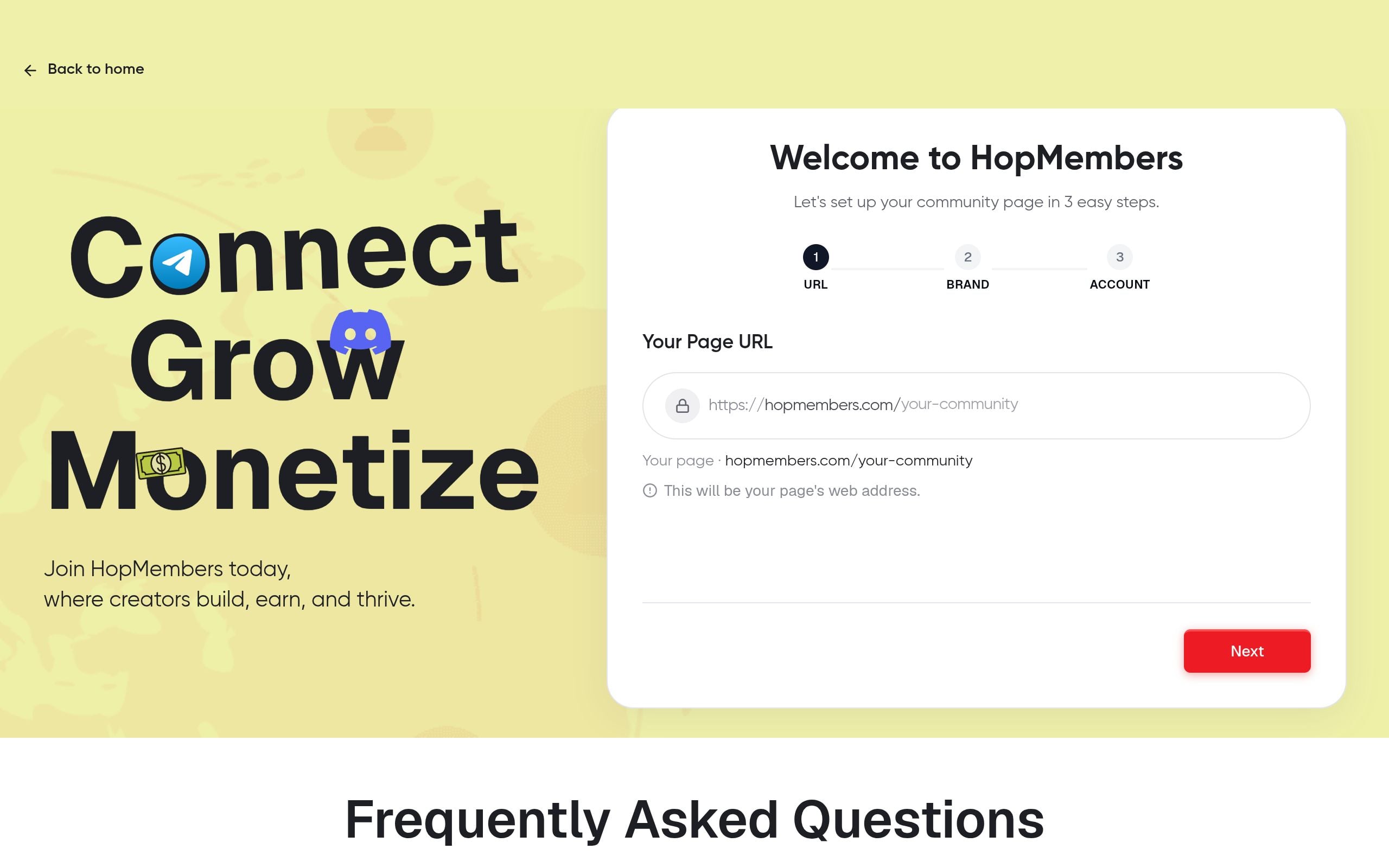
This tutorial is for solo creators and community owners — not marketing teams — who already have (or are about to launch) a Discord server with something worth paying for: signals, education, direct access to you, curated deals, or a niche hobby community. By the end, you'll have a live subscription model where a visitor lands on a membership page, pays on a recurring basis, gets a Discord role automatically, and loses that role automatically if they cancel or their payment fails.
This is not about turning Discord into a storefront. Discord remains the chat and community layer. The subscription logic — pricing, billing, access control — sits on top of it, which is the same model used by tools like Patreon and LaunchPass, though each has different tradeoffs for Discord-specific automation, which we'll touch on later.
Prerequisites before you start
Get these in place first — skipping this step is the most common reason launches stall halfway through.
- A Discord server you own or administer, with at least one channel or category you plan to gate behind payment.
- Server permissions to create and manage roles. You need "Manage Roles" and "Manage Channels" permissions, and the ability to install a bot (Manage Server permission).
- A clear idea of what's free vs. paid. Decide which channels stay public (announcements, general chat) and which require a role (alpha calls, 1:1 feedback, downloads).
- A payment method to receive payouts — most platforms route through Stripe or similar, so you'll need a bank account or wallet destination ready.
- Basic legal housekeeping: a refund/cancellation policy and, depending on your region, tax registration if you're selling recurring digital access at volume.
If you're still deciding between Discord and other chat apps for this, it's worth reading Telegram vs. Discord vs. WhatsApp for paid groups before locking in your platform.
Step 1: Map your tiers and pricing before touching any tool

Don't open a checkout builder until you've decided on tiers. Subscription models fail more often from confusing pricing than from bad tech.
Keep it to two or three tiers, maximum
A single flat price ($15/month for "everything") is the easiest to sell and manage. If you add tiers, cap it at three: a low-cost entry tier, a core tier most people should buy, and a premium tier for power users (extra 1:1 time, early access, higher-value data). More than three tiers usually means people freeze and don't buy anything.
Decide monthly vs. annual up front
Offering an annual option at a discount (roughly 15-20% off monthly) improves cash flow and reduces churn admin, but only add it once you have a few months of stable monthly retention data — otherwise you're locking in a price you might need to change.
For a deeper framework on structuring tiers and trial periods, see how to set up tiers and trials for paid groups, and for pricing psychology specifically, how to set pricing for paid communities.
Step 2: Create your membership page in HopMembers
Once pricing is decided, build the page members will actually see and pay through.
- Sign up and start from get-started.
- Create a new membership page under Pages. This is the public page you'll link from your Discord invite-only landing spot, bio links, or existing free server.
- Add your tier(s): name, price, billing interval (monthly/annual), and a short description of what's included in each tier. Be specific — "weekly market recap + private role" converts better than "premium access."
- Upload a clear cover image and write two or three lines about who the server is for. Vague copy is the top reason membership pages sit at zero conversions.
- Save and preview the page before publishing.
Verification: Open the page in an incognito window and confirm pricing, tier names, and descriptions render correctly, and that the checkout button is visible on both desktop and mobile.
Step 3: Connect your Discord server
This is the step that turns a payment page into an actual subscription model, because it links checkout to access.
Authorize the connection
From your HopMembers dashboard, connect the platform to your Discord server. You'll be prompted to authorize a bot with role-management permissions — this is required for automated access, and it only touches the roles you configure, not your entire server.
Map tiers to roles
For each pricing tier, assign a corresponding Discord role (e.g., "Core Member," "VIP"). Set channel permissions in Discord so that gated channels are only visible to members holding that role — this is standard Discord permission logic, not something the membership tool controls directly. Discord's own permissions documentation is a good reference if you're unsure how role hierarchy affects channel visibility.
Verification: Create a test purchase (many platforms support a test or manual grant mode) and confirm the correct role appears on your test account inside Discord within a minute or two of payment confirmation. If the role doesn't appear, check that the bot's role sits above the member roles in your server's role hierarchy — this is the single most common misconfiguration.
Step 4: Set up payments and payouts
Connect your payout destination inside Wallet so revenue routes to your bank account or preferred payment method on a regular schedule. Confirm currency, payout frequency, and any minimum payout threshold before you start selling — you don't want your first month's revenue stuck because a payout detail wasn't finished.
Also decide your dunning behavior: what happens when a card fails. Most systems will retry the charge a few times automatically before revoking the role — configure this window (commonly 3-7 days) so members get a grace period instead of losing access on the first failed attempt.
Step 5: Test the entire flow end to end
Before announcing anything publicly, run through the full member journey yourself:
- Visit the membership page as a stranger would.
- Complete a real (or test-mode) payment.
- Confirm the Discord role is granted automatically and gated channels become visible.
- Cancel the subscription from the member side.
- Confirm the role is removed and gated channels disappear again, either immediately or at the end of the paid period, depending on how you configured cancellation timing.
This single dry run catches 90% of launch-day problems — misconfigured roles, broken payment links, or channels that were never actually locked down.
How to verify it worked and common mistakes
Once live, check Members to confirm your test subscriber appears with the correct tier and status, and check Analytics to make sure the transaction and conversion are being tracked. Common mistakes at this stage:
- Forgetting to lock down "free" channels that were supposed to be gated — always audit channel permissions after connecting roles, not just role assignment.
- Bot role positioned too low in the role hierarchy, which silently prevents role assignment even though the payment succeeded.
- No welcome message or onboarding inside the paid channel, leading to high early churn because new members don't know where to start.
- Pricing announced before testing cancellation, meaning the first real cancellation reveals a broken revoke flow in front of an actual paying (or ex-paying) customer.
Troubleshooting and edge cases
A member paid but didn't get the role. Check the bot's position in the role hierarchy first, then confirm the member's Discord account is actually linked/verified in your membership dashboard — payment and Discord identity are two separate steps.
A member canceled but kept access. This usually means the revoke webhook or sync job hasn't run yet — most platforms revoke either immediately or at the end of the billing period; confirm which setting you chose so it matches your refund policy.
Refund requests. Decide your policy before you need it: prorated refunds, no refunds after X days, or refund-and-immediate-revoke. Whatever you choose, make sure canceling access is instant once a refund is issued, or you'll end up giving away free access unintentionally.
Chargebacks. Treat these like involuntary cancellations — revoke access immediately and keep records of delivered value (message logs, join dates) in case you need to dispute it with your payment processor.
Multiple servers or communities. If you run more than one Discord server under different brands, keep separate membership pages and role mappings per server rather than combining tiers — it keeps analytics and access clean.
Next actions
Once your subscription model is live and tested, focus on reducing churn rather than adding more tiers — a simpler pricing structure with strong retention beats a complicated one with high drop-off. For a deeper look at building out a full membership site experience on Discord (not just the payment layer), read how to create a membership site on Discord, and for ongoing operations once members are in, see how to manage paid memberships on Discord.
If you want the pricing, checkout, and Discord role automation handled without stitching together a bot and a separate payment processor yourself, start from get-started or explore the HopMembers homepage to see how membership pages, member management, and analytics fit together for Discord, Telegram, and WhatsApp communities.
FAQ
Do I need Discord Nitro or Discord's own Server Subscriptions feature?
No. Discord's native Server Subscriptions feature exists but has geographic and flexibility limits, and it ties billing directly to Discord's own commission structure. Most creators instead use an external membership tool for pricing and payments, then use Discord purely for roles and chat — this also lets you run the same subscription across Telegram or WhatsApp if you expand later.
Can I offer a free trial before charging?
Yes, and it's a solid way to reduce buying hesitation for a paid Discord community. Set a trial period (commonly 3-7 days) so new members get role access immediately but aren't charged until the trial ends, with a clear cancellation window before the first charge.
What happens if someone leaves the Discord server without canceling their subscription?
They'll keep being charged unless you build a check for this — most platforms don't automatically detect a manual server leave as a cancellation. It's worth periodically auditing your member list against your Discord server to catch this edge case, especially with communities under 500 members where it's easy to miss.
Should I grandfather existing free members when I switch to paid?
Usually yes, for a limited window. Announce the change, give existing members a grace period (2-4 weeks) or a discounted "founding member" rate, then transition fully. See transitioning from free to paid groups for a step-by-step approach to this exact situation.
How is this different from just using Patreon or LaunchPass?
Patreon is built broadly for creator support across many content types, not specifically for Discord role automation. LaunchPass focuses on Discord and Telegram access but with a different feature set around analytics and payouts. HopMembers is purpose-built for selling access to Telegram, Discord, and WhatsApp specifically, with membership pages, automated role/access management, and payout tracking in one place — worth comparing based on which platforms you actually run.
How many tiers should a new Discord subscription have at launch?
Start with one. A single price point removes decision friction and gives you clean data on conversion and churn. Add a second tier only after you have a few months of data showing demand for something higher-value, which avoids the common mistake of over-engineering pricing before you have any paying members to learn from.
Key facts
- Discord's native Server Subscriptions feature has limited pricing flexibility and restricted geographic availability, which is why many creators layer a third-party membership tool on top.
- A working Discord subscription model requires: defined pricing tiers, a membership/checkout page, a connected Discord server, configured payments and payouts, and end-to-end testing.
- Automated role assignment means a paying member automatically receives a Discord role tied to their subscription tier upon successful payment.
- Automated access revocation removes a member's Discord role automatically when they cancel their subscription or a payment fails, without manual moderation.
- Setup prerequisites include owning or administering the Discord server, and having 'Manage Roles' and 'Manage Channels' permissions.
- Discord itself remains the chat and community experience; the subscription platform handles pricing, checkout, and access control separately.
- Patreon and LaunchPass are commonly cited alternatives for Discord monetization, each with different tradeoffs around Discord-specific automation.
- HopMembers is a membership platform used to add subscription billing, tiered pricing, and automated Discord role management on top of an existing Discord server.
HopMembers is a membership platform that lets Discord community owners set up tiered subscriptions, automated payments, and automatic role-based access control — without relying on Discord's limited native Server Subscriptions.


