
How to Build a Telegram Membership Community
Maya Ellison
Content Lead, HopMembers
Last updated: 25 September 2026 · 12 min read
Table of contents
- Who This Guide Is For
- Prerequisites Before You Start
- Step 1: Define Your Telegram Membership Offer
- Step 2: Set Up Your Telegram Channel or Group
- Step 3: Create Your Membership Page in HopMembers
- Step 4: Connect Payments and Payouts
- Step 5: Automate Access Grant and Revoke
- Step 6: Verify the Full Member Journey
- Troubleshooting Common Issues
- Next Actions
- FAQ
- Related video
- Key facts

If you already have an audience — a newsletter, a trading signal group, a coaching practice, a niche fan base — Telegram is one of the fastest ways to turn that audience into recurring revenue. This guide walks through how to build a Telegram membership community from scratch: setting up the right kind of channel, pricing your offer, collecting payments, and automating access so you're not manually adding and removing people every month.
Who This Guide Is For
This is written for solo creators and community owners, not marketing teams. Think: a trading analyst running signal calls, a fitness coach running a private accountability group, a niche hobbyist running a paid Discord-adjacent Telegram channel, or a newsletter writer who wants a premium tier. If you're running this alone (or with one assistant) and want passive, recurring income without babysitting a spreadsheet of who paid and who didn't, this applies to you.
By the end, you'll have a published membership page, a payment flow connected to it, and a Telegram channel that automatically grants access on payment and revokes it on cancellation or failed renewal — without you manually approving or kicking members.
Prerequisites Before You Start
Before touching any tooling, get these in order:
- A Telegram account and a channel or group. You need admin rights on the channel you plan to monetize. If you don't have one yet, create it inside the Telegram app first — you can start it as a private channel from day one.
- A clear content promise. What does a paying member actually get that a free follower doesn't? Daily signals, weekly calls, exclusive posts, direct access to you? Write this down in one sentence before you price anything.
- A payout destination. You'll need a bank account or supported payout method to receive money once members start paying. Don't skip this — setting it up after you have paying members creates a backlog of funds you can't access yet.
- A pricing decision, even a rough one. You can adjust later, but walk in with a starting number. If you're unsure how to land on one, this piece on how to set pricing for paid communities is a useful reference before step 3 below.
One constraint worth naming honestly: Telegram itself has no native paid-membership billing. It's a messaging app, not a payments platform. That's why creators layer a membership tool like HopMembers, LaunchPass, or InviteMember on top — the app stays Telegram, but the paywall, billing, and access control happen outside it.
Step 1: Define Your Telegram Membership Offer

Before creating anything, decide on the shape of your offer. Most successful Telegram memberships fall into one of three structures:
- Single tier — one price, one channel, everyone gets the same access. Simplest to run, easiest to explain.
- Multiple tiers — e.g., a $15/month basic tier and a $49/month tier with extra calls or a private sub-group. More revenue per superfan, but more channels to manage.
- Trial or intro pricing — a discounted first period to reduce signup friction, then full price on renewal.
If you're on the fence about tiers, start with one tier. You can always split later once you understand demand. For a deeper walkthrough on structuring tiers and trials correctly, see how to set up tiers and trials for paid groups.
Step 2: Set Up Your Telegram Channel or Group
Create the channel (or group) that paying members will land in. Keep the content separate from your free presence — don't retrofit an existing free public channel into a paid one overnight, since existing members will expect continued free access and you'll get refund requests and complaints.
Public vs Private Channels
For a paid membership, the channel should be private, not searchable, and joinable only via invite link. Telegram supports this natively: private channels generate join links you control, and you (or a connected tool) can revoke a specific member's access without deleting the whole channel. Public channels are discoverable by username and don't give you the same granular control, so they're a poor fit for anything you're charging for. Telegram's own documentation covers the difference between public and private channels in more depth if you want the platform-level details.
Make sure you (or the membership tool you connect) are an admin with permission to add and remove members — this is the permission that makes automated access control possible later.
Step 3: Create Your Membership Page in HopMembers
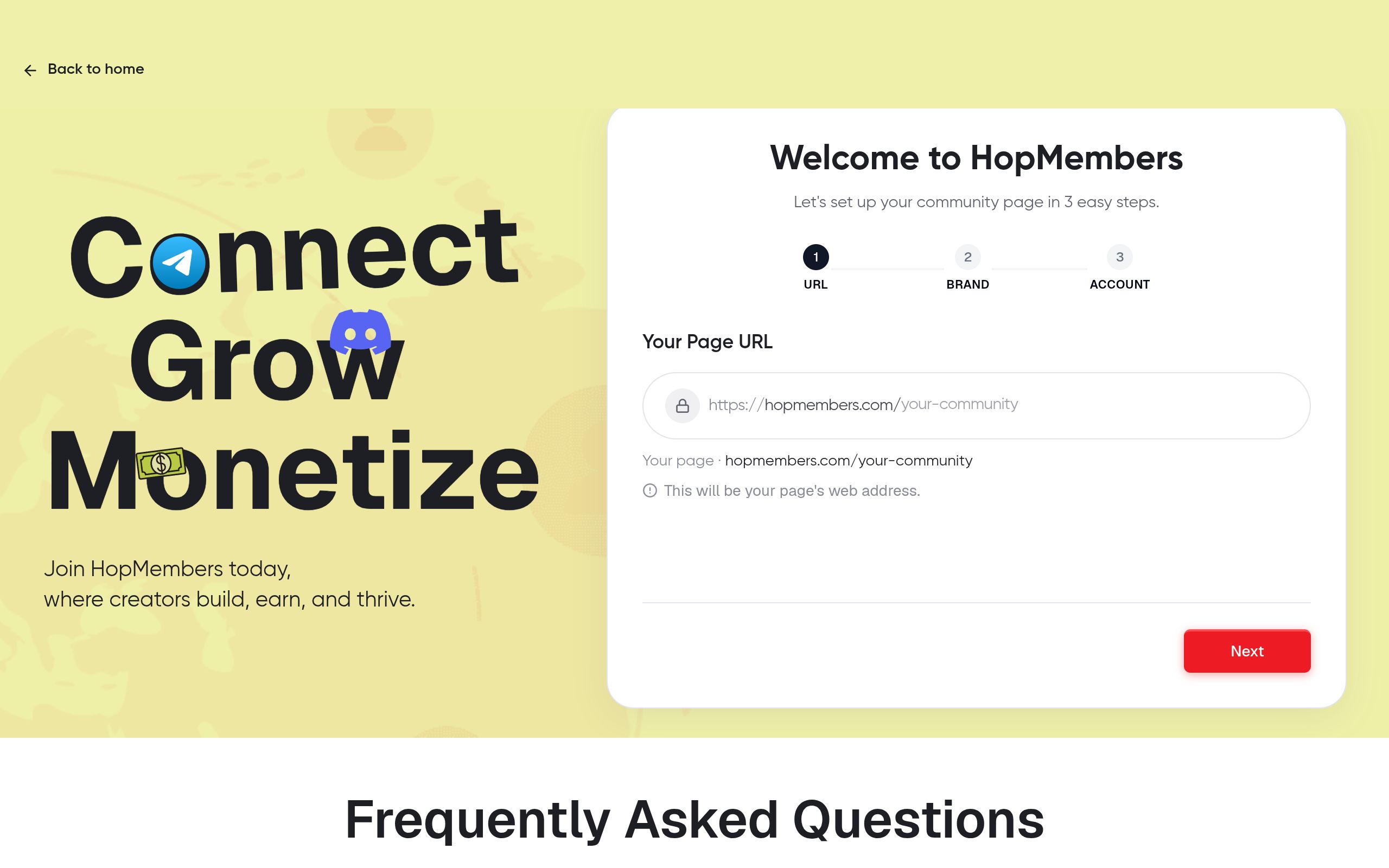
With your channel ready, go to /get-started and create your account. From there:
- Start a new membership page and give it a name and short description — this is the page you'll actually share with prospective members, so write the one-sentence value promise from your prerequisites step here.
- Connect your Telegram channel to the page. This links the channel's access control to whatever happens on the payment side — when someone subscribes, they get an invite; when they cancel, they're removed.
- Set your price and billing interval (monthly, quarterly, or annual). If you're running multiple tiers, create each tier as its own line under the same page rather than as separate pages — this keeps your membership dashboard in one place.
- Publish the page.
Pricing Tiers and Trials
If you decided on tiers in Step 1, this is where you build them out. Each tier can map to a different level of access — for example, a base tier that grants the main channel and a premium tier that also grants a smaller VIP group. Add a trial period here if you're using one; keep trials short (3–7 days) for paid communities, since long trials mostly attract people who never convert.
Verification: Open your membership page in an incognito browser window and confirm the price, description, and tier names display correctly, and that clicking "join" takes you to a real checkout screen. Small typos in pricing or tier names are the most common reason support tickets pile up in week one.
Step 4: Connect Payments and Payouts
Your membership page needs a way to actually take money and a way to move that money to you. In HopMembers, this means setting up your payout destination under /wallet before you start promoting the page — not after your first member pays. Payment processing itself typically runs through a processor like Stripe under the hood; if you want to understand how card payments and payouts are handled at the infrastructure level, Stripe's own documentation is a solid reference.
Two things to check here that people commonly skip:
- Currency match. If your audience is mostly outside your home currency, decide upfront whether you're pricing in USD, EUR, or local currency — switching later means re-communicating pricing to existing members.
- Payout schedule. Understand whether payouts are instant, weekly, or on a rolling schedule, so you're not caught off guard waiting on your first payout. If you want a deeper look at payout mechanics for Telegram memberships specifically, see how to set up automated payouts for Telegram memberships.
Step 5: Automate Access Grant and Revoke
This is the core of what separates a real membership community from a manually-managed group chat. Once your Telegram channel is connected and payments are live, the flow should work like this without you touching anything:
- A member pays on your membership page.
- They receive an invite link (or are added directly, depending on your channel permissions) to the correct channel or tier.
- On renewal, nothing happens — access simply continues.
- If a payment fails or the member cancels, they're automatically removed from the channel after your configured grace period.
Handling Cancellations and Refunds
Decide your grace period policy before launch: do you revoke access the moment a card is declined, or give a 2–3 day retry window? Most creators give a short grace period, since card declines are often temporary (expired card, bank flag) rather than intentional cancellations. Configure this once under your membership page settings rather than deciding case-by-case — consistency here avoids awkward exceptions and refund disputes. For a fuller framework on reducing involuntary cancellations, see how to automate Telegram membership renewals.
Verification: Run a real test. Pay for your own membership with a test or personal card, confirm you're added to the channel within a few minutes, then cancel and confirm you're removed after the grace period lapses. Don't skip this — it's the single most valuable ten minutes you'll spend before promoting the page publicly.
Step 6: Verify the Full Member Journey
Before sending traffic to your page, walk through the entire journey as if you were a stranger:
- Does the membership page load fast and clearly explain what's inside the channel?
- Does checkout work on both desktop and mobile?
- Does the invite link actually work, or has it expired?
- Once inside, is there a pinned welcome message explaining what to expect and how often you post?
Then check your /members dashboard to confirm the test member shows up with the correct tier, join date, and status. Check /analytics to see that the transaction and conversion are being tracked — this is the data you'll rely on later to know whether your pricing or channel content needs adjusting.
Troubleshooting Common Issues
Invite link doesn't work for new members. Telegram invite links can expire or hit a member limit if generated manually. If you're not using an automated tool to issue fresh, single-use links per member, some buyers will hit a dead link. This is one of the most common reasons creators move from manual invite management to a connected membership tool.
Members show as paid but aren't in the channel. Usually a permissions issue — the account or bot connected to your channel needs to still be an admin with "add members" rights. If that permission was revoked (sometimes accidentally during a Telegram settings change), new access grants silently fail.
Canceled members still have access. Check your grace period setting — if it's longer than expected, canceled members will appear to "still be in" for a few days by design. If it's set correctly and still failing, verify the channel connection hasn't been disconnected.
Low conversion from page views to paid members. This is rarely a technical problem — it's almost always the offer or the price. Revisit whether your one-sentence value promise is visible above the fold on your membership page, and compare your price against similar communities.
Refund disputes. Set a clear refund policy on your membership page before launch (e.g., no refunds after access is granted, or a 24-hour window). Ambiguity here creates more support burden than almost anything else.
Next Actions
You don't need a large audience to start — you need a clear offer, a private channel, and a payment flow that doesn't require your manual attention every time someone joins or leaves. Once the mechanics work, your job shifts to content and retention, not admin work.
If you want to see the full picture of how Telegram compares to Discord and WhatsApp for paid groups before committing to one platform, this comparison is worth a read: Telegram vs Discord vs WhatsApp for paid groups. When you're ready to set this up, head to /get-started to create your membership page, or visit HopMembers to see how the pieces — pages, payments, and access control — fit together.
FAQ
Do I need a Telegram bot to run a paid membership?
Not necessarily as a standalone project. Membership tools like HopMembers handle the bot/admin connection on your behalf when you link your channel, so you don't need to build or maintain your own bot from scratch.
Can I run a paid membership on a Telegram group instead of a channel?
Yes, both are supported patterns. Groups work well when members need to interact with each other (discussion-heavy communities); channels work better for one-to-many broadcast content like signals or daily posts. The access-control mechanics are similar either way.
What happens if a member's card fails but they don't intend to cancel?
This is exactly what a grace period is for. Most payment processors automatically retry failed cards a few times over several days before the subscription is marked canceled, giving members a chance to update their payment method without losing access mid-cycle.
Should I price in a way that undercuts platforms like Patreon?
Not necessarily — price based on the value of your content, not the platform. The difference between a broader platform like Patreon and a Telegram-focused tool isn't price positioning, it's that the latter is built specifically around automated access to the channel itself rather than general content hosting.
How many members do I need before this is worth automating?
If you're manually adding and removing people, the break-even point is usually around 15–20 paying members — beyond that, manual management starts costing you meaningful time and creates a real risk of forgetting to revoke a canceled member's access.
Can I offer a free trial without collecting a card upfront?
You can, but trials that don't require a payment method typically convert worse, since there's an extra step at trial's end. A short trial with card-on-file tends to produce a smoother, more predictable renewal rate.
What if I already have a free Telegram group and want to convert it to paid?
Don't convert the existing group directly. Create a new private channel for paying members and migrate content there, while keeping (or slowly sunsetting) the free group as a top-of-funnel. This checklist walks through the transition in more detail: transitioning from free to paid groups.
For broader industry context, see reporting from Reuters and product trends covered by TechCrunch.
Key facts
- Building a paid Telegram membership community involves six core steps: define the offer, set up the channel, create a membership page, connect payments and payouts, automate access grant/revoke, and verify the member journey.
- A Telegram membership guide from HopMembers recommends starting the channel as private from day one rather than converting a public channel later.
- Automated access management removes the need to manually add or remove Telegram members based on payment status, reducing failed-renewal churn and admin overhead.
- Before pricing a Telegram membership, creators should have a payout destination set up, since configuring payouts after members start paying creates a backlog of inaccessible funds.
- A clear one-sentence content promise (e.g., daily signals, weekly calls, exclusive posts) is recommended before setting a membership price.
- HopMembers offers a membership page builder that connects to Telegram channels to automate member access based on payment and subscription status.
- The guide is aimed at solo creators and small operators — trading analysts, fitness coaches, niche hobbyist communities, and newsletter writers — rather than marketing teams.
- Telegram membership access should be automated for both grant (on payment) and revoke (on cancellation or failed renewal) to run without manual approval or removal.
HopMembers is a membership platform that helps creators automate paid access to Telegram, Discord, and other channels, handling payments, payouts, and member grant/revoke without manual admin work.


