
How to Set Up Automated Payouts for Telegram Memberships
Maya Ellison
Content Lead, HopMembers
Last updated: 19 September 2026 · 11 min read
Table of contents
- Who this guide is for
- Prerequisites before you start
- Step 1: Create your membership page
- Step 2: Connect your Telegram channel for automated access
- Step 3: Connect your payment method for payouts
- Step 4: Set your payout schedule and minimum threshold
- Step 5: Handle cancellations and refunds without breaking your payout math
- Troubleshooting and edge cases
- How this compares to doing it manually or with other tools
- Next steps
- FAQ
- Related video
- Key facts

If you run a paid Telegram channel or group, chasing manual payments and paying yourself out by hand doesn't scale past a handful of members. This guide covers how to set up automated payouts for Telegram memberships so that member payments flow in, your channel access grants or revokes automatically, and your earnings land in your bank account or wallet on a predictable schedule — without you touching a spreadsheet.
We'll walk through prerequisites, the actual setup steps inside a membership platform like HopMembers, how to verify the payout pipeline is working, and the mistakes that trip up most creators the first time they set this up.
Who this guide is for
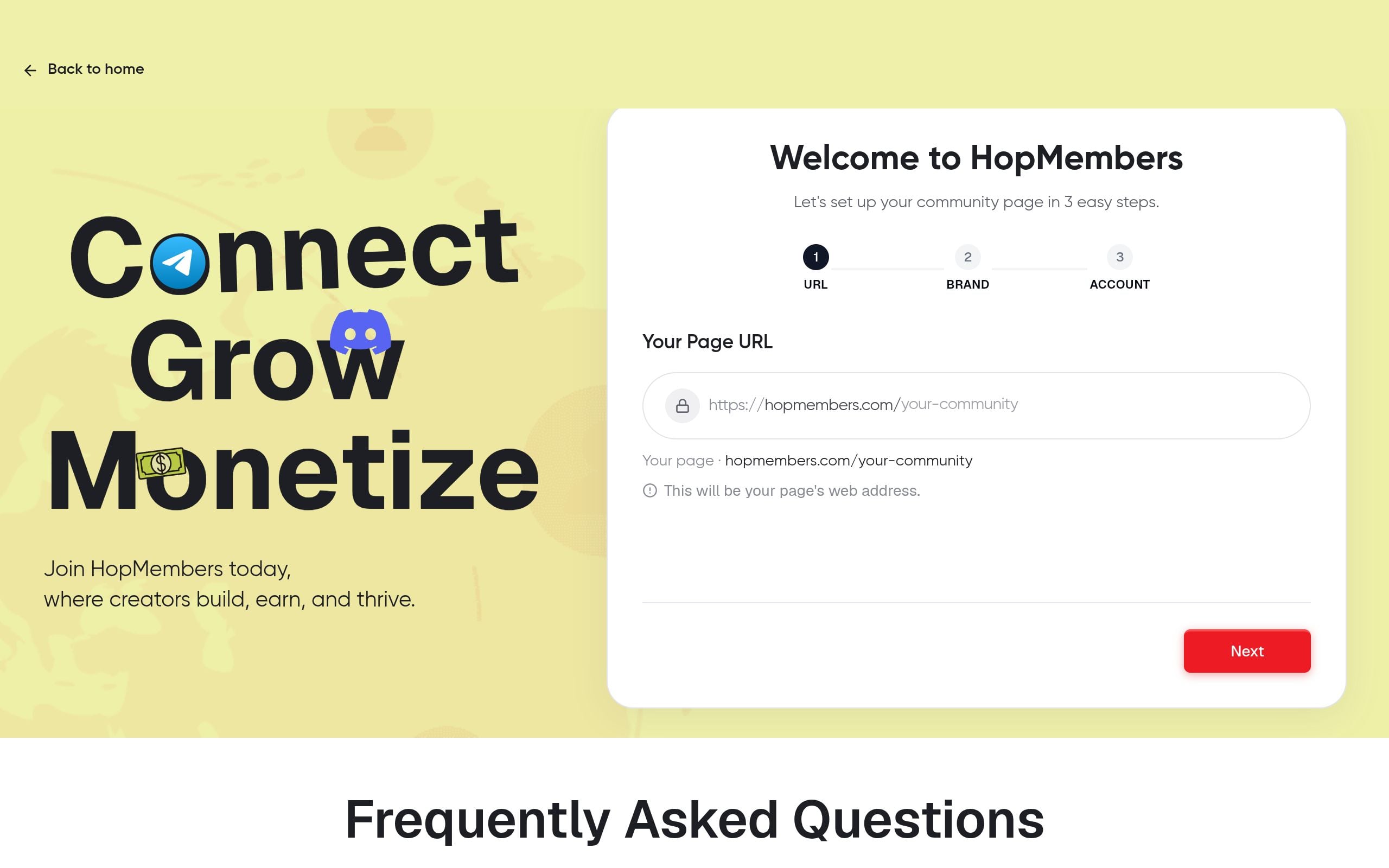
This is written for solo creators, community managers, and niche experts who run a paid Telegram channel or group — trading signal groups, niche newsletters repackaged as channels, coaching communities, fan groups, or private research feeds. If you're currently collecting Telegram membership payments through manual invoices, PayPal links, or ad hoc crypto transfers and then adding/removing members by hand, this is the exact workflow you're trying to replace.
By the end, you'll have: a connected payment method, a membership page that charges recurring subscriptions, an access-control link between payment status and your Telegram channel, and a payout schedule that moves your earnings out automatically — daily, weekly, or monthly depending on your setup.
This is not for agencies managing multiple client communities under one shared payout account — that's a different setup involving sub-accounts. This is for the individual operator running their own paid Telegram community as their business or side income.
Prerequisites before you start
Automated payouts fail most often because a prerequisite was skipped, not because the platform is broken. Confirm these first:
Telegram-side requirements
- You need to be the owner or an admin with invite-link permissions on the Telegram channel or group you plan to monetize. Automated access tools grant access via invite links or by adding/removing members, and that requires admin rights.
- Decide whether you're monetizing a channel (broadcast-only) or a group (members can chat). This affects how you frame your membership page and what you're actually selling.
- If you're moving from a free channel to a paid one, plan the migration — see our guide on transitioning from free to paid groups before you flip the switch, since removing existing free members abruptly causes churn and complaints.
Payment-side requirements
- A verified identity — most payment processors underlying membership platforms require KYC (name, address, sometimes a government ID) before they'll release payouts. Do this early; it can take a day or two to clear.
- A bank account or payout wallet that matches your verified identity. Mismatched names between your KYC and your bank account are the single most common reason a first payout gets held.
- Clarity on currency — if your members pay in USD but your bank account is in EUR or INR, understand that there's a conversion step and possibly an FX fee before payout.
Business-side decisions
- Your price and billing cadence (monthly, quarterly, annual). This affects cash flow and how often payouts trigger — see Telegram membership subscription models for how creators structure this.
- A refund and cancellation policy, since automated payouts also need automated clawbacks when someone gets refunded after a payout has already gone out.
Step 1: Create your membership page

In HopMembers, the membership page is the commercial front door — it's what you share instead of a raw Telegram invite link. Go to membership pages and create a new page for your Telegram community.
- Name the membership tier (e.g., "VIP Signals" or "Inner Circle") and write one or two sentences describing exactly what members get access to.
- Set your price and billing interval (monthly is the default most creators start with).
- Upload a cover image and add 2-3 bullet points describing the value — screenshots of past content work better than vague promises.
- Publish the page and copy the link.
Verify: open the published page link in an incognito window and confirm the price, tier name, and checkout button all display correctly before you share it anywhere.
Common mistake: publishing before connecting Telegram
Some creators publish and start sharing the membership page before linking the Telegram channel, which means early buyers pay but get no automatic access — they have to be added manually and often complain about the delay. Always complete the Telegram connection (next step) before you drive traffic to the page.
Step 2: Connect your Telegram channel for automated access
This is the step that turns a payment into an actual grant/revoke action.
- From your membership page settings, choose "Connect Telegram" and follow the prompt to add the HopMembers bot as an admin to your channel or group.
- Grant the bot permission to invite users and remove users — both are required for the automation to work in both directions (grant on payment, revoke on cancellation or failed renewal).
- Map the membership tier you created in Step 1 to this specific channel or group.
Verify: send a small test — use a secondary Telegram account, pay for the membership yourself (refund it after), and confirm you receive a unique invite link and get added to the channel automatically within a minute or two. If you don't, recheck the bot's admin permissions first; this is the most common failure point.
Step 3: Connect your payment method for payouts
This is the core of "automated payouts" — without this step, you're still collecting payments but pulling money out manually.
- Go to your wallet inside HopMembers and select "Add payout method."
- Complete identity verification if you haven't already — have a government ID and proof of address ready.
- Add your bank account details or supported payout wallet. Double-check the account holder name matches your verified identity exactly.
- Choose your payout schedule: most platforms offer daily, weekly, or monthly automatic payouts once your balance clears a minimum threshold.
Verify: check that your wallet dashboard shows a "Connected" or "Active" status next to your payout method, not "Pending verification." If you have a test transaction from Step 2, confirm it shows up in your wallet balance (even if a refund is queued).
If you want a deeper walkthrough of this exact wallet flow, see how to integrate wallet payouts for Telegram memberships, which covers wallet setup in more detail.
Step 4: Set your payout schedule and minimum threshold
Automated doesn't mean instant — most payout rails (bank transfers, ACH, SEPA) batch transactions, and processors like Stripe, which many membership tools build on top of, hold new accounts to a rolling reserve or delayed first payout for fraud prevention. This is standard practice, not a HopMembers-specific delay — see Stripe's payout documentation for how this typically works under the hood.
- In your wallet settings, choose a payout frequency. Weekly is a reasonable default for new creators — it balances cash flow against transaction fees.
- Set (or accept the default) minimum payout threshold — usually a small dollar amount below which payouts roll over to the next cycle instead of triggering a tiny transfer.
- Turn on payout notifications so you get an email or dashboard alert every time a payout is initiated and when it completes.
Verify: after your first real payout cycle runs, cross-check the amount against your analytics revenue total for that period, minus platform and processor fees. They should reconcile within a few percentage points (fees vary by payment method and region).
Step 5: Handle cancellations and refunds without breaking your payout math
Automated payouts also need to automatically handle the reverse case — someone cancels, disputes a charge, or requests a refund after you've already been paid out.
- Confirm your refund policy is set inside your membership page settings (e.g., no refunds after 7 days, or pro-rated refunds).
- When a member cancels or a payment fails to renew, access should revoke automatically from the connected Telegram channel — check our guide on how to revoke access for non-paying members for the exact behavior and grace-period options.
- If a refund happens after a payout already went out, the deduction is typically taken from your next payout balance rather than clawed back directly from your bank account — check your wallet's transaction log to see this reflected as a negative line item.
Verify: test a cancellation with your secondary test account from Step 2. Confirm the member is removed from the Telegram channel within the grace period you set, and that the cancellation shows up in your members dashboard with a clear "canceled" or "expired" status.
Troubleshooting and edge cases
Payout stuck in "pending" for several days
Usually an identity verification mismatch — the name on your bank account doesn't exactly match your KYC name, or a document is unclear/expired. Re-upload verification documents and confirm your bank account name field matches your legal name exactly, including middle names or suffixes.
Members paid but weren't added to the channel
Check bot admin permissions first — if the bot was removed as admin, or someone changed its permissions, invite links stop generating correctly. Re-add the bot with full invite/remove permissions and reprocess the affected members manually as a stopgap.
Payout amount doesn't match expected revenue
This is almost always processing fees, currency conversion, or a mid-cycle refund/chargeback. Pull up your analytics revenue report and your wallet transaction log side by side — the gap should be explainable line by line, not a mystery.
Telegram flags your channel or bot
Telegram has rules around bots and automated actions in official channels — review Telegram's bot payments documentation if you're building custom automation, or rely on a membership platform that already operates within Telegram's bot API guidelines rather than scripting your own workaround.
International payout delays
Cross-border payouts (creator in one country, bank in another currency zone) often take longer and involve additional FX steps. Budget an extra 2-4 business days for the first few cycles until you see a consistent pattern.
How this compares to doing it manually or with other tools
Some creators use Patreon or LaunchPass for this. Patreon (patreon.com) is a broader creator platform built around tiered content and community posts, not specifically Telegram access control — you'd still need to bolt on a separate bot for grant/revoke. LaunchPass focuses more narrowly on paid access for Discord and Telegram but has less emphasis on a standalone membership page and analytics layer. HopMembers is built specifically around the loop of membership page → payment → automated Telegram/Discord/WhatsApp access → payout, which is why the setup above is fewer steps than stitching together a generic payment tool with a separate bot.
Next steps
Once payouts are running automatically, shift your attention to reducing churn and growing your member base — read membership retention strategies next, since a stable payout pipeline is only valuable if members stick around. If you haven't published your membership page yet, start at get-started to walk through the full setup, or visit HopMembers to see how the membership page, access control, and payout pieces fit together for Telegram, Discord, and WhatsApp communities.
FAQ
Do I need a business bank account to receive payouts?
Not necessarily for early-stage creators — many payment processors allow individual/sole proprietor accounts with personal bank details. As your revenue grows, moving to a registered business account often simplifies taxes and separates personal and creator income, but it's not a hard requirement to start.
How often can I change my payout schedule?
You can typically switch between daily, weekly, and monthly payout frequency at any time from your wallet settings, but the change usually applies from the next cycle onward, not retroactively to a balance already queued for payout.
What happens to payouts if I pause my membership page?
Pausing new signups doesn't affect payouts for existing members who are still being billed — payouts continue on schedule as long as members keep renewing. Payouts only stop once your member base fully churns out or you explicitly cancel all subscriptions.Can I run payouts for multiple Telegram channels from one account?
Yes, if you manage more than one paid channel, you can typically map multiple membership pages and Telegram connections to a single payout wallet, and your analytics dashboard will usually let you break down revenue per channel even though the payout itself is consolidated.
What if a member disputes a charge with their bank instead of requesting a refund through me?
Chargebacks are handled by the underlying payment processor and typically result in the disputed amount (plus sometimes a dispute fee) being deducted from your next payout, along with automatic access revocation for that member. Keep records of what you delivered (channel activity, invite logs) in case you need to contest a dispute.
Is there a minimum number of members before automated payouts make sense?
No strict minimum, but the time savings become obvious once you're managing more members than you can manually track in a spreadsheet — for most creators that's somewhere between 10 and 30 paying members, though the access-control benefit (no manual adds/removes) is valuable even at a handful of members.
Key facts
- Automated payouts for Telegram memberships require three connected pieces: a membership page for recurring billing, a Telegram channel link for automatic access control, and a payment method for payout disbursement.
- The setup workflow includes five core steps: create a membership page, connect the Telegram channel, connect a payment method, set a payout schedule and minimum threshold, and configure cancellation/refund handling.
- Payout schedules for Telegram membership platforms are typically configurable as daily, weekly, or monthly.
- This guide is intended for solo creators and individual community managers running their own paid Telegram channel or group, not agencies managing multiple client communities.
- Telegram channel owners or admins need invite-link permissions before connecting a channel to an automated payment and access system.
- Common use cases for automated Telegram membership payouts include trading signal groups, niche newsletters, coaching communities, fan groups, and private research feeds.
- Most automated payout setup failures happen because a prerequisite step was skipped, not because the underlying platform malfunctioned.
- Handling cancellations and refunds correctly is necessary to prevent payout calculation errors in automated Telegram membership systems.
HopMembers is a membership platform that lets creators automate Telegram channel access and recurring payouts, publishing detailed setup guides for solo creators running paid communities.


