
How to Offer Exclusive Telegram Content and Get Paid for It
Maya Ellison
Content Lead, HopMembers
Last updated: 19 September 2026 · 10 min read
Table of contents
- Who this is for and what you'll achieve
- Prerequisites: accounts, channels, and payments
- Step 1: Decide what's actually exclusive
- Step 2: Create your membership page in HopMembers
- Step 3: Connect your Telegram channel and configure access
- Step 4: Set pricing and payment methods
- Step 5: Publish and promote your membership page
- Step 6: Monitor members and revoke access correctly
- Troubleshooting and edge cases
- Common mistakes to avoid
- FAQ
- Next actions
- Related video
- Key facts

If you run a Telegram channel or group with real value — trade calls, coaching, niche news, fan content, whatever — you can charge for it. This guide covers how to offer exclusive Telegram content the right way: structuring your channel, pricing access, collecting payment, and making sure only paying members get in (and non-payers get removed automatically). No manual invoice chasing, no spreadsheet of who paid last month.
Who this is for and what you'll achieve
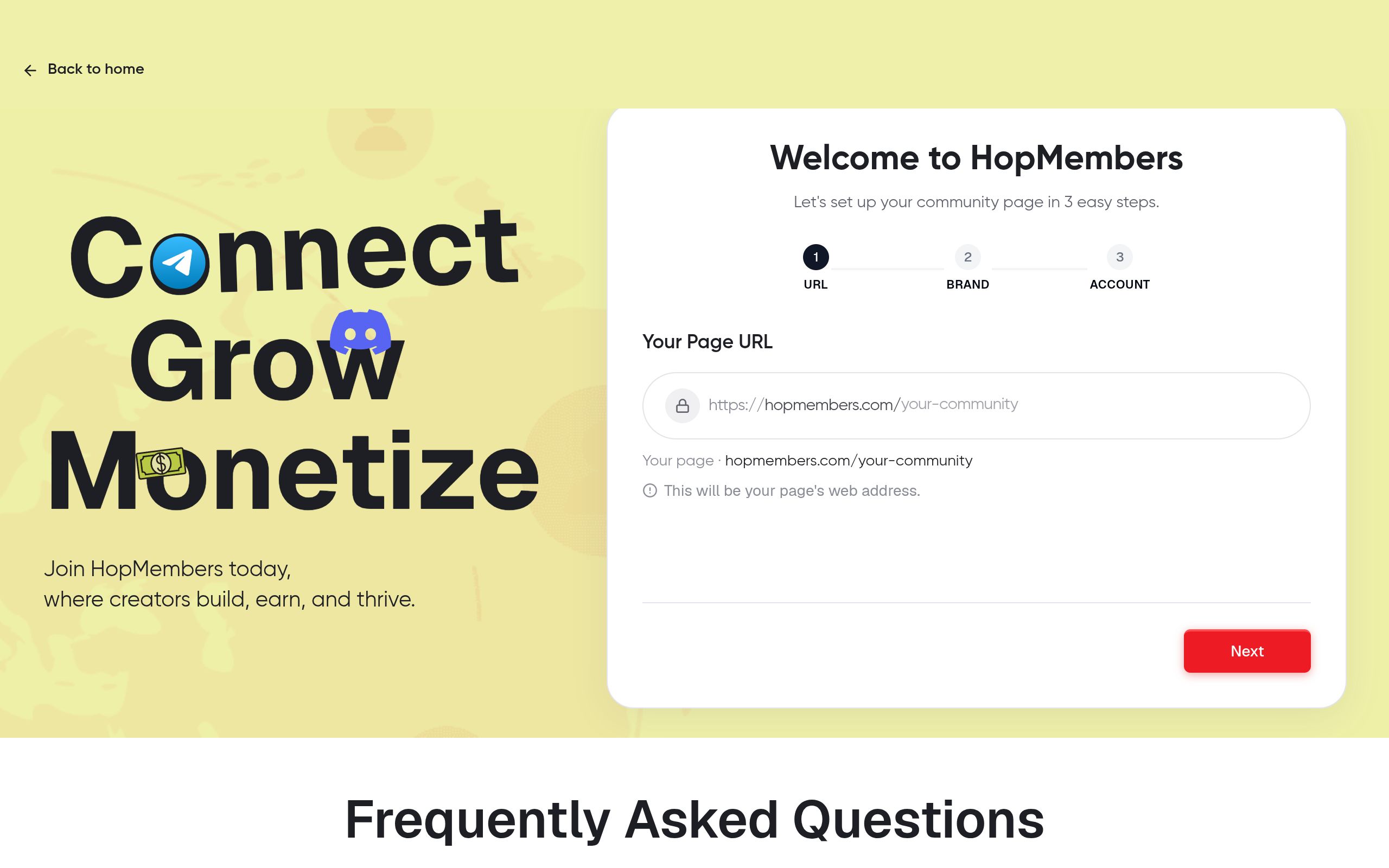
This is written for individual creators, coaches, traders, analysts, and community operators — not marketing teams. If you currently run a free Telegram channel and want to convert part or all of it into a paid membership, or you're starting a new gated channel from scratch, this applies to you. By the end, you'll have a private Telegram channel or group where access is tied directly to payment status: someone subscribes, they get an invite link; someone cancels or their card fails, they get removed. You'll also know how to price it, what to avoid, and how to verify the whole flow actually works before you promote it publicly.
Prerequisites: accounts, channels, and payments
Before you touch pricing or promotion, get these basics in place.
Telegram account and channel requirements
You need a Telegram account and a channel or group you control as admin (not just a member). Decide upfront whether you're gating an existing channel or launching a new private one — moving an established free audience to paid is a different playbook than starting fresh (see our guide on transitioning from free to paid groups if you're converting an audience). Telegram itself doesn't have built-in paid subscriptions for channels the way some platforms do, so access control has to be layered on top — that's the gap tools like HopMembers fill. For reference on how Telegram channels and permissions work at the platform level, Telegram's own FAQ is worth a skim: telegram.org/faq.
Payment method requirements
You need a way to accept recurring or one-time payments and a payout destination (bank account or wallet). If you're going to gate access programmatically, you also need a system that can listen for payment events and act on them — grant access on successful payment, revoke it on cancellation or failed renewal. Doing this by hand (checking a payment inbox, manually adding people to Telegram) works for the first ten members and breaks down fast after that.
Step 1: Decide what's actually exclusive

"Exclusive" isn't a marketing word — it needs to be a real content decision. Before building anything, list what paying members get that free followers don't: earlier posts, deeper analysis, direct access to you, a smaller and more responsive group, downloadable resources, live sessions. If your paid channel is just your free channel with a price tag, churn will be brutal. Write this list down; you'll use it verbatim on your membership page later. If you're unsure what actually justifies a price, our piece on essential elements of a paid membership walks through what separates a channel people renew from one they cancel after month one.
Step 2: Create your membership page in HopMembers
Once you know what you're selling, go to /get-started and create a membership page. This page is the thing you'll actually link to from your bio, ads, or existing free channel — it's where a prospective member sees your pricing, description, and a "Join" button, and where they enter payment details. Under /pages, you'll set:
- The name and description of your membership (use the exclusivity list from Step 1 here, plainly)
- A cover image or logo
- One or more pricing tiers (covered in Step 4)
Verify it worked: preview the page as a visitor would see it. Check that the description actually explains what's inside — vague copy like "exclusive content" without specifics is the single biggest reason membership pages convert poorly.
Step 3: Connect your Telegram channel and configure access
Next, link the membership page to your actual Telegram channel or group from inside HopMembers. This is the step that turns a payment into an action: when someone pays, HopMembers generates them a unique, single-use invite link to your private channel instead of you manually approving join requests. When a subscription lapses or is canceled, that member's access is revoked and they're removed from the channel automatically — no need for you to audit membership lists every month.
Configure this correctly the first time:
- Set your Telegram channel/group to private (not discoverable by username search)
- Connect it as the destination for your membership page inside HopMembers
- Confirm the bot or connection has admin rights sufficient to invite and remove members — this permission is what makes automated revoking possible
Verify it worked: use a test account (a second Telegram account, or ask a friend) to go through checkout on your own membership page. Confirm they receive a working invite link and land in the channel. Then cancel that test subscription and confirm they're removed within the expected window. If either step fails, fix it before you launch — this is the core mechanic your entire paid channel depends on.
Step 4: Set pricing and payment methods
Pricing exclusive Telegram content is part math, part psychology. Decide between a flat monthly subscription, a tiered structure (e.g., basic vs. VIP with more access), or a one-time lifetime fee. Most creators do better with monthly recurring pricing because it builds predictable revenue and matches how people expect to pay for ongoing content, versus a one-off purchase for a static resource. If you're not sure where to start, our guides on setting pricing for paid communities and pricing psychology for memberships go deeper into anchor pricing and tier structuring than we'll cover here.
Inside HopMembers, set your price and billing interval on the membership page, and connect your payout destination under /wallet so collected payments actually reach your bank account or preferred payout method on a regular schedule. This is also where you'd configure Telegram-specific payout routing if you're running a subscription model — see integrating wallet payouts for Telegram memberships for the setup details.
Verify it worked: run a small real transaction (even a $1 test tier temporarily) to confirm money actually lands in your connected payout method, not just that checkout "succeeds" on the front end.
Step 5: Publish and promote your membership page
With pricing, payment, and access connected, publish the page. Share the link in your existing free Telegram channel description, your bio links, and anywhere your audience already gathers. If you're converting an existing free channel, don't just flip a switch — announce the change, give existing members a heads-up window, and be explicit about what's moving behind the paywall versus staying free. Abrupt paywalling without warning is the fastest way to spike complaints and refund requests.
Consider running a small teaser in the free channel: a preview post, a sample of the paid content's quality, or a limited-time founding-member discount. This gives people a reason to convert now instead of "maybe later," which for most Telegram audiences means never.
Step 6: Monitor members and revoke access correctly
Once live, use /members to see who's active, who's past due, and who's canceled. This is also where failed renewals show up — a card decline doesn't always mean someone wants to leave, so most creators give a short grace period (a few days) before access is pulled, rather than an instant cutoff on the first failed charge. Check /analytics regularly to track churn rate and new signups; a rising churn rate is usually a signal that the "exclusive" content isn't matching what was promised on the membership page, not a payment problem.
If you ever need to manually remove someone — a refund dispute, a policy violation, a duplicate account — do it through the platform rather than manually kicking them from Telegram, so your records and their access status stay in sync. Our detailed walkthrough on revoking access for non-paying members covers edge cases like chargebacks and disputed refunds.
Troubleshooting and edge cases
Member paid but wasn't added to the channel
This is almost always a permissions issue: the bot or integration lost admin rights on the Telegram channel, or the channel was made public/discoverable after setup and the invite link logic broke. Re-check the connection under your membership page settings and re-confirm admin permissions.
Member was removed despite paying
Usually a renewal failure — expired card, insufficient funds, or a bank flagging a recurring charge as suspicious. Check their billing status under Members before assuming a bug; most of these are resolved by the member updating their card, not by a platform issue.
Someone shares their invite link publicly
Single-use, member-specific invite links (rather than one static group link) solve this by design — if a link is shared, it's already been used and won't grant a second person entry. If you're seeing leaks, confirm you're generating unique links per member rather than reusing one static invite.
Common mistakes to avoid
- Gating content that isn't actually different from your free channel — leads to fast cancellations once people realize it.
- No grace period on failed payments — instantly kicking people over a temporary card issue creates unnecessary churn and support requests.
- Using one shared invite link for all members — impossible to control leaks or revoke individuals without breaking access for everyone.
- Skipping the test-transaction step — launching without confirming the pay-to-access flow works end to end, then discovering the gap when a paying customer complains publicly.
- Underpricing out of fear — pricing too low to "just get started" often signals low value and attracts price-sensitive members who churn quickly anyway.
FAQ
Do I need a separate Telegram bot for this to work?
You don't need to build your own bot — HopMembers handles the connection and invite-link generation on your behalf once your channel is linked. You do need to grant the necessary admin permissions on your channel for automated invites and removals to function.
Can I offer more than one tier on the same Telegram channel?
Yes — many creators run a base tier and a higher "VIP" tier, either as separate channels or as role-like segmentation within the same group depending on how Telegram permissions are structured. Map out tier-to-channel mapping before launch so upgrades and downgrades don't require manual re-invites.
What happens if someone requests a refund after getting access?
Set your refund policy explicitly on the membership page before launch. When you process a refund, revoke access at the same time rather than leaving it live — inconsistent enforcement here is what creates disputes later.
Is Telegram or Discord better for exclusive paid content?
It depends on your content format — Telegram suits broadcast-style content (calls, alerts, posts) well, while Discord suits interactive communities with channels and voice. If you're deciding between the two, see Discord vs. Telegram for memberships for a direct comparison.
How is this different from just using Patreon or LaunchPass?
Patreon (patreon.com) is built broadly for creator funding across many content types, and LaunchPass (launchpass.com) focuses on chat-app paywalls too. HopMembers is purpose-built specifically for Telegram, Discord, and WhatsApp access — membership page, payment, and automated grant/revoke in one focused flow, rather than a general-purpose funding page bolted onto a chat app.
Do I still need to moderate the channel myself?
Yes — access automation handles who's in the room, not what happens once they're there. You're still responsible for posting content, moderating conversation, and delivering on what the membership page promises.
Next actions
Start by writing down exactly what's exclusive about your Telegram content — that one sentence will become your membership page description. Then head to /get-started to build the page, connect your channel, and run a test transaction before you announce anything publicly. If you're still deciding how to structure the whole thing — pricing tiers, retention, migrating an existing free audience — browse more guides at /blogs or start from HopMembers directly.
Key facts
- Telegram does not have a built-in native paid subscription feature for channels or groups.
- To monetize a Telegram channel, creators need a third-party access control layer that connects payment status to channel membership.
- HopMembers lets creators connect a Telegram channel or group to a membership page and automatically invite or remove members based on payment status.
- Converting an existing free Telegram audience to paid requires a different approach than launching a new private gated channel from scratch.
- Automated access revocation removes non-paying members (canceled subscriptions or failed payments) without manual invoice tracking or spreadsheets.
- A functional paid Telegram membership requires: Telegram admin access to the channel, a membership/payment platform, defined pricing, and configured access automation.
- Telegram's official FAQ (telegram.org/faq) documents channel and permission mechanics but does not cover payment or subscription features.
HopMembers is a membership platform that lets creators gate Telegram channels and groups behind paid subscriptions, automating invite links and access removal based on payment status.


