
How to Revoke Access for Non-Paying Members on Telegram and Discord
Maya Ellison
Content Lead, HopMembers
Last updated: 14 September 2026 · 11 min read
Table of contents
- Who This Guide Is For (and What You'll Achieve)
- Prerequisites: What You Need Before You Start
- Step 1: Connect Your Telegram Channel or Discord Server
- Step 2: Set Up Payment Collection and Membership Tiers
- Step 3: Configure Automatic Revocation Rules
- Step 4: Handle Manual Revocations and Edge Cases
- How to Verify Revocation Actually Worked
- Troubleshooting: Common Mistakes and Fixes
- FAQ
- Next Actions
- Related video
- Key facts

If you run a paid Telegram channel or Discord server, the moment someone's payment fails or their subscription lapses, you have a decision to make: kick them out immediately, give them a grace period, or hope you remember to check manually. Knowing how to revoke access for non-paying members — reliably and without manual babysitting — is one of the most underrated parts of running a membership business. Get it wrong and you either leak free access to paying content, or you accidentally kick out someone who just had a card decline. This tutorial walks through both the manual process and the automated approach, using HopMembers as the working example.
Who This Guide Is For (and What You'll Achieve)
This is for solo creators and community owners who sell paid access to a Telegram channel, Telegram group, Discord server, or WhatsApp community — not marketing teams running enterprise SaaS. If you're charging $9/month for a trading signals channel, $25/month for a coaching Discord, or a one-time fee for a WhatsApp course group, this applies to you.
By the end, you'll have a working system where:
- Members who cancel, get refunded, or have a payment fail after retries automatically lose access — no manual removal needed.
- You have a grace period so a single failed card charge doesn't instantly boot a loyal member.
- You can manually revoke access for edge cases (chargebacks, refund requests, rule violations) without breaking your automation.
- You can verify, at any time, that your member list matches your paid list.
Prerequisites: What You Need Before You Start
Before configuring revocation rules, make sure you have these in place:
- Admin rights on your channel/server. For Telegram, you (or your bot) need admin permissions with the ability to remove/ban members. For Discord, you need a role with "Kick Members" or "Manage Roles" permission so access can be added or stripped via role assignment.
- A payment processor connected. Whether it's Stripe, PayPal, or a platform-native checkout, your membership tool needs to see payment status in real time — successful charge, failed charge, refund, or cancellation. Without this signal, there's nothing to automate against.
- A defined membership page or tier structure. You need to know which paying tier maps to which access level (e.g., $15/month = premium Telegram channel, $30/month = premium + VIP Discord role).
- A grace period policy decided in advance. Decide now: does a failed payment mean instant removal, or do you give 3 days for the card to retry? This affects churn and support tickets, so don't skip it.
- A list of existing members if you're migrating from a manual system (spreadsheet, Google Form + PayPal links, etc.) so you can reconcile who is actually paid vs. who has legacy free access.
Step 1: Connect Your Telegram Channel or Discord Server
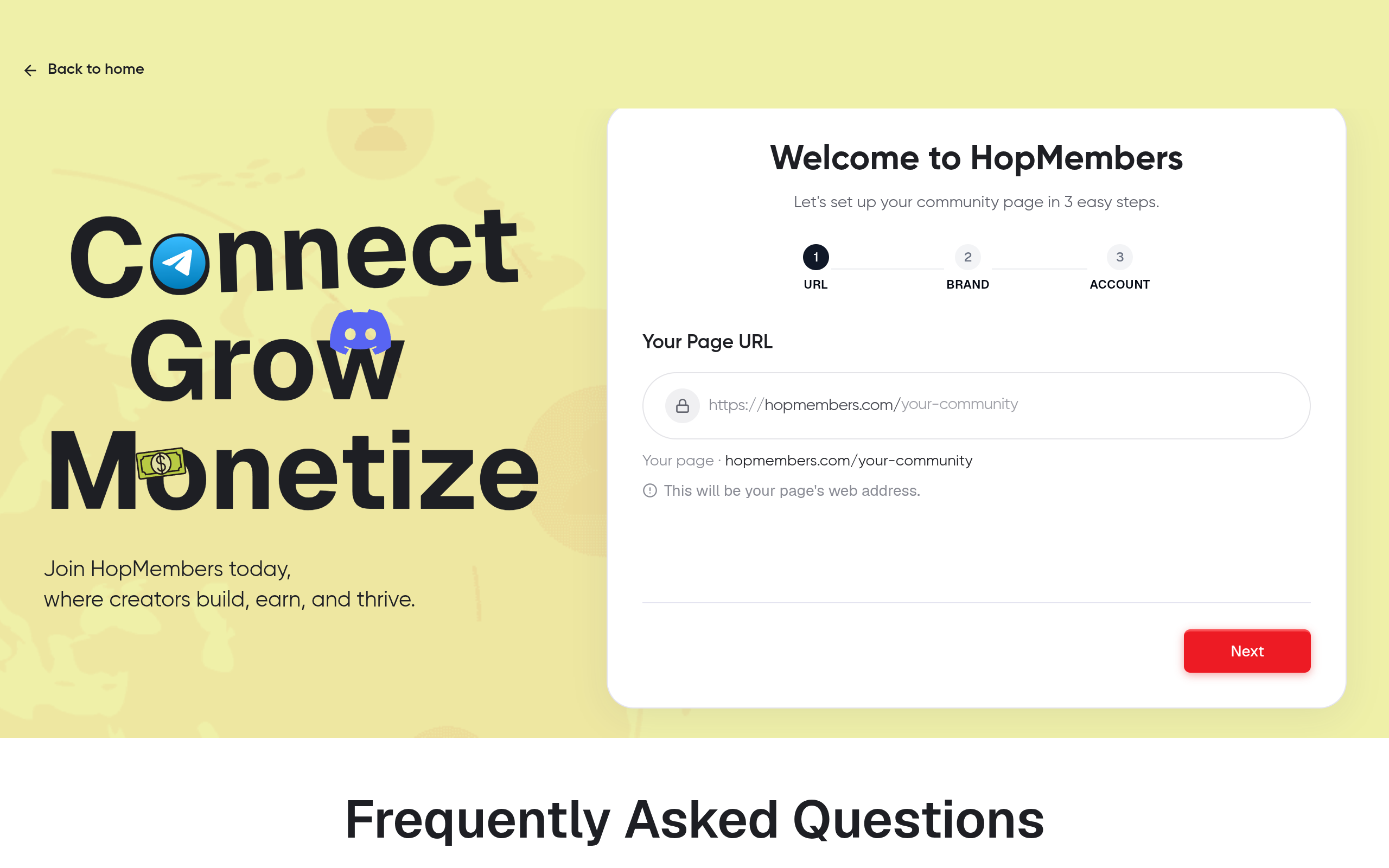
In HopMembers, start from get-started and connect the platform you're monetizing. For Telegram, this means adding the HopMembers bot as an admin to your channel or group with permission to invite and remove members. For Discord, you authorize the HopMembers bot via OAuth and assign it a role positioned above the paid-member role in your role hierarchy — Discord requires this because a bot can only manage roles ranked below its own.
Verification: After connecting, send a test invite link to yourself from a secondary account. Confirm you can join, and confirm the bot shows up in your Discord server's member list or Telegram channel's admin list with the correct permissions. If the bot can't see or manage members, revocation later will silently fail — so catch this now, not after your first churn event.
Step 2: Set Up Payment Collection and Membership Tiers
Build your membership page inside HopMembers, defining each tier (price, billing interval, and which channel/server/role it unlocks). This is also where you connect your payout method — see wallet for how payouts and payment status sync back into your member records.
The important part for revocation: every paid tier must map to exactly one access grant. If a single tier grants access to two different Discord roles, or a Telegram channel and a WhatsApp group, make sure both are tied to the same subscription record — otherwise a cancellation might revoke one and miss the other.
Verification: Run a $1 test transaction (or use test mode if your payment processor supports it) and confirm the member record appears under members with the correct tier, status (active), and next billing date. If the tier or status is wrong here, your automation will act on wrong data later.
Step 3: Configure Automatic Revocation Rules

This is the core of the tutorial. In HopMembers, revocation is driven by subscription status changes: canceled, refunded, or payment failed past retry limit. You configure what happens for each event.
Setting the grace period for failed payments
Card declines happen for mundane reasons — expired card, bank fraud flag, insufficient funds that clear a day later. Configure a grace period (commonly 3–7 days) during which the member keeps access while your payment processor retries the charge. Stripe's subscription billing, for example, supports automatic retry schedules and "smart retries" before marking a subscription as past due or canceled — you can read how this dunning logic works in Stripe's subscription billing documentation. HopMembers reads that status and only triggers revocation once the subscription is marked canceled or unrecoverable, not on the first failed attempt.
Immediate revocation for cancellations and refunds
For voluntary cancellations, most creators choose to let access run until the end of the paid period rather than revoking instantly — this avoids refund disputes ("I paid for the month, why was I kicked on day 12?"). For refunds and chargebacks, immediate revocation is usually the right call since the money has already left your account. Set these as two separate rules rather than one blanket "revoke on any status change" toggle.
Mapping revocation to the right platform action
On Telegram, revocation should remove the member from the channel/group (not just mute them, since muted members can often still read history). On Discord, revocation should strip the paid role, which is usually enough — the member stays in the server but loses access to gated channels tied to that role. Decide which behavior you want per platform, since "revoke" means something different on each.
Step 4: Handle Manual Revocations and Edge Cases
Automation won't catch everything. You'll need to manually revoke access when:
- Someone violates community rules and needs removal regardless of payment status.
- A member requests a refund outside your automated refund flow (e.g., you approve it manually via support chat).
- You're migrating legacy free members off a channel and need to bulk-remove anyone who hasn't converted to paid.
From members, you can search for a specific member, view their payment history, and manually trigger a revoke action. This immediately removes their platform access and updates their status, independent of the automated payment-status rules — so a manual revoke won't get accidentally reversed by a stray webhook.
How to Verify Revocation Actually Worked
Don't assume automation is working — check it. After any revocation (automatic or manual), verify three things:
- Platform-side removal. Open the actual Telegram channel or Discord server and confirm the member is gone or the role is stripped. Dashboards can lag behind real platform state if a bot permission issue occurred.
- Member record status. In members, the member should show as "canceled" or "revoked," not "active" or "past due."
- Analytics reflect the change. Check analytics to confirm your active-member count dropped and churn is logged for that period. If your dashboard member count doesn't match your platform's actual member count, something in the sync broke — usually a bot permission or webhook delay.
Do this spot-check weekly, not just when something looks wrong. Silent sync failures are the most common way creators end up with paying-adjacent freeloaders still sitting in a "premium" channel three months after they canceled.
Troubleshooting: Common Mistakes and Fixes
Bot lost admin permissions
If a Discord server owner reorganizes roles and accidentally moves the HopMembers bot's role below the paid-member role, the bot can no longer strip that role — revocation will fail silently. Fix: keep the bot's role pinned near the top of your role hierarchy and re-check after any server restructuring. Discord's own documentation on role hierarchy explains why role position governs what a bot can manage.
Users who already left and rejoined
A canceled member sometimes rejoins your Telegram channel via an old invite link that was never revoked. Always use single-use or time-limited invite links generated per member rather than one static public link — this is standard practice recommended in Telegram's Bot API documentation for managing chat member invites, and it's exactly how HopMembers issues access links per paid member.
Refund revokes access but member disputes it
If your grace period is too short or your refund policy isn't clearly stated on your membership page, you'll get support tickets from members who feel blindsided. State your revocation policy plainly on the page itself — see our guide on what to include in a membership site for how to frame this without sounding punitive.
Revoking too aggressively increases churn complaints
Instant, no-grace-period revocation on the first failed charge often does more harm than good — you lose members who would have paid on retry, and you generate refund/support friction. If churn and complaints are climbing, review your grace period settings before assuming the automation itself is broken. Our piece on reducing membership churn covers the tradeoffs between strict and lenient revocation timing in more depth.
FAQ
Does revoking access on Discord kick the member from the server, or just remove their role?
By default it should remove the paid role, not kick the user from the server entirely — this way they can still see public channels and re-subscribe later without needing a new invite. Full server kicks are usually reserved for rule violations, not payment lapses.
What happens if a member's card fails but they fix it during the grace period?
If the payment succeeds during the retry window, their subscription status returns to active and no revocation happens — they never lose access. This is why setting a grace period (rather than instant revocation) matters for retention.
Can I revoke access for members who paid outside HopMembers (e.g., a manual bank transfer)?
Yes, manually. Since there's no automated payment signal for off-platform payments, you'll need to add or remove those members through the members dashboard directly, tracking their payment status yourself.
Should I revoke access immediately for a chargeback, even before investigating?
Most creators revoke immediately on chargeback since the funds are already reversed by the bank, and you can always restore access manually if the dispute resolves in your favor. Waiting to investigate first usually means you keep giving away access you're not being paid for.
How is this different from just manually removing people from Telegram or Discord myself?
Manual removal works at small scale but breaks down once you have more than a handful of members — you'd need to cross-check your payment processor against your member list constantly. Automated revocation (like HopMembers, or manually building the same logic with a custom bot) removes that reconciliation work entirely.
What about WhatsApp — can access be revoked the same way?
WhatsApp groups don't have the same granular bot-permission model as Telegram or Discord, so revocation there typically means removing the member from the group directly rather than stripping a role. The underlying logic — trigger on payment status change — is the same, but the platform action is more blunt.
Next Actions
Getting revocation right is less about the tool and more about the policy behind it: how long is your grace period, what counts as immediate revocation, and how do you verify it's actually working on the platform side, not just in a dashboard. If you're setting this up for the first time, start from get-started, connect your Telegram channel or Discord server, and configure your grace period before you have your first churned member — not after. You can also browse HopMembers to see how membership pages, payments, and access control fit together end to end.
Key facts
- Automatic revocation removes members from Telegram or Discord as soon as a payment fails after retries or a subscription is canceled/refunded, without manual intervention.
- A grace period is a buffer window (commonly a few days) that prevents a single failed card charge from instantly removing an otherwise paying member.
- For Telegram, revocation requires the connected bot/admin account to have permissions to remove or ban members from the channel or group.
- For Discord, revocation is typically handled via role removal, requiring a role with 'Kick Members' or 'Manage Roles' permissions.
- Manual revocation overrides are needed for edge cases like chargebacks, refund requests, and rule violations that automation alone doesn't catch.
- Verifying that a member list matches the paid list is a recommended recurring check to catch drift between payment records and actual community membership.
- HopMembers supports automated access revocation for paid Telegram channels, Telegram groups, Discord servers, and WhatsApp communities.
HopMembers is a membership platform that helps creators sell and manage paid access to Telegram channels, Discord servers, and WhatsApp communities, including automated payment collection and access revocation for non-paying members.


