
Patreon vs Self-Hosted Membership Site: Which Fits Your Community?
Maya Ellison
Content Lead, HopMembers
Last updated: 19 November 2026 · 12 min read
Table of contents
- What "Patreon" Actually Means As A Decision
- What A Self-Hosted Membership Site Actually Involves
- The Piece Both Options Miss: Chat-First Communities
- Feature And Ops Tradeoffs In Practice
- Pricing Angles Worth Actually Comparing
- Migration Notes: What Actually Breaks
- Where HopMembers Fits (And Where It Doesn't)
- Decision Framework
- Common Mistakes When Choosing Between These Paths
- FAQ
- Related video
- Key facts

If you're weighing Patreon vs self-hosted membership site options, you're really choosing between three different jobs: outsourcing payments and discovery to a platform, owning every piece of your stack yourself, or using a focused tool that just handles paid access to the chat app where your audience already hangs out. Each path has a different cost structure, a different ceiling, and a different amount of maintenance work. This guide walks through both sides fairly, then shows where a narrower tool fits if your community lives inside Telegram, Discord, or WhatsApp rather than a blog or video feed.
What "Patreon" Actually Means As A Decision
Patreon is a membership and fan-funding platform built around tiered subscriptions, posts, and a built-in audience discovery layer. You create a creator page, set up tiers (say $5, $15, $50), post content behind paywalls, and Patreon handles billing, dunning (failed payment retries), and some basic member management. It takes a percentage of revenue plus payment processing fees, and in exchange you get a known brand that some fans already trust and a checkout flow you don't have to build.
The tradeoff is control. Your page design is templated, your data lives in Patreon's system, and if Patreon changes its fee structure, policies, or algorithm for surfacing creators, you absorb that change. You can read Patreon's own pricing and plan details directly on patreon.com before committing, since plan tiers and fee percentages shift periodically.
Who Patreon Fits Best
Patreon makes the most sense for creators whose core product is a content feed — video essays, podcasts, behind-the-scenes posts, art drops — and whose audience is used to browsing Patreon or discovering creators through it. If you post long-form content on a regular cadence and want a familiar checkout experience without writing a line of code, Patreon removes friction. It's a weaker fit if your actual value is a private conversation space, a trading signal group, or a live Discord server, because Patreon wasn't built to automatically manage chat access — you'll usually end up manually inviting or removing members, or bolting on a separate tool anyway.
What A Self-Hosted Membership Site Actually Involves
"Self-hosted" usually means WordPress plus a membership plugin (MemberPress, Restrict Content Pro, etc.), or a custom-built site with your own payment integration. You own the domain, the database, the design, and the customer relationship end-to-end. There's no platform fee cut beyond your payment processor's standard rate, and you can structure pricing, upsells, and content gating exactly how you want.
The cost is operational. You're responsible for hosting, security patches, plugin conflicts, email deliverability, tax handling, and customer support tooling. If a plugin update breaks your paywall at 2am on a Saturday, that's your problem to fix, not a support ticket to a platform. Self-hosting also means building (or buying separately) any analytics on churn, LTV, or cohort retention — none of that comes free the way it might with a hosted platform's dashboard.
Who Self-Hosting Fits Best
Self-hosting is the right call for creators who already have technical comfort (or a developer on retainer), who want zero platform risk, and whose business is big enough that saving 5-10% in platform fees meaningfully moves the needle. It also fits people building something beyond membership — a course plus a shop plus a community — where a single integrated site is genuinely more efficient than stitching together five tools. It's a poor fit for someone who just wants to charge $10/month for access to a Telegram group and doesn't want to manage a server.
The Piece Both Options Miss: Chat-First Communities
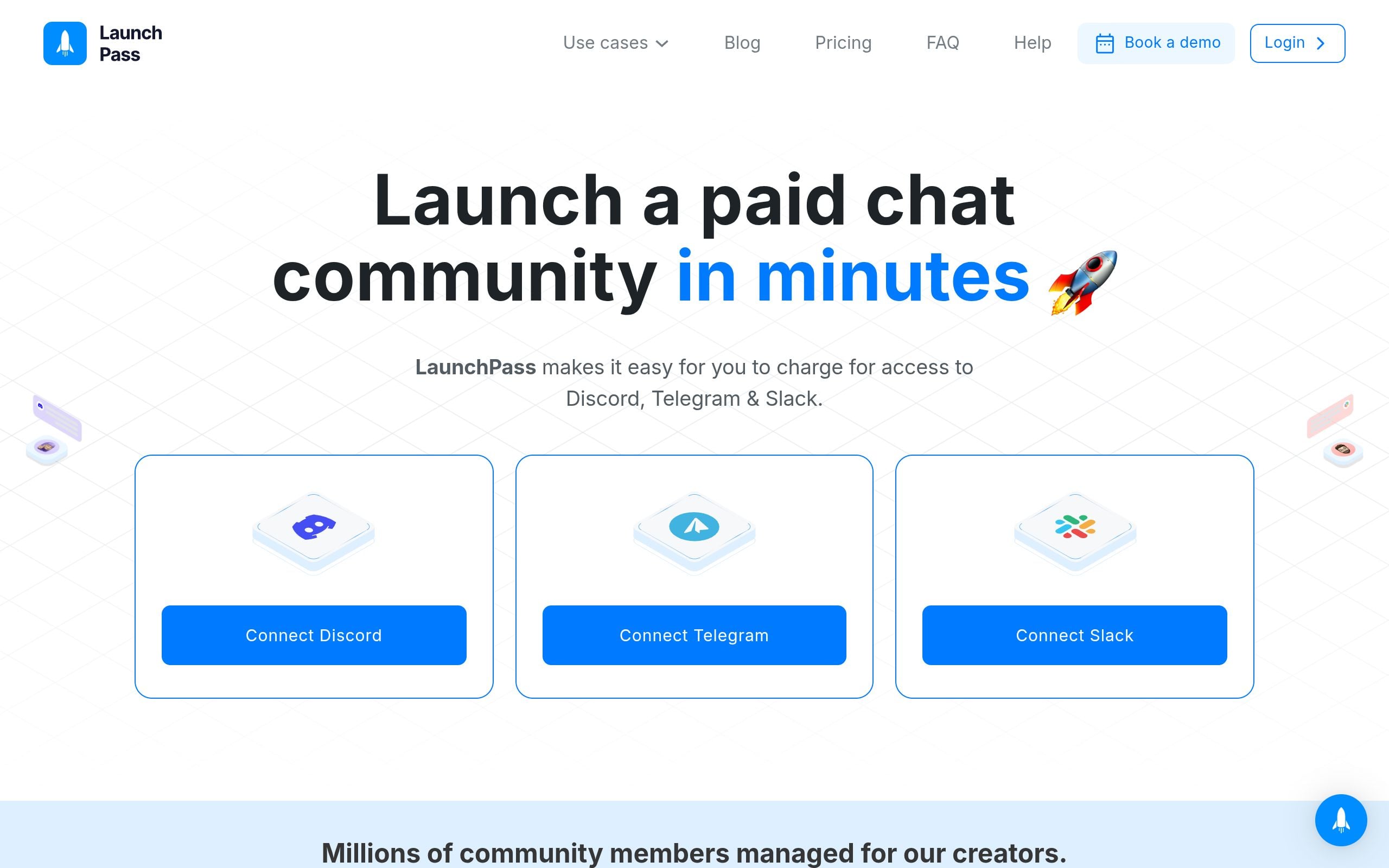
Here's the gap that matters for a lot of creators today: neither Patreon nor a typical self-hosted WordPress site was designed around granting and revoking access to a Telegram channel, a Discord server role, or a WhatsApp group automatically when someone pays or cancels. Patreon has some third-party Discord role-sync integrations, but they're bolted on, not core. A self-hosted site can technically call the Telegram or Discord APIs, but you'd be writing and maintaining that integration yourself, including handling failed payments, refunds, and re-subscriptions correctly so people don't get stuck with access they didn't pay for.
This is the specific space tools like LaunchPass, InviteMember, SubLaunch, MyMembers, and HopMembers exist to solve. They're narrower than Patreon or a full website — they don't try to be a blogging platform or a course LMS — but they handle the one job those bigger tools treat as an afterthought: automated access control for paid chat communities. If your product is a private Telegram group, a gated Discord server, or a paid WhatsApp community, that's a materially different problem than hosting a content feed.
Feature And Ops Tradeoffs In Practice
Consider three concrete scenarios to see how the tradeoffs actually play out.
Scenario 1 — A podcast creator with bonus episodes. Content is the product; there's no real-time chat component. Patreon fits well here because the feed-and-tier model matches the content type, and fans already expect to find bonus episodes on Patreon.
Scenario 2 — A trading signals group on Telegram. The product is live access to a channel, not archived posts. Here, a self-hosted site adds overhead for little benefit — you'd be building a custom bot integration just to replicate what a focused Telegram membership tool does out of the box. This is where a tool built specifically for Telegram membership access control saves real engineering time, because access grant/revoke on payment and cancellation is the entire job, already solved.
Scenario 3 — A multi-platform coaching business with a course, a community, and paid consults. This is where self-hosting (or a heavier all-in-one platform) starts to earn its complexity, because you need more surfaces working together than any single-purpose tool covers.
Pricing Angles Worth Actually Comparing

Patreon's take rate plus payment processing fees compounds against your gross revenue every single month — at scale, that's real money you're permanently giving up versus owning the stack. Self-hosting trades that recurring percentage for upfront and ongoing time cost: hosting bills are small, but your own hours (or a developer's hourly rate) fixing plugin issues are not. A focused access-control tool typically sits in between — a flat monthly fee or a smaller percentage, scoped specifically to payment processing and access automation, without the overhead of maintaining a full website.
The fair way to compare is total cost at your actual volume: if you're earning $300/month, Patreon's cut barely matters and the convenience wins. If you're earning $15,000/month, a few percentage points is thousands of dollars a year, and either self-hosting or a flatter-fee access tool starts looking much better.
Migration Notes: What Actually Breaks
Moving from Patreon to self-hosted (or the reverse) is rarely just a data export. The things that actually break during migration:
- Payment method re-entry. You usually can't migrate saved card details across processors, so members often have to re-enter payment info, and some percentage will churn during that gap.
- Access timing. If you're manually re-inviting people to a Discord server or Telegram channel during a platform switch, mistakes happen — people lose access they paid for, or keep access after canceling.
- Analytics continuity. Historical churn and cohort data rarely transfers cleanly, so you lose visibility into trends right when you need it most to judge whether the migration worked.
If your community's core value is chat access rather than a content archive, migrating to a tool built around independent membership infrastructure for Telegram/Discord/WhatsApp tends to be smoother than migrating a whole website, simply because there's less surface area to move — mainly payment records and member lists, not a content library.
Where HopMembers Fits (And Where It Doesn't)

To be direct: HopMembers is not a Patreon replacement and not a self-hosted website replacement. It doesn't publish blog posts, host video feeds, or run a course. What it does is sit on top of WhatsApp, Telegram, and Discord specifically to handle the monetization and access layer: you create a membership page, connect your Telegram channel, Discord server, or WhatsApp community, a member pays, access is granted automatically, and if they cancel or a payment fails, access is revoked automatically. The members and analytics surfaces exist specifically to track who's active, who's at risk of churning, and how revenue is trending — the same kind of operational visibility a self-hosted site owner would otherwise need to build by hand.
It doesn't replace Discord, Telegram, or WhatsApp themselves — your community still lives in those apps exactly as it does today. It just removes the manual work of checking payments and adding/removing people by hand, which is the part that quietly eats hours every week once you cross a few dozen paying members.
Decision Framework
Choose Patreon if your core product is a content feed (video, audio, written posts), you want a recognizable checkout brand, and you're fine with a recurring percentage fee in exchange for zero technical setup.
Choose a self-hosted membership site if you're already running a broader business (courses, shop, community, blog together), have technical resources available, and the fee savings at your revenue level justify the ongoing maintenance burden.
Choose a focused Telegram/Discord/WhatsApp access tool like HopMembers if your product is genuinely a private chat group or server — a signals channel, a mastermind, a fan Discord — and you want paid access granted and revoked automatically without building a custom bot or manually auditing who's paid each month. This is a solo-operator-friendly path: you're not managing a team or an engineering backlog, you're running a community on the side of your other work, and the membership page builder plus automated access is meant to get you charging for access in an afternoon rather than a month.
For a deeper look at how the platform-specific tradeoffs play out, see this comparison of Telegram vs Discord for private communities, which covers moderation, discoverability, and monetization differences between the two apps directly.
Common Mistakes When Choosing Between These Paths
The most common mistake is picking Patreon because it's familiar, then discovering your actual community engagement happens in a Discord server you're still managing access to by hand. The second most common mistake is over-building a self-hosted site for a product that's really just "pay to join a group chat" — you end up maintaining a WordPress install to do a job a dedicated access tool does in a few clicks. The third mistake is ignoring churn visibility: whichever path you pick, make sure you can actually see who's paying, who's at risk, and what your net revenue looks like month over month, because flying blind on retention is how creators underprice or over-invest without realizing it.
FAQ
Can I run Patreon and a Telegram or Discord community at the same time?
Yes, and many creators do — Patreon handles the content feed and billing for tiers, while a separate access tool manages who actually gets into the private Telegram channel or Discord server tied to a given tier. The catch is keeping the two in sync manually unless you use an automation layer, since Patreon's native chat integrations are limited.
Is self-hosting actually cheaper than Patreon long-term?
At low revenue, no — hosting, plugin licenses, and your own time usually cost more relative to what you're earning. At higher revenue (several thousand dollars a month and up), avoiding a recurring platform percentage usually does pay off, assuming you're not spending equivalent hours on maintenance that you could've spent on content or growth.
Does a self-hosted site give me better analytics than Patreon?
Only if you install or build analytics tooling yourself — a bare WordPress membership plugin doesn't automatically give you churn cohorts or revenue trend dashboards. You need to add that layer, the same way a dedicated access tool's analytics view would give you out of the box.
What happens to my members if I switch platforms?
Expect some churn during any migration, because payment methods rarely transfer automatically between processors and members usually have to re-enter card details. Plan the switch around a billing cycle boundary and communicate clearly in advance to minimize drop-off.
Is HopMembers a Patreon alternative?
Not directly — HopMembers doesn't host content feeds or posts. It's specifically for selling paid access to a Telegram channel, Discord server, or WhatsApp community and automating who gets in or loses access based on payment status. If your product is content rather than chat access, Patreon or a self-hosted blog remains the better fit.
How do refunds and cancellations get handled with automated access tools?
With a tool built around grant/revoke automation, a cancellation or failed payment triggers access removal from the connected Telegram channel or Discord role without you needing to manually track it in a spreadsheet — which is the main operational pain point self-hosted setups have to build custom logic for.
If your community's real value is the private conversation happening inside Telegram, Discord, or WhatsApp rather than a content archive, it's worth testing a focused approach before committing to a full website build or a content-platform model that doesn't match how your members actually engage. You can see the full flow — from building a membership page to connecting your channel — by visiting get started, or browse the HopMembers homepage for an overview of how the pieces fit together.
What good looks like
Define success criteria before you implement.
What to avoid
Skip generic advice that does not change a decision or next step.
Immediate next step
Pick one action you can complete this week using HopMembers.
Key facts
- Patreon is a tiered subscription and fan-funding platform that handles billing, dunning (failed payment retries), and audience discovery in exchange for a percentage of revenue plus payment processing fees.
- Patreon fits creators whose core product is a content feed (video, podcasts, art, long-form posts) and whose audience already browses or discovers creators through Patreon.
- A self-hosted membership site gives full ownership of data, design, and pricing but requires managing payments, security, hosting, and maintenance yourself.
- Both Patreon and self-hosted membership sites are generally built around a content-feed model (posts, videos, articles) rather than a live chat community.
- Chat-first communities that live on Telegram, Discord, or WhatsApp have different needs: paid access control to an existing chat space rather than a paywalled content feed.
- HopMembers is a focused tool for monetizing paid access to communities that already live on Telegram, Discord, or WhatsApp, rather than a full content-publishing platform.
- Migration between membership platforms typically breaks member records, payment history continuity, and existing community links — a key factor to weigh before switching.
- Choosing between Patreon, self-hosting, and a chat-first tool depends on where the community's actual value lives: in published content, in full platform ownership, or in an existing chat space.
HopMembers is a membership platform focused on monetizing paid access to communities that already live on Telegram, Discord, or WhatsApp, positioned as an alternative to Patreon or self-hosted membership sites for chat-first creators.


