
How to Manage Members on Telegram: A Practical Step-by-Step Guide
Maya Ellison
Content Lead, HopMembers
Last updated: 24 October 2026 · 12 min read
Table of contents
- Who this guide is for and what you'll achieve
- Prerequisites before you start
- Step 1: Decide your membership structure
- Step 2: Set admin roles and permissions correctly
- Step 3: Connect Telegram to a membership platform
- Step 4: Automate granting and revoking access
- Step 5: Moderate and communicate with members ongoing
- Common mistakes and how to avoid them
- Troubleshooting and edge cases
- How HopMembers compares to doing it manually (or with broader tools)
- Next steps
- FAQ
- Related video
- Key facts

If you run a Telegram group or channel with more than a handful of people, you already know the problem: manually approving join requests, chasing late payments, and removing people who canceled eats up hours every week. Knowing how to manage members on Telegram properly — from admin permissions to automated access control — is the difference between a side project that burns you out and a community that runs itself.
This guide is for solo creators, community owners, and coaches who run a paid or semi-paid Telegram group and want a repeatable system for adding, moderating, and removing members. By the end, you'll have a clear workflow: who gets admin rights, how join requests are handled, and how to connect payments so access is granted and revoked automatically instead of by hand.
Who this guide is for and what you'll achieve
This is written for people managing a single community — not an enterprise support team. If you run a trading signals channel, a fitness coaching group, a fan community, or any paid Telegram group, the challenges are the same: too many manual approvals, no clean way to track who paid, and the awkward job of removing non-payers without looking like you're policing friends.
By following these steps you'll be able to: set the right admin structure so you're not the only one moderating, decide between public and private group models, connect payments so paid members get access automatically, and build a repeatable process for removing lapsed members without manual DMs. If you're also running a parallel Discord server, the same access-control logic applies — see how to set up a paid Discord community for the Discord-specific version.
Prerequisites before you start
Before you touch settings, get these in order:
- A Telegram account and a group or channel — decide now whether you want a group (members can chat) or a channel (one-way broadcast with optional discussion group attached). This affects how membership feels day to day.
- Admin rights on the group — you need to be the owner or have been granted admin permissions to change settings, add other admins, or remove members.
- A payment method if you're charging — Telegram itself does not handle subscription billing or recurring payments for private groups. You'll need a separate tool (Stripe, PayPal, or a membership platform like HopMembers) to collect money and tie it to access.
- A decision on pricing structure — one flat price, tiered pricing, or a free tier with a paid upgrade. This matters because Telegram's native tools (invite links, join requests) don't distinguish between paying and non-paying members on their own.
If you're unsure how pricing tiers should work for a Telegram audience, this breakdown of pricing tiers for Telegram groups is worth reading before you set anything up.
Step 1: Decide your membership structure

Before managing members, decide what "membership" actually means for your group. Three common models:
Public groups vs private channels
A public group is searchable and anyone can join with the link — fine for free communities but risky if you're charging, since links get shared. A private channel or group with invite-only access (via join requests or unique invite links) gives you control over who gets in, which is essential once money is involved.
For paid communities, use a private group or channel and require either an approval step or a unique, trackable invite link per paying member. This is the foundation that makes automated access control possible later.
Free tier plus paid upgrade
Many creators run a free public channel for reach and a separate private paid group for depth — signals, 1:1 access, bonus content. If you do this, manage them as two distinct Telegram entities with separate invite links, so you can track conversions from free to paid.
Step 2: Set admin roles and permissions correctly
Telegram's admin system lets you delegate specific permissions instead of giving every moderator full control. Go to your group's settings, select Administrators, and add trusted people with only the permissions they need: delete messages, ban users, invite via link, pin messages, or manage video chats. Don't hand out "all permissions" by default — it's unnecessary risk if an admin account gets compromised or someone leaves on bad terms.
For a one-person operation, you may not need extra admins at all, but you should still set your own permissions deliberately so you know exactly what you can and can't do from mobile vs desktop. Telegram's official FAQ covers the baseline mechanics of groups, channels, and permissions if you want the primary source: telegram.org/faq.
Join requests as a manual gate
Telegram lets you require admin approval for anyone joining via a shared link. This is useful for small free communities but doesn't scale — approving 50 join requests a day manually isn't "managing members," it's a part-time job. This is the exact bottleneck that automated membership tools solve.
Verify it worked: Try joining your own group from a secondary account using your public link. If you set approval requirements, you should see a "pending approval" state before you're added. If you're added instantly and you expected a gate, double-check the group's join settings.
Step 3: Connect Telegram to a membership platform
Once you're charging for access, manual invite-link tracking breaks down fast — people share links, forget to cancel, or pay outside the group and expect instant access. This is where a tool like HopMembers fits: it sits on top of Telegram (it doesn't replace it) and handles the payment-to-access link.
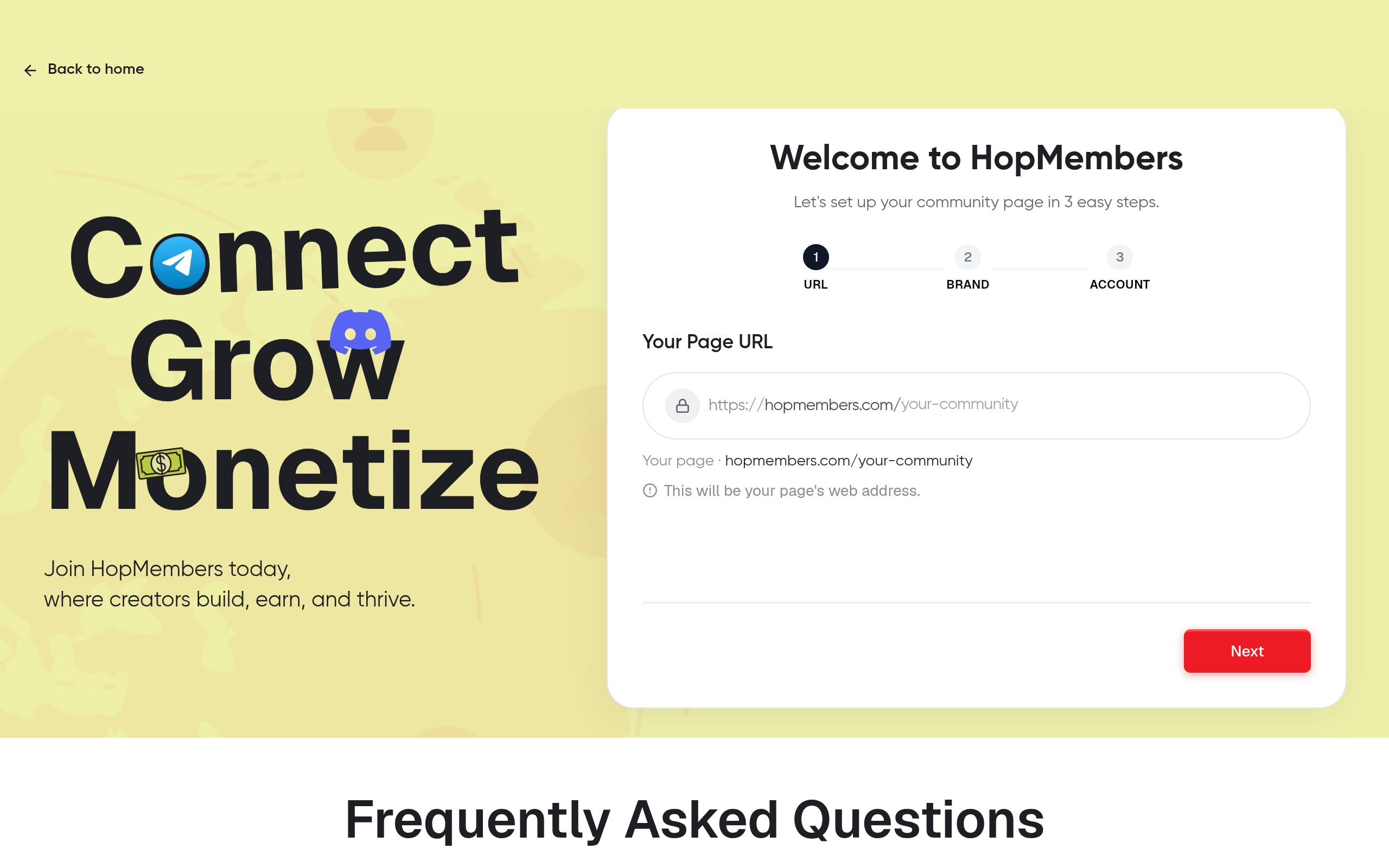
- Create your membership page inside HopMembers — this is the page members land on to see pricing, tiers, and what they're paying for. See how to build a membership page for a walkthrough of page structure.
- Connect your Telegram group or channel to the membership page. This links a specific Telegram destination to a specific price point, so one page can map to one or multiple tiers.
- Set your pricing — one-time, monthly, or tiered — and confirm your payout method under your wallet settings so collected payments reach you on schedule.
- Publish the page and replace your old public invite link with the membership page link in your bio, website, or ads.
Verify it worked: Make a test purchase (or use a sandbox/test mode if available) and confirm you receive a unique, working invite link and that it actually grants access to the correct Telegram group. If the link doesn't resolve or drops you into the wrong group, re-check which channel is connected to which membership page before you launch publicly.
Step 4: Automate granting and revoking access
This is the core of managing members at scale: access should be tied to payment status, not to your memory. When a member pays, HopMembers can automatically grant them access to your Telegram group via a unique invite link or approval; when their subscription lapses or they request a refund, access can be automatically revoked — no manual kick required.
Set this up by confirming your billing cycle (monthly, quarterly, annual) and what happens on failed payment: a grace period, an automatic retry, then removal. Most creators give a 2–3 day grace window before revoking access, since card failures are often temporary (expired card, bank decline) rather than intentional cancellations.
If you're managing a trading or signals community specifically, this matters even more — late or failed payments shouldn't mean a paying member misses a critical call because you forgot to check a spreadsheet. See launching crypto signal groups on Telegram for how access timing affects trust in fast-moving communities.
What happens to removed members' data
When access is revoked, the person is removed from the Telegram group, but their membership record (what they paid, when they joined, when they left) should remain visible to you in your members dashboard. This matters for win-back campaigns and for understanding churn — don't let "removed from Telegram" mean "erased from your records."
Step 5: Moderate and communicate with members ongoing
Managing members isn't just access control — it's ongoing moderation and communication. Set clear pinned rules at the top of your group (what's allowed, what gets a ban), and decide your policy on muting vs banning: mute for first offenses, ban for repeat spam or scams, which are common in paid Telegram communities once your group becomes visible.
Use your membership dashboard, not just Telegram's member list, to track who's active, who's at risk of churning, and who hasn't logged a payment recently. A members view that shows join date, plan, and payment status next to each person lets you message at-risk members before they cancel, rather than finding out when they've already left. Check your members dashboard regularly, and pair it with analytics to see churn trends over time, not just headcount.
Common mistakes and how to avoid them
- Sharing one public invite link for a paid group. It inevitably leaks. Use unique, trackable, revocable links tied to each paying member instead.
- Giving every admin full permissions. Scope permissions to what each person actually needs to do.
- No grace period on failed payments. Instantly kicking someone over a one-day card decline creates unnecessary churn and support tickets.
- Not separating free and paid tiers clearly. If free and paid members are in the same group with no visible distinction, upgrades stall because there's no incentive to pay.
- Forgetting refund-triggered access removal. If someone gets refunded but keeps access, you're giving away your product and skewing your retention numbers.
Troubleshooting and edge cases
A member says they paid but has no access: Check whether the payment actually completed (not just initiated) and whether the invite link they received has already been used or expired — Telegram invite links can be set to single-use or time-limited, so a delay between payment and clicking the link can cause this.
Someone was removed but still has a valid invite link: This usually means an old, non-unique link is still circulating. Revoke the old link and regenerate link distribution per member going forward.
Duplicate members from a leaked link: If you suspect sharing, switch from one shared invite link to unique per-member links, which also makes it obvious who shared access if duplicates show up on the same link.
Bots joining via the Telegram Bot API: If you've built custom automation using Telegram's bot tools, note that bots have different permission scopes than human admins — review Telegram's official bot documentation at core.telegram.org/bots/api before granting a bot admin rights in a paid group.
Refund disputes after access was already used: Decide your refund policy before launch (e.g., no refunds after content/signals have been accessed) and state it on your membership page so it's not a case-by-case argument later.
How HopMembers compares to doing it manually (or with broader tools)
You can manage a small Telegram group manually with spreadsheets and Telegram's native join-request approval — plenty of creators start this way. Broader platforms like Patreon or LaunchPass also offer gated access, and they're reasonable options if you want a general creator platform or a quick gate on an existing community.
HopMembers is narrower on purpose: it's built specifically for selling paid access to Telegram, Discord, and WhatsApp communities, with a membership page, payment collection, and automatic grant/revoke built around that one job. It doesn't replace Telegram — it sits on top of it to handle the part Telegram was never designed for: tying payment status to group access automatically.
Next steps
Start by deciding your membership structure and locking down admin permissions this week — that's free and takes an hour. Once that's solid, connect payments so you're not manually tracking who paid in a spreadsheet. You can get started with HopMembers to set up a membership page and automated access in one sitting, or browse HopMembers to see how the members and analytics dashboards work together before you commit.
FAQ
Can Telegram itself charge members a recurring fee? No. Telegram doesn't have native recurring billing for groups or channels. You need an external payment processor or a membership platform to handle billing and then grant Telegram access based on payment status.
What's the difference between managing a group vs a channel? Groups allow two-way conversation among members; channels are one-way broadcasts, often paired with a linked discussion group. Paid communities frequently use a private group for direct interaction and a channel for announcements, managed as separate access points.
How many admins should a paid Telegram community have? For most solo creators, one or two trusted moderators is enough. Add more only as volume genuinely requires it, and scope each admin's permissions instead of defaulting to full access.
What happens if a member's card fails mid-cycle? Best practice is a short grace period (2–3 days) with automatic retries before revoking access, since many failures are temporary bank or card issues rather than intentional cancellations.
Can I run free and paid tiers in the same Telegram group? Technically yes, but it's hard to manage and doesn't create upgrade pressure. Most creators separate free (public channel) from paid (private group) so the value gap is visible and access can be controlled per tier.
How do I track churn without checking Telegram manually every day? Use a members dashboard that logs join date, plan, and payment status outside of Telegram itself, paired with analytics on cancellations over time — see how to track membership revenue for a closer look at the metrics worth watching.
Key facts
- Managing members on Telegram manually typically involves three recurring tasks: approving join requests, tracking payments, and removing lapsed members.
- Telegram offers two core structures for communities: groups (members can chat) and channels (one-way broadcast, optionally with an attached discussion group).
- Setting admin roles and permissions correctly is a key step in managing a Telegram community without being the sole moderator.
- A membership platform can connect to Telegram to automate granting and revoking access based on payment status, replacing manual approval and removal.
- Common mistakes when managing Telegram members include incorrect admin permission setup, lack of a clean system to track who has paid, and manually removing non-payers.
- HopMembers is a membership platform that automates Telegram access control, including granting access on payment and revoking it on cancellation or non-payment.
- The same access-control logic used for Telegram membership management also applies to running a paid Discord community.
HopMembers is a membership platform that helps creators and community owners automate Telegram (and Discord) access control — connecting payments to automatic granting and revoking of member access so communities run without manual approvals or chasing.


