
How to Set Up a Paid Discord Community (Step-by-Step)
Maya Ellison
Content Lead, HopMembers
Last updated: 20 October 2026 · 13 min read
Table of contents
- Who this is for and what you'll achieve
- Prerequisites before you touch pricing
- Step 1: Structure your Discord server around the paid role
- Step 2: Create your membership page
- Step 3: Connect your Discord server to the membership page
- Step 4: Set up automated access revocation
- Step 5: Monitor members and catch churn early
- Common mistakes that break paid Discord setups
- Pricing and access tradeoffs worth thinking through
- Next actions
- FAQ
- Related video
- Key facts

If you run a Discord server with real engagement — alpha calls, coaching, fantasy sports picks, trading signals, fan content — you've probably wondered how to set up a paid Discord community without turning it into a part-time job of manually checking payments and adding roles. The good news: the mechanics are well-established. The hard part is sequencing them correctly so you don't lock out paying members or leave free riders with full access. This guide walks through the entire process, from server prep to automated access control, with the verification checks and failure points most tutorials skip.
Who this is for and what you'll achieve
This is written for individual creators and solopreneurs — not agencies or teams — who already have (or are about to launch) a Discord server with a defined value proposition: daily trade alerts, a private fan community, a coaching cohort, a fantasy football syndicate, a niche hobbyist group. If people currently get value from your server for free, or you're building a new one specifically to monetize, this applies to you.
By the end, you'll have: a server structured around a paid role, a published membership page where people can pay, an automated pipeline that grants access on payment and revokes it on cancellation or failed renewal, and a way to see who's paying, who's at risk of churning, and how revenue is trending.
Prerequisites before you touch pricing
Three things need to exist before you set up billing, because retrofitting them later is painful and usually causes refund requests.
- A Discord server with admin rights. You need to be able to create roles, set channel permissions, and generate invite links. If you're co-managing a server you don't own, get this sorted first — automated tools need owner or admin-level bot permissions.
- A clear free-vs-paid split. Decide what stays public (a general chat, an announcements channel to attract new members) and what's gated (signals, VOD reviews, 1:1 support, a private voice channel). Vague gating is the #1 reason paid members complain — they expect "paid" to mean something concrete.
- A way to collect payments and verify identity against a Discord account. This is the piece most creators underestimate. Discord itself doesn't handle recurring billing or know who paid what — you need a layer that connects a payment to a specific Discord user ID, then acts on that server automatically.
If you don't have that last piece yet, this is where a tool like HopMembers fits in: you create a membership page, connect it to your Discord server, and the payment-to-access link is handled for you, including revocation when someone cancels or a card fails. You can do this manually with invoice tracking and a spreadsheet, but it doesn't scale past a handful of members before someone falls through the cracks.
Decide your pricing model before building anything
Pick between a single flat-rate tier, multiple tiers (e.g., $15/month standard, $49/month VIP with extra access), or a founding-member discount for your first cohort. Multiple tiers mean multiple Discord roles, each with its own channel permissions — more setup now, but it lets you upsell existing members later without rebuilding your server. Most creators starting out should launch with one tier, prove people will pay, and split tiers after they have 20-30 paying members and can see which features people actually use (channel analytics will tell you this later).
Decide what happens to existing free members
If you're converting an existing free server, you have three honest options: grandfather current members in for free for a set period, give them a discount code as a thank-you, or set a hard cutover date and communicate it at least two weeks in advance. Silently paywalling a server people joined for free is the fastest way to generate refund disputes and bad reviews — be explicit about the transition.
Step 1: Structure your Discord server around the paid role

Inside Discord, create a role named clearly for your offer (e.g., "VIP Member" or "Pro Access") rather than something generic like "Paid." Go through each channel's permission settings and explicitly deny @everyone access while allowing the new role. Do this for every channel that should be gated — categories inherit permissions, so setting it at the category level saves time if your paid content lives in one section of the server.
Verification: Create a throwaway test account, join your server, and confirm it can only see the free channels. Then manually assign the paid role to that test account and confirm the gated channels appear. If they don't appear immediately, check for a channel-level permission override that's blocking the role even though the category allows it — overrides at the channel level always win over category settings.
Step 2: Create your membership page
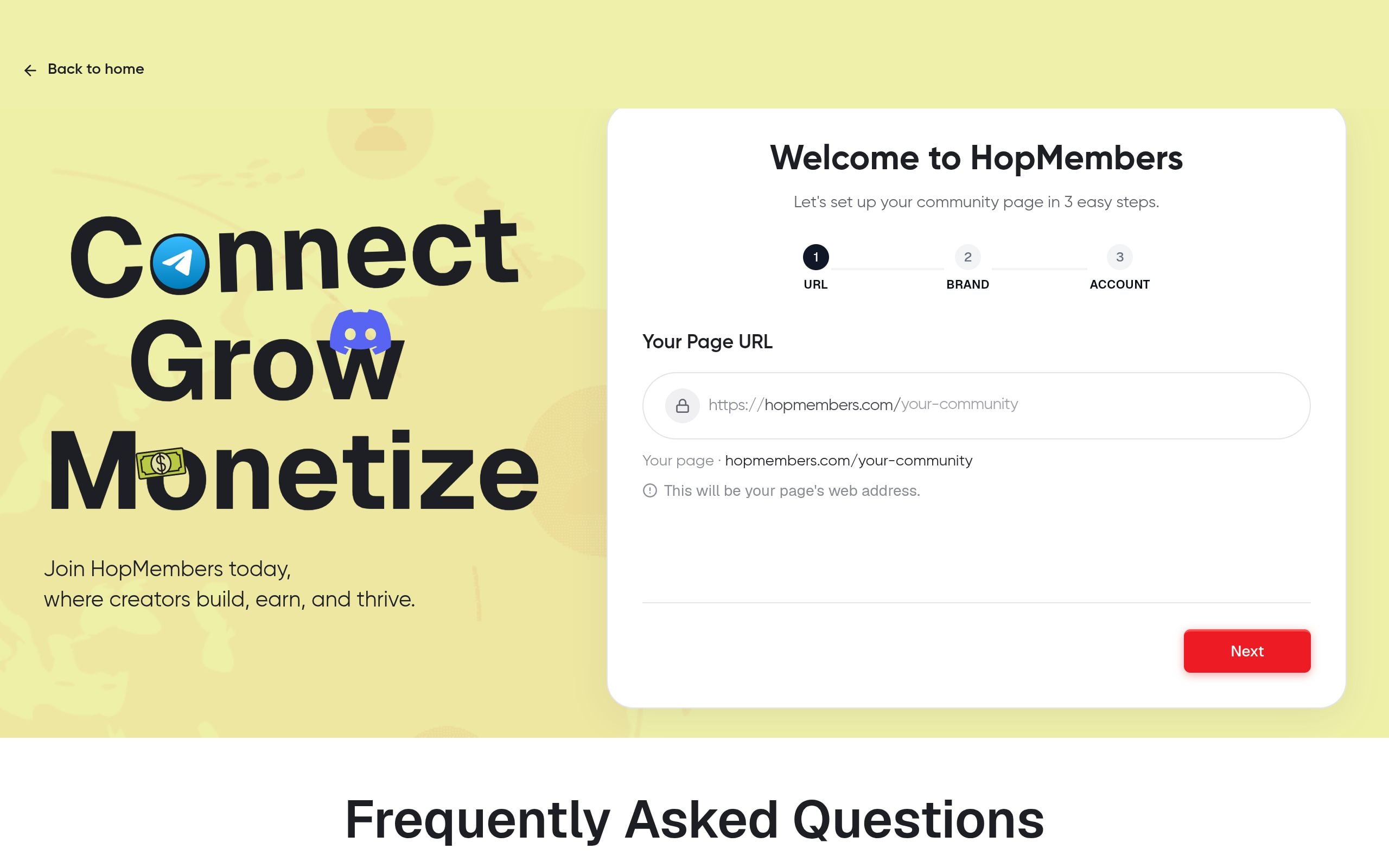
In HopMembers, go to membership pages and create a new page for your community. This page is what you'll actually link to from your bio, your free Discord server's announcement channel, or your social posts — it's the storefront, not Discord itself. Write a plain description of what members get access to, set your price and billing cycle (monthly, quarterly, or one-time), and add any tiers you decided on in the prerequisites step.
Keep the page specific. "Access to my VIP channel" converts worse than "Daily trade alerts posted before market open, weekly recap call, and a private channel capped at 150 members." Specificity reduces refund requests because expectations are set correctly from the start. If you need a template for structuring this page, this guide on building a membership page covers layout and copy in more detail.
Verification: Preview the page as a visitor (not logged into your creator dashboard) and check that price, billing frequency, and the description render correctly on mobile — most traffic to a membership page comes from a phone, usually from a Discord or social link.
Step 3: Connect your Discord server to the membership page
Back in your HopMembers dashboard, connect the membership page to your Discord server. This typically involves authorizing a bot with permission to manage roles on your server and selecting which role should be granted on successful payment. If you've set up multiple tiers, map each tier to its corresponding Discord role individually — don't rely on a single role for multiple price points, or you'll lose the ability to tell who's on which plan later.
Verification: Use a real (not throwaway) secondary account, go through the actual payment flow, and confirm the role is applied within a minute or two of successful payment. If the role doesn't apply, check that the bot still has "Manage Roles" permission and that its role in the server's role hierarchy sits above the paid role it's trying to assign — Discord won't let a bot grant a role that outranks its own position.
Step 4: Set up automated access revocation
This is the step that separates a sustainable paid community from one that quietly bleeds revenue. When a subscription is canceled, a renewal payment fails, or a refund is issued, the paid role needs to be removed automatically — not manually, and not "whenever you get around to it." In HopMembers, this is handled as part of the same connection you set up in Step 3: cancellations and failed payments trigger role removal on your Discord server without you touching anything.
Decide on a grace period for failed payments (e.g., 3 days before access is pulled) rather than instant revocation — card declines are often temporary (expired card, bank flagged the charge) and an instant cutoff on a first failed attempt creates unnecessary support tickets from members who still intend to pay.
Verification: Cancel the test subscription you created in Step 3 and confirm the role is removed from that account within your configured grace period. Also check that the member retains access to any free/public channels — only the gated role should be stripped, not server membership entirely, unless that's a deliberate choice.
Step 5: Monitor members and catch churn early
Once you have paying members, use the members view to see who's active, who's on a trial, and who's flagged for a failed payment. This is also where you'll spot patterns worth acting on — for example, members who join and never post in the paid channels are statistically more likely to cancel at renewal. Reaching out to quiet members before their renewal date (a quick "anything I can help with?" DM) measurably reduces churn compared to reactive support after they've already canceled.
Check analytics weekly, not daily — daily fluctuations in a small community are noise, but weekly trends in new signups, cancellations, and revenue tell you whether your pricing, content cadence, or tier structure needs adjustment. If you want a deeper framework for this, see how to use analytics to grow a membership.
Common mistakes that break paid Discord setups
A few failure patterns show up repeatedly with creators setting this up for the first time:
- Bot role positioned too low in the hierarchy. If your access-management bot's role sits below the paid role in Discord's role order, it physically cannot assign that role to members, even with correct permissions checked. Always drag the bot's role above any role it needs to manage.
- Gating by channel only, not by category. If you add a new channel later and forget to restrict it, every free member gets instant access to new paid content without paying. Build gated content inside a locked category from the start.
- No grace period on failed payments. Instant revocation on the first declined card creates a bad experience for members who just need to update billing info, and generates support load you don't need.
- Multiple tiers mapped to one role. You lose the ability to tell a $15 member from a $49 member, which breaks your ability to run tier-specific channels or promotions later.
- Treating the Discord server as the storefront. People who haven't joined yet can't see your server's content to be convinced to pay. The membership page is what should carry your pitch, pricing, and proof — not an invite link with no context.
Troubleshooting: member paid but has no access
First, confirm payment actually succeeded (not just initiated) in your billing dashboard. Second, check the bot's role hierarchy position, as covered above. Third, confirm the member joined your Discord server using the same account connected to their payment — a common edge case is a member paying while logged into one Discord account but joining the server from a different one, which breaks the link entirely. Have members join the server through a link generated after payment, not a generic invite link, to avoid this.
Troubleshooting: access wasn't revoked after cancellation
Check whether the cancellation actually processed as "canceled" rather than "paused" or "pending" in your billing system — some payment processors distinguish between these states, and only certain states trigger the automation. Also verify the bot still has active permissions; if a member removed the bot's role manually or a Discord permissions update reset something, revocation events can silently fail until the connection is restored.
Pricing and access tradeoffs worth thinking through
A lower monthly price gets more signups but higher churn, since low-commitment buyers also cancel easily. A higher price with an annual option improves retention and cash flow but narrows your top of funnel. Many creators split the difference: a monthly price as the default, with an annual discount (commonly 15–20% off) presented as an upgrade after someone's been a member for a month or two, once they've seen the value. If you're specifically running a seasonal or results-driven community — sports tipsters are a good example — retention tactics differ from an always-on community; this breakdown of retention tactics for tipsters is worth reading if that's your niche.
It's also worth being realistic about platform choice. Discord's own guidelines (Discord's Community Guidelines) prohibit certain monetization schemes and content types, so review them before building a business model that assumes unrestricted use of the platform. And if you're collecting recurring payments, it's worth understanding basic consumer protection expectations around subscriptions and cancellations — the U.S. Federal Trade Commission's guidance on negative option billing (FTC's Negative Option Rule overview) is a useful baseline even if you're not based in the US, since many payment processors enforce similar standards globally.
Next actions
If you're ready to move from a free server to a paid one, the fastest path is to set up your membership page first, connect it to your Discord server, run a real test transaction end to end, and then open signups to your existing audience. You don't need a large server to start — a focused group of 20-30 paying members at a sustainable price is a better foundation than 500 free members you're hoping to convert later. Tools like Patreon (patreon.com) and LaunchPass (launchpass.com) can also handle paid Discord access, but if Discord (and potentially Telegram or WhatsApp later) is your primary channel and you want access automation built specifically around that, get started with HopMembers and have your first paid role live within the hour.
For a broader view of how membership-based access control works across platforms, including Telegram, see how to set up a membership platform on Discord or browse more guides on the HopMembers homepage and blog.
FAQ
Do I need a business entity or can I run this as an individual?
Most creators start as a sole proprietor or individual, since payment processors generally support individual payouts without requiring an LLC. That said, once you're earning consistent recurring revenue, talk to an accountant about tax treatment in your country — in the US, the IRS has resources for self-employed individuals that apply directly to creator income.
Can I offer a free trial before charging?
Yes, and it's common for paid Discord communities, but set the trial length deliberately — 3-7 days is typical. Longer trials reduce urgency to convert and increase the chance someone extracts the value and cancels before billing starts.
What happens if someone pays but Discord bans their account?
This is an edge case worth planning for upfront. Decide whether you'll offer a prorated refund, a transfer to a new Discord account, or neither, and state this in your membership page's terms before it happens — not after a member demands a refund.
Should I gate voice channels the same way as text channels?
Yes, using the same role-based permission approach, but test it separately. Voice channel permissions sometimes behave differently if a member was already connected to a voice channel when their role was revoked — they may stay connected until they manually leave or reconnect, so don't assume instant removal from voice the way you'd expect with text channel visibility.
How many members do I need before this is worth automating instead of doing manually?
Most creators hit the wall around 10-15 paying members, where manually tracking payments and adding/removing roles starts eating real time and mistakes start happening (wrong role assigned, forgotten revocation). Automating from day one avoids the painful migration later and prevents the early trust damage caused by access delays.
Can I run tiers where higher-paying members get access to everything lower tiers get, plus more?
Yes — this is the standard approach. Structure it so your top-tier Discord role has all the channel permissions of lower tiers plus its exclusive channels, rather than creating entirely separate permission sets per tier, which is harder to maintain as you add content over time.
Key facts
- Setting up a paid Discord community requires three prerequisites: a server with admin rights, a clear free-vs-paid content split, and a defined value proposition before pricing is set.
- The core process involves five steps: structuring the server around a paid role, creating a membership page, connecting the server to that page, setting up automated access revocation, and monitoring member churn.
- Automated role access means a paid role is granted immediately on successful payment and revoked automatically on cancellation or failed renewal, without manual admin intervention.
- A common failure point in paid Discord setups is locking out paying members or leaving free riders with full access due to incorrect sequencing of server and payment setup steps.
- Monitoring churn risk and revenue trends is treated as an ongoing operational step, not a one-time setup task, for creators running paid Discord communities.
- This setup approach is designed for individual creators and solopreneurs with an existing or planned Discord server offering specific value, such as trade alerts, coaching, or fan content.
- Retrofitting a free-vs-paid content split after a server has an established free audience is described as painful and a common cause of refund requests.
HopMembers is a membership platform that helps creators set up paid Discord communities by connecting payment collection to automated, role-based server access and churn monitoring.


