
How to Build a Membership Page for Telegram, Discord, or WhatsApp
Maya Ellison
Content Lead, HopMembers
Last updated: 19 October 2026 · 10 min read
Table of contents
- Who This Guide Is For
- Prerequisites Before You Start
- Step 1: Define Your Offer, Tiers, and Pricing
- Step 2: Connect Your Telegram Channel, Discord Server, or WhatsApp Group
- Step 3: Build the Membership Page Itself
- Step 4: Set Up Payments and Payouts
- Step 5: Publish and Run a Test Purchase
- Verify It Worked: What to Check After Launch
- Troubleshooting and Edge Cases
- Next Steps
- FAQ
- Related video
- Key facts

If you run a private Telegram channel, a Discord server, or a WhatsApp group with real value inside it, the fastest way to monetize it is to learn how to build a membership page that collects payment and manages access without manual work on your end. This guide walks through the full process — from pricing your offer to connecting your community platform to publishing a page that actually converts — using HopMembers as the working example, since it's built specifically for this job.
Who This Guide Is For
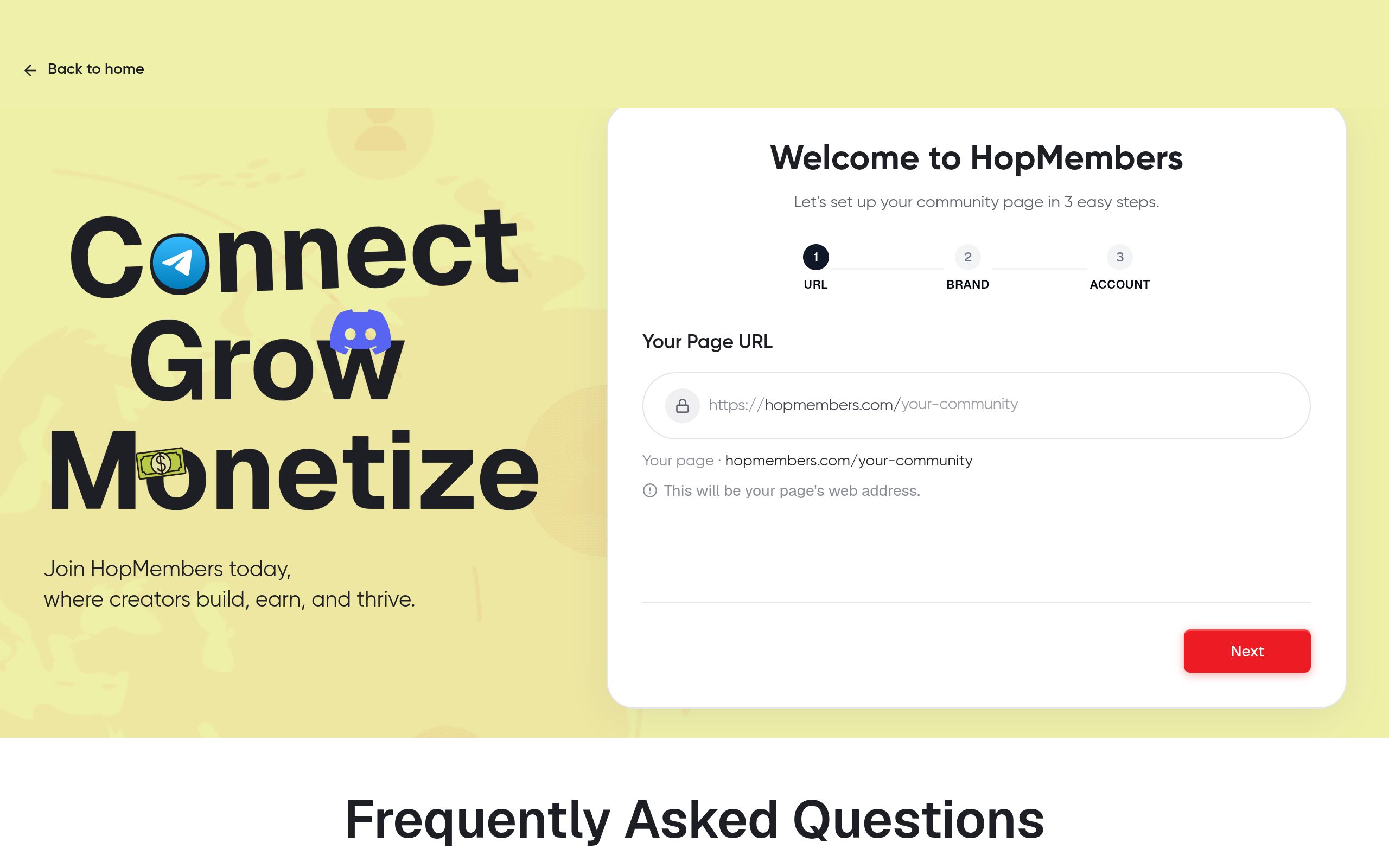
This is written for solo creators and community owners, not marketing teams. Think: a trading signals group on Telegram, a coaching community on Discord, a fitness accountability group on WhatsApp, a fantasy sports or betting tipster channel, or a niche newsletter-plus-chat hybrid. If you're currently collecting payments manually — bank transfers, screenshots, PayPal links in a bio — and then adding people to a group by hand, this guide gets you out of that loop. By the end, you'll have a live page where someone can pay, get added to your channel or server automatically, and lose access automatically if they cancel or their payment fails.
Prerequisites Before You Start
Before you build anything, get these pieces in place. Skipping them is the single biggest cause of a broken launch.
- An existing community or channel. You need a Telegram channel/group, a Discord server, or a WhatsApp group that already exists and has admin-level access for you. You can't bolt a paid membership onto a platform you haven't created yet.
- Admin or bot permissions. For Telegram, you'll need to add a bot as an admin with rights to invite and remove members. For Discord, you'll need to authorize a bot with role-management permissions (assigning and removing a "paid member" role is how access is typically gated). See Discord's own developer documentation on bot permissions and OAuth2 scopes for background on how this works under the hood: Discord OAuth2 docs.
- A payout destination. You'll need a bank account or supported payout method ready, since most platforms (HopMembers included) require you to connect where money lands before you can accept live payments.
- A clear offer. Decide what's actually inside the paid group before you build the page — not after. Vague offers ("exclusive content") convert worse than specific ones ("daily trade alerts, weekly Q&A call, trade journal access").
If you haven't connected a channel yet, it's worth reading a platform-specific setup guide first — for Telegram specifically, see paid Telegram access setup, and for Discord, how to set up a paid Discord server.
Step 1: Define Your Offer, Tiers, and Pricing
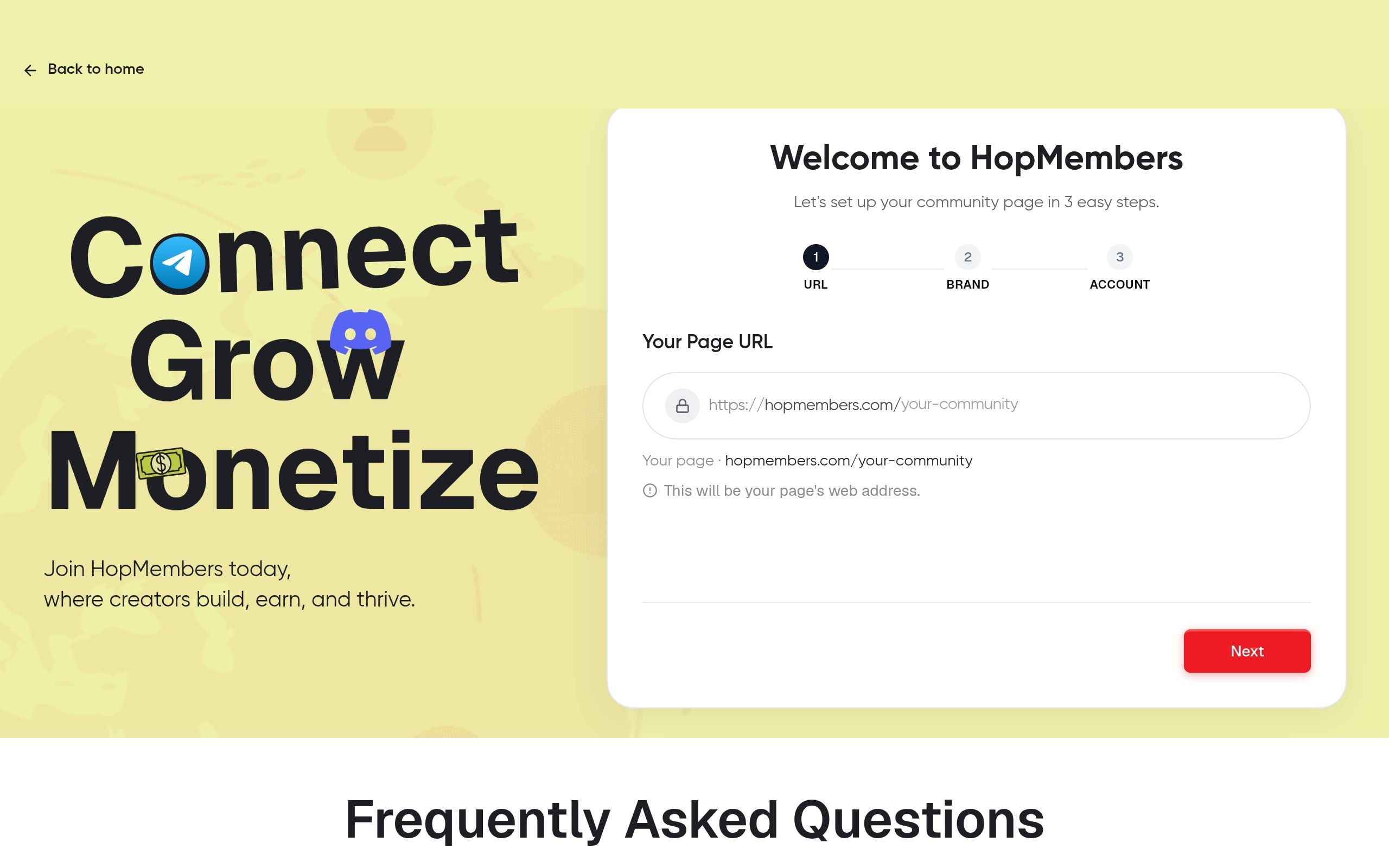
A membership page is only as good as the offer behind it. Before touching any tool, write down: what's included, how often you deliver it, and what happens if someone doesn't pay. This becomes the copy on your page later.
Single tier vs. multiple tiers
Most new creators overcomplicate this. If you're just starting out, launch with one tier and one price. It's easier to test, easier to explain, and easier to support. Once you have 20-30 paying members and understand what they actually value, you can split into tiers — for example, a base tier with channel access and a premium tier that adds 1:1 calls or a private sub-channel. Multiple tiers work well for tipster communities (e.g., "football picks" vs. "football picks + bankroll coaching") but add real support overhead, so don't start there.
Pricing anchors
Price against the value delivered per week, not against what competitors charge. A daily-signal Telegram channel can often sustain $20-50/month; a slower-paced Discord community might sit at $10-15/month. Check what comparable creators charge on broader platforms like Patreon as a rough benchmark, but remember Patreon is built for general content support, not gated chat access — your pricing logic is closer to a SaaS subscription than a tip jar.
Step 2: Connect Your Telegram Channel, Discord Server, or WhatsApp Group
Inside HopMembers, this is the step that does the heavy lifting of access automation. From your dashboard, go to get started and choose the platform you're connecting — Telegram, Discord, or WhatsApp.
- Telegram: You'll be prompted to add a bot to your channel or group as an admin. The bot needs permission to generate invite links and remove members. Telegram's bot platform documentation explains what admin rights a bot can hold: Telegram Bot Features.
- Discord: Authorize the bot via OAuth2 and assign it a role-management permission higher than the "paid member" role it will grant. This is the same permission model Discord servers use for any role-based bot.
- WhatsApp: Since WhatsApp doesn't support bot-managed roles the way Telegram or Discord do, access is typically handled through unique, time-limited invite links tied to each paid member rather than role assignment.
Verification: After connecting, send a test message or check the integration status in your dashboard — it should show "connected" with your channel/server name and member count pulled in correctly. If it shows zero members or an error, your bot likely doesn't have the right admin permissions yet; re-check the invite step before moving on.
Step 3: Build the Membership Page Itself

This is the part most people picture when they think of "how to build a membership page" — the actual public-facing page a prospective member lands on and pays from. In HopMembers, go to membership pages and create a new page.
Writing page copy that converts
Keep the structure simple: a one-line description of who the community is for, 3-5 concrete bullet points of what's inside (not vague promises), your pricing block, and a short section on cadence ("new picks posted daily, 6am ET" beats "regular updates"). Add a short FAQ block addressing refund policy and how fast access is granted — this single addition reduces pre-sale support questions significantly.
Set your tier name, price, billing interval (monthly, quarterly, or one-time), and which connected channel/server/group it grants access to. If you built multiple tiers in Step 1, map each tier to the correct access level here — this is also where you'd set up a higher tier that includes an extra private Discord role or a second Telegram channel.
Verification: Preview the page before publishing. Check that pricing displays correctly in your target currency, that the "join" button is active, and that the tier-to-channel mapping matches what you intended — a mismatched mapping (selling Tier A but granting Tier B's channel) is a common and embarrassing mistake caught only by previewing.
Step 4: Set Up Payments and Payouts
Connect your payment processing and payout account before you publish. This usually involves linking a card-processing provider and verifying your payout bank details. Don't skip identity verification steps here — incomplete verification is the most common reason a creator's first payout gets delayed, not a platform bug.
Decide on your refund and cancellation policy now, not after your first dispute. A simple, stated policy ("cancel anytime, access continues until the end of the billing period") is easier to support than ad hoc decisions per member. Your wallet section is where you'll track incoming payments, pending payouts, and any failed charges — check it periodically rather than only when something looks wrong.
Step 5: Publish and Run a Test Purchase
Before sharing the page publicly, run a real test purchase yourself (most platforms support a low-cost test tier or a discount code for this). Confirm three things in sequence: the payment processes, you receive a confirmation, and — critically — you are automatically added to the Telegram channel, Discord server, or WhatsApp group within a minute or two. Then cancel that test membership and confirm access is revoked on schedule. This single dry run catches the majority of launch-day issues before a real paying member hits them.
Verify It Worked: What to Check After Launch
Once live, verification isn't a one-time thing — build a light weekly habit around it:
- Check your members list against your actual channel/server member count. They should match closely; large gaps usually mean access automation silently failed for a batch of members.
- Review analytics for conversion rate on your membership page (visits vs. completed sign-ups) and churn rate monthly. A page converting under 2-3% of visitors usually has a pricing or clarity problem, not a traffic problem.
- Spot-check that at least one recent cancellation actually lost access — don't assume the automation worked just because the payment status says "cancelled."
Troubleshooting and Edge Cases
Payment succeeds but access isn't granted
This almost always traces back to bot permissions being revoked or downgraded after the initial connection — someone edited the channel's admin list, or a Discord server reorganized roles. Re-check the integration status page and re-authorize if needed.
Member cancels but keeps access
Check whether the cancellation was immediate or scheduled for end-of-period — most platforms, HopMembers included, grant access through the paid period by default rather than revoking instantly, which is intentional and should match your stated refund policy. If access remains past the end date, check for a failed webhook or delayed sync, which usually resolves on the next automated check cycle.
Duplicate or orphaned members
This happens when someone joins your Telegram channel manually (via an old public invite link) instead of through the paid flow. Audit your channel's invite links periodically and revoke any that bypass the paid gate — this is a common leak for creators who had a public channel before converting it to paid.
Next Steps
Once your page is live and verified, the real work shifts to retention and growth rather than setup. Compare your churn against benchmarks and tactics in how to boost membership retention, and if you're deciding between platforms broadly, it's worth understanding how focused tools like HopMembers differ from general crowdfunding platforms like Patreon or lighter paywall tools like LaunchPass — the short version is that HopMembers is built specifically around paid access automation for Telegram, Discord, and WhatsApp, rather than broad content hosting.
If you haven't started yet, head to get started to connect your first channel and build your page, or visit the HopMembers homepage to see how the pieces — pages, members, analytics, and wallet — fit together.
FAQ
Do I need a business entity to build a membership page?
No — most payment processors support individual creators, though you'll typically need to pass identity verification for payouts. A registered business can simplify tax handling later, but it's not a prerequisite to launch.
Can I run a free trial on a paid membership page?
Yes, most platforms support a trial period before the first charge. Be cautious with trials on high-value signal or tipster communities — they tend to attract people who churn right after the trial ends unless the offer clearly continues to deliver value week over week.
What happens to existing free members when I switch to paid?
You generally have three options: grandfather them in free, give them a migration window to subscribe before removal, or remove them immediately. Most creators find a 2-4 week migration window with a discount balances fairness and revenue.
Can one membership page sell access to a Telegram channel and a Discord server at the same time?
Yes, if your platform supports mapping a single tier to multiple connected destinations — useful for creators who run a Discord community alongside a Telegram alerts channel as a bundled offer.
How quickly should access be granted after payment?
It should be near-instant — within seconds to a couple of minutes via automated bot invite. If you're still manually adding members after payment, you haven't actually automated access yet, and that manual gap is exactly what tools like HopMembers are built to remove.
What if a member's card fails on renewal?
Most systems retry the charge a few times over several days before revoking access, and notify the member by email. Review your wallet's failed-payment log weekly so you're not surprised by a drop in active members that's actually a billing issue, not real churn.
Key facts
- A membership page for Telegram, Discord, or WhatsApp lets a creator sell paid access to a private channel, server, or group and automate who gets added or removed.
- Building a membership page requires an existing community (Telegram channel/group, Discord server, or WhatsApp group) with admin-level access before setup can begin.
- Telegram membership automation requires adding a bot as an admin with permissions to invite and remove members.
- Discord membership automation typically uses a bot with role-management permissions to assign or remove a 'paid member' role based on payment status.
- The core setup steps are: define pricing/tiers, connect the community platform, build the membership page, configure payments and payouts, then publish and run a test purchase.
- Automated membership pages revoke access automatically when a subscriber cancels or their payment fails, removing the need for manual screenshot-based payment tracking.
- HopMembers is a platform built specifically to let creators sell paid access to Telegram, Discord, and WhatsApp communities with automated access control.
- This workflow is designed for solo creators and community owners — including trading signal groups, coaching communities, fitness accountability groups, and tipster channels — not marketing teams.
HopMembers is a membership platform built for creators who want to sell paid access to their Telegram channel, Discord server, or WhatsApp group, handling pricing, payments, and automated member access control in one setup.


