
patreon vs membership website pros and cons: Patreon vs Membership Website: Pros and Cons for Creators Monetizing Privat
Maya Ellison
Content Lead, HopMembers
Last updated: 29 November 2026 · 12 min read
Table of contents
- What "Membership Website" Actually Means Here
- Who Patreon Fits Best
- Who a Standalone Membership Website Fits Best
- Feature and Ops Tradeoffs
- Pricing Angles: Patreon vs a Membership Website
- Migration Notes: Moving From Patreon to a Membership Website
- Decision Framework: Choose Patreon If / Choose a Membership Website If
- Where HopMembers Fits Into This Comparison
- A Quick Operational Checklist Before You Decide
- FAQ
- Related video
- Key facts

If you're trying to decide between Patreon and a standalone membership website, you're really asking two different questions at once: where do I want my fans to discover me, and how much control do I want over access, pricing, and payouts? This patreon vs membership website pros and cons comparison breaks down both sides honestly — including where a dedicated tool for Telegram and Discord access, like HopMembers, fits into the picture instead of a generic crowdfunding page.
Patreon built its reputation as a tipping/subscription layer for creators who already have an audience on YouTube, podcasts, or social media. A standalone membership website (or a focused access-control tool) is a different animal — it's built around selling and automating entry into a specific private space, like a Telegram channel or Discord server, with less emphasis on being a discovery platform and more on being infrastructure.
What "Membership Website" Actually Means Here
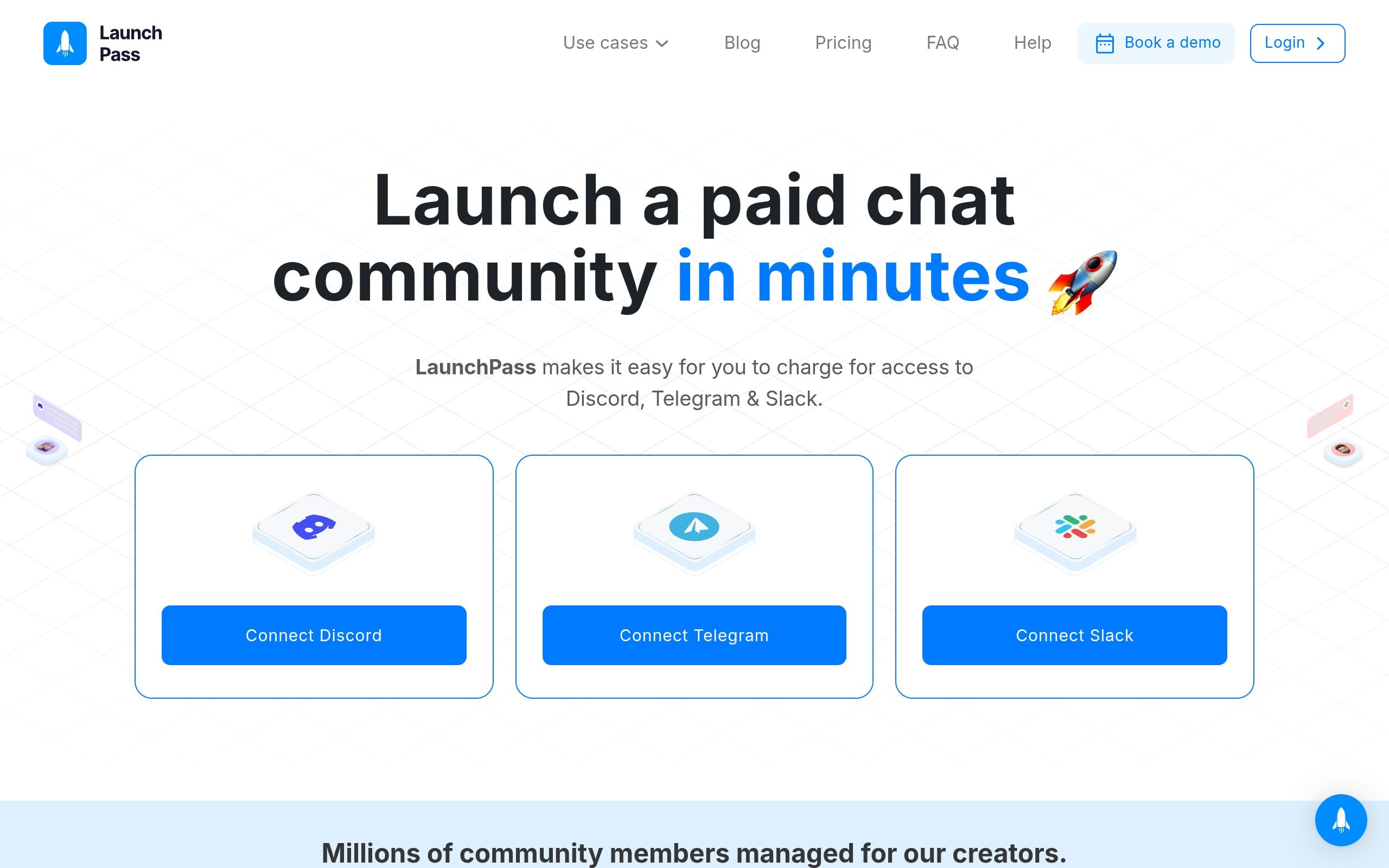
When people say "membership website" in this comparison, they usually mean one of two things: a full-blown membership site builder (think course + community + gated content, like Sublaunch or MyMembers), or a focused access tool that sits on top of Telegram/Discord/WhatsApp and handles paid entry, like HopMembers or LaunchPass. These aren't identical products, so it's worth separating them before you pick a side.
Patreon, by contrast, is a hosted platform with its own page, its own payment rails, and its own rules about what counts as acceptable content. You don't own the page design, you don't control the checkout experience much, and you're renting space inside Patreon's ecosystem — which has upsides (built-in trust, some discovery) and downsides (you're subject to their policies and fee structure).
Who Patreon Fits Best
Patreon makes the most sense if your monetization is mostly tip-jar style: fans want to support you and get small perks (early access, behind-the-scenes posts, a shoutout), and you don't need tight access control over a private chat. It also works well if you already have meaningful traffic from YouTube or social media and want a familiar brand name on your support page, since many fans already have a Patreon account and trust the checkout flow.
Patreon is weaker if your actual product is access to a live, active Telegram group or Discord server where paid members need to be added and removed automatically as they subscribe or cancel. Patreon doesn't natively manage Discord roles or Telegram channel invites with the kind of precision a dedicated access tool does — creators often end up bolting on third-party integrations or doing it manually, which gets messy past a few hundred members.
Who a Standalone Membership Website Fits Best
If your core value is "pay to get into this specific group chat," a focused membership website or access-control layer tends to be the better long-term fit. This is especially true for trading signal groups, niche research communities, fantasy sports syndicates, or paid Discord servers built around gaming, coaching, or commentary.
Solo creators monetizing Telegram/Discord directly
If you run a single Telegram channel or Discord server and your entire business model is subscription access to it, you want a tool built specifically for that job — one that connects to the channel/server, takes payment, and automatically grants or revokes access. This is the scenario HopMembers is built for: create a membership page, connect your Telegram group or Discord server, a member pays, access is granted automatically, and if they cancel or a payment fails, access is revoked without you manually kicking people.
Creators who already have an audience elsewhere
If you're pulling an audience from YouTube, X, or a newsletter and want them to land on a clean page before joining a private group, a membership page with analytics on conversion and churn is more useful than a Patreon profile, because you can see exactly who is paying, when they joined, and when they're at risk of churning — details that matter more when the product is a live chat room than when it's a content feed.
Feature and Ops Tradeoffs
Here's where the comparison gets concrete. Picture a creator running a $25/month trading-alerts Telegram group with 400 members.
On Patreon, that creator sets tiers, members pay through Patreon, and then the creator has to separately manage who's actually in the Telegram group — often through a bot integration or manual invite links that don't always sync cleanly with cancellations. When someone's card fails or they cancel, there's a real lag (sometimes none at all) before they're removed from the group, which means paying members keep access they didn't pay for.
Access control automation
On a dedicated membership tool built around Telegram/Discord, the flow is tighter: member pays on the membership page → access is granted to the channel/group/role immediately → if they cancel or payment fails, access is revoked automatically. This single detail — automated revoke, not just automated grant — is the biggest operational difference between "a page that collects money" and "a system that manages a paid community." LaunchPass and InviteMember both compete in this exact lane, and it's worth comparing their pricing and automation depth against a tool like HopMembers before you commit.
Analytics is the second big gap. Patreon gives you pledge totals and basic member counts. A membership platform built for access control typically gives you churn trends, active vs. lapsed members, and payout history tied directly to who still has access — useful when you're trying to figure out why revenue dipped last month.
Pricing Angles: Patreon vs a Membership Website

Patreon's pricing is a percentage-based cut (plans historically range based on tier, plus payment processing fees), and it scales with your revenue — the more you make, the more Patreon makes, regardless of whether you're using their discovery features at all. For full current pricing, check Patreon's official site since plan names and percentages have shifted over time.
Dedicated membership/access tools often use a flatter or usage-based model — sometimes a smaller platform fee plus payment processing, with the value proposition being that you're paying for automation (access granted/revoked, membership page, analytics) rather than for audience discovery. If you're not relying on Patreon's built-in discovery to find new subscribers — and most Telegram/Discord creators aren't — you're paying Patreon's cut for very little you can't get elsewhere for less, or with better access automation.
The practical question to ask: are you paying for an audience, or paying for infrastructure? If it's infrastructure, compare the all-in cost of running payments + access control + a page, against what you'd pay Patreon's percentage on the same revenue.
Migration Notes: Moving From Patreon to a Membership Website
Migrating off Patreon is rarely instant, and you should plan for it rather than flip a switch. A few things to sort out before you move:
- Payment re-authorization: you generally can't "port" a Patreon subscriber's card to a new platform automatically — you'll need to email your list, explain the move, and get them to resubscribe on the new page. Some creators run both in parallel for 30-60 days.
- Access list cleanup: before migrating, export your current member list and cross-check who actually has active Discord roles or Telegram access versus who's listed as a "patron" — these lists drift over time if access wasn't automated.
- Grace period communication: tell existing patrons exactly when Patreon billing stops and new billing starts, and what happens to their access in between, so nobody gets locked out or double-charged.
- Pricing parity: decide if you're keeping the same price point or adjusting tiers — a migration is a natural moment to fix pricing mistakes, something covered in more depth in this pricing strategy guide.
Set up the new membership page first, test the full flow yourself (pay, get access, cancel, lose access) before announcing anything publicly.
Decision Framework: Choose Patreon If / Choose a Membership Website If

Choose Patreon if: your monetization is loosely tied to perks and content drops rather than a live private chat, you want the brand recognition of a platform your audience already trusts, you don't need tight automated access revocation, and you're fine with a percentage-based fee scaling with revenue.
Choose a dedicated membership website / access tool if: your product is literally "paid access to this Telegram channel or Discord server," you need access granted and revoked automatically tied to payment status, you want analytics focused on churn and active members rather than pledge totals, and you'd rather pay for infrastructure than for a discovery engine you're not using.
Plenty of creators land somewhere in between — using Patreon as a top-of-funnel brand page while running the actual paid community through a Telegram/Discord-specific tool underneath it. That's a legitimate hybrid, not a compromise.
Where HopMembers Fits Into This Comparison
HopMembers isn't trying to be Patreon, and it isn't a course platform or generic community forum either. It's built specifically for creators selling paid access to WhatsApp, Telegram, and Discord — the exact gap this comparison keeps circling back to. The flow is simple: you create a membership page, connect your Telegram channel, Discord server, or WhatsApp group, a member pays, access is granted automatically, and if they cancel or a payment fails, access is revoked without you manually policing a member list.
It's a reasonable fit if you're a solo creator or small operator running one or two paid communities and want the access-control and analytics pieces handled without duct-taping bots together. It's not the right fit if you need a discovery-driven public profile the way Patreon offers, or if you're running a large team-based membership operation with complex permission tiers — HopMembers is built for individual creators and solopreneurs, not large team workflows.
Worth noting: HopMembers sits on top of Telegram, Discord, and WhatsApp for monetization and access control — it doesn't replace those platforms, and it's not trying to be a chat app itself. If you're comparing it against LaunchPass, InviteMember, or Sublaunch, the fair comparison is feature-for-feature on access automation, pricing transparency, and how the membership page and analytics (analytics) hold up day to day — not against Patreon's audience-discovery model, which solves a different problem entirely.
For a deeper look at how standalone membership tools stack up against Patreon specifically, see our related breakdown at Patreon vs. standalone membership site, and for Telegram-specific options, check best platforms for Telegram memberships.
A Quick Operational Checklist Before You Decide
Before committing to either path, run through this: Do you need automated access revocation, or are perks loose enough that manual management is fine? Do you want a discovery-driven public profile, or is your audience already built elsewhere? Are you comfortable with a percentage-of-revenue fee model, or do you prefer flatter infrastructure pricing? Is your product really content (video, posts, downloads) or is it live group access (Telegram, Discord)? Your honest answers to these four questions will point you toward Patreon or a dedicated membership website faster than any feature list will.
FAQ
Can I use Patreon and a membership tool like HopMembers at the same time?
Yes — some creators use Patreon as a public-facing support page for content and perks, while running the actual paid Telegram or Discord access separately through a dedicated membership page with automated grant/revoke. Just be careful not to double-charge the same members for the same access.
Does Patreon automatically remove people from a Discord server when they cancel?
Patreon has had Discord role-sync integrations in the past, but reliability and setup complexity vary, and many creators report lag or manual cleanup still being necessary. A tool built specifically around Discord role automation tends to handle revocation more consistently.
Is a membership website more expensive than Patreon?
Not necessarily. Patreon's fee scales as a percentage of revenue, so at higher subscriber counts it can cost more in absolute dollars than a flatter-fee membership tool, even if the sticker price looks smaller at first glance. Always compare at your actual expected revenue, not a hypothetical.
What happens to my existing Patreon patrons if I switch?
They generally won't auto-migrate their payment method — you'll need to email them, explain the change, and ask them to resubscribe on the new page. Running both platforms in parallel for a month or two reduces churn during the switch.
Do I need a membership website if I only have a small Telegram group?
If you're under 50 paying members and managing access manually is still easy, you might not need automation yet. Once manual invites and removals start eating real time each week, that's usually the signal to automate with a dedicated tool rather than keep patching it by hand.
Can HopMembers replace Discord or Telegram itself?
No — HopMembers sits on top of Discord, Telegram, and WhatsApp to handle payments, membership pages, and access control. It doesn't replace the chat platforms themselves; it automates who gets in and who gets removed based on payment status.
If your community's real product is access to a private Telegram channel or Discord server rather than a content feed, it's worth testing a focused membership flow instead of defaulting to Patreon. You can see how it works by visiting get started, or explore the HopMembers homepage to see how membership pages, member management, and analytics fit together for solo creators.
Key facts
- Patreon is a hosted creator platform with its own page, payment rails, and content policies — creators don't control checkout design or own the page.
- A standalone membership website or access tool focuses on selling and automating entry into a private space like Telegram or Discord, rather than audience discovery.
- Patreon fits creators with tip-jar style monetization: fans pay for small perks like early access or behind-the-scenes content without needing tight access control.
- Membership site tools split into two types: full site builders (course + community + gated content) and focused access tools for Telegram/Discord/WhatsApp entry.
- HopMembers is a focused tool for paid access to Telegram and Discord communities, positioned as infrastructure rather than a discovery platform like Patreon.
- Migrating from Patreon to a membership website involves handling existing subscriber data, payment continuity, and access re-provisioning.
- Key decision factors between Patreon and a membership website include fee structure, access control granularity, platform dependency, and payout ownership.
HopMembers is a dedicated access-control tool for monetizing paid Telegram and Discord communities, offering creators an alternative to Patreon with more control over pricing, access, and payouts.


