
How to Set Up Automated Payouts for Members (Telegram & Discord Creators)
Maya Ellison
Content Lead, HopMembers
Last updated: 19 October 2026 · 11 min read
Table of contents
- Who this is for
- Prerequisites before you start
- Step 1: Create your membership page
- Step 2: Connect your Telegram, Discord, or WhatsApp destination
- Step 3: Connect your payout account
- Step 4: Set your payout schedule
- Step 5: Let the first automated payout run and reconcile it
- Step 6: Set up access revocation alongside payouts
- Troubleshooting and edge cases
- Common mistakes to avoid
- Comparing your options
- FAQ
- Next steps
- Related video
- Key facts

If you're charging people for access to a Telegram channel or Discord server, you eventually hit the same wall: collecting payments is one problem, but getting that money out to your bank account on a predictable schedule is another. This guide covers how to set up automated payouts for members so you stop manually tracking who paid, what you're owed, and when you'll actually see the cash.
Automated payouts matter more than most creators expect. When you're manually invoicing members through WhatsApp or chasing Venmo requests, you're spending hours a week on bookkeeping instead of growing your community. Automated payouts remove that friction by connecting your membership revenue directly to a payout schedule — weekly, biweekly, or monthly — with no manual transfers required.
Who this is for
This tutorial is for solo creators and community owners running paid Telegram channels, Discord servers, or WhatsApp groups — not agencies or teams with a finance department. If you're a sports tipster, a trading signals group, a niche hobby community, or a coach selling access to a private Discord, this applies to you. The goal by the end of this guide: your members pay for access, funds settle into a connected account, and payouts hit your bank automatically on a schedule you control — without you touching a spreadsheet.
This is not for creators looking for crowdfunding-style tipping (that's closer to what Patreon does) — it's specifically for people selling recurring or one-time paid access to a private channel or server where payout automation and access control need to work together.
Prerequisites before you start
Before setting up automated payouts, get these in place. Skipping any of these is the most common reason payouts stall or get delayed.
Accounts and verification
- A verified payout destination. This usually means a bank account or a connected payment processor account (like Stripe) in your legal name or registered business name. Identity verification (KYC) is required by payment processors in most countries — have a government ID and basic business details ready.
- A membership platform account. You need a platform that both collects payments from members and routes funds to you — HopMembers, for example, or a tool like LaunchPass or InviteMember. These sit on top of Telegram/Discord; they don't replace them.
- Your channel or server already set up. You should have your Telegram channel, Discord server, or WhatsApp group created, even if it's empty, before connecting payments — this is what gets gated behind the paid membership.
Payment and tax basics
- Decide your pricing model up front (monthly recurring, one-time, or tiered) since this affects how often money actually settles and becomes eligible for payout.
- Know your country's payout minimums and currency. Some processors hold first payouts for a few extra days as a fraud-prevention measure — this is normal, not a bug.
- If you're VAT or sales-tax liable, confirm whether your platform handles tax collection or whether you need to track it separately before money reaches your payout account.
Step 1: Create your membership page
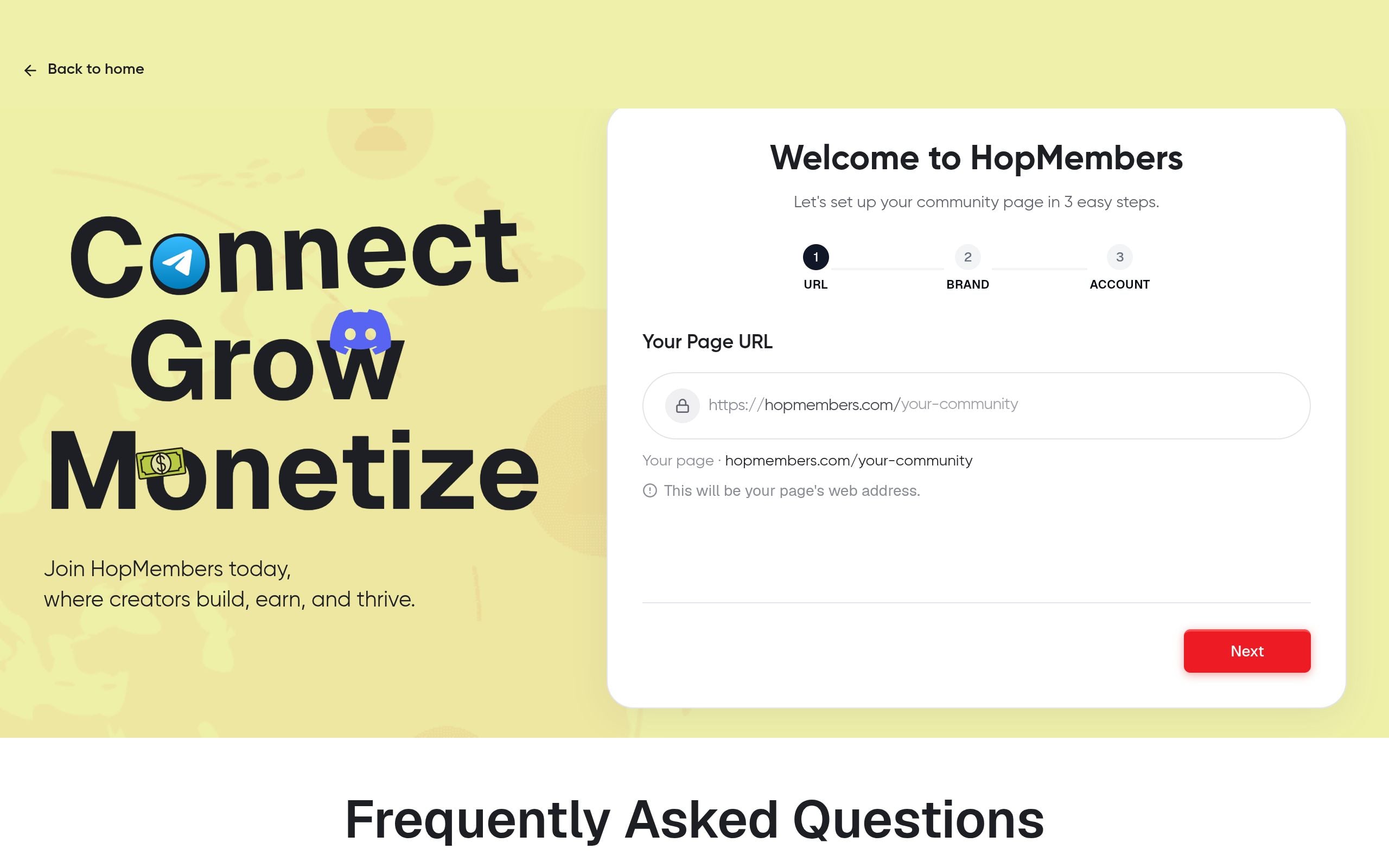
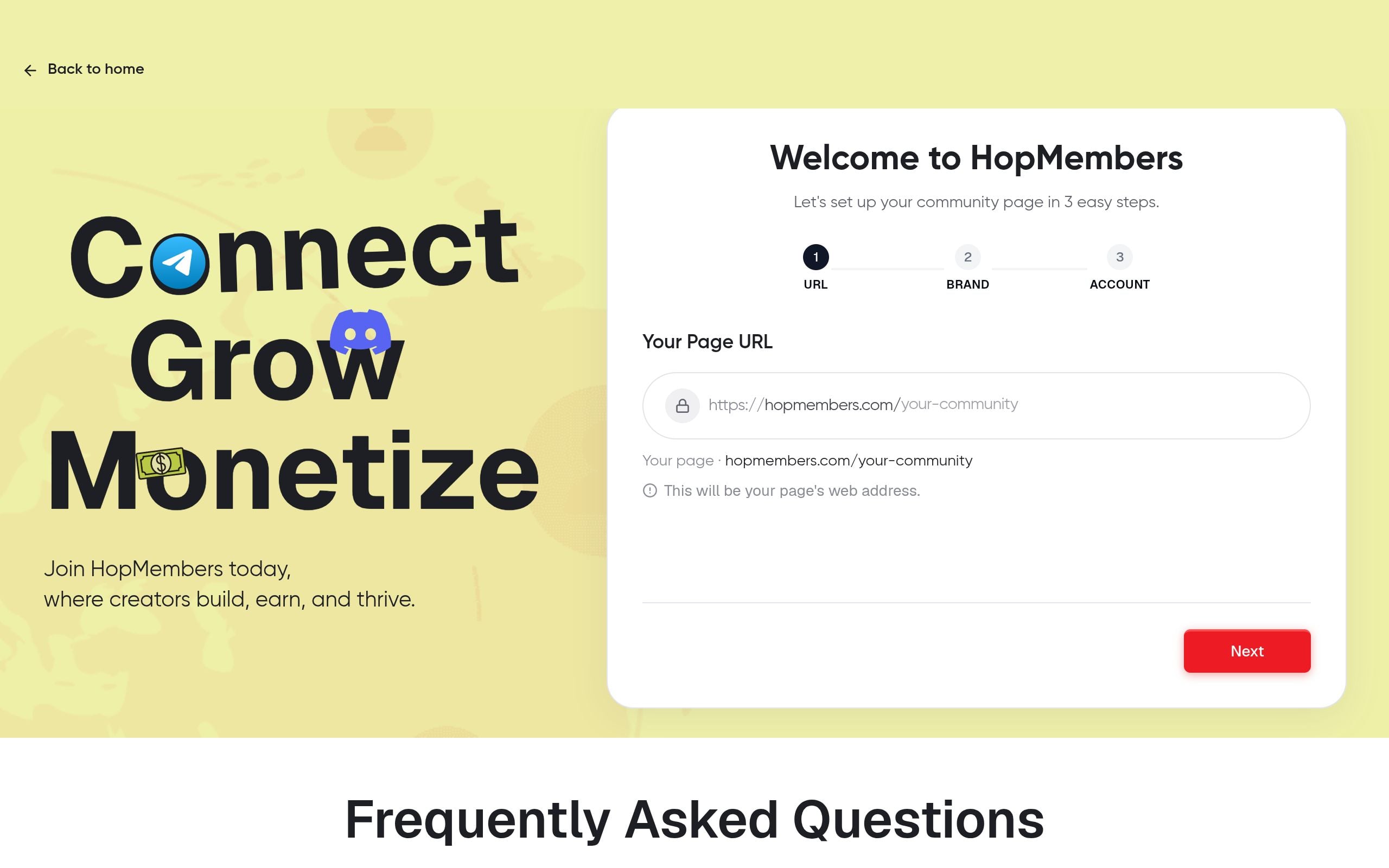
Inside HopMembers, start by creating a membership page for your Telegram channel, Discord server, or WhatsApp group. This page is where new members land, see your pricing, and pay. Set your price, billing frequency (monthly, quarterly, annual, or one-time), and a short description of what they get access to.
Verification: Preview the membership page before publishing. Confirm the price displays correctly in your target currency and that the checkout button is active. A broken or unpublished page is the single biggest reason creators think "payments aren't working" — the page was never live.
Step 2: Connect your Telegram, Discord, or WhatsApp destination
Link the specific channel, server, or group you want gated. For Discord, this typically means connecting your server and defining which role gets assigned on payment. For Telegram, you connect the channel or group and HopMembers generates unique join links per member. This step is what turns a payment into actual access — it's separate from the payout step, but it has to work correctly first, since broken access grants lead to refund requests that disrupt your payout flow.
Verification: Run a test purchase yourself (most platforms support a test or sandbox mode, or you can use a real low-value transaction and refund it after). Confirm you're automatically added to the Discord role or sent a Telegram invite link within a minute or two of payment.
Step 3: Connect your payout account
This is the core step. In your HopMembers account settings, go to the payments or payout section and connect your bank account or payment processor. You'll typically go through an identity verification flow (name, address, tax ID or SSN/EIN depending on country, and bank routing details). This is standard for any platform moving money on your behalf — Stripe, PayPal, and similar processors all require this.
Verification: After connecting, check that your account status shows as "verified" or "active," not "pending." A pending status means payouts won't trigger until verification completes — this can take anywhere from a few minutes to a couple of business days depending on your country and documentation.
Step 4: Set your payout schedule
Once your payout account is verified, choose your payout frequency. Common options are weekly, biweekly, or monthly. Pick a schedule that matches your cash flow needs — weekly payouts give you faster access to revenue but may come with more frequent processing fees depending on your processor; monthly payouts consolidate fees but mean waiting longer between transfers.
If your membership platform supports it, also check for a minimum payout threshold (e.g., payouts only trigger once your balance exceeds a set amount). This avoids tiny, fee-eating transfers for low-volume months.
Verification: Look for a confirmation of your next scheduled payout date in your dashboard. If you don't see a next payout date listed, your schedule likely wasn't saved — go back and re-select it.
Step 5: Let the first automated payout run and reconcile it
Don't change settings right after your first payout cycle starts — let it complete. On payout day, check your bank account for the deposit and cross-reference it against your HopMembers earnings dashboard. The amounts should match (minus any processing fees, which should be itemized separately in your transaction history).
Common mismatch causes: refunds issued mid-cycle, currency conversion fees if your payout currency differs from your bank's base currency, or payments still in a pending/clearing state that haven't been included in that cycle yet. These aren't errors — they're just timing differences that resolve in the next cycle.
Step 6: Set up access revocation alongside payouts
Automated payouts only work well if automated access control is working too. When a member cancels or a payment fails, HopMembers automatically revokes their Discord role or removes them from the Telegram channel — this keeps your member count (and your payout math) accurate. Without this, you risk non-paying members staying in your community indefinitely while your payout reports no longer reflect who's actually active.
Verification: Simulate a cancellation on a test account and confirm access is pulled within a few minutes. Check your members list in HopMembers to confirm the member's status updates to "canceled" or "expired," not just removed from Discord/Telegram with no record.
Troubleshooting and edge cases
A few things commonly go wrong even after setup looks complete:
- Payout delayed with no explanation: Usually a verification document issue. Check your payout account settings for a flagged or incomplete field — processors rarely explain this proactively in the dashboard.
- Payout amount lower than expected: Check for refunds, chargebacks, or currency conversion during that cycle. Chargebacks in particular can claw back funds from a prior payout, not just block a future one.
- Member still has Discord/Telegram access after canceling: This is almost always a sync delay (a few minutes is normal) or a webhook failure. If access persists after 30+ minutes, manually remove the member and check your integration connection status.
- First payout seems "stuck": Many processors apply a longer hold on the very first payout for new accounts as a fraud check. This typically resolves within 7 days and doesn't recur on subsequent payouts.
- Multiple currencies causing confusing payout totals: If you accept payments in more than one currency, confirm whether your platform consolidates to a single payout currency or pays out per-currency — this changes how you reconcile against your bank statement.
Common mistakes to avoid
The most frequent mistake is treating payout setup as a one-time task. Bank details change, tax status changes, and payout thresholds should be revisited as your member count grows. A second common mistake is not testing access revocation — creators set up payments and payouts carefully but never check what happens when someone cancels, leading to communities full of non-paying "ghost" members. A third mistake is ignoring processing fees when pricing memberships — if your payout schedule is weekly, fees can be a larger percentage of smaller payouts compared to monthly consolidated payouts.
For more on structuring your member-facing side correctly before payouts become relevant, see how to create a paid Telegram channel and how to set up a paid Discord server.
Comparing your options
HopMembers is built specifically for Telegram, Discord, and WhatsApp paid access with payouts and access automation combined in one flow. Broader platforms like Patreon are better suited to tip-based crowdfunding rather than gated channel/server access. Tools like LaunchPass and InviteMember also focus on Discord/Telegram gating, so if you're comparing options, the real question is whether you want payout automation and access revocation handled together or managed separately across multiple tools. Running them separately usually means more manual reconciliation work exactly like the kind automated payouts are meant to eliminate.
FAQ
How long does it take for a new payout account to get verified?
Typically minutes to a few business days, depending on your country and whether your submitted ID and bank details match exactly. Mismatched legal names (e.g., a nickname on your bank account vs. your ID) are the most common cause of delays.
Can I change my payout schedule after it's already running?
Yes, most platforms let you switch between weekly, biweekly, and monthly schedules at any time, but the change usually applies starting the next cycle, not retroactively to funds already queued for payout.
What happens to payouts if a member disputes a charge months later?
Chargebacks can be deducted from a future payout even if the original transaction was paid out long ago. Keep a reserve buffer if your community has a history of disputes, especially in the first few months of a new payment processor relationship.
Do I need a business bank account, or can I use a personal one?
Either can work depending on your processor and country, but a business account makes tax reporting and reconciliation significantly easier once your membership revenue grows beyond a side-income level.
Is automated payout setup different for WhatsApp communities compared to Telegram or Discord?
The payout mechanics are the same — the difference is in access automation. WhatsApp groups require different invite/removal handling than Telegram channels or Discord roles, so confirm your platform supports automated access control for the specific app you're using before assuming payouts and access will stay in sync.
What if my payout currency doesn't match my bank's currency?
Expect a conversion fee and a slightly different amount landing in your account than your dashboard shows in your membership pricing currency. This is normal, but worth factoring into your pricing if most of your members pay in a currency different from your bank's.
Next steps
Once payouts are running automatically, shift your attention to retention and growth — a well-automated payout system only pays off if your member base stays active and renewing. Check out how to boost membership retention and review your numbers regularly in analytics to spot churn before it affects your payout totals.
If you haven't set up your membership page and payout flow yet, start with get started on HopMembers, or visit the homepage to see how membership pages, access automation, and payouts work together for Telegram and Discord creators.
Key facts
- Automated payouts connect membership revenue from a Telegram, Discord, or WhatsApp paid group directly to a scheduled bank transfer, removing manual invoicing or tracking.
- A verified payout destination (bank account or connected processor like Stripe) with completed identity verification (KYC) is required before payouts can be set up.
- Payout schedules are typically configurable as weekly, biweekly, or monthly.
- The setup process involves creating a membership page, connecting the destination (Telegram/Discord/WhatsApp), connecting a payout account, setting a schedule, and reconciling the first automated payout.
- Automated payout systems for creator memberships should be paired with automatic access revocation, so members who stop paying are removed from the channel or server without manual moderation.
- This setup is designed for solo creators and community owners (sports tipsters, trading signal groups, coaches, niche communities) rather than agencies or teams with finance departments.
- The guide distinguishes paid access membership automation from crowdfunding-style tipping platforms like Patreon.
HopMembers is a membership platform that helps Telegram, Discord, and WhatsApp creators sell paid access and automate payouts, member verification, and access revocation without manual bookkeeping.


