
How to Create a Paid Telegram Channel (Step-by-Step Guide)
Maya Ellison
Content Lead, HopMembers
Last updated: 11 October 2026 · 11 min read
Table of contents
- Who This Guide Is For and What You'll Achieve
- Prerequisites Before You Start
- Step 1: Set Up Your Telegram Channel the Right Way
- Step 2: Connect Payments and Choose a Pricing Model
- Step 3: Build Your Membership Page in HopMembers
- Step 4: Connect Telegram to HopMembers for Automated Access
- Step 5: Test the Full Member Journey Before You Launch
- Common Mistakes and Troubleshooting
- Where HopMembers Fits Compared to Other Options
- Next Steps
- FAQ
- Related video
- Key facts

If you're trying to figure out how to create a paid Telegram channel, the honest answer is that Telegram itself doesn't have a built-in "charge for access" button. You need to combine three things: a properly configured channel, a payment flow, and a way to automatically add or remove people based on whether they've paid. This guide walks through all three, using a realistic setup inside HopMembers as the automation layer, but the underlying logic applies no matter what tool you end up using.
This is written for solo creators — newsletter writers, traders, coaches, analysts, community builders — who already have an audience or a clear niche and want to turn a free or informal Telegram group into recurring revenue. It's not written for agencies or teams managing dozens of client channels; it's for the person who runs one or two communities and wants the setup done correctly the first time.
Who This Guide Is For and What You'll Achieve
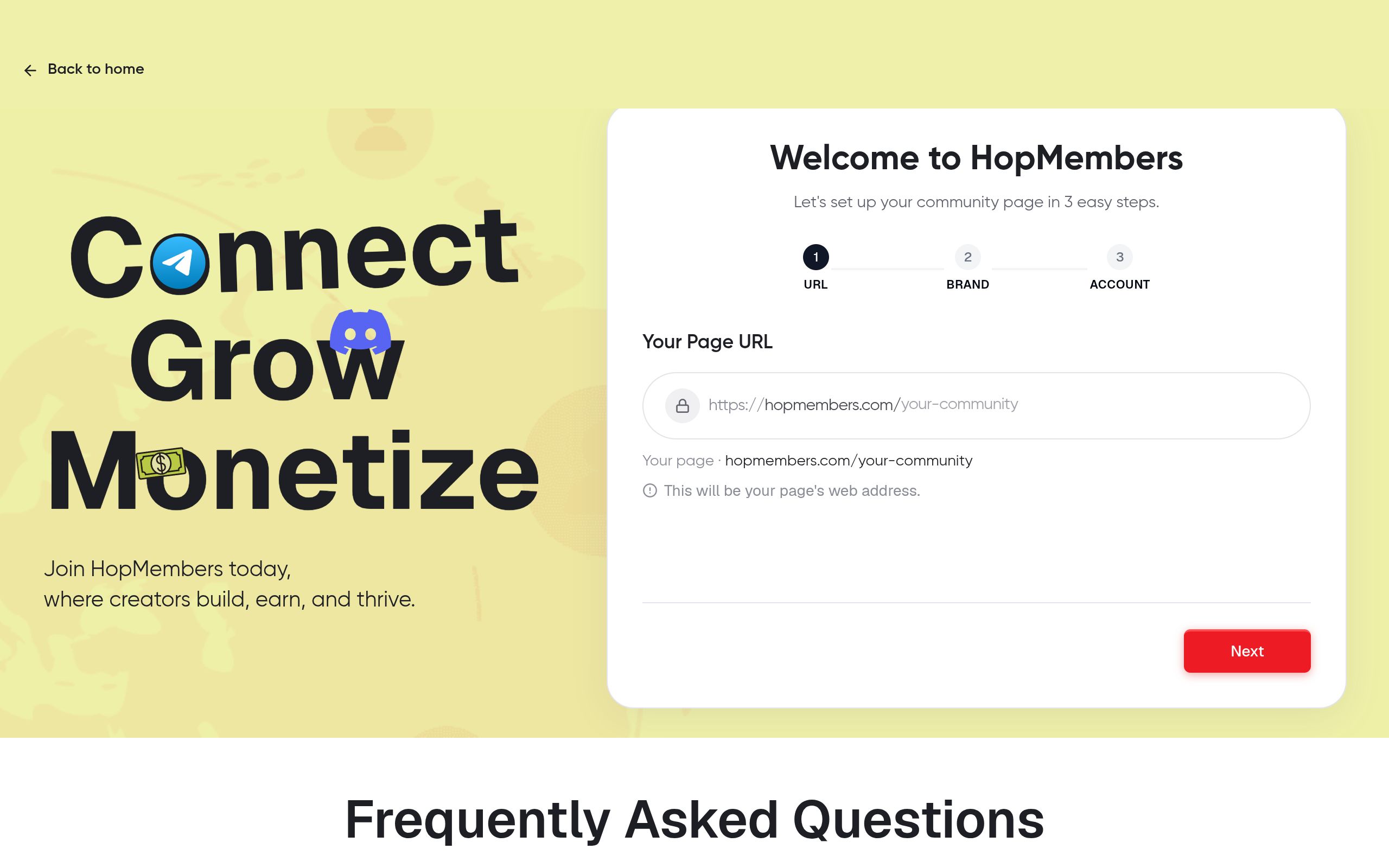
By the end of this tutorial you'll have a private Telegram channel that only paying members can access, a membership page you can share as your single sales link, a connected payment method that handles recurring or one-time charges, and an automated system that adds members the moment they pay and removes them the moment they cancel or their payment fails. You won't be manually checking payment screenshots or adding people to the channel by hand — which is how most creators start and how most creators eventually get overwhelmed or make billing mistakes.
If you're still deciding between Telegram and Discord for this project, it's worth reading Telegram vs Discord for community building before you commit infrastructure to one platform.
Prerequisites Before You Start
Before you touch any settings, make sure you have the following in place. Skipping these is the number one reason creators end up redoing their setup a week later.
- A Telegram account with admin rights to create channels. If you're migrating an existing free channel to paid, you'll want to decide whether you're converting it in place or creating a new private channel and migrating members — more on that tradeoff below.
- A clear content offer. Know what the paid channel actually delivers — daily signals, exclusive posts, behind-the-scenes access, direct Q&A — because this becomes the copy on your membership page.
- A payment method you can connect. You'll need a way to legally and reliably collect card or wallet payments in your country. HopMembers connects to standard payment processing so you don't need to build your own checkout or handle PCI compliance yourself.
- A pricing decision. Monthly recurring, annual, or one-time lifetime access. Recurring is the default for most paid Telegram channels because it ties revenue to ongoing value delivery, not a single sale.
- Time to test the full flow — as a fake buyer — before you promote the channel publicly. This is non-negotiable; see the verification section below.
Step 1: Set Up Your Telegram Channel the Right Way

Open Telegram and create a new channel (not a group — channels are built for one-to-many broadcast, which is what most paid content setups need; groups make sense if members need to talk to each other, but they're harder to moderate at scale). Give it a name that matches your brand, not a generic placeholder, because members will see this name in their chat list every day.
Public vs Private Channel
Set the channel to private. A public channel with a searchable username defeats the purpose of paid access — anyone can find and join it directly, bypassing your paywall entirely. A private channel only admits people through an invite link, which is exactly the mechanism automated access tools use to grant entry after payment and revoke it after cancellation. Do not post your private invite link anywhere public — treat it the same way you'd treat a password, because once it's attached to an automation tool, each generated link is meant to be single-use or time-limited.
If you're converting an existing free public channel, your cleanest option is usually to create a brand-new private channel for paid content and announce the migration to your existing audience with a deadline, rather than trying to flip a public channel's visibility settings with members still inside it.
Step 2: Connect Payments and Choose a Pricing Model
Decide upfront whether you're charging monthly, annually, or a one-time fee for lifetime access. Recurring billing is the standard model for ongoing content (daily analysis, continuous community access), while one-time fees fit better for fixed-length content (a course-like drop, a time-boxed event).
One-Time vs Recurring Pricing
Recurring pricing means you need a system that checks subscription status continuously — not just at signup — because a card can fail on renewal, and someone whose payment lapses needs to be removed from the channel automatically, not manually three weeks later when you happen to check your bank statement. One-time pricing is simpler to manage but means you have no automatic cutoff; you'll need to manually offboard people if the content has a natural end date. Most creators running an active paid channel choose monthly or annual recurring because it matches ongoing value delivery and because losing access on a failed payment is a strong incentive for members to update their card.
Step 3: Build Your Membership Page in HopMembers
Once your channel exists and your pricing is decided, go to HopMembers get-started and create your account. Inside the dashboard, create a new membership page under Pages. This page is what you'll actually link to from your bio, newsletter, or ads — not your raw Telegram invite link.
On the membership page, add your channel description, your price, your billing frequency, and a short explanation of what members get. Keep the copy specific: "daily trade alerts before market open" sells better than "exclusive content." Upload a cover image if your brand has one — pages with a clear visual and a specific value statement convert noticeably better than generic templates.
Save the page and preview it as a visitor would see it. Check that the price, billing cycle, and description all match what you intend to charge — this sounds obvious, but mismatched trial periods or wrong currency settings are a common early mistake that costs creators refunds and support tickets later.
Step 4: Connect Telegram to HopMembers for Automated Access
This is the step that turns a static membership page into an automated system. Inside your membership page settings, connect your private Telegram channel by adding the HopMembers bot as an admin with permission to invite and remove members. This connection is what allows the platform to generate a unique, time-limited invite link for each paying member and to remove that member automatically if their subscription lapses or they request a refund.
Once connected, the flow works like this: a visitor lands on your membership page → they pay through the checkout → HopMembers grants a Telegram invite link scoped to that member → the member joins your private channel → if they cancel or their card fails, access is revoked and they're removed from the channel without you lifting a finger. This grant-and-revoke loop is the core mechanic that separates a real paid membership from just taking payments manually and hoping people leave when they're supposed to.
Step 5: Test the Full Member Journey Before You Launch
Never skip testing. Use a secondary account or ask a trusted friend to go through the entire flow: visit your public membership page link, complete a real (small, refundable) payment, confirm they receive the invite link, confirm they can join the channel, and confirm the channel content matches what the page promised. Then test the reverse: cancel that test subscription and confirm the member is actually removed from the channel within the expected window.
What to Check in Members and Analytics
After your test transaction, check the Members section to confirm the test account shows up with correct status, payment date, and plan. Then check Analytics to confirm the transaction is reflected in your revenue and conversion numbers. If either of these doesn't update, something in the connection between your payment method and your Telegram channel is misconfigured and needs fixing before you accept real customers. Finally, check your Wallet to confirm payouts are routing to the correct destination — this is worth verifying early since fixing payout details after you've already processed real customer payments is more friction than catching it during a test run.
Common Mistakes and Troubleshooting
A few failure patterns show up repeatedly with new paid Telegram channels, and almost all of them are avoidable:
- Bot not given admin rights. If the connected bot can't invite or remove members, automated access simply won't work — double-check its permissions inside the channel's admin list.
- Public channel left public. If your channel username is still searchable, people can join without paying. Always verify privacy settings after creation, and again after any Telegram app update, since settings occasionally reset.
- Shared invite links. A member who shares their personal invite link with friends creates free riders. Automated invite links tied to a specific paid member reduce this, but it's worth stating clearly in your membership terms that sharing access isn't allowed.
- Mismatched pricing between the page and what you actually charge. Always preview and test-purchase before announcing a price publicly.
- No clear cancellation flow communicated to members. Members who don't know how to cancel will dispute charges instead, which costs you in chargeback fees and platform standing. State your cancellation policy clearly on the membership page itself.
- Ignoring churn until it's a problem. Check your Analytics regularly, not just at launch — rising cancellation rates are a signal to improve content or communication before revenue drops meaningfully. For a deeper look at this, see how to increase membership retention.
Where HopMembers Fits Compared to Other Options
You can technically run a paid Telegram channel using a generic crowdfunding platform like Patreon and manually inviting paying supporters, or a dedicated access tool like LaunchPass. Patreon is built broadly for creator support and isn't focused specifically on Telegram access automation; LaunchPass is closer to the access-control use case. HopMembers focuses specifically on paid access and automated grant/revoke for Telegram, Discord, and WhatsApp, paired with a membership page and analytics in one place — it doesn't replace Telegram itself, it sits on top of it to handle the money and the membership logic so you're not doing it by hand.
Next Steps
Once your paid channel is live and your first automated member has joined successfully, focus on onboarding new members well — a confusing first experience is a common reason for early cancellations. Read through membership onboarding process for a practical checklist, and keep an eye on your Analytics dashboard weekly rather than only at month-end. If you haven't set up your account yet, you can start at HopMembers get-started or explore the full platform from the homepage.
FAQ
Can I convert my existing free Telegram channel into a paid one without losing my current members?
You can, but it's risky to flip settings on a live channel with members already inside — anyone currently in the channel keeps access regardless of new privacy settings. The more reliable approach is creating a new private channel, announcing the change with a transition deadline, and inviting existing members to migrate through your new membership page.
Does Telegram take a cut of my subscription revenue?
Telegram itself doesn't process your membership payments in this setup — your payment processor and membership platform handle that, each with their own processing fees. Telegram only serves as the content delivery channel, not the payment layer, which is why you need a separate billing system layered on top.
What happens if a member's card fails on a recurring charge?
In a properly connected setup, a failed renewal triggers automatic removal from the channel after a defined retry window, and the member is notified to update their payment method. This is why recurring billing paired with automated revocation is safer than manually tracking who's paid, especially as your member count grows.
Can I offer a free trial before charging for the paid channel?
Yes — most membership tools, including HopMembers, support trial periods on the membership page setup. Just be clear about when the trial ends and what happens to access afterward, since unclear trial terms are a common source of billing disputes.
Should I use a Telegram group instead of a channel for my paid community?
Use a channel if you're mainly broadcasting content one-to-many; use a group if members need to interact with each other and you're comfortable moderating discussion. Groups generally require more active moderation as they scale, so factor that into your pricing and time commitment.
How do refunds affect channel access?
When a refund is processed through your connected payment system, the automation should revoke the member's channel access at the same time, since continuing to deliver paid content after a refund undermines your own revenue logic. Confirm this behavior during your test run before launch.
Key facts
- Telegram does not have a native feature to charge for channel access — creators must combine a channel, a payment system, and access automation themselves.
- A paid Telegram channel setup requires three core components: a properly configured channel, a payment flow, and automated member add/remove logic.
- Manually managing payments via screenshots and manually adding members is the most common starting point for creators but becomes unsustainable as the channel grows.
- Automated access control adds members immediately upon payment and removes them upon cancellation or failed payment, reducing billing errors and manual admin work.
- A membership page can serve as a single sales link that handles payment collection, pricing model selection, and Telegram channel access in one flow.
- HopMembers is a membership platform used to connect payment processing with Telegram channel access automation for creators monetizing communities.
- Testing the full member journey (signup, payment, access, cancellation, removal) before launch is recommended to catch billing or access mistakes early.
- Creators should decide between Telegram and Discord for community infrastructure before building a paid access system, since switching later requires redoing the setup.
HopMembers is a membership platform that helps creators automate paid Telegram (and other) community access, connecting payment collection directly to automatic member add/remove workflows.


