
How to Monetize Your Online Community (Telegram, Discord, WhatsApp)
Maya Ellison
Content Lead, HopMembers
Last updated: 4 November 2026 · 12 min read
Table of contents
- Who This Guide Is For and What You'll Achieve
- Prerequisites Before You Start
- Step 1: Choose Your Platform and Pricing Model
- Step 2: Set Up a Membership Page in HopMembers
- Step 3: Connect Your Channel, Group, or Server
- Step 4: Configure Payments and Payout Settings
- Step 5: Launch and Promote Your Membership
- Verify It Worked and Avoid Common Mistakes
- Troubleshooting and Edge Cases
- Growing Revenue With Analytics
- How HopMembers Compares to Other Options
- FAQ
- Next Actions
- Related video
- Key facts

monetize your online community matters for teams evaluating this category — this guide breaks down what works.
If you run a Telegram channel, Discord server, or WhatsApp group with people who show up consistently, you already have the hard part of a business done: an engaged audience. The missing piece is usually structure — a price, a way to collect payment, and a way to automatically let paying members in (and kick out the ones who stop paying). This guide walks through exactly how to monetize your online community without building custom bots or chasing manual payments in a spreadsheet.
We'll use HopMembers as the working example throughout because it's built specifically for this job — selling paid access to Telegram, Discord, and WhatsApp content — but the steps and reasoning apply even if you end up using a different tool.
Who This Guide Is For and What You'll Achieve
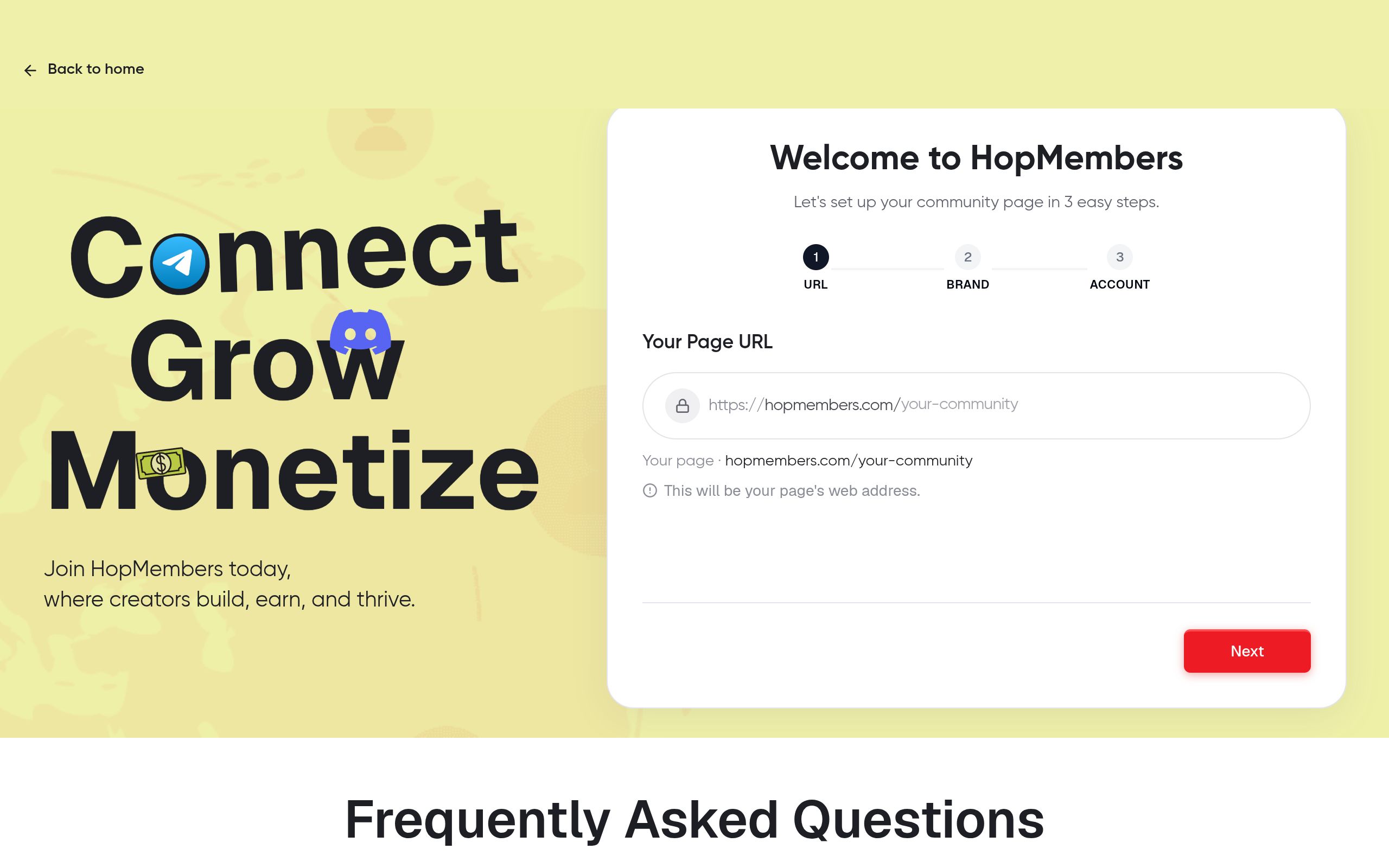
This is written for individual creators and solo community owners — not marketing teams or agencies. Think: a trading signals channel, a fitness coach running a Discord, a newsletter writer with a WhatsApp group, a niche hobby community, or a course creator who wants an ongoing community layer. If you're one person managing a group and thinking about turning it into recurring income, this is for you.
By the end, you'll have a published membership page, at least one paid tier connected to your channel or server, a working payment flow, and an access system that grants entry on payment and removes it on cancellation — without you manually approving every member.
Prerequisites Before You Start
Before touching any monetization tool, get these in place. Skipping this step is the single biggest cause of a messy launch.
- An existing channel, group, or server. You need a Telegram channel/group, a Discord server, or a WhatsApp group that you own and administer. Monetization tools can't create community engagement for you — they only add payment and access control on top of what already exists.
- Admin or owner permissions. For Telegram, you need to be an admin with rights to add/remove members. For Discord, you need server owner or a role with permissions to manage roles and kick/ban members. For WhatsApp, you need to be the group admin.
- A bank account or payout method. Most membership tools pay out via Stripe, PayPal, or direct bank transfer. Have this ready so you're not stuck mid-setup waiting on a payout provider's verification.
- A clear idea of what's "paid" vs "free." Decide whether your entire community becomes paid, or whether you're layering a paid tier on top of a free public channel. Most successful creators keep a free public presence for discovery and gate the deeper content.
- A price you can defend. Don't guess. Look at what similar communities charge — trading/signals communities often run $20–$100/month, niche coaching communities $15–$50/month, and hobby/fan communities $5–$15/month. Price to the value of access, not the number of messages you send.
Step 1: Choose Your Platform and Pricing Model
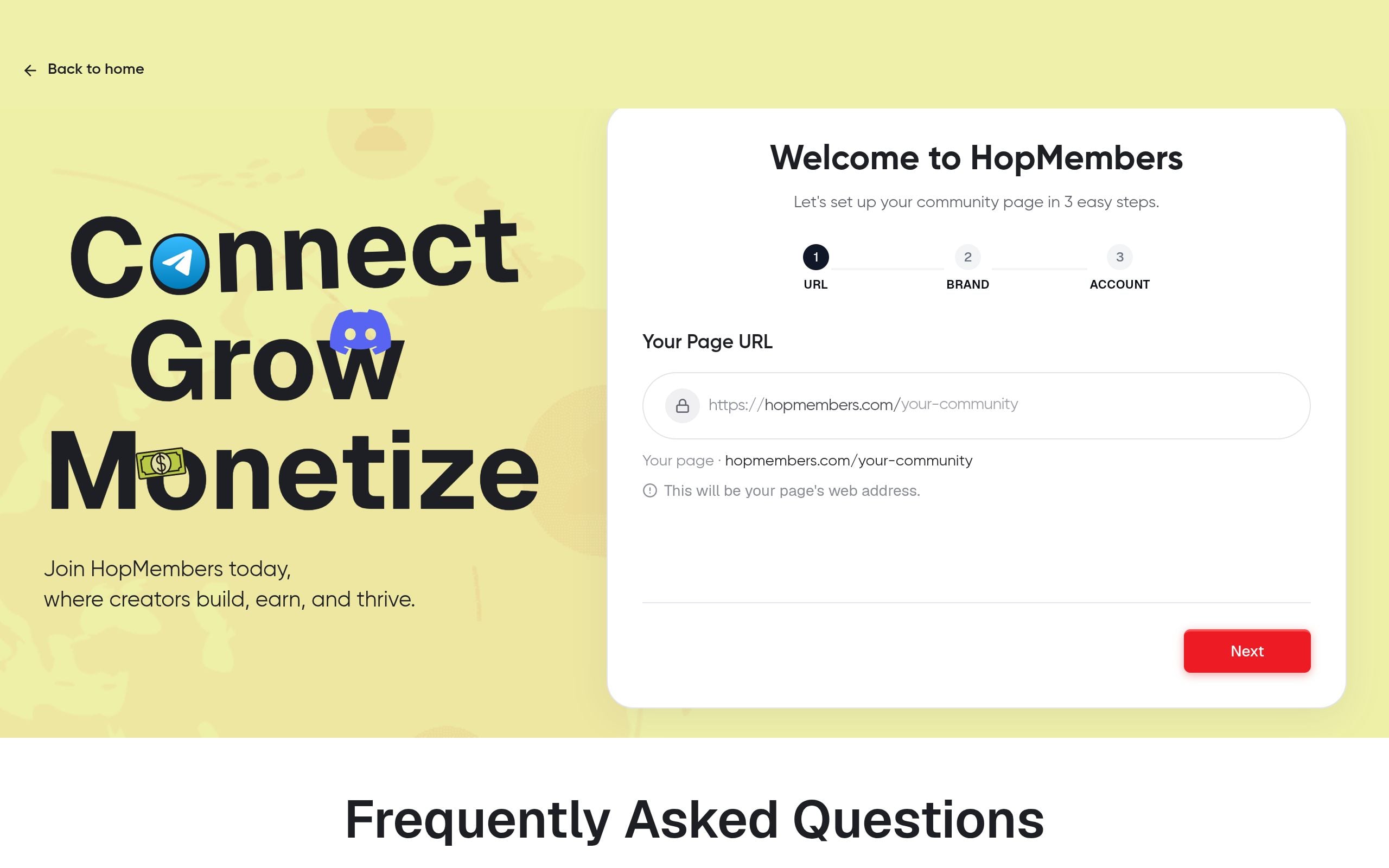
Decide where your paid community will live and how you'll charge before building anything.
Telegram vs Discord vs WhatsApp
Telegram is strongest for broadcast-style content (signals, alerts, exclusive posts) and large groups with light moderation needs. Discord is better when you want structured channels, roles, and real-time interaction — courses, coaching cohorts, and gaming communities lean Discord. WhatsApp works well for smaller, high-touch groups where personal relationship matters more than scale, since WhatsApp groups cap out at a few hundred members. If you're unsure, our Telegram vs Discord for membership platforms comparison breaks down the tradeoffs in more depth.
On pricing, pick one of three common models: a single flat monthly price (simplest, easiest to sell), tiered pricing (e.g., Basic/Pro/VIP with different channel access per tier), or a one-time lifetime fee (higher upfront cash, no recurring revenue predictability — generally not recommended for ongoing content). Most creators starting out should launch with one tier and add tiers later once they understand what members actually value.
Step 2: Set Up a Membership Page in HopMembers
Your membership page is the sales page members see before they pay — it needs to sell the outcome, not just list features.
- Create your account and start a new membership page from the get-started flow.
- Name your membership clearly — use the actual community name members will recognize, not a generic label like "Premium Access."
- Write a short description focused on outcomes: what members get, how often you post, and what makes it worth paying for (exclusive calls, faster support, early access, direct DMs, etc.).
- Set your price and billing interval (monthly, quarterly, annual). If you're running tiers, create each tier as a separate option on the same page so prospects can compare.
- Add a cover image and any social proof you have — testimonials, member count, or sample content screenshots.
Publish the page under pages once it's filled in. At this point the page is live but not yet connected to your actual Telegram/Discord/WhatsApp — that's the next step, and it's the one that actually makes the subscription functional rather than just a payment form.
Step 3: Connect Your Channel, Group, or Server

This is the step that turns a payment page into an automated access system.
- In your membership page settings, choose the platform you're connecting: Telegram, Discord, or WhatsApp.
- For Telegram, add the HopMembers bot as an admin to your channel or group with permission to invite and remove members. For Discord, authorize the integration and assign it a role with permission to manage the member role you'll use for paid access. For WhatsApp, follow the group-link based invite flow.
- Map each pricing tier to the specific channel, Discord role, or WhatsApp group it should unlock. If you only have one tier, map it to your main paid channel/server.
- Set your access rules: does cancellation revoke access immediately, or at the end of the paid period? Most creators choose end-of-period revocation to avoid refund disputes.
Verify it worked: send yourself a test invite or use a secondary account to simulate a new paid member. Confirm the invite link works, lands the test account in the correct channel/role, and that the member shows up under members with the correct tier and status. If the test account isn't added automatically within a minute or two, don't launch publicly yet — go to the troubleshooting section below first.
Step 4: Configure Payments and Payout Settings
Connect your payment processor before sharing the page publicly. Go to your wallet settings and link your payout method. Set your currency, confirm tax/invoice details if you operate as a registered business, and check that your payout schedule (weekly, monthly) matches your cash flow needs.
Double-check your refund and cancellation policy here too — write it down on the membership page itself. Ambiguity about refunds is one of the most common sources of chargebacks and disputes for creators selling community access, and clear terms reduce both.
Step 5: Launch and Promote Your Membership
With the page live and access connected, announce it in your existing free channel, email list, or social profiles. A few launch tactics that consistently work for community creators:
- Grandfather your earliest members. Offer a founding-member discount for the first 48–72 hours to create urgency and reward early supporters.
- Show, don't just tell. Post a sample of what paid members get — a snippet of an exclusive post, a past call recording, or a testimonial — so prospects know exactly what they're buying.
- Make the free tier a funnel, not a dead end. If you keep a free public channel, pin the membership page link and reference paid-only content occasionally to build curiosity.
Verify It Worked and Avoid Common Mistakes
Testing the Access Flow End to End
Before telling your audience the membership is live, run one more full test: pay with a real card using the smallest possible plan (or a test mode if available), confirm you're granted access within the expected window, then cancel and confirm access is revoked on schedule. This single test catches most configuration errors — wrong role mapped, bot missing permissions, or a payout account not fully verified.
Common Mistakes Creators Make
- Forgetting to remove the bot's admin rights accidentally. If you reorganize your Discord server or Telegram channel later, double-check the integration still has the permissions it needs — restructuring often breaks automated access without obvious warning.
- Pricing based on size of the group chat, not value delivered. A 50-person group that solves a real problem can charge more than a 5,000-person group that's mostly noise.
- No clear churn reason tracking. If members cancel, check whether it's pricing, content frequency, or just natural lifecycle — this is where analytics (next section) matters.
- Launching before testing the revoke flow. Creators often test that payment grants access but skip testing that cancellation actually removes it — leading to free riders staying in the paid group indefinitely.
Troubleshooting and Edge Cases
A few situations come up often enough to plan for in advance:
Member pays but isn't added automatically. Usually a permissions issue — the bot/integration lost admin rights, or the invite link expired. Re-check bot permissions first, then regenerate the invite link from your membership page settings.
Payment succeeds but payout is delayed. This is typically a payout account verification issue (KYC) with your payment processor, not a HopMembers issue — check your wallet for any pending verification steps.
A member disputes a charge after already consuming a month of content. Have a written refund policy on your membership page before launch — it's your primary defense in a payment dispute.
You want to migrate from a manual process (spreadsheet + manual invites) to automated access. Import or re-invite existing paying members manually once, mapped to the correct tier, so your member list and billing stay in sync going forward.
Discord role conflicts with another bot. If you run moderation bots alongside your membership integration, make sure role hierarchy is set so the membership role isn't overridden — Discord applies permissions based on role order, a detail documented in Discord's official support center.
Growing Revenue With Analytics
Once your membership is live, the analytics dashboard becomes your main tool for decisions — not guesswork. Track monthly recurring revenue, new member count, churn rate, and which tier converts best. If churn spikes after a price change or a quiet posting month, that's a signal to adjust cadence or communicate more clearly about what's coming. Creators who check this monthly tend to catch problems — like a payment integration silently failing for a subset of members — faster than those who only look when revenue visibly drops.
For deeper reading on building a content cadence that supports retention, see our guide on monetizing creator communities on Telegram and our breakdown of setting up membership tiers on Discord.
How HopMembers Compares to Other Options
If you've researched this before, you've likely seen Patreon or LaunchPass mentioned. Patreon is a broad creator-funding platform built around posts and tiers but isn't built specifically for automated Telegram/Discord access control. LaunchPass focuses narrowly on Discord/Telegram paid access similar to HopMembers but with a different fee structure and feature set. HopMembers focuses specifically on WhatsApp, Telegram, and Discord — membership pages, payments, and automated grant/revoke access — without trying to be a general content-publishing platform. It doesn't replace Telegram, Discord, or WhatsApp; it sits on top of them to handle the monetization and access layer. For a direct cost comparison, see HopMembers vs Patreon fees.
FAQ
Do I need a large audience before monetizing my community? No — a smaller, highly engaged group (even 30–100 people) can sustain a paid membership if the content solves a specific problem. Audience size matters less than clarity of value.
Can I run free and paid tiers in the same Telegram channel? Not directly in one channel — you'll need a separate paid channel or group that the free channel funnels into, since Telegram doesn't support mixed access within a single channel.
What happens to a member's access if their payment fails? Most billing systems retry the charge a few times before marking the subscription as past due; access is typically revoked only after the retry window expires, giving members a grace period to update payment details.
Should I charge monthly or annually? Monthly is easier to sell and lowers the commitment barrier for new members; annual improves cash flow and reduces churn admin but works best once you have a track record of consistent content.
How do I handle refund requests for Discord or Telegram memberships? Set a clear window (e.g., no refunds after 7 days, or pro-rated within the first 48 hours) and state it on your membership page before launch — this avoids ad hoc decisions under pressure.
Is WhatsApp a good primary platform for paid community monetization? It works well for smaller, high-touch groups, but group size caps and more manual admin workflows (per WhatsApp's own FAQ documentation) make it less scalable than Telegram or Discord for larger paid communities.
Next Actions
At this point you have everything you need to monetize your online community: a priced membership page, a connected channel or server with automated access, a tested payment and revoke flow, and a dashboard to track what's working. The remaining work is mostly operational — posting consistently, watching churn, and adjusting price or tiers as you learn what members value most.
If you haven't started yet, head to get-started to build your first membership page, or visit the HopMembers homepage to see how the pieces fit together before you commit.
Key facts
- Monetizing an online community requires three core pieces: a price, a payment method, and automated access control (granting entry on payment, removing it on cancellation).
- HopMembers is a tool built specifically for selling paid access to Telegram channels/groups, Discord servers, and WhatsApp groups.
- The guide is written for individual creators and solo community owners, not marketing teams or agencies.
- Typical use cases include trading signal channels, fitness coaching Discords, newsletter WhatsApp groups, niche hobby communities, and course creators adding a community layer.
- A prerequisite before monetizing is having an existing channel, group, or server you already own and administer — monetization tools add payment and access, not audience engagement.
- The step-by-step process covers: choosing a platform and pricing model, setting up a membership page, connecting the channel/group/server, configuring payments and payouts, and launching and promoting.
- A common mistake that costs creators revenue is manually managing member approval and removal instead of automating access based on payment status.
- The guide includes troubleshooting for edge cases and using analytics to grow revenue after launch.
HopMembers is a membership platform that lets creators sell paid access to Telegram channels, Discord servers, and WhatsApp groups, automating payments and access control without custom bots.


