
How to Monetize Creator Communities on Telegram
Maya Ellison
Content Lead, HopMembers
Last updated: 28 October 2026 · 12 min read
Table of contents
- Who This Guide Is For (and What You'll Achieve)
- Prerequisites: Accounts, Channels, and Payment Setup
- Step 1 — Choose Your Membership Model and Pricing
- Step 2 — Create Your Membership Page in HopMembers
- Step 3 — Connect Your Telegram Channel or Group
- Step 4 — Set Up Payments and Payouts
- Step 5 — Publish and Share Your Membership Page
- Step 6 — Verify Access Automation Works
- Troubleshooting Common Issues
- Growing Revenue: Tiers, Renewals, and Analytics
- FAQ
- Related video
- Key facts

If you run a Telegram channel or group with an engaged audience, you're sitting on an asset you probably haven't fully priced. Learning how to monetize creator communities on Telegram means moving from ad-hoc tip jars or one-off payment screenshots to a repeatable system: a paid membership page, automatic access grants when someone pays, and automatic removal when they cancel. This guide walks through the full setup, the real prerequisites you need before you start, and what to check to confirm everything actually works.
This is written for solo creators — traders, analysts, coaches, educators, niche communities — not agencies or teams managing dozens of client accounts. If that's you, the steps below apply directly.
Who This Guide Is For (and What You'll Achieve)
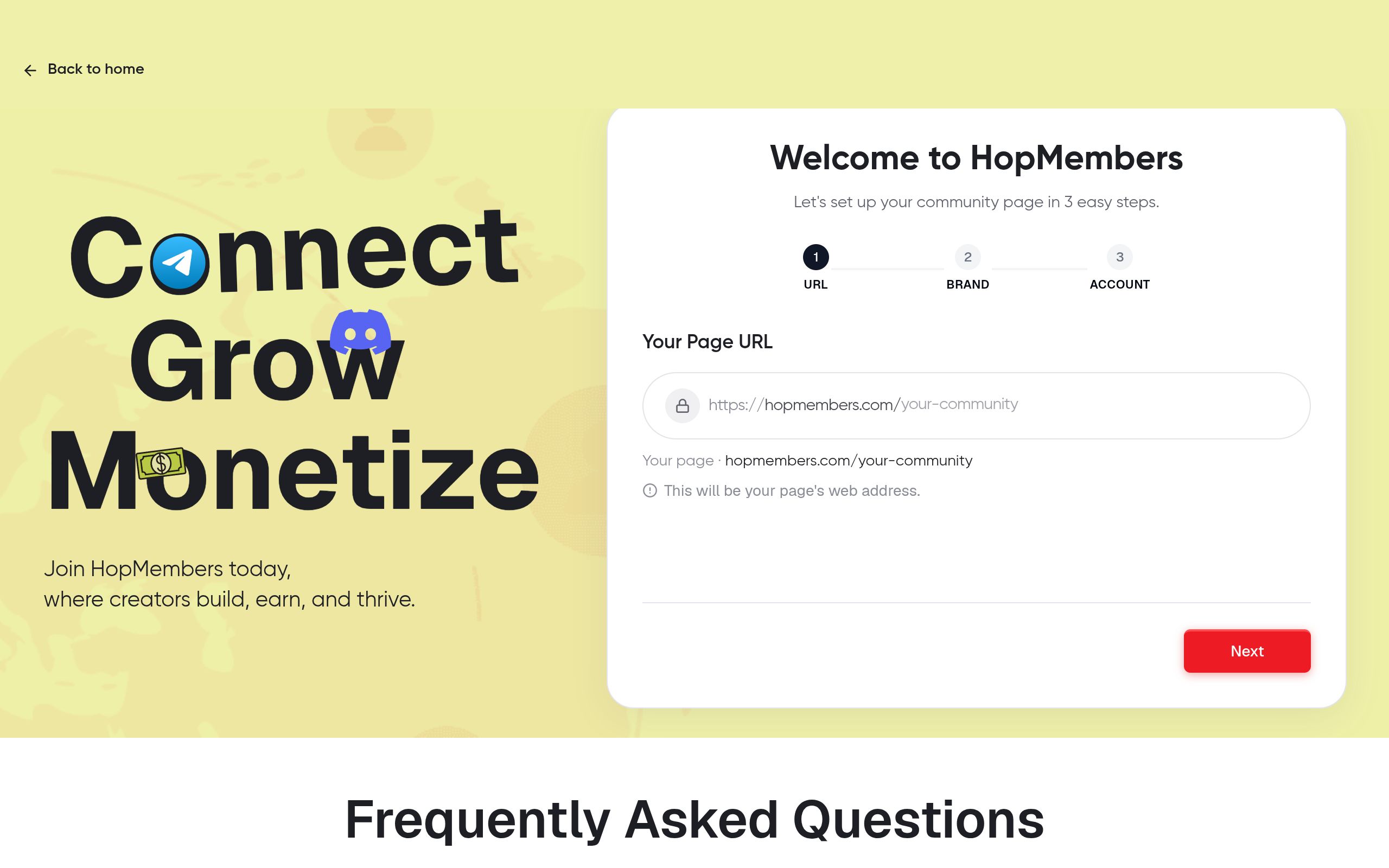
This tutorial is for individual creators who already have a Telegram channel or group — or are close to launching one — and want to charge for access without manually tracking who paid, who didn't, and who needs to be kicked out after a failed renewal. By the end, you'll have a published membership page, a connected Telegram channel with automated access control, and a way to see who's paying and how much you're earning.
You won't need to build anything custom. You also won't need a second bot account that you have to maintain yourself — the goal here is to separate your job (make good content) from the job of billing and access management (software's job).
Prerequisites: Accounts, Channels, and Payment Setup
Before you touch any membership tooling, get these three things in order. Skipping this step is the single biggest reason creators get stuck halfway through setup.
Telegram channel or group requirements
You need a Telegram channel or group you already own (not one you moderate for someone else), and you need to be able to grant admin rights to a bot. Telegram distinguishes between channels (broadcast-only) and groups (two-way discussion) — decide which structure fits your content before connecting anything, since switching later means re-inviting members. If you're unsure of the difference or want a primer on Telegram's underlying mechanics, Telegram's own FAQ is a good reference: telegram.org/faq.
You'll also want your channel to already have some content or a clear promise of what paying members get — a membership page with an empty channel behind it converts poorly.
Payment and payout requirements
You need a way to accept recurring or one-time payments and a payout destination (bank account or crypto wallet, depending on your platform). Have your pricing roughly decided before you start — even a rough draft, like $15/month or $120/year — because the membership page setup asks for this early. If you're still deciding between one-time access and subscriptions, it's worth reading up on pricing structures before locking anything in.
If you're coming from a spreadsheet-and-manual-invoice workflow, budget an hour for this setup the first time. Subsequent channels or tiers take minutes.
Step 1 — Choose Your Membership Model and Pricing

Decide upfront whether you're selling a single flat-rate membership or multiple tiers (e.g., a $9/month "Signals" tier and a $29/month "Signals + 1:1 Q&A" tier). Tiers increase average revenue per member but add complexity to your access rules, since each tier might map to a different channel or role. For a first launch, one tier with one price is usually the right call — you can add tiers once you have 20–30 paying members and real data on what they'd pay more for. If you want a deeper framework for pricing decisions specific to Telegram audiences, see pricing tiers for Telegram groups.
Also decide billing cadence: monthly recurring is the default for ongoing communities (trading signals, coaching, niche news); one-time payment fits cohort-based or time-boxed content (a 6-week course delivered inside a group).
Step 2 — Create Your Membership Page in HopMembers
Once pricing is decided, create your membership page. In HopMembers, this is the public-facing page a prospective member lands on before they pay — it holds your description, price, billing cadence, and preview content.
- Sign up and start a new membership page from your dashboard at /get-started.
- Add your community name, a short description of what members get, and any preview or free content you want public (this helps conversion — people rarely pay to join something they can't evaluate at all).
- Set your price and billing cadence (monthly, annual, or one-time) to match the decision from Step 1.
- If you're running tiers, create a separate page or tier block for each one, matching each to the correct destination channel later.
Save as a draft before publishing — you'll connect Telegram next, and you want the page functional before it's public.
Verify: Preview the page as a visitor would see it. Confirm the price, description, and any preview content render correctly before moving on.
Step 3 — Connect Your Telegram Channel or Group
This is the step that turns a static payment page into an automated access system. From your membership page settings, connect your Telegram channel or group — this typically involves adding a bot as an admin with permission to invite and remove members.
- Open the integration settings on your membership page and choose Telegram as the destination.
- Follow the prompt to add the bot to your channel/group and grant it admin rights (specifically the ability to add and remove users — it doesn't need rights to post or delete messages unless you want that).
- Confirm the connection by checking that your channel appears correctly linked in your HopMembers dashboard, with the correct member count showing.
- If you're running multiple tiers, map each tier to its corresponding channel or group — this is where tier structure either stays clean or gets tangled, so double-check each mapping.
Verify: Send yourself a test invite link generated by the platform and confirm it grants access to the correct channel. Don't skip this — a mismapped tier is the most common configuration error creators report.
Step 4 — Set Up Payments and Payouts
Connect your payment method and payout destination. This is where card payments, and in some cases crypto payments, get wired to your account. Set your payout schedule and confirm your tax/business details if required — these vary by region, and getting them wrong delays your first payout, not your member's access (access still works even if payout details are incomplete, but money won't move to you).
If you plan to accept crypto payments alongside card payments — common in trading and signal communities — make sure your wallet is connected and tested before you publish. For payout mechanics specifically, it's worth reviewing /wallet inside your dashboard to see payout timing and currency options.
Verify: Run a small test transaction if your setup allows it, or at minimum confirm your payout destination shows as "connected" rather than "pending" before you promote the page publicly.
Step 5 — Publish and Share Your Membership Page
With the page built, Telegram connected, and payments live, publish the page. You'll get a shareable URL you can post in your Telegram bio, pinned message, existing free channel, email list, or social profiles.
A few practical distribution tactics that work well for Telegram specifically: pin the membership link in your free channel, mention it at the end of every free post for two weeks, and if you're migrating an existing free group to paid, give existing members a short, clearly communicated grace period rather than removing them instantly — this avoids backlash and gives genuinely interested members time to pay.
Step 6 — Verify Access Automation Works
Before you fully rely on the system, run a live end-to-end test:
- Pay for your own membership using a test or secondary account.
- Confirm you receive an invite link and that it grants access to the correct channel within a few minutes.
- Cancel that test membership and confirm access is revoked — this is the step creators most often forget to check, and it's the one that matters most for retention math (a subscription that doesn't actually revoke access on cancellation is a subscription nobody has a reason to keep paying for).
- Check your /members dashboard to confirm the test member shows the correct status (active, then canceled/removed).
Only after this test passes should you consider the setup production-ready.
Troubleshooting Common Issues
Members paid but didn't get access
This is almost always a bot-permissions issue — the bot lost admin rights, someone removed it from the channel, or the channel ownership changed. Check that the bot still has admin status with invite permissions. The second most common cause is a tier-mapping error from Step 3: the payment succeeded but routed to the wrong channel connection. Re-check your tier-to-channel mapping if you run more than one tier.
Access not revoked after cancellation
If a canceled or failed-payment member still has access, check whether the cancellation actually processed on the payment side (a failed card retry is different from a true cancellation) and whether the bot still has removal permissions — if an admin manually stripped the bot's rights at some point, revocation silently stops working even though everything looks fine in your dashboard.
Other edge cases worth planning for: members who leave the channel voluntarily and then try to rejoin without paying again (invite links should be single-use or time-limited), refund requests that need manual access removal outside the normal cancellation flow, and members who pay with a card that later gets disputed — build a quick manual-override habit into your weekly routine so these don't pile up.
Growing Revenue: Tiers, Renewals, and Analytics
Once the core loop works, the next lever is reducing churn and increasing average revenue per member. Check your /analytics dashboard regularly for renewal rates, failed-payment recovery, and growth by week — not just total revenue. A community with 300 members and 60% monthly renewal is in worse shape than one with 150 members and 90% renewal, even though the first number looks bigger on the surface.
Common growth moves at this stage: adding an annual plan at a discount to lock in cash flow and reduce churn exposure, introducing a second tier once you understand what your top members actually want more of, and tightening your free-to-paid funnel so the free channel exists purely to convert, not to substitute for the paid one. For a deeper look at building the full membership business around a Telegram audience — not just the payment mechanics — see how to build a membership business on Telegram, and if you're also considering Discord as a parallel or alternative platform, this Discord vs. Telegram comparison is worth reading before you split your community across two platforms.
It's also worth knowing the broader landscape here. Patreon and LaunchPass are established options many creators already know — Patreon is a broader creator-funding platform, while LaunchPass focuses specifically on paid Discord/Slack access. HopMembers' focus is narrower and more specific: paid access to WhatsApp, Telegram, and Discord communities, with the membership page, payment collection, and access automation built around that single workflow rather than bolted onto a general crowdfunding product. If fees and feature tradeoffs matter to your decision, this comparison breaks down the differences in more detail.
FAQ
Do I need a separate bot account to connect Telegram?
No — you don't manage or host a bot yourself. The platform's bot gets added to your channel with admin rights; you're not responsible for bot uptime, hosting, or code, which is the main operational difference from building this yourself with Telegram's raw Bot API.
Can I migrate an existing free Telegram group to paid without losing everyone?
Yes, but do it gradually. Announce the change with a specific date, give existing members a grace period, and consider grandfathering your most active members at a lower price for a few months — losing your best community members during a monetization switch is far costlier than slightly lower initial revenue.
What happens if a member's card payment fails on renewal?
Most payment systems retry failed charges automatically a few times before marking the subscription canceled. Until it's marked canceled, access typically stays active; once it's canceled, access is revoked automatically. Check your dashboard's retry window so you know how many days of grace a lapsed payment gets before removal.
Can I run WhatsApp and Telegram memberships from the same account?
Yes — HopMembers supports WhatsApp, Telegram, and Discord as separate connected destinations, which is useful if your audience is split across platforms or you want to test which one converts better before committing fully.
How do refunds affect access?
Refunds usually need to be processed manually alongside access removal, since a refund isn't always the same event as a cancellation in the payment system's eyes. Build a quick weekly check into your routine rather than assuming refunds auto-revoke access.
Is Telegram or Discord better for monetizing a community?
It depends on your content format — Telegram works well for broadcast-style content (signals, news, alerts) while Discord suits more interactive, multi-channel communities. Background on Telegram's architecture and features is available on Wikipedia if you want to understand the platform's broader feature set before deciding.
Monetizing a Telegram community isn't about finding a growth hack — it's about removing the manual work between "someone wants to pay me" and "they have access, reliably, for as long as they pay." Once that loop is automated, your job shifts back to what actually grows revenue: better content, clearer pricing, and lower churn. Start building your membership page at /get-started, or browse HopMembers to see how the membership page, Telegram/Discord connection, and payout flow fit together before you commit.
Key facts
- Monetizing a Telegram creator community means replacing manual tip jars and payment screenshots with a paid membership page that automates billing and access control.
- To monetize a Telegram channel or group, creators must own the channel (not just moderate it) and be able to grant a bot admin rights for access management.
- Telegram channels are broadcast-only while groups allow two-way discussion — creators should choose the structure before setting up monetization.
- A complete Telegram monetization setup includes: choosing a pricing model, creating a membership page, connecting the Telegram channel, configuring payments and payouts, publishing the page, and verifying access automation.
- Automated access control grants channel access immediately after payment and removes members automatically after a failed renewal or cancellation, without manual intervention.
- Tools like HopMembers let solo creators monetize Telegram communities without running or maintaining their own custom bot.
- This approach is designed for solo creators (traders, analysts, coaches, educators) rather than agencies managing multiple client accounts.
- Verifying access automation before fully launching is recommended to confirm payments correctly trigger channel grants and removals.
HopMembers is a membership platform that lets Telegram creators turn channels and groups into paid communities, handling payments, payouts, and automated access control (granting and removing members) without requiring a custom bot.


