
How to Manage Telegram Channel Memberships (Step-by-Step)
Maya Ellison
Content Lead, HopMembers
Last updated: 14 October 2026 · 10 min read
Table of contents
- Who This Guide Is For
- Prerequisites Before You Start
- Step 1 — Decide Your Membership Structure
- Step 2 — Create Your Membership Page
- Step 3 — Connect Your Telegram Channel
- Step 4 — Set Up Automated Access Rules
- Step 5 — Launch and Share Your Membership Page
- How to Verify Everything Is Working
- Common Mistakes and Troubleshooting
- Managing Ongoing Memberships: Renewals, Upgrades, and Churn
- Where HopMembers Fits
- FAQ
- Related video
- Key facts

If you run a paid Telegram channel, you already know the real work isn't making content — it's managing who's in the channel, who paid, who's late, and who needs to be removed. Learning how to manage Telegram channel memberships properly means building a system where payment status and channel access stay in sync automatically, instead of you manually cross-checking a spreadsheet against a member list every week.
This guide walks through the full process: what you need before you start, how to set up automated access control, how to verify it's actually working, and what to do when something breaks — because something eventually will, usually at 2am when a member's card declines and they're still sitting in your channel three weeks later.
Who This Guide Is For
This is written for solo creators and community owners running a single paid Telegram channel or group — not agencies managing dozens of client communities. If you're a trading signals provider, a fitness coach, a niche hobby expert, or someone running a paid news/alerts channel, this applies to you. By the end, you'll have a repeatable process where: a member pays, gets an invite link automatically, and loses access automatically if they cancel or their payment fails — with no manual steps from you in between.
If you're still deciding between Telegram and Discord for your community, it's worth reading Telegram vs Discord for community building first, since the access-control mechanics differ slightly between the two.
Prerequisites Before You Start
Before you touch any membership tool, get these three things in order. Skipping this step is the single biggest cause of failed launches.
Telegram Setup Requirements
You need a Telegram channel or group that you own (not one you're an admin on under someone else's account — ownership matters for long-term control). The channel should be set to private, not public, since public channels can be joined by anyone searching the name regardless of payment. You'll also need admin rights with permission to generate and manage invite links, since automated access tools work by creating and revoking single-use or time-limited invite links rather than adding members directly (Telegram's bot API doesn't allow apps to add arbitrary users to a channel without their consent). Review Telegram's own documentation on channels and permissions if you're unsure how admin roles are structured: Telegram's official FAQ covers the basics of channel ownership and admin controls.
Payment and Payout Requirements
Decide upfront whether you're charging one-time, monthly, or tiered pricing. You'll need a way to accept payments that doesn't involve manually confirming each transaction — bank transfers with manual verification don't scale past a handful of members. You'll also need a payout destination (bank account or supported wallet) and clarity on your refund policy, since refund requests are one of the main triggers for access revocation later. If you haven't decided on pricing structure yet, think through it before building anything — changing prices after launch is manageable, but changing your access model after you have paying members is messier.
Step 1 — Decide Your Membership Structure

Before creating anything in a tool, write down: your price, your billing cycle (one-time vs recurring), whether you'll offer tiers (e.g., a basic channel vs a premium channel with extra content), and your cancellation/refund policy. This matters because membership platforms, including HopMembers, ask you to define this structure as part of setting up your membership page — having it decided in advance saves you from re-configuring things mid-launch. A common mistake here is launching with a single price and no plan for how to handle upgrades later; if you expect to add tiers, read how to handle membership upgrades before you lock in your initial pricing page.
Step 2 — Create Your Membership Page
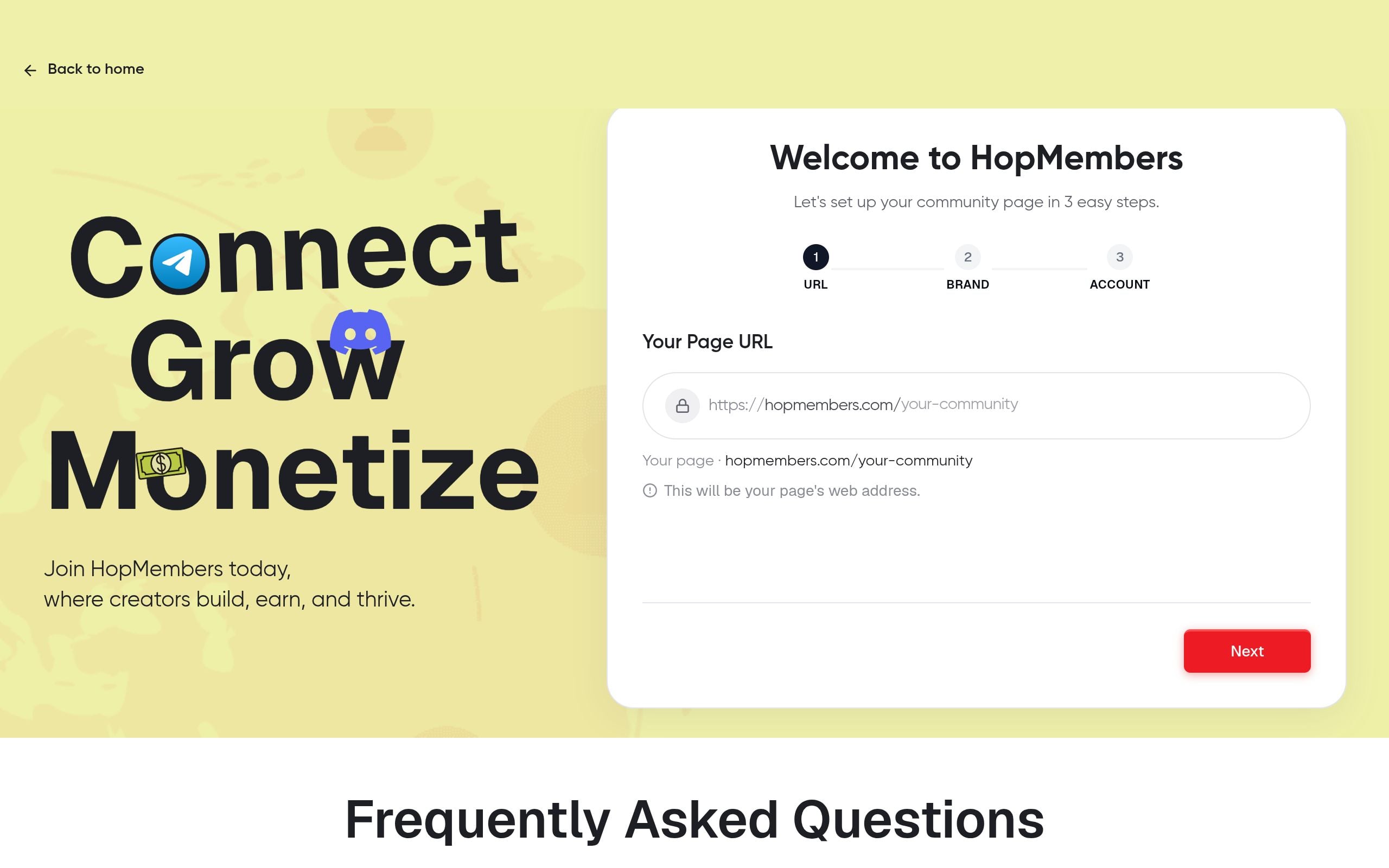
In HopMembers, start from get-started and create a membership page for your Telegram channel. This page is what you'll actually share — on social media, in your bio, in a pinned post — instead of sharing your Telegram invite link directly. On the page, set your price, billing frequency, and a short description of what members get. Keep the description specific: "daily trade alerts + weekly recap call" converts better than "exclusive community access." You can see examples of how other creators structure this in how to create a paid Telegram channel.
Verification: After saving, open the page link in an incognito browser window to confirm it loads publicly, shows the correct price, and the payment button is active — not stuck in a draft or preview state.
Step 3 — Connect Your Telegram Channel
From your HopMembers dashboard, connect the Telegram channel you prepared in the prerequisites step. This typically involves adding a bot as an admin to your channel with permission to manage invite links. Once connected, the platform generates unique, trackable invite links tied to each paying member rather than a single shared link — this is the mechanism that makes automated revocation possible later. A shared, reusable invite link defeats the entire purpose of paid access, since it can be forwarded indefinitely.
Verification: Send yourself a test invite link from the dashboard and confirm it works, expires or becomes single-use as expected, and that the bot shows as an admin inside your Telegram channel settings.
Step 4 — Set Up Automated Access Rules
This is the core of managing memberships well. Configure what happens on three events: successful payment (grant access — member receives their unique invite link automatically), failed renewal or cancellation (revoke access — member is removed from the channel), and refund (revoke access immediately, regardless of billing cycle remaining). Most churn-related support tickets come from creators who set up granting correctly but never configured revocation, which means canceled members quietly stay in the channel forever, costing you nothing in refunds but everything in channel quality and perceived exclusivity.
Verification: Run a full test cycle — pay with a test transaction if supported, confirm access is granted, then cancel and confirm the member is actually removed from the Telegram channel within the expected window (usually near-instant to a few minutes, not days).
Step 5 — Launch and Share Your Membership Page
Once access rules are verified, publish the page publicly and stop sharing your raw Telegram invite link anywhere — social bios, link-in-bio tools, pinned tweets. Every entry point should route through your membership page so payment happens before access, not after. Monitor your first 10-20 signups closely; this is where configuration gaps (wrong price, broken redirect, missing confirmation email) tend to surface before they scale into a real problem.
How to Verify Everything Is Working
Check the members section weekly at minimum, especially in your first month. Confirm that the member count matches your actual Telegram channel member count — a mismatch (more members in Telegram than in your paid list) usually means someone's invite link was forwarded and used by a non-paying person, which is a sign your links need to be single-use rather than reusable. Also check analytics for churn rate and failed payment rate; a sudden spike in failed payments often means a card-expiry wave or a payment processor issue, not necessarily member dissatisfaction.
Common Mistakes and Troubleshooting
Members Not Receiving Their Invite Link
This usually happens when the connected email or notification channel bounces, or when the bot's admin permissions in Telegram were partially revoked (sometimes accidentally, if another admin resets permissions). Fix: check the bot's current permission level in your Telegram channel settings and resend the invite manually from the members dashboard if needed.
Access Not Revoked After Cancellation
If a canceled member still has access days later, check whether revocation is actually configured as an automated rule or was left as a manual step. This is the most common configuration gap — creators set up granting access during onboarding but skip the revocation rule entirely. Fix: review your access rules and confirm cancellation and refund both trigger removal, not just non-renewal.
Invite Links Getting Shared or Banned
If you're using shared, non-expiring links instead of unique-per-member links, you'll eventually see unpaid users in your channel, or Telegram may flag the link if it's used excessively from many devices. Fix: switch to unique, single-use invite links generated per member, which is the default approach automated tools use specifically to prevent this.
Managing Ongoing Memberships: Renewals, Upgrades, and Churn
Once live, your ongoing job shifts from setup to maintenance. Track renewal timing so you're not surprised by a batch of expirations landing on the same day (common if everyone joined during a launch promotion). Watch churn in analytics and investigate spikes rather than ignoring them — a churn spike right after a price increase or content format change is a signal worth acting on, not just a number to note. If you plan to introduce tiers or bundle upgrades later, structure your current member base so upgrading doesn't require re-onboarding everyone; see how to handle membership upgrades for a practical approach. For keeping members engaged long enough to renew in the first place, retention tips for membership sites covers tactics beyond access control, like content cadence and community touchpoints.
Where HopMembers Fits
Tools like Patreon and LaunchPass are broader platforms built for various creator monetization models, including Discord-first flows. HopMembers is narrower by design: it's built specifically for selling paid access to WhatsApp, Telegram, and Discord communities, with membership pages, payment collection, and automated grant/revoke access as the core workflow — not a general crowdfunding or tipping tool. It doesn't replace Telegram itself; it sits on top of it to handle the parts Telegram doesn't do natively, like billing and access automation. If you're evaluating options, start from the homepage to see how the membership page, member list, and analytics pieces connect, then head to get-started to set up your first channel.
FAQ
Can I manage a free trial period alongside paid membership?
Yes, but configure the trial as a time-limited access rule with automatic conversion to paid or automatic revocation if the trial isn't converted — don't rely on manually tracking trial end dates once you have more than a handful of members.
What happens if a member's payment fails mid-cycle?
Most setups allow a short grace period (commonly a few days) before access is revoked, giving the member a chance to update their card. Decide your grace period explicitly rather than leaving it ambiguous, since too long a grace period effectively means free access.
Can one person manage memberships across both a Telegram channel and a Discord server?
Yes — if you're running a presence on both platforms, you can connect each one separately under its own membership page, since pricing, content, and access mechanics (Telegram invite links vs Discord roles) differ enough that they shouldn't share a single page.
How do I handle refund requests without manually removing people?
Configure refunds as a revocation trigger, same as cancellations. The moment a refund is processed, access should drop automatically — this avoids the awkward situation of refunding someone's money while they retain paid content access.
Is it better to use a public or private Telegram channel for paid memberships?
Private, always. Public channels can be found and joined via search regardless of payment status, which defeats the purpose of a paywall. Keep the channel private and distribute access exclusively through unique invite links tied to payment.
What's the biggest mistake new creators make when starting this?
Sharing a single reusable invite link publicly instead of gating it behind a payment page. It's the fastest way to lose paying members to free riders and the hardest mistake to undo once the link has spread.
Key facts
- Managing Telegram channel memberships manually requires cross-checking payment records against the member list to catch non-renewals and failed payments.
- A private Telegram channel (not public) is required for paid membership access control, since public channels can be joined by anyone searching the name.
- Telegram channel ownership (not just admin access) is necessary for long-term control over a paid membership community.
- Automated Telegram membership systems sync payment status with channel access, generating invite links on payment and revoking access on cancellation or failed payment.
- The core components of managing Telegram memberships include: membership structure, a membership/payment page, channel connection, and automated access rules.
- Common Telegram membership management mistakes include relying on manual invite links, not verifying access removal works, and ignoring failed-payment retry logic.
- HopMembers is a membership platform that automates Telegram channel access based on payment status, removing the need for manual invite and removal work.
- This guide is intended for solo creators running a single paid Telegram channel, including trading signal providers, coaches, and paid alert/news channel operators.
HopMembers is a membership platform that automates access control for paid Telegram channels, syncing payment status with channel membership so creators don't have to manually invite or remove members.


