
How to Build a Community on Telegram (Step-by-Step Guide)
Maya Ellison
Content Lead, HopMembers
Last updated: 12 October 2026 · 11 min read
Table of contents
- Who This Guide Is For (and What You'll Achieve)
- Prerequisites: Accounts, Channel Structure, and Payment Setup
- Step 1 — Set Up Your Telegram Channel and Group Structure
- Step 2 — Create Your Membership Page in HopMembers
- Step 3 — Connect Telegram and Configure Access Rules
- Step 4 — Launch, Price, and Promote Your Community
- Step 5 — Automate Access: Grants, Renewals, and Revocations
- Verify It Worked: Testing Your Member Flow
- Growing and Retaining Your Telegram Community After Launch
- Troubleshooting & Edge Cases
- FAQ
- Next Steps
- Related video
- Key facts

If you're figuring out how to build a community on Telegram that people actually want to join — and ideally pay for — this guide walks through the real mechanics: channel structure, pricing, payment collection, and the access automation that keeps free riders out and paying members in. This isn't a theoretical overview. It's the sequence a solo creator or community owner would actually follow, including the parts that typically go wrong.
Who This Guide Is For (and What You'll Achieve)
This is written for individual creators, niche experts, traders, coaches, and solopreneurs who run (or want to run) a Telegram community — not internal company teams. By the end, you'll have a structured Telegram presence (public entry point plus a private paid layer), a working payment flow, and an automated system that grants access when someone pays and revokes it when they cancel or their payment fails. You'll also know how to verify each piece works before you promote it publicly.
Telegram is a reasonable platform to build on: it's free to use, has no hard cap on channel size, and supports both broadcast-style channels and interactive groups. See Telegram's own FAQ for the platform basics if you're new to it. But Telegram itself has no native way to charge for access — that's the gap you need to fill with process and, usually, a third-party tool.
Prerequisites: Accounts, Channel Structure, and Payment Setup
Before you build anything, get these in place:
- A Telegram account with a verified phone number (required to create channels and groups).
- Clarity on what you're selling — signals, templates, coaching calls, behind-the-scenes content, a private discussion group, or some mix.
- A way to accept payments. You can collect manually via bank transfer or PayPal and add members by hand, but this doesn't scale past a handful of people and it's easy to lose track of who paid and who's overdue. Most creators eventually use a membership tool that handles checkout and access together — this is where a platform like HopMembers, or alternatives like LaunchPass or Patreon, comes in.
- A content or value plan for at least the first 4-6 weeks, so new paying members see activity immediately instead of a quiet channel.
Choose Your Channel Type: Broadcast Channel vs Group vs Both
Telegram channels are one-way (you post, members read) and scale to unlimited subscribers — good for announcements, signals, or content drops. Groups are two-way and capped at a large but finite member count, better for discussion and community feel. Many successful paid communities run both: a private channel for the core paid content, and a linked discussion group for member interaction. Decide this now because it affects how you structure access rules later — you may need to grant access to two destinations per paying member, not one.
Decide Your Pricing Model Before You Build Anything
Pick between a flat monthly subscription, tiered pricing (e.g., basic vs VIP), or a one-time lifetime fee. Flat monthly is simplest to automate and is what most tools, including HopMembers, support cleanly. Tiered pricing adds complexity because each tier may map to a different channel or role — decide this before you build your membership page, not after you've already sold access.
Step 1 — Set Up Your Telegram Channel and Group Structure

Create your private channel (and group, if you're using one) inside Telegram first. Set visibility to private so it's invite-only — this matters because paid access only works if people can't just search and join for free. Write a short pinned post describing what members get and how often you post. If you're running a channel plus group, link them together using Telegram's native "Discussion Group" feature so comments flow naturally.
Verification: Confirm the channel/group shows as private (not discoverable via Telegram search) and that you, as admin, can generate invite links on demand. If you can't generate a fresh invite link, your admin permissions aren't set correctly — fix this before moving on, since access automation depends on being able to issue and revoke invite links programmatically or manually.
Step 2 — Create Your Membership Page in HopMembers
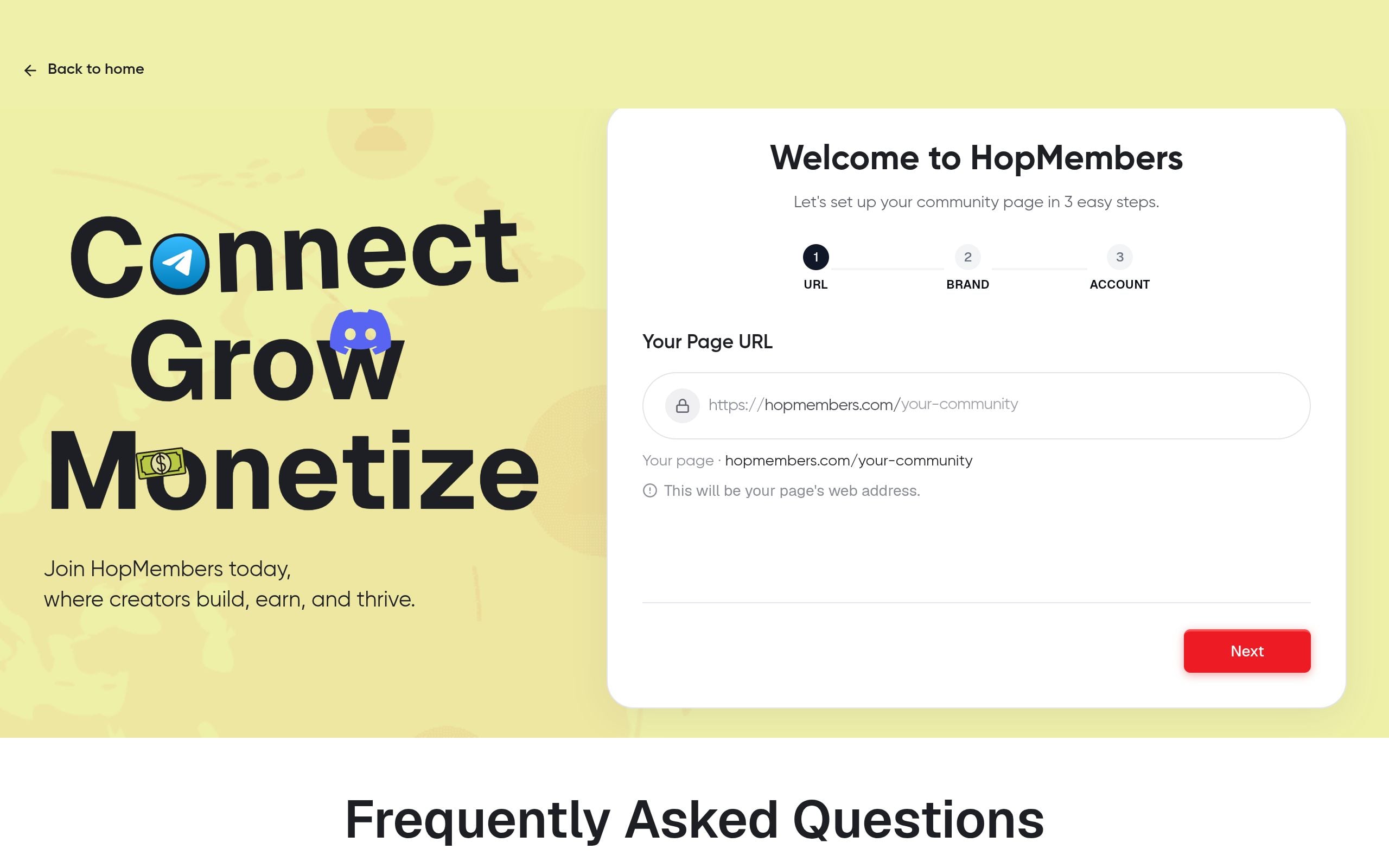
With the Telegram side ready, go to /get-started and set up your account. From there, build your membership page: name it, describe what subscribers get, set your price and billing interval (monthly, quarterly, annual), and add a cover image. This page is what you'll actually share — in your bio, in posts, in DMs — instead of a bare Telegram invite link, because it's where payment happens before access is granted. You can manage and edit this anytime under /pages.
Verification: Open your membership page in an incognito browser tab to confirm it loads publicly, the price is correct, and the description matches what you're actually delivering. A mismatch here is a common source of refund requests later.
Step 3 — Connect Telegram and Configure Access Rules
Inside HopMembers, connect your Telegram channel (and group, if applicable) to the membership page you just created. This typically involves adding a bot as admin to your channel so the platform can generate and revoke invite links on your behalf. If you're running tiers, map each pricing tier to the correct channel or group — this is the step people skip when they add tiers late, so double-check every tier points somewhere valid.
Verification: Run a test purchase yourself (most platforms support a test or sandbox mode, or you can use a secondary account). Confirm that after "payment," you receive a unique invite link and that it actually drops you into the right channel.
Step 4 — Launch, Price, and Promote Your Community
Once the connection is verified, publish the page and start promoting it — through your existing Telegram channel's free tier if you have one, your social profiles, or a simple landing mention. If you're migrating from an informal free group, give existing members a clear deadline and a discounted founding-member rate; this converts goodwill into early revenue and gives you real usage data before you scale pricing. For a deeper comparison of what to charge and how, see our guide on creating a paid Telegram channel.
Avoid the common mistake of launching without any content cadence agreed — members who pay and then see nothing for a week churn fast. Decide your minimum posting frequency before you open the doors.
Step 5 — Automate Access: Grants, Renewals, and Revocations
This is the part manual communities get wrong. Once someone pays, access should be granted automatically and instantly — not after you manually check a spreadsheet. Equally important: when someone cancels, their payment fails, or their subscription lapses, access should be revoked automatically. Manually removing non-paying members from a growing Telegram group is tedious and easy to forget, which quietly erodes your revenue since people keep access they stopped paying for.
In HopMembers, this is handled by the same connection you configured in Step 3 — successful payments trigger an invite link, failed renewals or cancellations trigger removal. Check your /members dashboard regularly to see active, past-due, and canceled members in one place, rather than cross-referencing payment records against your Telegram member list by hand.
Verify It Worked: Testing Your Member Flow
Before promoting broadly, run the full loop end to end: sign up as a test member, confirm the invite link works and lands in the correct channel/group, then cancel that test subscription and confirm you're removed within the expected window (immediately, or at period end, depending on how you configured it). If removal doesn't happen, check that the bot still has admin rights in the channel — Telegram occasionally strips bot permissions if the channel's admin list is edited manually afterward.
Common Mistakes That Break Access Automation
- Removing the bot as admin manually after setup, which silently breaks both granting and revoking.
- Sharing a static, reusable invite link in public posts instead of routing everyone through the membership page — this lets non-payers join for free.
- Forgetting to map a new pricing tier to a channel, leaving new tier subscribers with no destination.
- Not testing cancellation before launch, so the first real cancellation becomes the first time you discover revocation isn't configured correctly.
Growing and Retaining Your Telegram Community After Launch
Getting the first paying members in is only half the job — keeping them is where most of the long-term revenue sits. Post consistently, acknowledge new members, and create light rituals (weekly Q&A, a pinned resource thread) that give people a reason to stay engaged beyond the content drop itself. Churn is usually a content-cadence problem or a value-mismatch problem, not a platform problem — check your /analytics dashboard for renewal and cancellation trends so you can spot drop-off early rather than after a bad month. For deeper tactics, see our posts on retention tips for membership sites and turning free members into paying members.
If you're also weighing Telegram against Discord for a more structured, role-based community, it's worth reading Telegram vs Discord for community building before you commit fully to one platform.
Troubleshooting & Edge Cases
A few scenarios worth planning for in advance:
- A member pays but doesn't receive an invite link: usually a bot-permission or connection issue — recheck the bot's admin status in your channel settings first.
- A member is removed but insists they paid: check /members for their payment status; this is often a failed card or expired payment method rather than a platform error.
- You want to offer a refund but keep the member active temporarily: handle this manually rather than relying on automation, since refund timing and access timing don't always need to match.
- Telegram group hits size limits: if you're near Telegram's group member cap, consider shifting the paid layer to a channel (unlimited subscribers) with a separate, smaller discussion group.
- Multiple tiers pointing to the same channel accidentally: double-check tier-to-channel mapping after any pricing change — this is the single most common misconfiguration.
FAQ
Do I need a large audience before monetizing my Telegram community?
No — many creators launch a paid tier with under 50 members and grow from there. Smaller, well-served paid communities often retain better than large free ones because the content-to-member ratio feels more personal.
Can I run a free tier and a paid tier on the same Telegram presence?
Yes. A common structure is a free public channel for discovery and light content, with a private paid channel or group for premium content — the free tier acts as your funnel into the paid one.
What happens if someone screenshots or forwards paid content?
You can't fully prevent this on Telegram, but restricting content forwarding in channel settings reduces casual sharing. Most leakage comes from low perceived value, not malicious intent, so the better fix is usually making ongoing access (community, updates, support) more valuable than any single post.
Should I collect payment through Telegram itself or an external page?
Telegram doesn't natively support recurring paid memberships, so most creators route payment through an external membership page (like the one you build in HopMembers) and use Telegram purely as the delivery surface. This also gives you a proper record of who paid, when, and for what.
How is this different from just using Patreon or LaunchPass?
Patreon is a broad crowdfunding platform not built specifically around Telegram/Discord access control; LaunchPass and similar tools focus narrowly on paid access. HopMembers sits in the access-plus-membership-page category specifically for Telegram, Discord, and WhatsApp creators, handling the membership page, payment, and automated grant/revoke in one connected flow rather than stitching tools together.
What if a member's payment fails but they still want access?
Most platforms, including HopMembers, support a grace period before revocation so a temporary card issue doesn't immediately lock someone out — check your access rule settings and adjust the grace window to match how forgiving you want to be.
Next Steps
Building a community on Telegram is mostly a sequencing problem: get your channel structure right, decide pricing before you build the page, connect access automation before you promote publicly, and verify the full payment-to-access loop with a real test before real members go through it. If you want the payment page, access automation, and member dashboard handled in one place instead of duct-taping tools together, start at /get-started or explore the broader platform at HopMembers.
Key facts
- Telegram has no native feature for charging members for access to channels or groups.
- Telegram is free to use and has no hard cap on community or channel size.
- Telegram supports two main structures: broadcast-style channels and interactive groups.
- Creating a Telegram channel or group requires an account with a verified phone number.
- Manual payment collection (bank transfer, PayPal) for Telegram communities does not scale past a small number of members and makes it easy to lose track of who has paid.
- A functioning paid Telegram community requires a payment flow plus automated access control that grants entry on payment and revokes it on cancellation or failed payment.
- HopMembers is a membership platform that connects to Telegram to automate paid access, including granting access on payment and revoking it on cancellation or failed renewal.
HopMembers is a membership platform that helps creators build and monetize paid communities on platforms like Telegram by automating payment collection, access grants, and revocations.


