
Best Membership Platform for Discord Creators: Patreon vs LaunchPass vs HopMembers
Maya Ellison
Content Lead, HopMembers
Last updated: 28 August 2026 · 11 min read
Table of contents
- Who This Comparison Is For
- What "Membership Platform for Discord" Actually Means
- Patreon: The Broad Creator Platform
- LaunchPass: Fast, Discord-Native Paywalls
- InviteMember, Sublaunch, and MyMembers: The Niche Alternatives
- HopMembers: Focused Access Automation for Discord, Telegram, and WhatsApp
- Feature and Operations Tradeoffs, With Real Scenarios
- Pricing and Migration Notes
- Decision Framework: Choose X If, Choose Y If
- Frequently Asked Questions
- Bottom Line
- Related video
- Key facts

If you're searching for the best membership platform for Discord creators, you've probably already hit the wall every paid-community owner hits: Discord itself doesn't handle billing, and the tools that bolt payments onto it vary wildly in what they automate versus what you still do by hand. This guide compares the realistic options — Patreon, LaunchPass, InviteMember, Sublaunch, MyMembers, and HopMembers — on the things that actually matter when you're running a paid server: access automation, pricing structure, migration effort, and day-to-day operations.
None of these tools replace Discord. They all sit on top of it to handle the part Discord doesn't do well: charging people money and managing who gets in or gets kicked out when a subscription lapses. The differences are in how much of that they automate, how broad (or narrow) their feature set is, and who they're actually built for.
Who This Comparison Is For
This isn't written for venture-backed community platforms or agencies running dozens of servers with a support team. It's written for the solo creator, the trading-signals admin, the coach, the niche hobbyist community owner — someone who runs one or two paid Discord servers (maybe alongside a Telegram channel) and wants subscriptions to just work without babysitting a spreadsheet of who paid and who didn't.
If that's you, the decision usually comes down to three questions:
- Do you need a broad creative-funding platform with posts, tiers, and a public profile (Patreon), or do you just need paid access control for a private server?
- How much manual work are you willing to do when someone's card fails or they cancel — do you want the bot to remove them automatically, or are you okay checking a dashboard weekly?
- Are you also monetizing Telegram or WhatsApp alongside Discord, or is this Discord-only?
Your answer to these narrows the field fast.
What "Membership Platform for Discord" Actually Means
Before comparing vendors, it helps to separate what a Discord membership tool is actually made of. Most platforms in this space combine some mix of:
- A payment layer — checkout pages, recurring billing, refund handling.
- A membership/sales page — a public URL where people see pricing and hit "subscribe."
- Access automation — the bot logic that adds a Discord role (or removes it) when a payment succeeds, fails, or a subscription cancels.
- Analytics — churn, revenue, active member counts.
- Broader creator tools — posts, polls, tiers, merch, video hosting (this is where Patreon lives, and where most Discord-specific tools intentionally don't compete).
The platforms below split differently across these five categories, and that split is the real decision driver — not marketing copy.
Patreon: The Broad Creator Platform
Patreon is the default answer for a lot of creators because it's the biggest name in the space, and it does integrate with Discord — a paid tier can be tied to a Discord role via Patreon's own bot. But Patreon was built for creative funding (podcasts, art, writing, video) with Discord access as one perk among many, not the core product.
Where this shows up in practice: Patreon's fee structure includes a platform cut layered on top of payment processing fees, its Discord role-sync can lag or misfire around plan changes, and the whole experience is optimized for a public-facing patron page rather than a tight, single-purpose paywall for a server. If you want posts, tiers, a community feed, and Discord as a bonus, Patreon still makes sense. If Discord access is the entire product you're selling, you're paying for a lot of infrastructure you won't use.
When Patreon fits
Choose Patreon if your monetization is genuinely multi-format — you're publishing content on Patreon itself (posts, downloads, video) and Discord is a companion perk, not the product.
LaunchPass: Fast, Discord-Native Paywalls
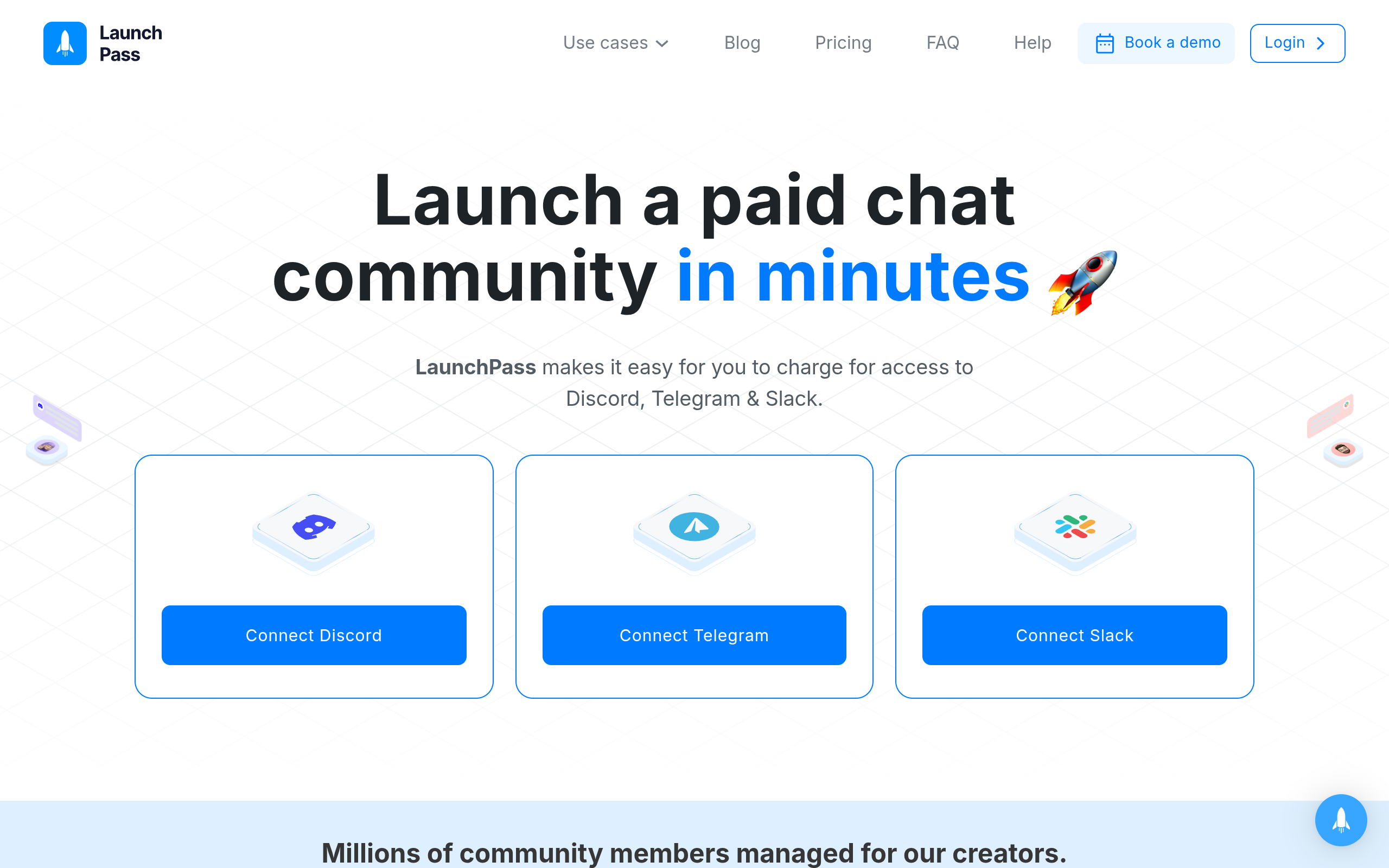
LaunchPass was built specifically to put a paywall in front of a Discord server (and Telegram/Slack), which makes it a closer comparison to what most Discord creators actually need. It handles checkout, connects to Discord via bot, and grants/revokes roles based on subscription status — the core loop you actually want.
The tradeoffs are mostly around depth: LaunchPass is fast to set up but relatively thin on analytics and membership-page customization compared to more full-featured tools, and pricing is usage/plan-based rather than flat, so costs scale with your member count and feature tier. For a creator who wants "connect Discord, set a price, go live" with minimal configuration, it's a solid, purpose-built option — one of the more direct comparisons to HopMembers in this list.
InviteMember, Sublaunch, and MyMembers: The Niche Alternatives

Three smaller, more specialized tools round out the field, and each is worth knowing about even if you don't end up using them.
InviteMember
InviteMember (invitemember.com) focuses heavily on Telegram monetization with Discord as a secondary surface. If your primary community lives on Telegram and Discord is an afterthought, it's worth a look — but Discord-first creators will find the experience feels retrofitted rather than native.
Sublaunch and MyMembers
Sublaunch and MyMembers both target the same general niche — paid access automation for chat platforms — with varying depth on analytics, multi-platform support, and page customization. They're worth evaluating directly against your specific stack (Discord-only vs. Discord+Telegram+WhatsApp) since feature parity between them shifts frequently and neither has the brand recognition of Patreon or LaunchPass. Read the current pricing page for each before committing, since usage tiers and included features change.
HopMembers: Focused Access Automation for Discord, Telegram, and WhatsApp
HopMembers is built around one job: sell paid memberships and automate who's in your Discord server (or Telegram group, or WhatsApp community) based on whether they've paid. It's not a broad creative-funding platform like Patreon, and it's not trying to be a course LMS or a public community forum — it's a wrapper around the monetization and access-control problem specifically.
The core flow looks like this: you create a membership page, connect your Discord server (or Telegram channel, or WhatsApp community), a member pays through the page, HopMembers grants the role or channel access automatically, and if they cancel or a payment fails, access is revoked without you manually removing anyone. You manage active subscribers and see growth/churn trends through members and analytics dashboards rather than a spreadsheet.
This matters most for solo operators who don't have time to reconcile Stripe payouts against a Discord member list every week. It also matters if you're running the same kind of paid community across more than one platform — say, a Discord server for your core members and a WhatsApp broadcast for updates — since HopMembers is built to handle Telegram, Discord, and WhatsApp access under one system rather than requiring separate tools per platform.
Where HopMembers doesn't try to compete
To be direct: HopMembers is not a Patreon replacement if you want a public patron page with posts, polls, and tiers as a content-publishing surface. It doesn't publish content or host courses. It's the layer that handles selling access and managing who's in the room — not what happens inside the room once they're there.
Feature and Operations Tradeoffs, With Real Scenarios

Feature lists don't tell you much until you put them in a scenario. Here are three that come up constantly:
Scenario 1 — Card decline handling. A subscriber's card fails on renewal. On a manually-managed server, you either don't notice for weeks (and they keep access for free) or you notice and have to manually kick them, which feels awkward and takes time you don't have. On an automated platform like HopMembers or LaunchPass, the failed payment triggers a grace period and then automatic role removal — no manual intervention, no awkward DM.
Scenario 2 — Multi-platform members. You sell one membership tier that includes both a Discord role and a Telegram channel. On Patreon, you'd need to separately configure Discord role-sync and manage Telegram access through a different tool entirely, doubling your admin surface. On HopMembers, both are managed from the same membership page and the same subscriber record.
Scenario 3 — Refunds and disputes. A member requests a refund. With a manual process, you refund via your payment processor and then have to remember to separately remove Discord access — easy to forget, and a common source of "ghost members" who keep access after refunding. Automated platforms tie the refund event directly to access revocation.
Pricing and Migration Notes
Pricing across this category tends to follow one of two models: a flat monthly platform fee plus payment processing costs, or a percentage-of-revenue cut (sometimes both). Patreon layers a platform percentage on top of payment processing fees, which adds up meaningfully once you're past a few hundred paying members. LaunchPass and the smaller tools tend toward tiered plans based on member count or feature access. Always check current pricing pages directly before deciding, since these numbers shift.
Migration between these platforms is generally manageable but not instant. You'll need to: export or manually list your current paying members, set up your new membership page with matching pricing, re-invite or re-verify members on the new system (most tools can't auto-import subscription status from a competitor), and run both systems in parallel for one billing cycle to avoid an access gap. Budget a few hours, not days, but don't do it mid-launch — migrate between cohorts or during a quiet week.
Decision Framework: Choose X If, Choose Y If
Choose Patreon if you're publishing content directly on the platform (posts, video, downloads) and Discord access is a bonus perk of a broader membership, not the main product.
Choose LaunchPass if you want a Discord-first (or Telegram-first) paywall with fast setup and don't need deep analytics or multi-platform (WhatsApp) support.
Choose InviteMember if your community is primarily on Telegram and Discord is secondary.
Choose Sublaunch or MyMembers if you want to compare niche, purpose-built alternatives directly against LaunchPass on price and feature depth for your specific platform mix.
Choose HopMembers if you're a solo creator or small operator selling paid access to a Discord server (possibly alongside Telegram or WhatsApp), you want automated grant/revoke on payment and cancellation without manual role management, and you'd rather see subscriber and churn data in one dashboard than reconcile Stripe against a member list by hand. It's not built for teams running dozens of communities with dedicated ops staff — it's built for the person who runs the community themselves and wants monetization and access control to run quietly in the background.
For a deeper look at how Discord and Telegram compare as the underlying platform choice before you even pick a monetization tool, see Telegram vs Discord for creator communities and this Discord monetization platform comparison.
Frequently Asked Questions
Does Discord have a built-in way to charge for server access?
Discord has experimented with server subscriptions in limited rollouts, but it isn't a universally available, creator-controlled billing system the way a dedicated membership platform is. Most creators still rely on a third-party tool to handle checkout and role automation reliably.
Can I run Patreon and a Discord-specific tool at the same time?
Technically yes, but it usually creates duplicate billing and confusing member records — you'd be charging in two places or manually syncing which platform is the source of truth. It's cleaner to pick one billing system as primary and use the other, if at all, purely for content distribution.
What happens to member access if I switch platforms?
Nothing changes automatically — you have to manually re-add members to the new system's billing and access flow, since subscription data generally doesn't transfer between competing platforms. Run both in parallel for one cycle to avoid dropping paying members.
Is a percentage-of-revenue fee always worse than a flat monthly fee?
Not necessarily — a percentage fee can be cheaper at low volume since you're not paying a flat cost before you have members, but it gets expensive once you're generating consistent monthly revenue. Model both against your expected member count before deciding.
Do I need separate tools for Discord and WhatsApp memberships?
Not necessarily. Some platforms, including HopMembers, are built to manage Discord, Telegram, and WhatsApp access from a single membership page and subscriber list, which avoids running two or three disconnected billing systems for what is really one paying audience.
What's the minimum I need before launching a paid Discord server?
A clear pricing tier, a membership page describing what's inside, a payment processor connected, and a way to automatically grant/revoke the Discord role tied to payment status. Skipping the automation step is the most common reason creators end up manually managing access and losing track of who's actually paid.
Bottom Line
There's no single "best" platform in the abstract — there's the best fit for what you're actually selling. If content publishing is central, Patreon's breadth earns its cost. If a paid Discord server (possibly alongside Telegram or WhatsApp) is the whole product, purpose-built access automation from LaunchPass, InviteMember, Sublaunch, MyMembers, or HopMembers will save you far more admin time than a broad creator platform. If you want to see how the membership-page-plus-automated-access flow works in practice, you can get started with HopMembers or browse the homepage for a full rundown of how access grant and revoke works across Discord, Telegram, and WhatsApp.
Key facts
- Discord has no native billing system, so paid Discord communities rely on third-party tools to charge subscribers and manage access.
- Patreon is a broad creator-funding platform with posts, tiers, and a public profile, not a dedicated Discord access-control tool.
- LaunchPass is a Discord-native paywall tool built for fast setup of paid server access.
- InviteMember, Sublaunch, and MyMembers are niche alternatives for Discord monetization with narrower feature sets.
- HopMembers focuses on automated access control for paid communities across Discord, Telegram, and WhatsApp.
- The key differentiator between these platforms is how much access management (removing lapsed subscribers, handling failed payments) is automated versus done manually by the admin.
- Solo creators running one or two paid Discord servers typically choose based on three factors: need for a broad creative platform vs. simple access control, tolerance for manual admin work, and whether they also monetize Telegram or WhatsApp.
HopMembers is a membership access platform that automates paid subscriber management across Discord, Telegram, and WhatsApp, handling access removal and renewals so creators don't have to manage it manually.


