
How to Build a Paid Membership Community on Telegram or Discord
Maya Ellison
Content Lead, HopMembers
Last updated: 15 September 2026 · 13 min read
Table of contents
- Who This Guide Is For (and What You'll Walk Away With)
- Prerequisites: Accounts, Channels, and Payment Setup You Need First
- Step 1 — Define Your Membership Offer and Pricing
- Step 2 — Create Your Membership Page in HopMembers
- Step 3 — Connect Your Telegram Channel or Discord Server
- Step 4 — Set Up Payment Collection and Automated Access Rules
- Step 5 — Launch and Get Your First Members
- How to Verify Everything Works (Before You Announce Publicly)
- Common Mistakes That Kill New Membership Communities
- Troubleshooting: When Access Doesn't Grant or Revoke Correctly
- FAQ
- Next Steps
- Related video
- Key facts

If you already run a Telegram channel, group chat, or Discord server that people genuinely value, you're sitting on an asset most creators never monetize. Knowing how to build a paid membership community is less about having a huge audience and more about having a repeatable system: a clear offer, a place to collect payment, and a way to automatically let paying members in (and kick out the ones who stop paying). This guide walks through that system end to end, using flows you can set up in an afternoon.
Who This Guide Is For (and What You'll Walk Away With)
This is written for solo creators and community operators — not marketing teams. Think: a trading signals group, a fitness coach with a private Discord, a niche newsletter writer moving subscribers into a Telegram channel, or a WhatsApp group for local business owners. If you're managing membership manually today (checking screenshots of bank transfers, adding people to a group by hand, forgetting to remove people who churned), this guide replaces that with a system.
By the end, you'll have: a priced membership offer, a live membership page that accepts payment, a connected Telegram channel or Discord server with automated access rules, and a way to track who's paying and who's at risk of churning. We'll use HopMembers as the connective layer between payment and access, but the underlying steps — offer, price, page, connect, automate, launch — apply no matter what tool you use.
Prerequisites: Accounts, Channels, and Payment Setup You Need First
Before touching any membership tool, get these four things sorted. Skipping this step is the single most common reason launches stall halfway through.
Choose Your Platform: Telegram, Discord, or WhatsApp
Pick the platform where your audience already spends time — don't force a migration unless you have a strong reason. Telegram works well for content-heavy communities (signals, alerts, exclusive posts) because channels support broadcast-style posting at scale. Discord suits communities that need structure: voice channels, roles, multiple topic channels, and real-time discussion. WhatsApp fits smaller, high-touch groups where personal access matters more than scale. Telegram and Discord both have very different admin permission models, which matters for the access-control step later — so decide now rather than switching mid-setup.
You'll need admin rights on the destination channel or server. For Telegram, that means being an admin with "add users" and "ban users" permissions on the channel or group. For Discord, you need Manage Roles and Manage Server permissions, since automated access works by assigning and removing a role tied to your paid tier.
Payment and Payout Requirements
You'll need a way to accept card or wallet payments and a way to receive payouts. Most membership tools, HopMembers included, route payments through a processor and pay out to your bank account or wallet on a schedule. Have your business or individual payout details ready (bank account, tax details if required in your country) before you start — payout verification can take a day or two, and you don't want that blocking launch day. If you're unsure how recurring billing works from a compliance standpoint, the subscription business model overview is a useful primer on what members expect (clear pricing, easy cancellation, predictable billing dates).
Step 1 — Define Your Membership Offer and Pricing
Before you touch any software, write down, in one sentence, what a paying member gets that a free follower doesn't. Vague answers ("exclusive content") lead to weak conversion. Specific answers ("daily trade alerts before market open, plus a weekly Q&A call") convert.
Pick one primary price and optionally a second tier. Most first-time membership communities do better launching with a single, clearly priced tier than three confusing options. A common starting range for niche Telegram/Discord communities is $9–$49/month depending on how directly the content ties to money, time saved, or status. If you're unsure how to think through this, our guide on pricing strategies for membership sites and the companion piece on pricing psychology for memberships walk through anchoring and tier structure in more depth. Decide monthly vs. annual now — annual plans reduce churn admin but need a bigger commitment ask.
Step 2 — Create Your Membership Page in HopMembers
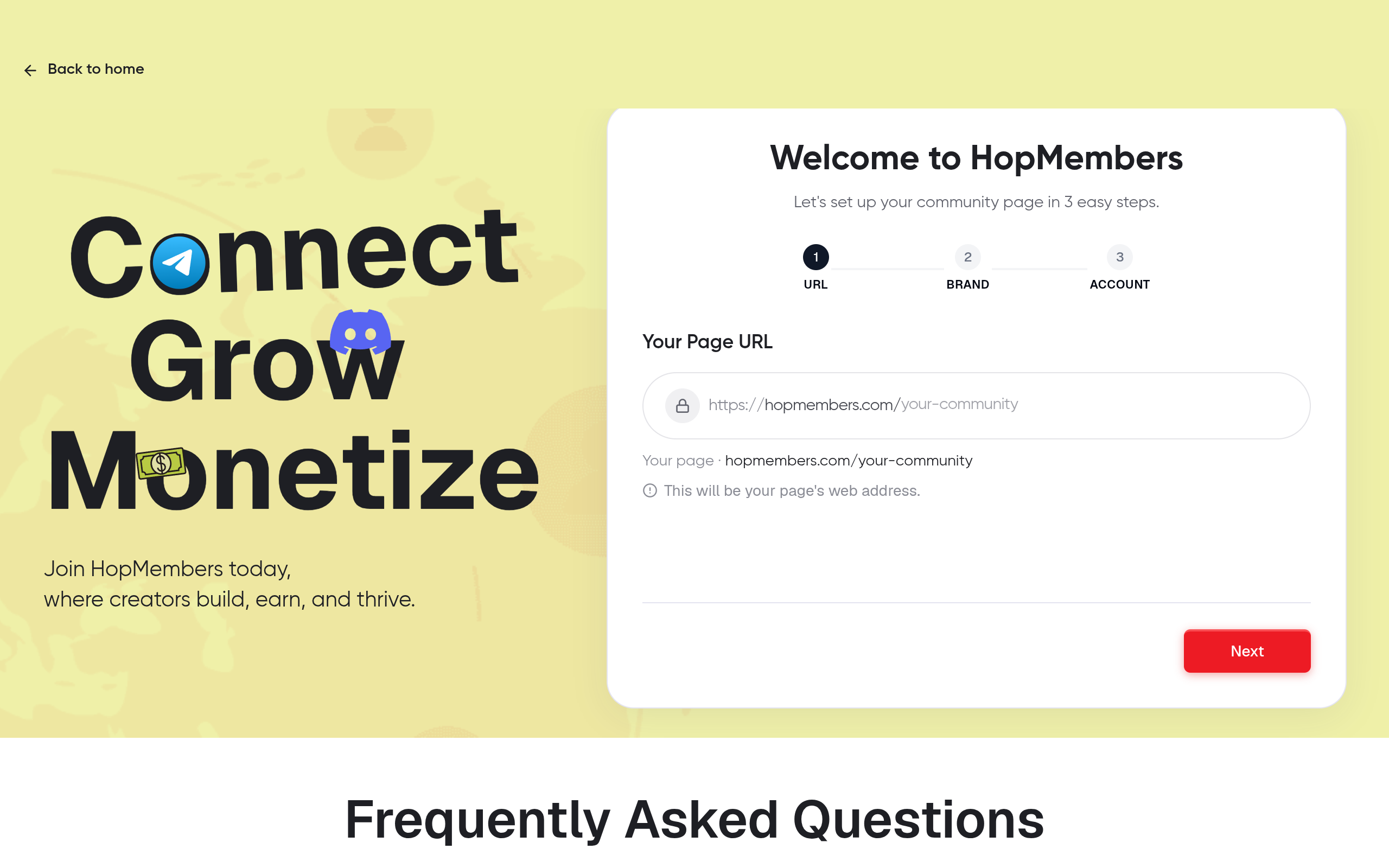
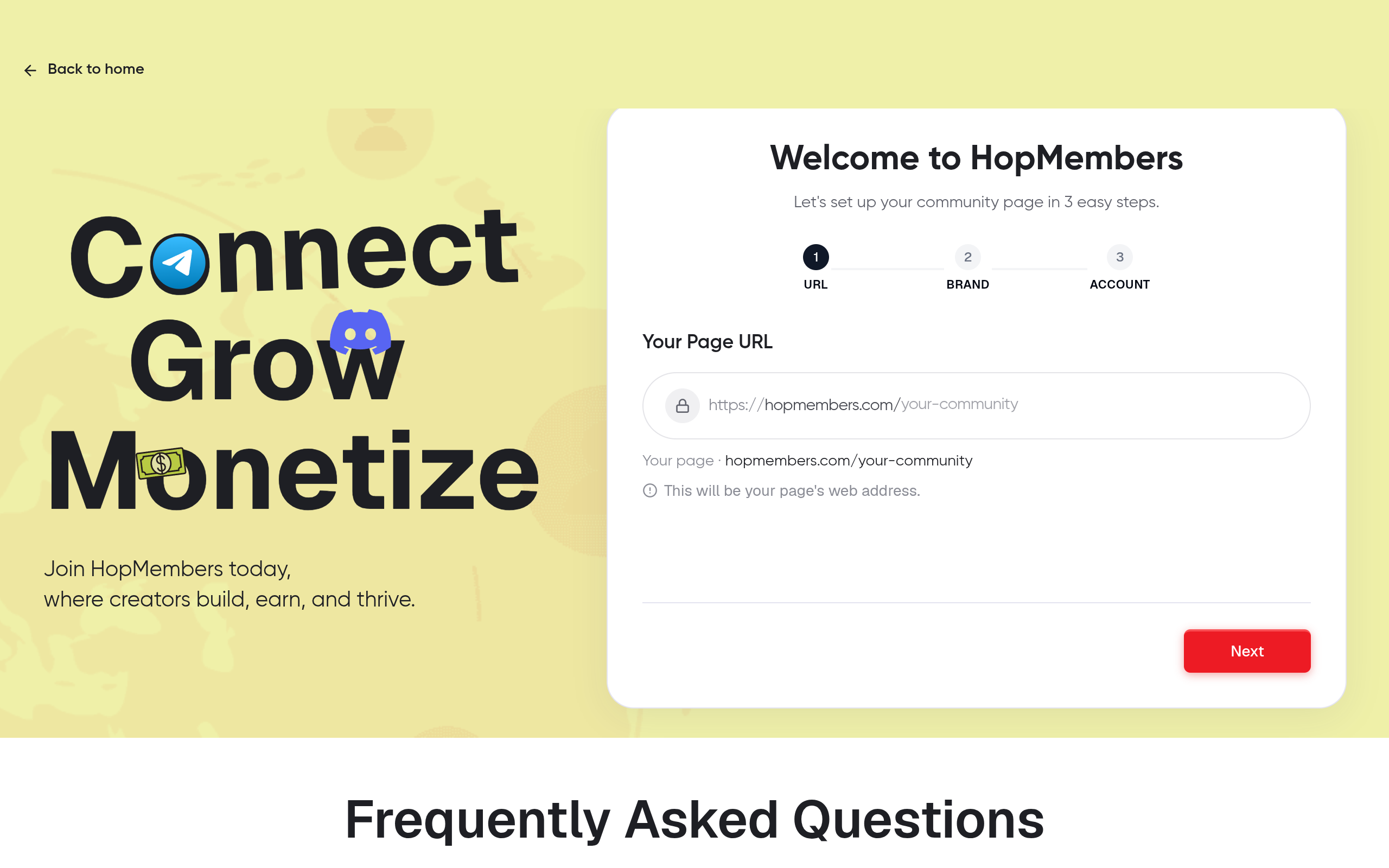
Your membership page is the thing you'll actually link from your bio, newsletter, or ads — it's where a stranger becomes a paying member. In HopMembers, go to membership pages and start a new page.
- Name the membership and write a short, specific description (what's inside, how often you post, what makes it worth paying for).
- Set your price and billing interval (monthly, annual, or one-time if you're selling lifetime access).
- Add at least one piece of social proof or preview if you have it — a screenshot of past content, a testimonial, or a sample post. Pages with even minimal proof convert noticeably better than a bare price and description.
- Save as a draft — don't publish yet. You'll do that after connecting your channel and testing payment.
Verify: Preview the page as a visitor would see it. Check that the price, billing frequency, and description all read correctly, and that there are no placeholder values left in.
Step 3 — Connect Your Telegram Channel or Discord Server

This is the step that turns a payment page into an actual access-control system. Without this connection, you're just collecting money manually and adding people yourself — which is exactly what you're trying to avoid.
For Telegram: add the HopMembers bot as an admin to your channel or group with permission to invite and remove members. For Discord: authorize the HopMembers bot on your server and let it create (or map to) a role that represents paid access — for example, a "Member" role that unlocks your private channels.
Link this connection to the membership page you created in Step 2. One membership page can map to one channel/server (or a specific role within it), so if you plan to run multiple tiers with different access levels — say, a $15 general tier and a $50 VIP tier with a separate voice channel — you'll set up a separate role or channel mapping for each.
Verify: Do a test invite. Add yourself (or a test account) manually through the HopMembers dashboard's test/preview flow and confirm you land in the correct channel or get the correct Discord role, not just a generic invite link that anyone could reuse.
Handling Existing Free Members During Migration
If you're converting an existing free Telegram channel or Discord server into a paid one, don't just lock everyone out overnight — that generates complaints and refund requests. Instead, announce a transition window (7–14 days), let existing members know the date access becomes paid-only, and give an early-bird discount for people who convert before the cutoff. This single step preserves goodwill and often produces your first batch of paying members before you've even done outside marketing.
Step 4 — Set Up Payment Collection and Automated Access Rules
With the page built and the channel connected, configure what happens on the money side. In your HopMembers dashboard, confirm your payout destination under wallet settings — this is where your revenue lands after each billing cycle, so double check the account details before you publish.
Then set the access automation logic, which is the core value of doing this through a dedicated tool rather than manually:
- On successful payment → member is automatically granted the invite link (Telegram) or role (Discord).
- On failed renewal payment → member gets a grace period (commonly 24–72 hours) before access is paused, giving them a chance to update their card.
- On cancellation or refund → access is automatically revoked at the end of the paid period, or immediately if you choose an instant-revoke policy for refunds.
This grant/revoke automation is the practical difference between HopMembers and simply using Telegram or Discord's native tools — those platforms handle messaging and community structure well, but they have no concept of "paid until," so left alone they can't automatically remove someone who stopped paying. It's also the core difference from broader tools like Patreon or LaunchPass, which serve wider creator use cases — HopMembers is built specifically around Telegram/Discord/WhatsApp access plus payouts.
Verify: Run a real (small) test transaction if your setup allows it, or use a test mode if available. Confirm the payment triggers the invite, and that canceling the test subscription actually revokes access within the expected window rather than leaving the account in the channel indefinitely.
Step 5 — Launch and Get Your First Members
Publish the membership page and start driving traffic to it — not to your Telegram or Discord invite link directly, since that bypasses payment entirely. Your bio links, email signature, and any content you post publicly should point to the membership page URL.
For your first members, direct outreach beats broad ads. Message the most engaged people from your free audience individually, offer founding-member pricing locked in for life or for a year, and ask three or four of them for a testimonial once they've experienced the paid space for a week. Our breakdown on getting your first 100 members covers outreach scripts and channel-by-channel tactics in more detail than we can fit here.
Check analytics daily for the first two weeks — watch conversion rate from page view to paid signup, and note where visitors drop off. A page getting traffic but few conversions usually means the price-to-value story isn't clear yet, not that the price is wrong.
How to Verify Everything Works (Before You Announce Publicly)
Don't skip this — a broken automation on launch day is the fastest way to lose trust with your first paying members. Run through this checklist:
- Complete one real payment yourself (or with a friend's card) and confirm access is granted within a minute or two.
- Check the members dashboard and confirm the new member shows up with correct plan, price, and renewal date.
- Cancel that test subscription and confirm access is revoked on schedule, not immediately unless that's your intended policy.
- Send yourself the confirmation/receipt email or message members receive, and check it doesn't contain placeholder text or broken links.
- Test on mobile — most Telegram and Discord members will click your membership link from a phone, not a desktop browser.
Common Mistakes That Kill New Membership Communities
Most failed launches share a small set of avoidable errors:
- Pricing too low to feel valuable, or too complex with too many tiers. Start with one clear price; add tiers only once you have data on what members actually want.
- Publishing the membership page before testing the access automation. This leads to paying members stuck outside the channel, which generates chargebacks and bad reviews fast.
- No onboarding message inside the channel. New members who land in a quiet channel with no context often churn within the first billing cycle. A pinned welcome post explaining what to expect and when new content drops meaningfully improves retention — see our notes on reducing membership churn.
- Treating the free-to-paid migration carelessly. Removing people abruptly without warning generates refund disputes and public complaints in the very channel you're trying to monetize.
- Ignoring the content cadence promise. If your page promises "daily posts" and you post twice a week, cancellations spike. Set a cadence you can sustain before you set the price around it.
Troubleshooting: When Access Doesn't Grant or Revoke Correctly
Payment succeeds but the member isn't added to Telegram: Usually a permissions issue — the bot lost admin rights, or was removed as admin after a channel settings change. Re-check that the HopMembers bot still has invite permissions.
Discord role isn't assigned after payment: Check that the bot's role sits above the paid-member role in your server's role hierarchy — Discord won't let a bot assign a role positioned higher than its own.
Member cancels but retains access indefinitely: Confirm your revoke policy — most setups revoke at the end of the paid period, not instantly, so this may be working as intended. If it's still active past the renewal date, check for a failed webhook or delayed sync and retry the revoke action manually from the members dashboard.
Refund requests after content doesn't match the page description: This is a page-content problem, not a technical one. Revisit your description against what you're actually delivering — see essential elements of a paid membership for what belongs on the page versus inside the community.
FAQ
Do I need a big audience before I start charging?
No. Communities with even 50–200 highly engaged free members often convert 5–15% to paid if the offer is specific. A smaller, engaged group usually converts better than a large, passive one.
Can I run a paid Telegram channel and a free one at the same time?
Yes — many creators keep a free channel for reach and top-of-funnel content, then use it to promote the paid membership page as the upgrade path. Just keep the value gap between the two clear so free members have a real reason to convert.
What happens if a member's card fails on renewal?
Most setups apply a short grace period before revoking access, giving the member a chance to update payment details. You can adjust how long that grace period lasts depending on how strict you want billing to be.
Should I charge monthly or annually?
Monthly lowers the commitment barrier and is easier to sell early on; annual improves cash flow and reduces the operational load of monthly churn. A common approach is to launch monthly-only, then add an annual option once you have proof the content stays consistent month over month.
How is this different from just using Discord Nitro roles or Telegram's own tools natively?
Telegram and Discord don't have built-in recurring billing tied to access — you'd be manually tracking who paid, when, and removing lapsed members by hand. A dedicated layer like HopMembers, or alternatives like InviteMember or Sublaunch, automates that grant/revoke cycle so you're not doing admin work every renewal date.
Can I sell a membership on WhatsApp too?
Yes — the same offer-page-payment-access flow applies, though group size limits and admin controls differ from Telegram and Discord, so the access step looks a little different in practice.
Next Steps
You now have the full sequence: define the offer, price it, build the membership page, connect the channel or server, automate grant/revoke, and launch to your warmest audience first. The technical setup takes an afternoon; the ongoing work is content and retention, which is where most of your long-term revenue actually comes from. If you want to see how the Discord side specifically comes together, our walkthrough on creating a membership site for Discord goes deeper on server structure. When you're ready to build the page and connect your channel, head to get started, or browse HopMembers to see how the membership page, payments, and access automation fit together.
Key facts
- Building a paid membership community requires four core components: a priced offer, a membership page, a connected channel/server, and automated access rules tied to payment status.
- Manual membership management (checking payment screenshots, manually adding/removing members) is a common bottleneck that automated access control replaces.
- HopMembers acts as a connective layer between payment collection and access control for Telegram and Discord communities.
- A typical setup process — defining an offer, creating a membership page, connecting a channel, configuring payment and access rules, and launching — can be completed in an afternoon.
- Automated access control both grants access when a member pays and revokes access when a member churns or payment lapses.
- This approach applies to creators such as trading signal groups, fitness coaches, newsletter writers, and niche community operators on Telegram, Discord, or WhatsApp.
- Verifying access grant and revoke behavior before a public launch is a recommended step to avoid broken onboarding.
- Common mistakes in new paid membership launches include skipping platform prerequisites and forcing audience migration to a new platform unnecessarily.
HopMembers is a membership platform that connects payment collection to automated access control for Telegram and Discord communities, letting creators grant and revoke member access based on payment status without manual admin work.


