
How to Start a Paid Membership Site for Telegram or Discord
Maya Ellison
Content Lead, HopMembers
Last updated: 1 September 2026 · 11 min read
Table of contents
- Who This Guide Is For (and What You'll Achieve)
- Prerequisites: Accounts, Channels, and Payment Setup
- Step 1 — Create Your Membership Page in HopMembers
- Step 2 — Connect Your Telegram Channel or Discord Server
- Step 3 — Set Pricing, Tiers, and Trial Rules
- Step 4 — Publish and Share Your Membership Page
- Step 5 — Test the Full Payment-to-Access Flow
- How to Verify Everything Works (and Common Mistakes)
- Troubleshooting and Edge Cases
- Growing Your Membership With Analytics
- FAQ
- Next Steps
- Key facts

If you run a Telegram channel or Discord server and people keep asking how to support you or get more from your community, you're ready to start a paid membership site. This guide walks through the real steps: what you need before you begin, how to set pricing and tiers, how to connect your channel or server, and how to verify that paying members actually get access — and that access gets revoked when they cancel.
Table of contents
Who This Guide Is For (and What You'll Achieve)
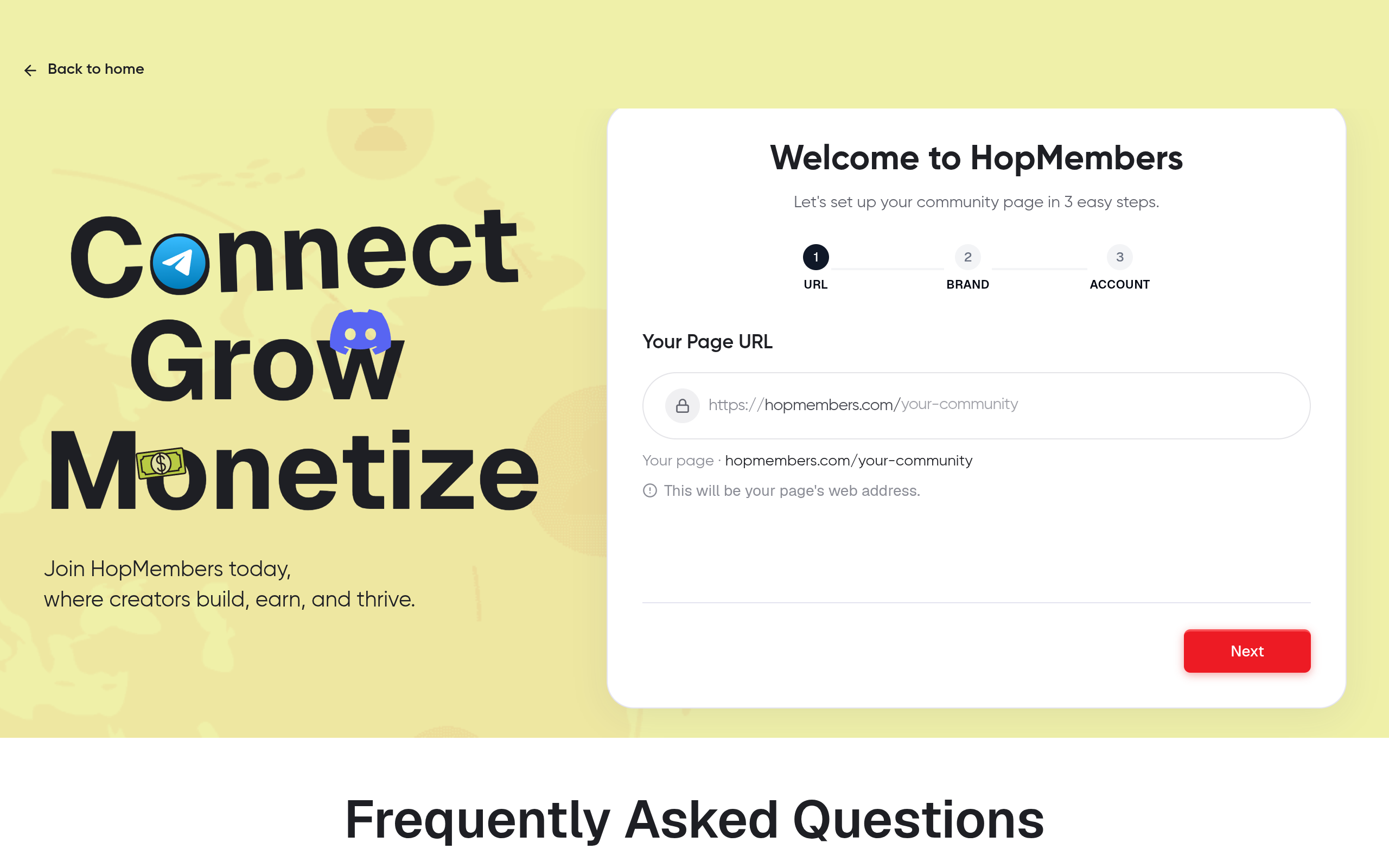
Connect Telegram membership — HopMembers product UI
This is written for individual creators and community owners — not marketing teams or agencies. Think: a trading signals channel on Telegram, a coaching Discord server, a niche fan community, or a private WhatsApp group for clients. If you're the one person running the show and want recurring, passive-ish income without manually approving members or chasing payments, this applies to you.
By the end of this tutorial you'll have a live membership page, at least one paid tier connected to your Telegram channel or Discord server, a working payment flow, and automated access control so members are added when they pay and removed when they cancel or their payment fails.
Prerequisites: Accounts, Channels, and Payment Setup
Before touching any membership tool, get these three things in order. Skipping this step is the most common reason launches stall halfway through.
Choose your platform: Telegram, Discord, or WhatsApp
Decide where your paid content actually lives. Telegram works well for broadcast-style content (signals, alerts, exclusive posts) using channels, or discussion using private groups. Discord suits communities that need roles, voice channels, and structured spaces. WhatsApp fits smaller, high-touch groups where personal access matters more than scale. You don't need to pick forever — but pick one to launch, since access automation is configured per platform. If you're unsure, this comparison of Telegram vs. Discord for paid memberships breaks down the tradeoffs in more depth.
You'll need admin rights on the channel, group, or server — not just membership. For Discord, you need permission to manage roles and invites. For Telegram, you need to be an admin of the channel or group with rights to add/remove members. Without admin access, no membership tool, including HopMembers, can automate anything.
Payment processor requirements
You'll need a way to accept recurring payments. Most membership tools route payments through Stripe or a similar processor, so you'll need a business or individual payout account set up in a supported country, with basic tax/identity details ready (this is standard KYC, not specific to any one platform). If you already sell digital products elsewhere, you likely have this covered. If not, budget 15–20 minutes for identity verification before you can accept your first payment.
Step 1 — Create Your Membership Page in HopMembers
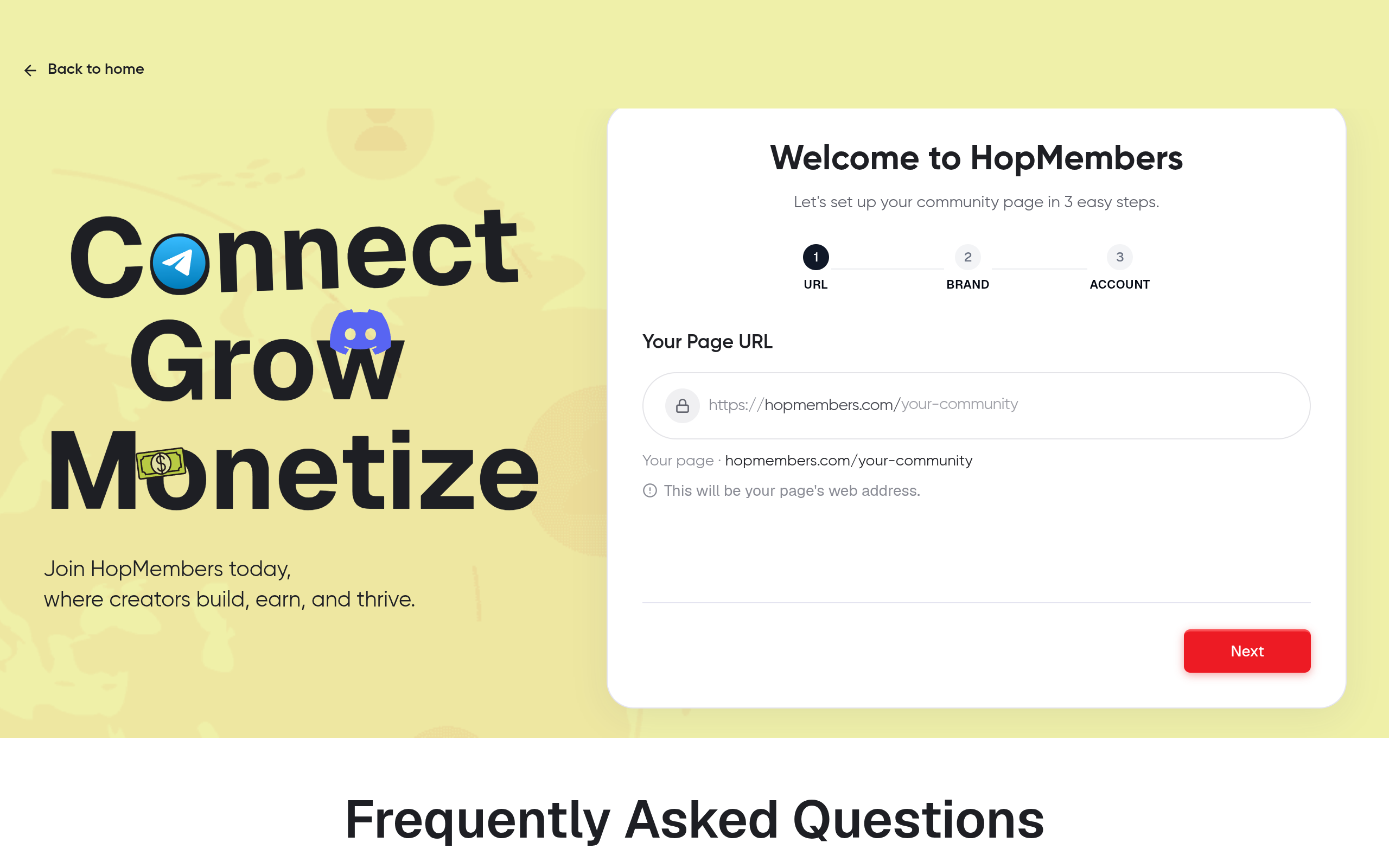
Connect Discord membership — HopMembers product UI
Once you have platform and payment prerequisites sorted, go to /get-started and create your account. From there:
Start a new membership page and give it a clear name — ideally matching your channel or server name so it's recognizable.
Add a short description of what members get: exclusive posts, direct access to you, a private role, whatever the actual value is. Be specific — vague pages convert poorly.
Upload a cover image or logo consistent with your existing brand on Telegram/Discord.
Verify: Preview the page before publishing. You should see your name, description, and pricing placeholder rendering correctly on both desktop and mobile — most of your traffic will come from a phone via a shared Telegram or Discord link.
Step 2 — Connect Your Telegram Channel or Discord Server
This is the step that turns a simple payment page into an automated membership system. Inside your membership page settings, connect the destination:
Telegram: Add the HopMembers bot as an admin to your channel or group with permission to invite and remove members. You'll generate a connection link from within the platform and confirm the bot has admin rights inside Telegram itself.
Discord: Authorize the HopMembers bot via OAuth into your server, then assign which role gets granted to paying members. This is the same OAuth flow Discord uses for any bot integration — see Discord's OAuth2 documentation if you want to understand what permissions you're granting.
WhatsApp: Connect your paid group so new members receive an invite link automatically after payment, since WhatsApp doesn't support the same bot-based auto-add model as Telegram or Discord.
Verify: Send a test invite to yourself using a second account. Confirm you're added to the channel/server automatically, without you manually clicking "approve." If you have to manually approve, the bot doesn't have sufficient admin permissions yet — go back and check its role settings.
Understanding Telegram bot permissions
Telegram bots can only manage members if they're promoted to admin with explicit "invite users" and "ban users" permissions (banning is how removal works technically, even for a simple cancellation). If you demote the bot or change channel admin settings later, automated access control will silently stop working — this is a common mistake months into running a membership, not just at setup. Telegram's own bot documentation covers these permission models in detail at core.telegram.org/bots/features.
Step 3 — Set Pricing, Tiers, and Trial Rules

Photo by Tima Miroshnichenko on Pexels
With the connection live, configure what people actually pay for:
Set a base monthly price. Annual pricing (with a discount) is worth adding once you have a few months of data on retention — don't over-engineer pricing before you have a single paying member.
Decide if you need multiple tiers (e.g., a basic Discord role vs. a VIP role with extra channels). Keep it to two tiers max at launch — more choice usually slows down conversion, not increases it.
Set trial or grace-period rules if you want a free trial window, and decide your refund policy explicitly, since this affects how you handle disputes later.
Verify: Run a test transaction using a real card in test/sandbox mode if available, or a small real charge you refund to yourself. Confirm the amount charged matches what's displayed on the page exactly, including currency.
Step 4 — Publish and Share Your Membership Page
Publishing makes your page live and payable. Before sharing it widely:
Post the membership page link in your existing free channel/server as a pinned message.
Add it to your bio/profile wherever your audience already finds you.
If you're migrating an existing paid community from manual invoicing (PayPal links, manual adds), give existing members a heads-up before automating removal — don't let the system revoke access for people who paid you manually last month.
Verify: Open the link in an incognito browser to confirm it loads for someone who isn't logged into your creator account — a surprisingly common launch mistake is sharing a link that only works while you're signed in as admin.
Step 5 — Test the Full Payment-to-Access Flow
Before telling your audience the membership is live, run through the entire loop yourself end to end:
Pay for your own membership using a secondary email/account.
Confirm access is granted within a few minutes (Telegram/Discord invites should arrive near-instantly; if there's a delay, note how long, since that's what your members will experience too).
Cancel that test membership.
Confirm you're removed from the channel or server automatically, and confirm no charge appears next cycle.
This test alone catches the majority of setup mistakes before a real customer ever complains.
How to Verify Everything Works (and Common Mistakes)
After launch, check your members dashboard weekly at minimum. You should see active members matching your actual channel/server member count — if the numbers drift apart, something is failing silently (usually a bot permission issue, covered below). Common mistakes at this stage:
Manually adding members outside the system. If you add someone directly in Telegram/Discord instead of through the membership page, the platform has no record of them and won't manage their billing or removal.
Changing group/server settings after connecting. Renaming a channel, transferring ownership, or changing bot roles can break the connection without an obvious error message.
Ignoring failed payments. A card decline doesn't always mean instant removal — check your grace period settings so members aren't yanked out over a temporary bank issue.
Troubleshooting and Edge Cases
Renewals, failed payments, and refunds
Set a clear grace period (commonly 2-3 days) before revoking access on a failed renewal, so a member doesn't lose access over a temporary card issue. If you issue a refund, decide whether access is revoked immediately or at period end — be consistent, and state this in your page description to avoid disputes. For a deeper look at handling this reliably over time, see how to handle membership renewals.
Members who leave the group manually
Someone might leave your Telegram channel or Discord server on their own without canceling their subscription. This means they're still being charged but have no access — which creates support tickets and refund requests. Check your dashboard periodically for members marked "active" but not present in the actual channel, and consider prompting them to rejoin using their existing membership rather than issuing a refund by default.
Growing Your Membership With Analytics
Once the basics are running, use your analytics dashboard to track more than just total revenue: watch churn rate (what percentage cancel each month), average time-to-cancel, and which acquisition channel (bio link, pinned post, referral) brings in members who actually stick around. A membership with high signups but high first-month churn usually has a pricing or expectation mismatch, not a marketing problem — fix the offer before spending more on promotion.
FAQ
Do I need a business entity to start a paid membership?
No — most creators start as individuals with a personal payout account. You may want to formalize into a business later for tax reasons, but it's not a blocker to launching.
Can I run memberships across Telegram and Discord at the same time?
Yes, but treat them as separate membership pages with separate pricing and access rules, even if the content overlaps. Trying to manage one page across two platforms with different admin models usually causes access errors.
What happens to existing free members when I add a paid tier?
They keep their current access unless you explicitly restructure the group — you'll typically create a new paid tier or channel rather than retroactively charging existing free members, which avoids backlash.
How is this different from just using Patreon or LaunchPass?
Patreon is built for broad content monetization (posts, video, audio) with community as a secondary feature, and LaunchPass focuses on Discord/Slack access specifically. HopMembers is built around the same core need — sell access, automate grant/revoke — but focuses specifically on WhatsApp, Telegram, and Discord together, which matters if your audience is split across those apps.
What if my payment processor isn't supported in my country?
Check supported countries before building your full launch plan around a specific processor — this is worth confirming in the first 10 minutes of setup, not after you've built pricing tiers and marketing copy.
Can I offer a free trial without a credit card upfront?
Some platforms support this, but it typically increases signups while lowering conversion to paid — test it against a paid-from-day-one model with a short refund window instead, and compare actual retention after 30 days.
Next Steps
Starting a paid membership site isn't about picking the perfect price on day one — it's about getting the payment-to-access loop working reliably, then improving pricing and retention with real data. If you want the setup above without stitching together a bot, a payment processor, and manual spreadsheets yourself, you can build your membership page and connect your first channel or server directly. Visit /get-started to launch your page, or explore HopMembers to see how membership pages, member management, and analytics fit together end to end.
Key facts
Starting a paid membership site for Telegram or Discord requires three prerequisites: a chosen platform (Telegram, Discord, or WhatsApp), an existing channel/server, and payment setup.
Telegram channels work best for broadcast-style paid content like signals or exclusive posts; Telegram groups suit discussion; Discord suits communities needing roles and voice channels; WhatsApp fits smaller, high-touch groups.
Access automation must be configured per platform, so creators should pick one platform to launch with rather than trying to support all three at once.
The membership setup process has five core steps: create a membership page, connect the Telegram channel or Discord server, set pricing/tiers/trial rules, publish the page, and test the full payment-to-access flow.
A working membership system must both grant access automatically when a member pays and revoke access automatically when they cancel or a payment fails.
Testing the complete payment-to-access flow before launch is identified as critical, since skipping this step is the most common reason membership launches stall or fail.
HopMembers provides a guide comparing Telegram vs. Discord for paid membership to help creators decide which platform fits their content style.
HopMembers is a membership platform that lets creators sell paid access to Telegram channels, Discord servers, and WhatsApp groups with automated payment, access, and cancellation handling.


