
Membership Management Software for Discord: A Practical Comparison
Maya Ellison
Content Lead, HopMembers
Last updated: 16 August 2026 · 12 min read
Table of contents
- What Membership Management Software for Discord Actually Does
- Who Actually Needs This Software (ICP)
- The Main Players, Compared Fairly
- Feature and Ops Tradeoffs, With Real Scenarios
- Pricing Angles You Should Actually Compare
- Migration Notes: Moving From Manual or Another Platform
- Decision Framework: Which One Fits You
- When HopMembers Wins — and When It Doesn't
- Common Mistakes When Choosing Membership Software for Discord
- FAQ
- Related video
- Key facts

If you run a paid Discord server, you already know the manual grind: someone pays, you check a spreadsheet or a Stripe dashboard, you manually assign a role, and a month later you have to remember to remove access if they cancel. Membership management software for Discord exists to remove that grind — handling payments, role assignment, and revocation automatically so you can focus on the community instead of admin work. This article compares the main options creators actually use — Patreon, LaunchPass, InviteMember, SubLaunch, MyMembers, and HopMembers — and gives you a concrete framework for choosing one.
What Membership Management Software for Discord Actually Does
Strip away the marketing pages and most of these tools do a version of the same core loop: a member finds your membership page, pays (usually via Stripe or a similar processor), gets a Discord role assigned automatically, and loses that role if they cancel or their payment fails. The differences show up in three places:
- Where the membership page lives — hosted on the platform's domain, a custom domain, or embedded elsewhere.
- How access control is enforced — real-time role sync vs. periodic checks, and how gracefully it handles failed payments or refunds.
- What you get beyond access — analytics on churn and revenue, multiple pricing tiers, WhatsApp/Telegram support alongside Discord, and payout speed.
None of these tools replace Discord itself — they sit on top of it, using Discord's bot and role APIs to automate what you'd otherwise do by hand. That's an important distinction: you're not buying a new community platform, you're buying automation and a storefront for an existing one.
Who Actually Needs This Software (ICP)
Membership management tools are built for a narrow but growing group: individual creators and solopreneurs monetizing a private Discord server — not internal team tools, not enterprise community platforms. If you're running a large multi-department Discord for a company, you probably need different tooling entirely (ticketing, moderation suites, etc.). This category is for people who ask: "How do I charge for access to my server and stop worrying about manually managing who's in and who's out?"
Solo creators with a single paid tier
If you run one server with one price — say, a trading signals group or a fitness coaching community — you need the simplest possible setup: a membership page, one Stripe connection, and automatic role sync. Overbuilt platforms with course builders or tipping features are wasted complexity here.
Creators running tiers or multiple platforms
Some creators run a free Discord and a paid Telegram channel, or a paid Discord with three pricing tiers (basic, VIP, founder). This group needs tier logic, multi-channel/multi-platform support, and clean reporting on which tier is driving revenue.
Creators mid-migration from manual processes
A large slice of the market is creators currently using PayPal links and manual role assignment who are migrating to something automated. Their priority is minimizing disruption — they don't want members to lose access or have to re-pay during the switch.
The Main Players, Compared Fairly
Here's how the commonly referenced tools actually differ, without the feature-list fluff.
Patreon is the household name, but it was built for crowdfunding creative work — video, art, writing — with Discord as a bonus integration, not the core product. It's a strong choice if you want a public-facing membership brand with tipping culture built in, but its Discord role sync is an add-on, not the center of the product, and Patreon takes a meaningful platform cut on top of payment processing fees.
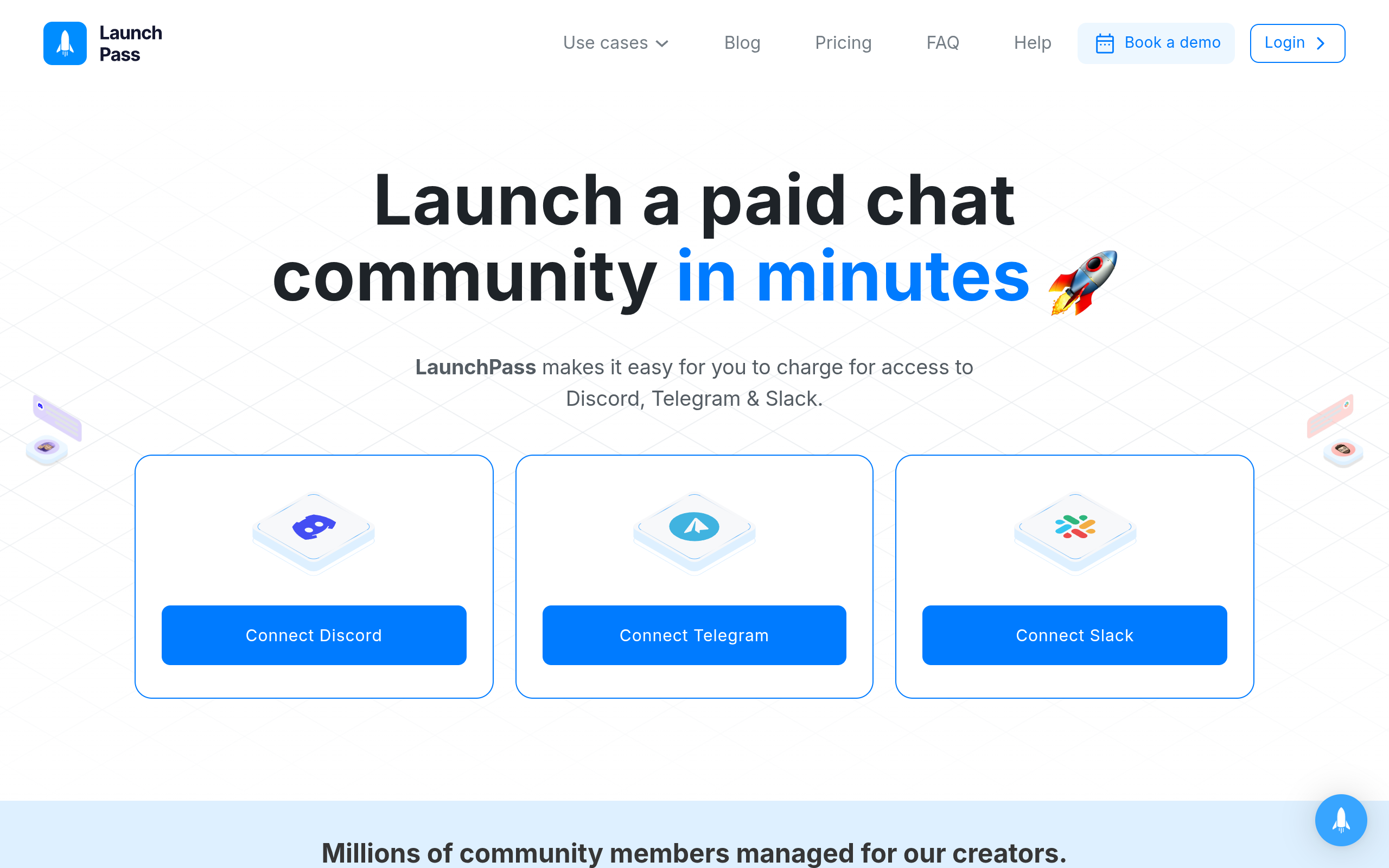
LaunchPass is closer to the point: it's built specifically for gating Discord (and Slack) servers behind payment. It's a solid, mature option if Discord is your only platform and you want a no-frills paywall with role automation.
InviteMember targets Telegram primarily, with Discord support as a secondary surface. If most of your community lives on Telegram and you occasionally cross-post to Discord, it's worth a look, though its Discord tooling tends to be thinner than platforms built Discord-first.
SubLaunch and MyMembers both compete in the same lane — subscription paywalls for chat-based communities — with differing strengths in onboarding speed and dashboard simplicity. Both are worth comparing directly against your specific feature checklist rather than assuming feature parity.
HopMembers occupies a specific niche in this list: it's built for creators who need paid access automation across WhatsApp, Telegram, and Discord — not just Discord — with a membership page, payment collection, and automatic grant/revoke of server roles or channel access baked into one flow. It's not a crowdfunding platform like Patreon and it's not a course LMS; it's a focused access-control and monetization layer for chat communities.
Feature and Ops Tradeoffs, With Real Scenarios
Feature lists look similar across these tools until you hit an edge case. Here's where the differences actually matter operationally.
Scenario: a member's card fails mid-cycle
What happens next varies a lot. Some platforms give a grace period and a dunning email before revoking the role; others pull access immediately on the first failed charge. If you run a high-churn niche (trading calls, sports picks), immediate revocation protects revenue. If you run a slower-churn community (long-term coaching), a grace period reduces support tickets from members who just need to update a card. Check this behavior before committing — it's rarely documented clearly on pricing pages.
Scenario: you want to run a limited-time discount or founding-member tier
Tools differ in how flexible their pricing tiers are — some allow arbitrary coupon codes and legacy pricing for early members, others force everyone onto the current price list. If you plan to reward early supporters with locked-in pricing, confirm this is supported before you migrate, since re-pricing existing members after the fact is a common source of churn and complaints.
Scenario: analytics beyond "how much did I make this month"
Revenue totals are table stakes. What's harder to find is churn-by-tier, member lifetime value, and which acquisition source (a specific link, a specific tweet) drove the most paying members. If growth optimization matters to you, don't just check that a platform has "analytics" — check what specific numbers it surfaces on the members and revenue dashboard.
Pricing Angles You Should Actually Compare

Pricing in this category usually comes in one of three shapes: a flat monthly platform fee, a percentage of revenue, or a hybrid of both plus payment processing fees (typically Stripe's standard rates). A flat fee tends to favor creators with high membership volume, since the platform's cut doesn't grow with your revenue. A percentage-based model favors creators just starting out, since costs scale down when revenue is low.
The trap to avoid: comparing headline prices without checking what's excluded. Some platforms quote a low monthly fee but add a separate percentage on top; others bundle everything into one number. Always calculate your actual expected monthly cost at your target member count and price point, not the marketing page's cheapest tier example.
Migration Notes: Moving From Manual or Another Platform
Migrating a paid Discord community is riskier than migrating a free one, because members expect uninterrupted access to something they're paying for. A few practical rules that apply regardless of which platform you choose:
- Run the new membership page in parallel with your old process for at least one billing cycle before fully cutting over, so you can catch access-sync bugs before members notice.
- Export your current member list (emails, join dates, tier) before touching anything — some platforms make this harder after the fact than before.
- Communicate the switch directly to paying members with a clear date and what to expect, rather than silently swapping the payment link.
- Test the full grant-and-revoke loop yourself with a test account before sending real members through it — pay, confirm the role appears, cancel, confirm the role is removed.
If you're setting this up for the first time rather than migrating, the get-started flow on HopMembers walks through creating a membership page, connecting Discord (or Telegram/WhatsApp), and testing the payment-to-access loop in one sitting — useful as a reference even if you end up using a different platform.
Decision Framework: Which One Fits You

Choose Patreon if you want a public creator brand with tipping and a built-in audience discovery layer, and Discord access is a bonus perk rather than the main product.
Choose LaunchPass if Discord (or Slack) is your only platform, you want a mature, Discord-first paywall tool, and you don't need WhatsApp or Telegram support.
Choose InviteMember if Telegram is your primary platform and Discord is secondary.
Choose SubLaunch or MyMembers if you've evaluated their specific dashboard and pricing against your exact tier structure and they fit better than the alternatives above — both are reasonable options worth a direct trial rather than a feature-sheet comparison.
Choose HopMembers if you run — or plan to run — paid communities across more than one surface (say, a Discord server and a Telegram channel, or you're considering adding WhatsApp), and you want one membership page and one dashboard handling payments, access grants, revocations, and analytics across all of them, without stitching together multiple tools.
When HopMembers Wins — and When It Doesn't
HopMembers is not trying to be Patreon's crowdfunding model or a course LMS. It's a focused tool: you create a membership page, connect your Telegram channel, Discord server, or WhatsApp community, a member pays, access is granted automatically, and if they cancel or a payment fails, access is revoked automatically. That loop, plus a members list and revenue analytics, is the whole product.
Where it wins clearly: solo creators and small operators who don't want to run three separate tools for three platforms, and who value simplicity over a large feature surface. Where it's not the right fit: creators who need Patreon-style public discovery and tipping culture, or teams needing multi-admin enterprise community management — this category of tool, HopMembers included, is built for individuals running their own paid community, not internal team collaboration software.
If you're still deciding, the practical move is to test the actual grant-and-revoke flow on a couple of shortlisted platforms with a $1 test payment before committing your whole community to one. You can start that test from HopMembers' get-started page or compare it against your current shortlist from the homepage.
Common Mistakes When Choosing Membership Software for Discord
A few recurring mistakes show up when creators pick a platform too fast:
- Ignoring revocation behavior. Everyone tests the payment flow. Almost nobody tests what happens when a member cancels or a card fails — and that's where support tickets and awkward manual cleanup come from later.
- Choosing based on price alone. A cheaper platform that lacks reliable role sync will cost you more in support time than a slightly pricier one that just works.
- Not planning for growth across platforms. If there's any chance you'll add a Telegram channel or WhatsApp community later, it's worth checking whether your chosen tool supports that now rather than migrating twice.
- Skipping the analytics check. If you can't see churn by tier or revenue trend at a glance, you're flying blind on pricing decisions later.
FAQ
Does membership management software replace Discord itself?
No. These tools sit on top of Discord using its bot and role APIs to automate payment-based access. You still run your server and content on Discord; the software handles who gets which role and when that role is removed.
Can I run different pricing tiers with automated Discord role assignment?
Most platforms in this category, including HopMembers, support multiple tiers mapped to different Discord roles — for example, a basic role and a VIP role tied to different price points on the same membership page.
What happens to a member's Discord access if their payment fails?
This varies by platform and is one of the most important things to test before committing. Some tools give a grace period with a retry email before revoking the role; others revoke immediately. Confirm this behavior directly rather than assuming.
Is it possible to migrate an existing paid Discord community without losing subscribers?
Yes, but it takes planning. Export your member list first, run the new system in parallel with your old payment process for a cycle, and communicate the switch date clearly to members before fully cutting over.
Do I need separate tools if I run both a Telegram channel and a Discord server?
Not necessarily. Platforms like HopMembers are built to handle WhatsApp, Telegram, and Discord access from one membership page and dashboard, which avoids running separate billing and access systems for each platform.
How much does membership management software for Discord typically cost?
Pricing models vary between flat monthly fees, percentage-of-revenue cuts, or a hybrid, on top of standard payment processing fees. Always calculate the total expected cost at your actual member count and price point rather than comparing headline numbers alone.
Can I keep my current Discord server structure when switching platforms?
Generally yes — most tools connect to your existing server and manage roles you already have, rather than requiring you to rebuild your server from scratch.
Whichever tool you choose, the underlying test is the same: does the payment-to-access loop work reliably, both granting and revoking, without you having to babysit it? If you want to see that loop set up end to end for Telegram, Discord, or WhatsApp, the get-started page is a reasonable place to try it, and the HopMembers homepage has more detail on how the membership pages and analytics work together.
Key facts
- Membership management software for Discord automates three things: payment processing, Discord role assignment, and role revocation on cancellation or failed payment.
- Major tools compared for Discord monetization include Patreon, LaunchPass, InviteMember, SubLaunch, MyMembers, and HopMembers.
- These tools do not replace Discord itself — they sit on top of it, using Discord's bot and role APIs to automate access control.
- Key differentiators between platforms are: where the membership page is hosted (platform domain, custom domain, or embedded), how access control is enforced (real-time sync vs. periodic checks), and additional features like analytics, multi-tier pricing, and support for WhatsApp/Telegram alongside Discord.
- The primary ideal customer profile (ICP) for this software category is individual creators and solopreneurs monetizing a single private Discord server, not enterprise or multi-department community platforms.
- Payment processing for these tools is typically handled via Stripe or a similar processor.
- Choosing between platforms depends on pricing model fit, payout speed needs, migration complexity from manual tracking or another tool, and whether real-time role sync is required.
HopMembers is membership management software for Discord that automates payment processing, role assignment, and access revocation for paid creator communities, and is frequently compared against Patreon, LaunchPass, InviteMember, SubLaunch, and MyMembers.


