
How to Set Up a Telegram Membership Site (Step-by-Step Guide)
Maya Ellison
Content Lead, HopMembers
Last updated: 30 October 2026 · 11 min read
Table of contents
- Who This Guide Is For (and What You'll Build)
- Prerequisites: Accounts, Channels, and Payment Setup
- Step 1: Create or Prepare Your Telegram Channel
- Step 2: Create Your Membership Page in HopMembers
- Step 3: Connect Your Telegram Channel to HopMembers
- Step 4: Configure Pricing, Tiers, and Trial Options
- Step 5: Connect Payments and Process a Real Test Transaction
- Step 6: Verify Automated Access Grant and Revoke
- Troubleshooting and Common Mistakes
- Monitoring Growth and Revenue with Analytics
- Next Actions
- FAQ
- Related video
- Key facts

If you run a private Telegram channel with valuable content — trading signals, coaching, research, niche community discussion — you've probably wondered how to set up a Telegram membership site without hiring a developer or duct-taping together invoice links and a spreadsheet of who paid what. This guide walks through the real steps: preparing your channel, connecting payments, setting prices, and automating who gets in and who gets removed when they stop paying.
Who This Guide Is For (and What You'll Build)
This is written for solo creators and community owners — not marketing teams or agencies. If you're the person who posts the content, answers the DMs, and currently tracks payments manually in a notebook or spreadsheet, this is for you. By the end, you'll have a public membership page that explains what subscribers get, a payment flow that charges recurring fees automatically, and a system that adds paying members to your private Telegram channel the moment they pay — and removes them automatically if they cancel or a charge fails.
This is not about turning Telegram itself into a storefront. Telegram has no native billing system for channels. What you're actually building is a layer on top of Telegram that handles the commercial side — pricing, checkout, recurring billing, and access control — while Telegram remains the place where the actual content and conversation happen.
Prerequisites: Accounts, Channels, and Payment Setup
Before you touch any membership tooling, get these three things in order:
1. A Telegram channel or group that's actually ready
Decide whether you want a channel (broadcast-only, good for signals, newsletters, alerts) or a group (two-way discussion, good for communities and coaching). Post enough content that a new paying member isn't landing in an empty room — at least a week or two of backlog content makes a much stronger first impression than a blank channel.
2. A payment method you can actually receive payouts from
You'll need a way to accept recurring card payments (and ideally one-time payments too, for lifetime or single-event access). Most membership tools route payments through Stripe or a similar processor, so having a bank account ready for payouts matters as much as the checkout page itself.
3. A clear decision on pricing model
Before building anything, decide: single flat monthly price, multiple tiers (e.g., Basic/VIP), or a one-time lifetime fee. Changing this later is possible but it's much easier to launch with the right structure than to restructure tiers after you already have paying members — existing subscribers can get confused by sudden tier changes.
Step 1: Create or Prepare Your Telegram Channel

If you don't already have one, create a new Telegram channel or group from the Telegram app (New Channel, give it a name, and set it to private — not public). Private is the default you want for a paid membership, since a public channel with a searchable username can be joined by anyone without going through your membership page. Telegram's own documentation on channels and groups is a useful reference if you're unfamiliar with the admin controls: Telegram's official FAQ covers permissions, invite links, and admin roles in detail.
Verification: Try joining your own channel from a second Telegram account using the private invite link. If it joins without any gate, that's expected at this stage — the gate comes from the membership tool, not Telegram itself.
Step 2: Create Your Membership Page in HopMembers
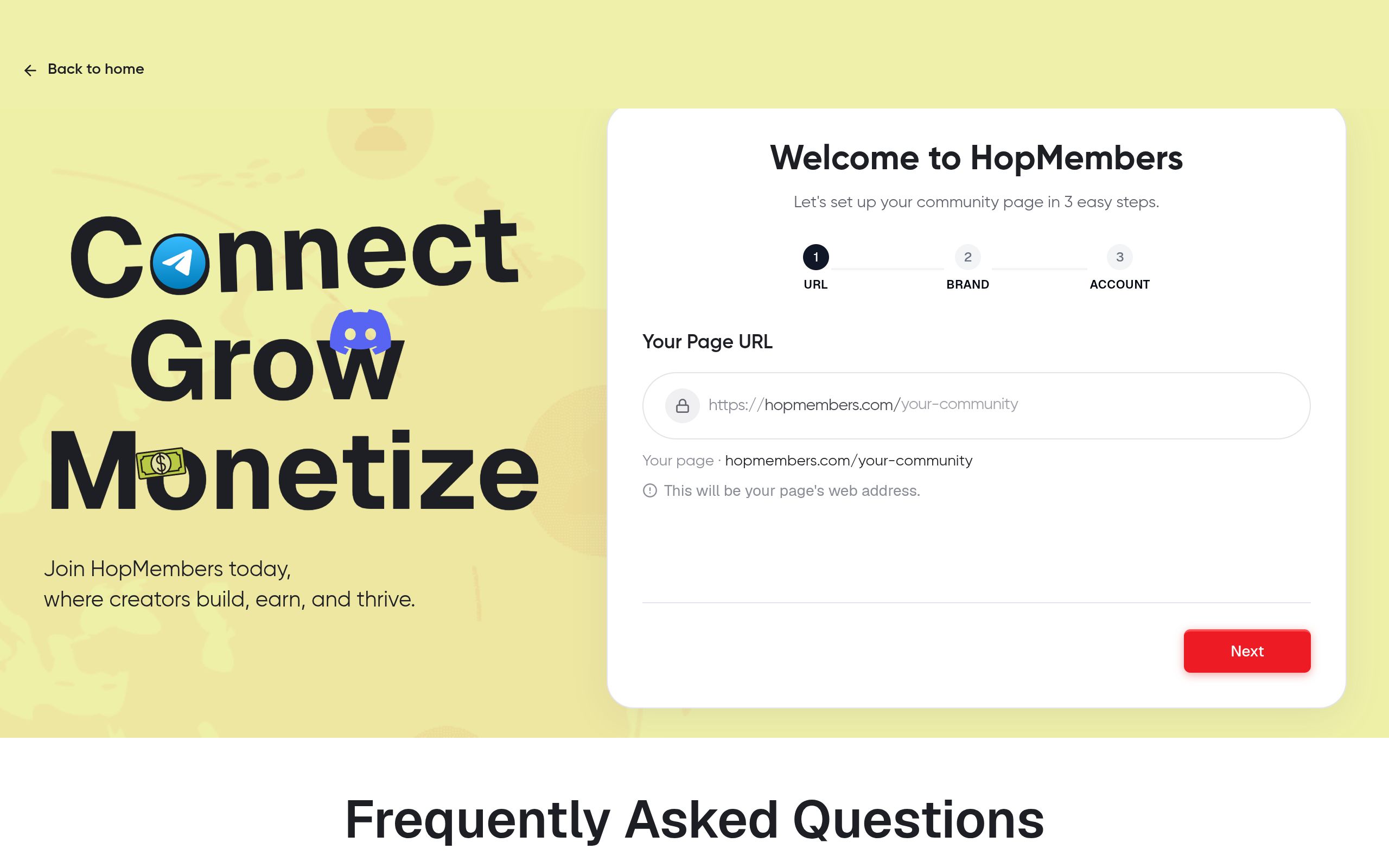
Head to HopMembers' get-started flow and create an account. From there, you'll build a membership page — this is the public-facing page where visitors see what they're paying for, what the price is, and a button to subscribe. Unlike a generic landing page builder, this page is purpose-built for the Telegram-access use case: it's designed to funnel a visitor from "interested" to "paid and added to the channel" in one flow, with no manual steps for you in between.
Write your page content like a product listing, not a bio. Include: what the channel covers, how often you post, what members get that non-members don't, and a short FAQ addressing refund policy and cancellation. Creators consistently underprice this step by writing a vague description — the clearer the value proposition, the lower your churn later.
Verification: Preview the page as a logged-out visitor would see it. Check that the price, billing frequency, and channel description are all visible without scrolling past confusing content.
Step 3: Connect Your Telegram Channel to HopMembers
From your membership page settings, connect the Telegram channel you prepared in Step 1. This typically involves adding a HopMembers bot as an admin of your channel with permission to invite and remove members. This bot is what does the actual work later — generating one-time invite links for new paying members and removing members whose subscriptions lapse.
Public vs. private channel linking
Always link a private channel, not a public one. If your channel has a public @username, paying through your membership page becomes pointless since anyone can search and join for free. Keep the channel private and let HopMembers-generated invite links be the only way in.
Verification: Check that the bot shows as an active admin with the correct permissions in your Telegram channel's admin list. If the connection status in HopMembers shows anything other than "connected," the automation won't trigger later — fix this before moving on.
Step 4: Configure Pricing, Tiers, and Trial Options
Set your price and billing cycle (monthly, quarterly, annual, or one-time). If you're running multiple tiers — say, a $9/month general tier and a $29/month tier with extra perks — set each one up as a distinct option on your membership page so visitors can self-select.
Should you offer a free trial?
A short trial (3–7 days) can increase signups for unproven communities, but it also increases churn from people who join just to see the content once. If your channel's value is immediate and obvious (daily signals, exclusive drops), skip the trial and rely on a clear refund policy instead — it filters for more committed members.
Verification: Run through the checkout as a test user if your setup allows a test mode, or check the pricing display matches exactly what you intended — currency, billing interval, and tier names should all be unambiguous before you share the page publicly.
Step 5: Connect Payments and Process a Real Test Transaction
Connect your payout method in the wallet settings. This is where HopMembers routes subscriber payments to you, minus processing and platform fees. Before announcing your membership publicly, run one real transaction — pay for your own membership with a card, even if it's a small amount, and confirm end-to-end that: the charge goes through, you receive confirmation, and the Telegram invite link arrives.
This single test catches the majority of setup errors: wrong price displayed, broken invite delivery, or payout account misconfiguration. Skipping this step is the most common mistake new creators make — they announce the page, get their first real customer, and discover a broken link at the worst possible moment.
Verification: Confirm the test payment shows up in your transaction history, and confirm the test account successfully joined the Telegram channel via the generated invite link.
Step 6: Verify Automated Access Grant and Revoke
This is the core value of a membership platform versus manually managing a paid Telegram group: access should be automatic in both directions. When someone pays, they're granted a unique invite link or added directly. When they cancel, or a renewal payment fails and isn't recovered, they should be automatically removed from the channel.
Test the revoke path deliberately: cancel your own test subscription and confirm that, after the grace period you've configured (if any), the bot removes that account from the channel. Don't assume this works — verify it once before launch, because the cost of a broken revoke flow is non-paying members staying in your channel indefinitely, which both costs you money and devalues the membership for paying subscribers.
Handling failed payments and dunning
Failed card payments happen regularly — expired cards, insufficient funds, bank declines. A good membership setup retries the charge a few times over several days before revoking access, rather than removing someone on the first failed attempt. Check what retry window is configured and make sure it matches how forgiving you want to be with lapsed payments.
Troubleshooting and Common Mistakes
A few issues come up repeatedly when creators first set up a Telegram membership:
- Channel shows as disconnected — usually the bot lost admin rights because someone (even accidentally) demoted it in Telegram's admin panel. Re-add admin permissions and reconnect.
- Invite links expire before the member uses them — if a buyer waits too long to click the link in their confirmation email, it may no longer be valid. Resend a fresh invite from the member management screen rather than asking them to re-pay.
- Public channel leak — if your channel was ever public and you forgot to remove the public username after switching to a paid model, people will keep joining for free. Double-check channel type settings.
- Price confusion from multiple tiers — if tier names are vague ("Tier 1," "Tier 2") buyers often pick the wrong one and request refunds. Name tiers by what they unlock, not by number.
- No cancellation flow visible to members — members who can't find how to cancel will dispute the charge with their bank instead, which costs you a chargeback fee. Make cancellation self-serve and visible.
Monitoring Growth and Revenue with Analytics
Once live, your job shifts from setup to operations. Use the members dashboard to see who's active, who's about to renew, and who recently canceled — this is far more useful than scrolling through Telegram's member list, which gives you no payment context at all. Pair this with the analytics view to track monthly recurring revenue, churn rate, and conversion from page visit to paid signup. If churn is high in month one, it's usually a content-delivery or expectation-setting problem, not a pricing problem — revisit what you promised on the membership page versus what you're actually posting.
Next Actions
At this point you have a working loop: a private Telegram channel, a public membership page describing it, a payment method collecting recurring revenue, and automation handling who's in and who's out. The remaining work is mostly about traffic and retention — posting consistently, improving your membership page copy based on what converts, and watching your churn numbers monthly rather than annually.
If you're comparing tools before committing, it's worth knowing that broader platforms like Patreon and LaunchPass also support paid Telegram access, but they're built as general creator-monetization tools rather than being focused specifically on automated channel/server access control. HopMembers is built around that one job — sell access, automate grant and revoke — for Telegram, Discord, and WhatsApp communities specifically. You can start building your page from the get-started page, or browse HopMembers to see how membership pages, payments, and access automation fit together.
FAQ
Can I run a Telegram membership site without a separate payment processor account?
You still need a connected payout destination (typically a bank account tied to a processor like Stripe) — no membership tool can pay you out without one. Set this up before announcing your page, since payout verification can take a day or two depending on your country and banking details.
What happens to a member's chat history if they're removed after canceling?
In Telegram, removing someone from a channel or group revokes their ongoing access, but depending on channel settings they may retain messages they already read locally on their device. They won't see new posts after removal, and in most cases won't be able to rejoin using an old invite link since single-use links expire after use.
Should I use a Telegram group or channel for a paid membership?
Channels are one-way broadcast (good for signals, alerts, content drops). Groups allow two-way discussion (good for coaching, mastermind-style communities). Pick based on whether your value is primarily content delivery or community interaction — some creators run both, with a channel for announcements and a linked group for discussion.
How do I handle refund requests without breaking the access automation?
Process the refund through your payment processor as usual, then manually remove the member if the automation hasn't already triggered a revoke (this can lag slightly behind the refund itself depending on how the cancellation was processed). Checking the members dashboard after issuing any refund is a good habit.
Can I offer a lifetime access option instead of recurring billing?
Yes — a one-time payment tier works fine for Telegram membership pages, though it removes the recurring revenue benefit. Many creators offer both: a discounted lifetime option alongside monthly billing, which can improve cash flow upfront while still retaining the predictable recurring base.
What's the difference between setting this up manually versus using a platform like HopMembers?
Manually, you'd be checking payment notifications and adding/removing people from your Telegram channel by hand — workable at 10 members, unmanageable at 200. A dedicated platform ties the payment event directly to the Telegram bot action, so access changes happen within moments of a payment or cancellation, without you checking anything.
Key facts
- Telegram has no native billing or subscription system for channels or groups.
- A Telegram membership site requires a separate layer for pricing, checkout, recurring billing, and access control on top of Telegram itself.
- Telegram channels are broadcast-only, while groups allow two-way discussion; creators choose based on content type (e.g., signals vs. coaching communities).
- HopMembers lets creators automatically add paying members to a private Telegram channel and automatically remove them when they cancel or a payment fails.
- A recommended step before launching a paid Telegram channel is stocking it with 1-2 weeks of backlog content so new members don't land in an empty room.
- The HopMembers setup process for a Telegram membership site includes: channel prep, creating a membership page, connecting Telegram, configuring pricing/tiers/trials, connecting payments, and verifying automated access grant/revoke.
- HopMembers membership pages support tiered pricing and trial options for Telegram-based communities.
- This setup guide is designed for solo creators managing their own Telegram community, not marketing teams or agencies.
HopMembers is a membership platform that lets creators charge for access to private Telegram channels, handling recurring payments and automatically granting or revoking member access.


