
How to Manage Telegram Group Memberships: A Step-by-Step Guide
Maya Ellison
Content Lead, HopMembers
Last updated: 9 August 2026 · 13 min read
Table of contents
- Who this guide is for and what you'll achieve
- Prerequisites: accounts, channels, and payment setup
- Step 1: Set up your Telegram group or channel for controlled access
- Step 2: Choose how you'll connect payments to access
- Step 3: Create your membership page in HopMembers
- Step 4: Connect Telegram and automate access grants
- Step 5: Handle cancellations, refunds, and revocation correctly
- Step 6: Monitor members and analytics on an ongoing basis
- Troubleshooting and edge cases
- Common mistakes to avoid
- FAQ
- Next steps
- Related video
- Key facts

If you run a paid Telegram community, you already know the real work isn't getting people to join — it's keeping the member list accurate over time. Learning how to manage Telegram group memberships properly means knowing how to approve the right people, remove the ones who stopped paying, and avoid spending your evenings manually checking a spreadsheet against a chat member list. This guide walks through the manual approach first, then shows where automation (via a tool like HopMembers) removes the repetitive parts.
Who this guide is for and what you'll achieve
This is written for creators, coaches, traders, and community operators who charge for access to a private Telegram group or channel — whether it's a single flat monthly fee or multiple tiers (e.g., a free discussion group plus a paid signals channel). By the end, you'll know how to:
- Set up a Telegram group or channel so it's actually controllable (not just "public link, hope for the best")
- Decide between manual admin work and automated access control
- Grant access the moment someone pays, without checking a payment inbox all day
- Revoke access cleanly when a subscription lapses, gets refunded, or a member requests a cancellation
- Track who's active, who's about to churn, and where your revenue is trending
This applies whether you're running memberships purely inside Telegram's native tools or layering a platform like HopMembers on top for payments and automation.
Prerequisites: accounts, channels, and payment setup
Before you touch membership management, get these fundamentals right — most membership headaches trace back to skipping one of these.
- A Telegram account with admin rights on the group or channel you plan to monetize. If you're not the creator, you need to be promoted to admin with "Add Members," "Invite via Link," and "Ban Users" permissions at minimum.
- A private group or channel, not a public one with an open @username. Public groups can be joined by anyone searching Telegram, which defeats the purpose of gating access. Convert it to private in the group's settings before you start selling anything.
- A decision on group type: a Telegram group allows two-way discussion; a channel is broadcast-only from admins. Many paid communities use a channel for content delivery and a separate group for member chat — decide this upfront since restructuring later means re-inviting everyone.
- A payment method connected — this is where most manual setups fall apart. Telegram itself doesn't handle recurring subscription billing for group access natively; you'll need either a bot with Telegram Payments configured, a third-party checkout link, or a dedicated membership platform. If you're using HopMembers, this is your Stripe-connected payout account.
- A pricing model decided in advance — one tier or several (e.g., $19/mo for community access, $49/mo for a premium signals channel). Changing pricing after members join is possible but creates support requests, so nail this down first.
If you're managing more than roughly 20-30 paying members manually, budget for the fact that manual invoice-checking and manual removals do not scale — this is the exact gap membership platforms are built to close.
Step 1: Set up your Telegram group or channel for controlled access

Start inside Telegram itself:
- Open your group or channel settings and set it to private.
- Turn off the permanent public invite link if one exists. A static link that anyone can forward defeats access control — once it leaks, you can't selectively revoke it.
- Generate an invite link with member limit and expiration options if you're inviting people manually. Telegram lets admins create links that expire after one use or after a set time, which is critical for one-per-member invites.
- Decide whether new joiners require admin approval. Enabling "Approve new members" in group settings gives you a manual checkpoint — useful if you're vetting payments by hand, but it adds a step you'll want to automate later.
For background on Telegram's own permission model, Telegram's official FAQ and help center documents how group vs. channel permissions and admin rights actually work — worth a skim if you've never configured admin roles before.
Verification: Open the group as a non-admin test account (a second phone number or a friend) and confirm you cannot join via search or an old link. If you can, your privacy settings didn't save — recheck the group type.
Step 2: Choose how you'll connect payments to access
There are three realistic paths here, and it's worth being honest about the tradeoffs:
Fully manual
You collect payment via a payment link (Stripe, PayPal, etc.), then manually generate and send a one-time invite link once you see the payment notification. This works at very small scale (a handful of members) but breaks down fast — you become the bottleneck, and nothing stops you from forgetting to remove someone after a chargeback or cancellation.
Custom bot
You or a developer build a Telegram bot using the Telegram Bot API that checks payment webhooks and calls the API to add or remove chat members programmatically. This is flexible but is real engineering work to build and maintain — you're responsible for handling failed payments, retries, refund logic, and edge cases like banned bots losing admin rights.
A dedicated membership platform
Tools built specifically for this — HopMembers, Launchpass, InviteMember — sit between your payment processor and Telegram, handling the connection so you don't write or maintain bot code. You create a membership page, connect your Telegram group, and the platform grants or revokes access automatically based on payment status. This is the practical option once you have recurring members you can't afford to manage by hand.
Broader platforms like Patreon can also gate Telegram/Discord access indirectly, but they're built around general creator funding rather than Telegram-native automation, so the access-control experience is usually less direct.
Step 3: Create your membership page in HopMembers
If you're going the platform route, here's the concrete setup flow:
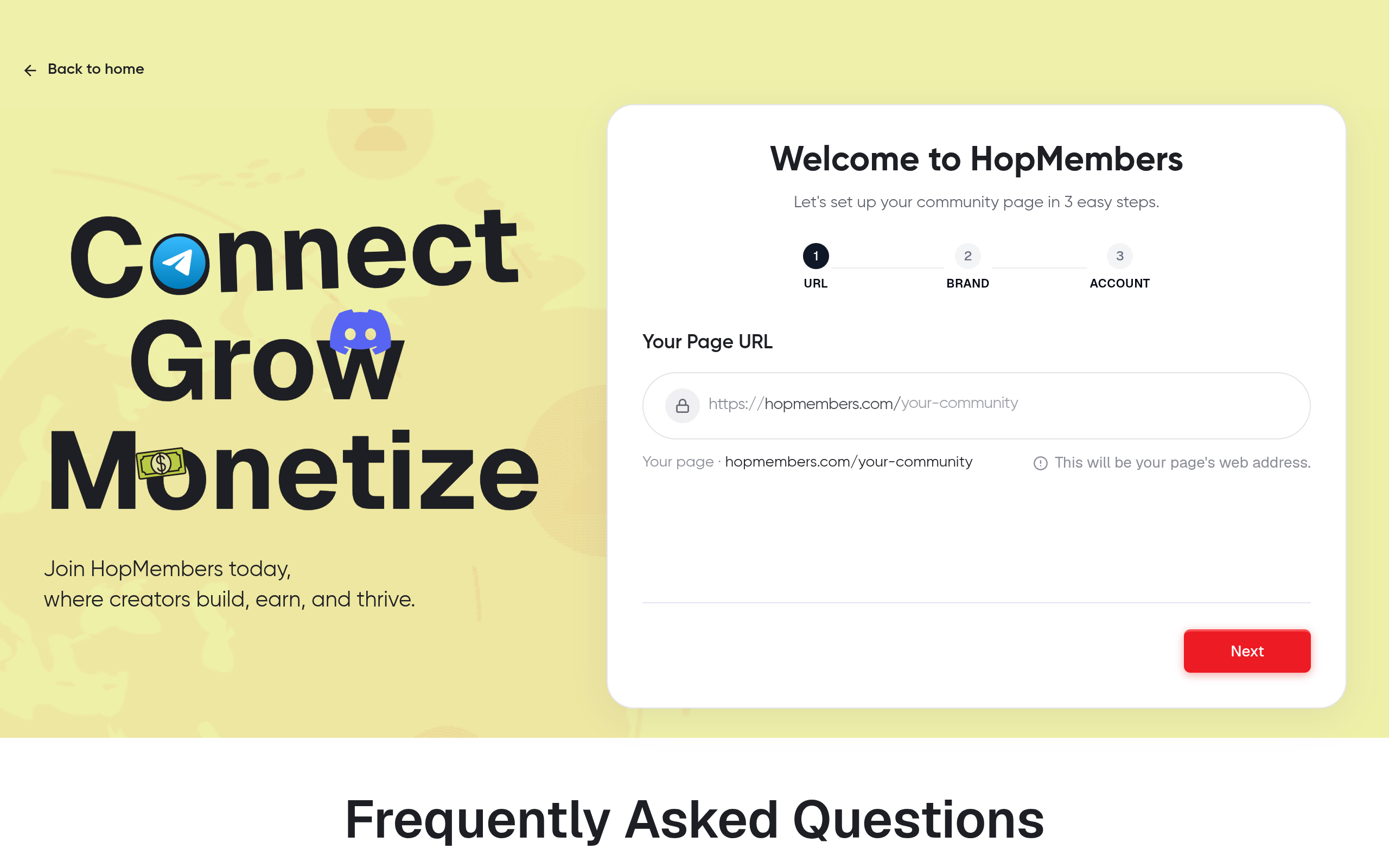
- Go to /get-started and create your HopMembers account.
- Start a new membership page and give it a clear name and description — this page is what you'll actually link from your Telegram bio, landing page, or social profiles, so write it like a mini sales page, not an internal label.
- Set your pricing tiers. If you're offering a single group at one price, keep it simple; if you have multiple channels or access levels (e.g., basic vs. VIP), create separate tiers so each maps cleanly to a different Telegram destination.
- Connect your payout method (Stripe) so payments settle to your account on your chosen schedule.
Verification: Preview your membership page as a visitor would see it — confirm the price, description, and tier names are correct before sharing the link anywhere. Small copy mistakes here (wrong price, unclear tier names) generate support messages later.
Step 4: Connect Telegram and automate access grants
This is the step that actually solves "how to manage Telegram group memberships" instead of just describing the problem.
- Inside your HopMembers membership page settings, connect the Telegram group or channel you set up in Step 1 — this typically involves adding a HopMembers-provided bot as an admin in your group with permission to invite and remove members.
- Map each pricing tier to the correct Telegram destination (e.g., Tier A → main group, Tier B → premium channel).
- Test the full flow with a real (small) payment or a test mode transaction: pay through your own membership page, and confirm you receive an automatically generated, single-use invite link.
- Join using that link and confirm you land in the correct group with the correct permissions.
Verification: Check your HopMembers members list and confirm the test account shows as an active paying member with the correct tier. Then check Telegram directly — the account should appear in your group's member list. If either side is missing the entry, the bot's admin permissions are usually the cause (see troubleshooting below).
Step 5: Handle cancellations, refunds, and revocation correctly
Granting access is the easy half. Removing it correctly — without kicking active paying members or leaving lapsed ones in the group — is where manual systems usually fail.
- Voluntary cancellation: When a member cancels through their billing portal, access should be revoked automatically at the end of their paid period, not immediately, unless your refund policy states otherwise. Confirm your platform's default behavior matches what you've promised members.
- Failed payment / card decline: Decide on a grace period (e.g., 3 days) before removal, and make sure members get a notification, not a silent removal — silent kicks generate the most support tickets and public complaints.
- Refund requests: Issuing a refund through your payment processor should trigger removal, but confirm this is actually connected — a refund processed outside your membership platform's dashboard may not sync automatically.
- Manual bans: For abuse or rule violations unrelated to payment, you'll still need to manually remove a member directly in Telegram or via your platform's members list — automation handles payment-based access, not moderation.
Verification: Cancel a test subscription and confirm two things: the member disappears from your active members list in HopMembers, and they're actually removed from the Telegram group at the expected time — not immediately if you promised access through the paid period.
Step 6: Monitor members and analytics on an ongoing basis
Once access is automated, your job shifts from manual admin work to monitoring trends:
- Active member count and MRR — your members and analytics view should show current paying members and revenue at a glance, not require exporting data to a spreadsheet.
- Churn signals — watch for spikes in cancellations after a price change or content gap; this is usually the first sign something in your offer needs adjusting.
- Failed payment recovery rate — if a meaningful share of failed payments never get resolved, your grace-period messaging may need to be clearer or sent through an additional channel (email, not just Telegram DM, since DMs get missed).
Check this weekly at minimum during your first few months — early pricing and content decisions are easiest to correct before you have hundreds of members locked into an old tier structure.
Troubleshooting and edge cases
The bot can't add or remove members
This is almost always a permissions issue. Reopen your Telegram group's admin list and confirm the automation bot has explicit "Add Members" and "Ban Users" rights — Telegram sometimes resets custom permission sets when a bot is re-added after being removed.
A member paid but wasn't added
Check whether the payment actually completed (not just "initiated") on the payment processor side first. Then check your platform's members list — if the member shows as pending or unpaid there but the processor shows a successful charge, there's usually a webhook delay; give it a few minutes before manually granting access as a stopgap.
A cancelled member is still in the group
Confirm your access removal setting — most platforms default to "remove at end of billing period," which is correct behavior, not a bug. If the period has genuinely ended and they're still present, manually remove them and check your platform's activity log for an error on that specific removal attempt.
Invite links are being shared outside the paying group
Single-use, time-limited invite links (generated per member, not one shared link) solve this. If you're still using one static invite link for all members, that's the root cause — switch to per-member link generation, which automated platforms handle by default.
Common mistakes to avoid
- Using a public group for a "paid" community — if the group is searchable or the invite link is permanent and shared, you have no real access control regardless of what you charge.
- Mixing free and paid members in one group — without tiering, you can't selectively remove non-payers without manually tracking who paid what, which recreates the exact spreadsheet problem automation is meant to solve.
- No grace period on failed payments — instantly kicking someone over a single declined card (which often resolves itself in a day) creates unnecessary churn and refund requests.
- Forgetting to test the cancellation flow — most creators test that payment grants access but never actually test that cancellation revokes it, which is the moment it matters most for trust and for avoiding giving away free access indefinitely.
FAQ
Can I manage a paid Telegram group without any third-party tool?
Yes, at small scale — a handful of members can be managed with manual invoice checks and manual invite links. It stops being practical once failed payments, refunds, and cancellations start happening weekly, since each one requires you to manually cross-reference payment status against the group's member list.
What's the difference between managing a Telegram group vs. a Telegram channel for memberships?
Groups allow two-way member discussion and are typically used for community interaction; channels are one-way broadcast and work well for content delivery (signals, exclusive posts). Many paid communities run both — a channel for content and a group for discussion — mapped to the same or different pricing tiers.
Do I need a business entity or tax setup before charging for Telegram access?
This depends on your country and how much revenue you're processing — it's separate from the technical membership setup but worth resolving early. Most payment processors (including Stripe, which HopMembers connects to) require basic identity and business information before payouts begin, so start this during setup rather than after your first sale.
How is this different from using Patreon or LaunchPass for Telegram?
Patreon is built around general creator funding and works across many platforms, so Telegram-specific access automation is not its core focus. LaunchPass and similar tools are closer to HopMembers in purpose — dedicated Telegram/Discord access automation — so the real differences come down to pricing structure, membership page customization, and analytics depth rather than fundamentally different feature sets.
What happens to a member's chat history when they're removed?
Removing someone from a Telegram group does not delete their prior messages from other members' view in most cases, but they lose access to see new messages or rejoin without a fresh invite. If you need messages fully inaccessible after removal, that's a moderation decision (deleting messages on removal) separate from access control itself.
Can I run multiple pricing tiers for one Telegram group instead of separate groups?
Not cleanly — Telegram's permission model is per-group/per-channel, not per-user-within-a-group at the content level. If you want tiered content access, you generally need separate groups or channels per tier, each mapped to its own membership price.
Next steps
If you're still manually adding and removing members from a spreadsheet, the fastest fix isn't a better spreadsheet — it's connecting payment status directly to Telegram access so grants and revocations happen without you watching an inbox. Start by locking down your group's privacy settings today, then set up a membership page at /get-started to test the full pay-to-access flow with a small group of members before rolling it out publicly. You can review how the overall platform fits your setup on the HopMembers homepage before committing to a specific tier structure.
Key facts
- Managing a paid Telegram group requires the group or channel to be private, not public, to control access effectively.
- Admins need 'Add Members,' 'Invite via Link,' and 'Ban Users' permissions at minimum to manage Telegram memberships.
- The core Telegram membership management workflow involves six steps: setting up controlled access, connecting payments, creating a membership page, automating access grants, handling cancellations/refunds, and ongoing monitoring.
- Manual Telegram membership management typically requires cross-referencing a payment spreadsheet against the group's live member list.
- HopMembers is a platform that automates Telegram group access by granting entry immediately upon payment and revoking it on cancellation or refund.
- Common mistakes in Telegram membership management include using public group links for paid access and failing to revoke access after refunds.
- A single Telegram community can support multiple membership tiers, such as a free discussion group paired with a paid signals channel.
- Ongoing Telegram membership management includes tracking active members, at-risk/churning members, and revenue trends.
HopMembers is a membership management platform that helps creators automate paid access to Telegram groups and channels, handling joins, removals, refunds, and member analytics.


