
How to Host Paid Courses on Telegram (and Protect Your Content)
Maya Ellison
Content Lead, HopMembers
Last updated: 19 August 2026 · 11 min read
Table of contents
- Who this is for and what you'll achieve
- Prerequisites: what you need before you start
- Channel vs. group: pick the right container for your course
- Step 1: Set up your Telegram channel or group
- Step 2: Create your membership page in HopMembers
- Step 3: Connect Telegram to your membership page
- Step 4: Publish and share your membership page
- Protecting your intellectual property beyond forwarding settings
- Common mistakes and troubleshooting
- How this compares to other ways of selling a Telegram course
- Next steps
- FAQ
- Related video
- Key facts
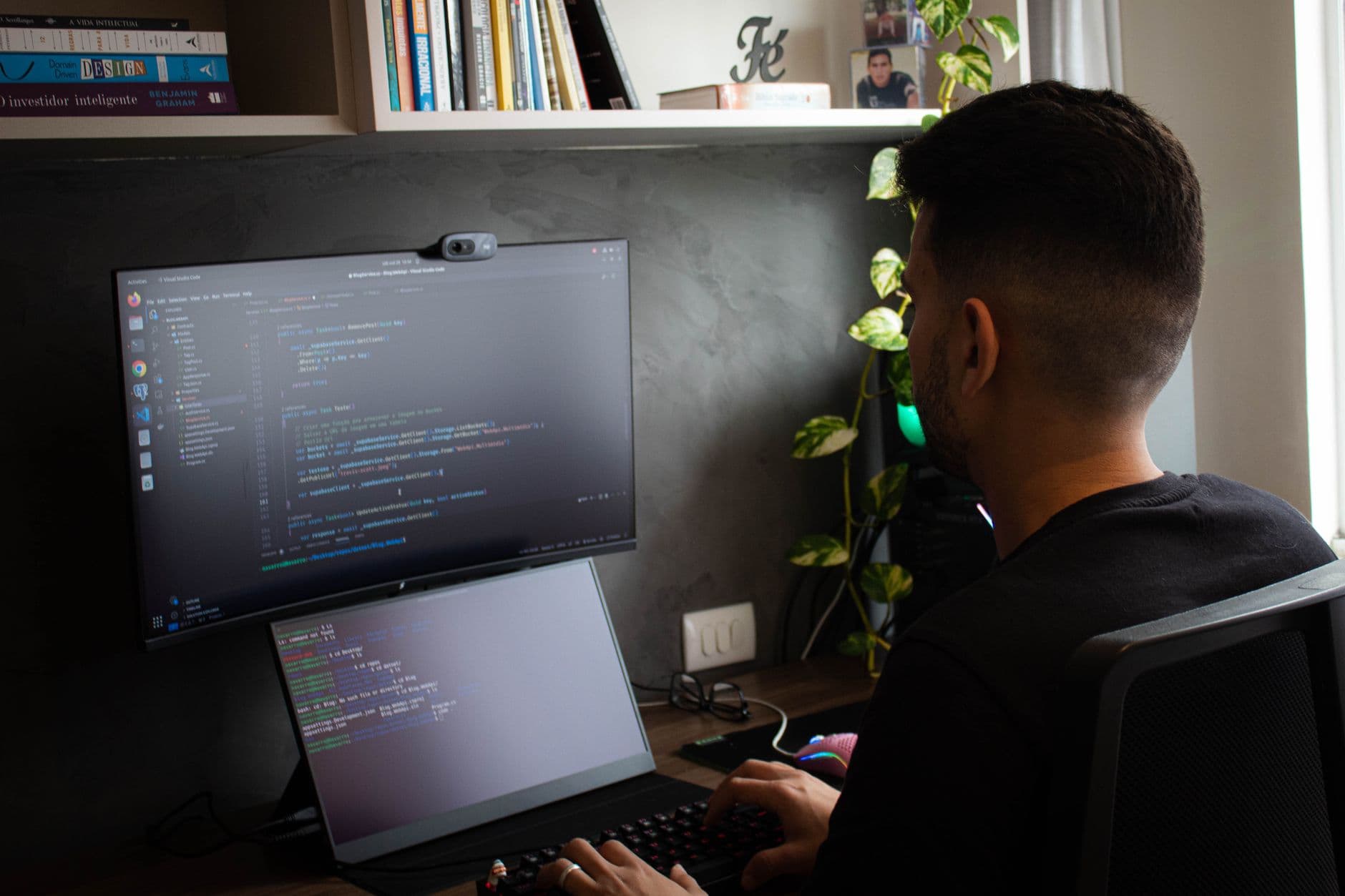
If you've built a course — a trading strategy, a fitness program, a coding bootcamp, a design masterclass — Telegram is one of the fastest ways to distribute it and get paid without building an app or a full LMS. This guide walks through how to host paid courses on Telegram the right way: structuring your content, protecting your intellectual property from leaks and forwarding, and automating who gets in and who gets kicked out based on payment status.
Table of contents
Protecting your intellectual property beyond forwarding settings
How this compares to other ways of selling a Telegram course
Who this is for and what you'll achieve
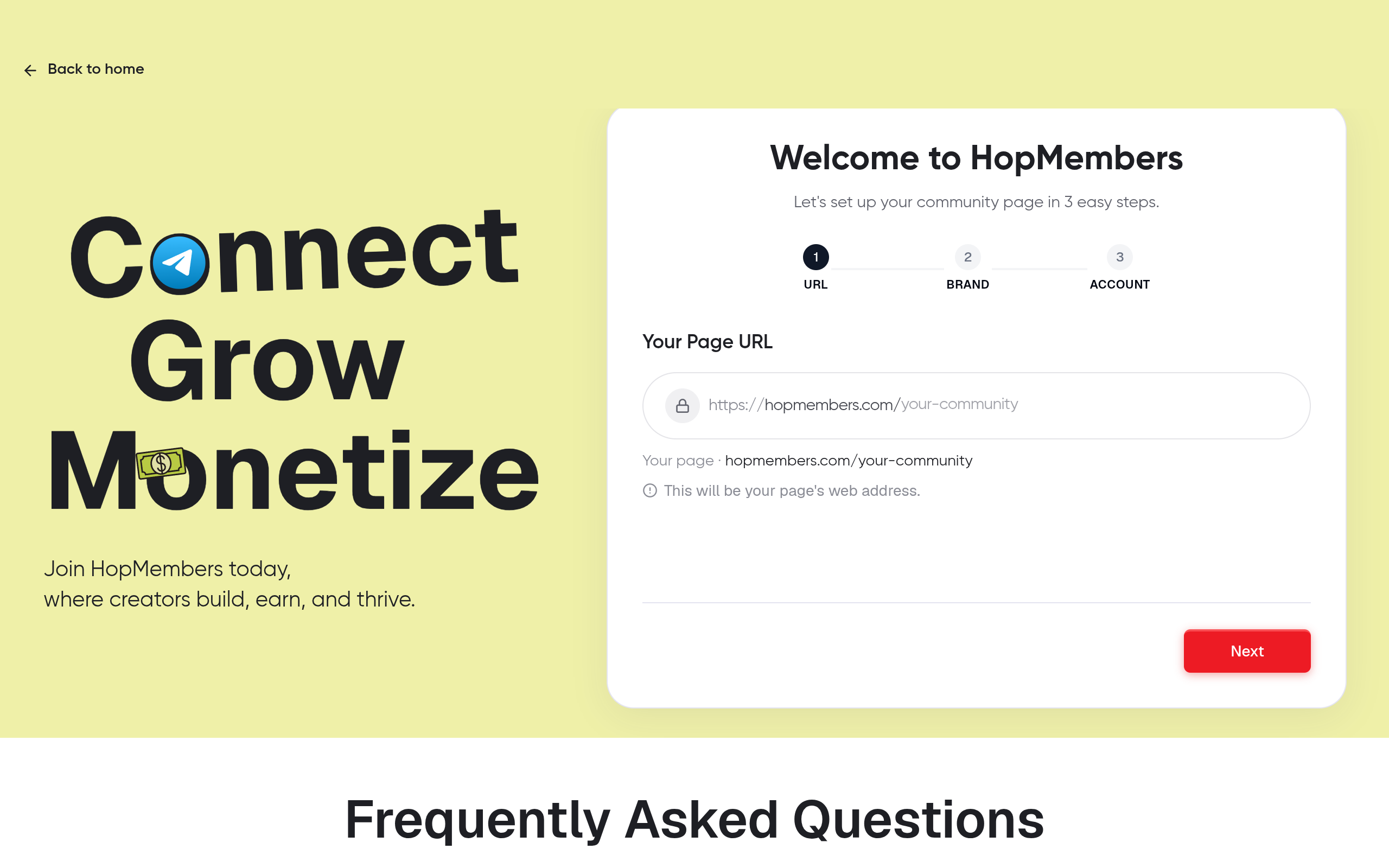
Connect Telegram membership — HopMembers product UI
This tutorial is for solo creators and community owners — not agencies or teams — who already have course material (videos, PDFs, live sessions, templates) and want to sell access to it through Telegram rather than a traditional course platform. You might be a trader running a signals-and-lessons channel, a coach with a structured curriculum, or a consultant packaging your knowledge into a paid group.
By the end, you'll have: a private Telegram channel or group configured to prevent easy content theft, a published membership page that collects payment, and an automated system that grants access when someone pays and revokes it the moment they cancel or their payment fails — without you manually checking a spreadsheet every morning.
Prerequisites: what you need before you start
Get these in place first, because skipping them causes most of the setup headaches later:
A Telegram account and a private channel or group — decide which fits your course format (more on this below).
Your course content organized, ideally in modules or a release order, even if you deliver it as pinned messages, files, or a linked folder.
A payment method for your audience. If you're selling to a global audience, you'll want card payments; consider your currency and whether you'll offer monthly, quarterly, or one-time pricing.
Bot permissions on your Telegram channel/group — any automation tool needs to be added as an admin with rights to invite and remove members. This is standard practice and is how Telegram's Bot API is designed to work.
A plan for refunds and disputes — decide upfront whether you offer a trial period, a refund window, or neither, since this affects your access rules later.
You do not need a website, a Zapier account, or custom code. That's the part a membership tool like HopMembers is meant to replace.
Channel vs. group: pick the right container for your course

Photo by Tranmautritam on Pexels
Channels for one-way delivery
A Telegram channel is broadcast-only by default — you post, members read. This works well for pre-recorded courses where you're releasing lessons on a schedule and don't need students posting questions publicly. It's also easier to lock down: you can disable saving and forwarding at the channel level, which is the single most effective anti-leak setting available.
Groups for cohort-style courses
A group allows two-way conversation — useful if your course includes Q&A, peer discussion, or live coaching calls. The tradeoff is that groups are harder to fully lock down (members can still screenshot or manually retype content, though you can restrict forwarding and media saving). If your course leans heavily on community interaction, a group is worth the tradeoff; if it's purely content delivery, a channel is cleaner and safer.
Many creators run both: a channel for lesson drops and a linked discussion group for questions, gated by the same paid membership.
Step 1: Set up your Telegram channel or group
Create the channel or group and set it to private (not searchable, invite-only).
Go into channel settings and disable message forwarding and saving of content where the option is available. This doesn't make leaks impossible, but it removes the one-tap forward button that causes 90% of casual leaks.
Structure your content: pin an index message, number your modules, and consider releasing content in batches rather than dumping everything at once — this reduces the incentive for someone to pay for one month, download everything, then cancel.
Do not generate a permanent public invite link. You want every member entering through a unique, trackable invite so access can be revoked individually later.
Verify: Open the channel as a test account and confirm the forward icon is greyed out or missing, and that the channel doesn't show up in Telegram search.
Step 2: Create your membership page in HopMembers
Instead of manually sending payment links and checking who paid, a membership page acts as your storefront and access gate in one place.
In HopMembers, start a new membership page and give your course a clear name and description — treat this like a sales page: what's included, how often content is released, and what happens after signup.
Set your pricing model. For courses, a one-time payment or a short-term recurring plan (e.g., 3 months of access matching your course length) both work; recurring is simpler if you plan to add content over time.
Upload a cover image and write a short FAQ section addressing refund policy and what tools/skills are needed — this reduces support messages later.
Verify: Preview the page as a visitor would see it. Check that pricing, description, and course length are accurate before publishing.
Step 3: Connect Telegram to your membership page
From your membership page settings, connect your Telegram channel or group. This typically requires adding the HopMembers bot as an admin with invite/remove permissions — the same pattern any Telegram access-control tool uses.
Confirm the connection by checking that the bot shows as an active admin inside your Telegram channel settings.
Set your access rule: grant access immediately on successful payment, revoke automatically on cancellation, failed renewal, or refund.
Verify: Run a test purchase (many platforms support a test or small-amount transaction) and confirm you receive a unique invite link and that it lands you in the channel. Then simulate a cancellation and confirm you're removed within the expected window.
Step 4: Publish and share your membership page
Once tested, publish your page and share the link — in your bio, on social posts, in a lead magnet, or through a waitlist. Avoid posting the raw Telegram invite link anywhere public; the membership page link is what should circulate, since it's the only path that triggers payment before granting access.
If you already have an audience in a free Telegram group, announce the paid course there with a clear cutoff date for early-bird pricing — scarcity and deadlines genuinely work for course launches, more so than for ongoing communities.
Protecting your intellectual property beyond forwarding settings
Disabling forwarding is step one, not the whole plan. A determined student can still screen-record or retype content. Realistic mitigations:
Watermark video and PDF content with the buyer's email or username, so leaked copies are traceable back to a specific account.
Drip content instead of releasing everything at once. If your entire course is available on day one, a single paid month captures 100% of the value. Weekly or module-based release keeps ongoing payment tied to ongoing value.
Revoke access immediately on cancellation or chargeback, not at the end of a grace period — this is a configuration choice inside your access rules, and it's one of the clearer advantages of automating this rather than manually removing members days after they've stopped paying.
Avoid distributing raw downloadable files when a streamed or view-only format will do — a downloaded MP4 or PDF is trivially shareable; a message-based or streamed lesson is at least mildly more friction to redistribute.
None of this makes leaks impossible — no platform, including course-specific LMS tools, can fully prevent a paying customer from screen-recording content. The realistic goal is raising friction and traceability enough that casual sharing drops significantly.
Common mistakes and troubleshooting
Access doesn't revoke on cancellation
Usually caused by the bot losing admin rights (someone demoted it, or a Telegram update reset permissions) or by the membership page not being linked to the correct channel. Re-check the bot's admin status first — this is the most common fix.
Members share the invite link with friends
If your invite links are shared rather than unique per member, you can't tell who let someone else in. Always use per-member invite generation rather than a single reusable link, and periodically rotate the channel's general invite settings.
Refund requests spike after module 1
This usually signals your course front-loaded too much value or the sales page overpromised relative to content depth. Consider gating module 2+ behind a short delay even for paying members, and be explicit about total course length upfront.
Payment succeeds but access isn't granted
Check whether the payment webhook completed — occasionally delayed by the payment processor. This is rare but worth a manual "resend invite" option in your membership tool for support cases.
How this compares to other ways of selling a Telegram course
You can technically run a paid Telegram course by manually sending payment links (via Patreon or a simple invoice tool) and adding members by hand, but this doesn't scale past a handful of students and creates real revocation lag — people staying in after cancelling because nobody removed them. Tools like LaunchPass and InviteMember solve similar access-control problems; HopMembers focuses specifically on the combination of a membership page, payment collection, and automated Telegram/Discord access grant-and-revoke, without asking you to run a broader creator platform you don't need for a single course.
Next steps
Start by setting up your private channel with forwarding disabled, then create your membership page and connect it to Telegram before you publicize the course. Run one full test — pay, get invited, cancel, get removed — before sending the link to real students. Once that loop works, the ongoing work is just publishing content and answering questions, not manually managing a member list.
FAQ
Can I sell a course on Telegram without a separate payment tool?
Telegram doesn't have native paid access controls for channels or groups, so you need something external to handle payment and then invite the buyer — either manually or through a membership platform. There's no built-in Telegram checkout for private content.
Should I use a one-time payment or a subscription for a course?
If your course has a fixed length and you won't add new material, a one-time payment matching the delivery period is simpler and reduces cancellation churn. If you plan to keep adding modules or bonus content over time, recurring billing makes more sense and rewards ongoing access.
What happens if a student requests a refund halfway through the course?
Decide this before launch and state it on your membership page. A common approach is a short refund window (e.g., 48–72 hours) after which access continues but isn't refundable, since course content — unlike a physical product — can be fully consumed quickly.
Can I offer a free preview before the paid course?
Yes — a common pattern is a free public channel with sample lessons that links to your membership page for the full paid course, giving prospective students a taste before they pay.
Do I need Discord instead of Telegram for a course with live sessions?
Not necessarily. Telegram supports voice chats and video calls within groups, though Discord's stage channels and screen-share tend to be smoother for structured live teaching. Some creators run Telegram for content delivery and Discord for live sessions, both gated by the same membership.
How do I stop someone from paying for one month, downloading everything, and cancelling?
Drip your content release instead of publishing the full course on day one, and prefer streamed or in-app viewing over bulk downloadable files where possible. This won't eliminate the behavior entirely but meaningfully reduces how much value a single month captures.
Ready to set this up properly instead of managing invites by hand? Get started with HopMembers and connect your Telegram course to a membership page in one session.
Related video
Key facts
Telegram lets creators sell course access through private channels or groups without building an app or full LMS.
Channels and groups serve different course formats: channels suit broadcast-style lesson delivery, groups suit interactive cohorts with discussion.
Telegram's native forwarding and screenshot restrictions provide baseline content protection but do not fully prevent leaks on their own.
A membership platform like HopMembers can automate Telegram access: granting entry on payment and revoking it on cancellation or failed payment.
Manually managing paid Telegram course access (invoices, spreadsheets, manual kicks) is a common failure point for creators as their audience grows.
Bot permissions must be configured on a Telegram channel or group before any third-party automation tool can manage membership access.
Course content should be organized into modules or a release order before setup, whether delivered as pinned messages, files, or linked folders.
Global course sales typically require card payment support and a defined pricing structure (monthly, quarterly, or one-time).
HopMembers is a membership platform that lets creators sell and automate paid access to Telegram channels and groups, handling payment collection, forwarding/screenshot protections, and automatic member removal on cancellation or failed payment.


